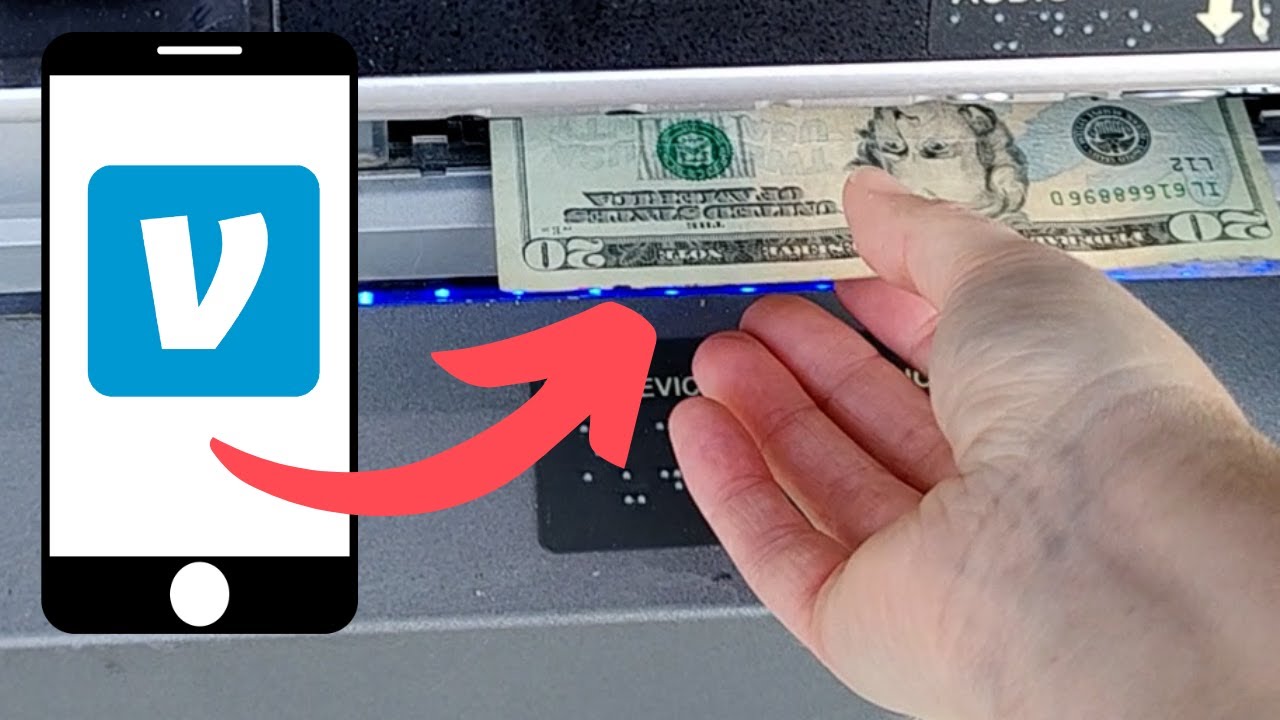
To put cash on your Venmo card, go to any staffed register at a participating Walmart store and tell the clerk you want to add money to your Venmo Debit Card, you’ll physically swipe your card to complete the deposit. This is the only in-store method for adding physical dollar bills to your Venmo balance, and it works with both the standard Venmo Mastercard Debit Card and the Venmo Teen Debit Card.
How to put cash on my Venmo card at Walmart
The verified process for adding cash at Walmart is straightforward, but you need to follow it exactly. Head to a staffed register, not a self-checkout, at any participating Walmart location. Tell the clerk you want to add money to your Venmo Debit Card, then physically swipe your Venmo Debit Card to complete the transaction. The clerk will process the deposit, and the cash lands in your Venmo balance immediately, ready to spend wherever Mastercard is accepted.
There’s a flat fee of $3.74 for each cash deposit transaction at Walmart. If you’re depositing more than $300, you’ll need to show an ID that matches the name on your Venmo Debit Card. This service is not currently available in Vermont, so if you’re in the Green Mountain State, you’ll need to use Venmo without a card by sending money from a linked bank account instead.
Venmo also enforces strict limits on in-store cash deposits. Per transaction, you can deposit between $20 and $500. In a rolling 24-hour period, you’re capped at 3 transactions for a combined total of $999.99. Over a rolling 7 days, the maximum is $3,000 across 7 transactions. And per calendar month, you can add up to $4,000 across 20 transactions. These limits reset on their own rolling schedules, so plan your deposits accordingly if you need to add a larger amount.
Add cash directly from your bank account
If you don’t want to visit a store, you can fund your Venmo balance, and therefore your Venmo card, directly from your bank. The most hands-off approach is setting up Direct Deposit, which has no fees. Open the Venmo app, go to the “Me” tab, tap the “Settings” gear, then select “Direct Deposit” and tap “Show Account Number” to view your Venmo account and routing numbers. Give those numbers to your employer or benefits provider, and future payments will land in your Venmo balance automatically, making them available on your card without any extra steps. If you need the physical card details for an online purchase before your balance arrives, you can see my Venmo card number right in the app.
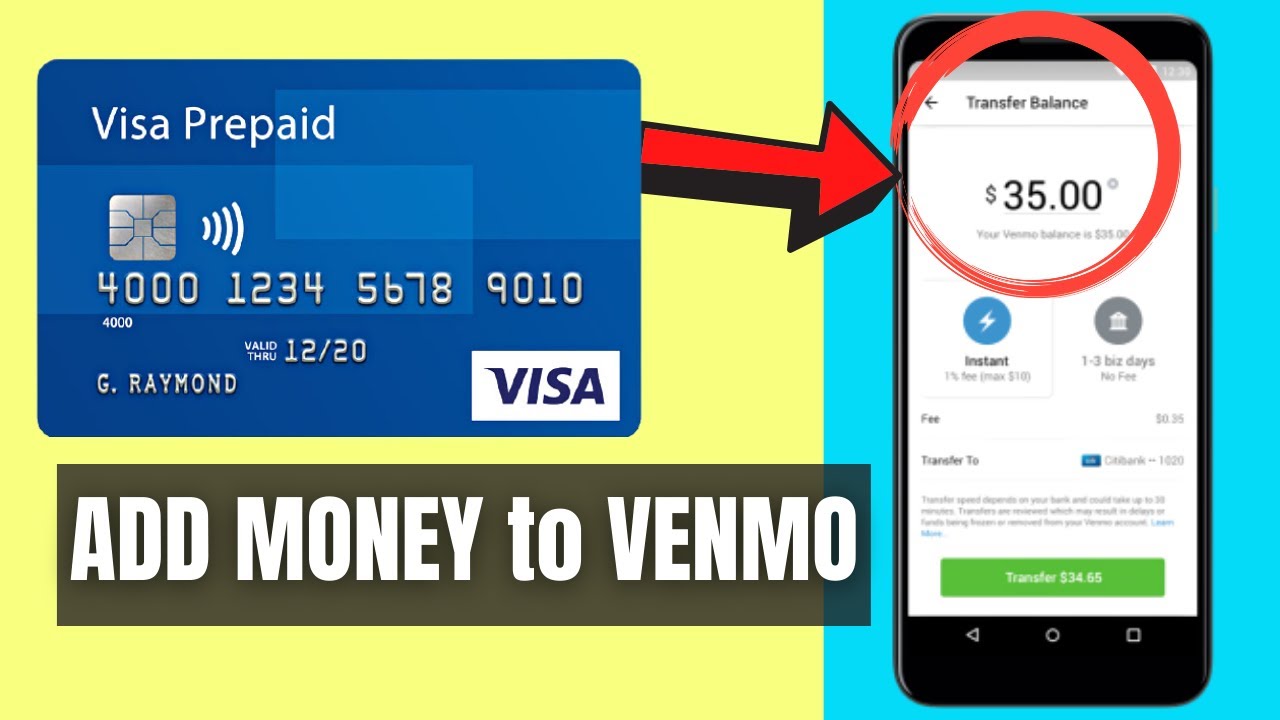
For manual transfers, go to the “Me” tab, select “Add money,” then choose “From a bank or debit card.” Enter the amount and tap “Add.” The funds move from your linked bank account or debit card into your Venmo balance, which then becomes spendable on your Venmo card. You can also set up automatic reloads: when your balance falls below a minimum amount you choose, Venmo will automatically top it up from your linked bank account or debit card. This is a useful safeguard if you want to ensure your card always has funds available.
Other ways to instantly fund your Venmo balance
You don’t always need a bank or a store to put cash on your Venmo card, you can receive money from friends or contacts directly into your Venmo balance. When someone sends you funds using your Venmo handle (the unique username you choose when you set up your account, like @YourName), the money appears in your balance instantly, and it’s immediately available on your Venmo card. This is the fastest way to add funds without any fees, and it’s ideal for splitting bills, reimbursing a friend, or receiving payment for something you sold. Just share your handle with the sender, and the transfer is done.
If you need to move money from an out-of-network card or bank account quickly, Venmo’s Instant Transfer option can get funds into your balance in minutes for a small fee, though this is for pulling money from a linked debit card or bank, not for physical cash. For most everyday needs, the Walmart deposit, Direct Deposit, or a friend’s transfer will cover you. Choose the method that fits your situation, and your Venmo card will always have the funds you need.
For the wider topic, see Venmo handle.