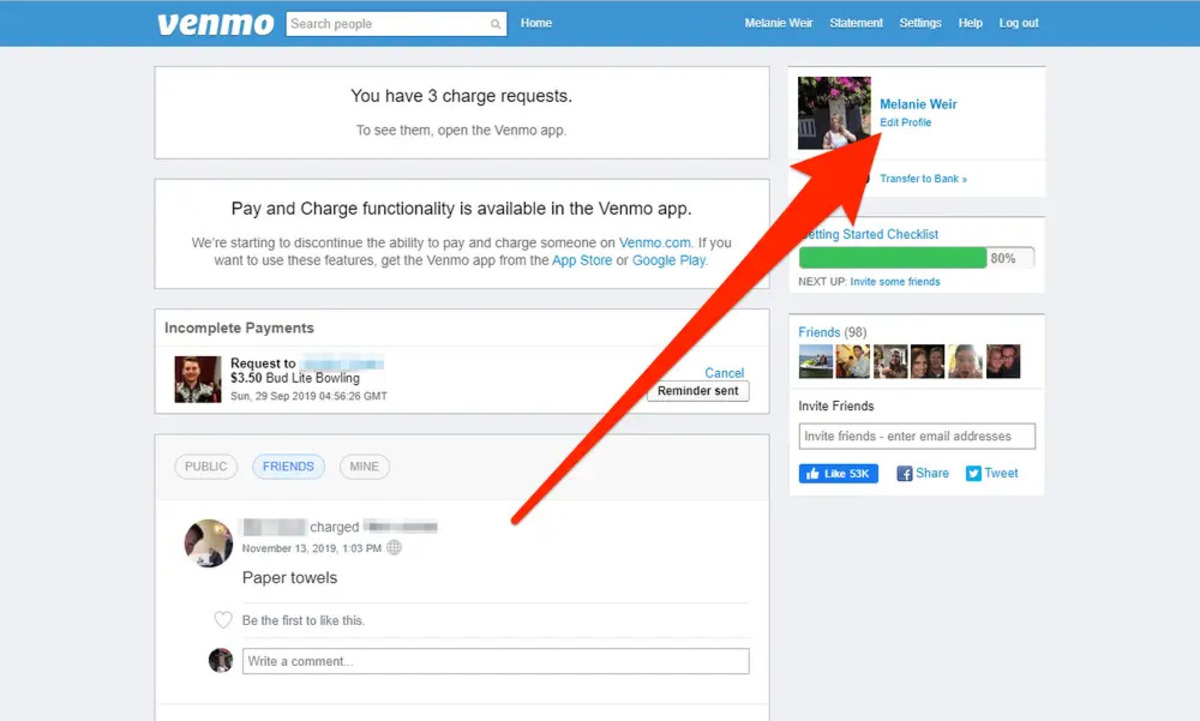
To see your Venmo card number, open the Venmo app and go to the Cards tab. Select your Venmo Debit Card, then tap View next to Debit Card Details to see your full card number, expiration date, and CVV.
How to see my Venmo card number in the app
You must first be approved for the Venmo Debit Card to view its details. Once approved, follow these steps in the Venmo app:
- Open the Venmo app.
- Go to the Cards tab.
- Select your Venmo Debit Card.
- Next to Debit Card Details, select View.
You will be required to enable a passcode or biometric authentication (Face ID, Touch ID, or device passcode) to help keep your card details secure. Once verified, you can view your card number, expiration date, and security code (CVV). You can copy your card details to use wherever Mastercard is accepted, but you can also use Venmo without a card for direct online purchases. The Venmo Mastercard Debit Card is linked to your Venmo account and allows you to spend your Venmo balance funds everywhere Mastercard is accepted.
You can also add your Venmo Debit Card to Apple Pay and Google Pay digital wallets, or set it as a payment method at participating merchants directly from the Venmo app. If you need to update your billing address, go to the Cards tab, check under the Venmo Debit Card section, tap the image of your card, and then tap Update under your listed address. If you have forgotten your PIN, you can reset it in the Venmo app by going to the Cards tab, selecting your Venmo Debit Card, and then selecting Change PIN.
Important security reminders for your Venmo card
Venmo will never ask you for your Venmo Debit Card information, including the card number. Any such request is likely a scam. Venmo customer service will never instruct you to download another application to resolve an issue. Venmo uses encryption to protect account details and stores information on servers in secure locations. If someone asks for your card details, whether through email, phone, or text, do not respond. A legitimate request for your Venmo handle is unrelated to your debit card number; your Venmo handle is the username people use to find and pay you, and it is not the same as your card number. Always keep your card number, expiration date, and CVV private, and only enter them on trusted payment pages. If you need a separate account for business or shared expenses, you can make another Venmo account with the same number.