This tag collects articles about managing and troubleshooting the payment methods tied to your streaming, gaming, and digital wallet accounts. It is written for everyday consumers who want to understand why a charge appeared, how to switch the card on file, or how to clean up old payment options, without digging through confusing app menus or contacting support.
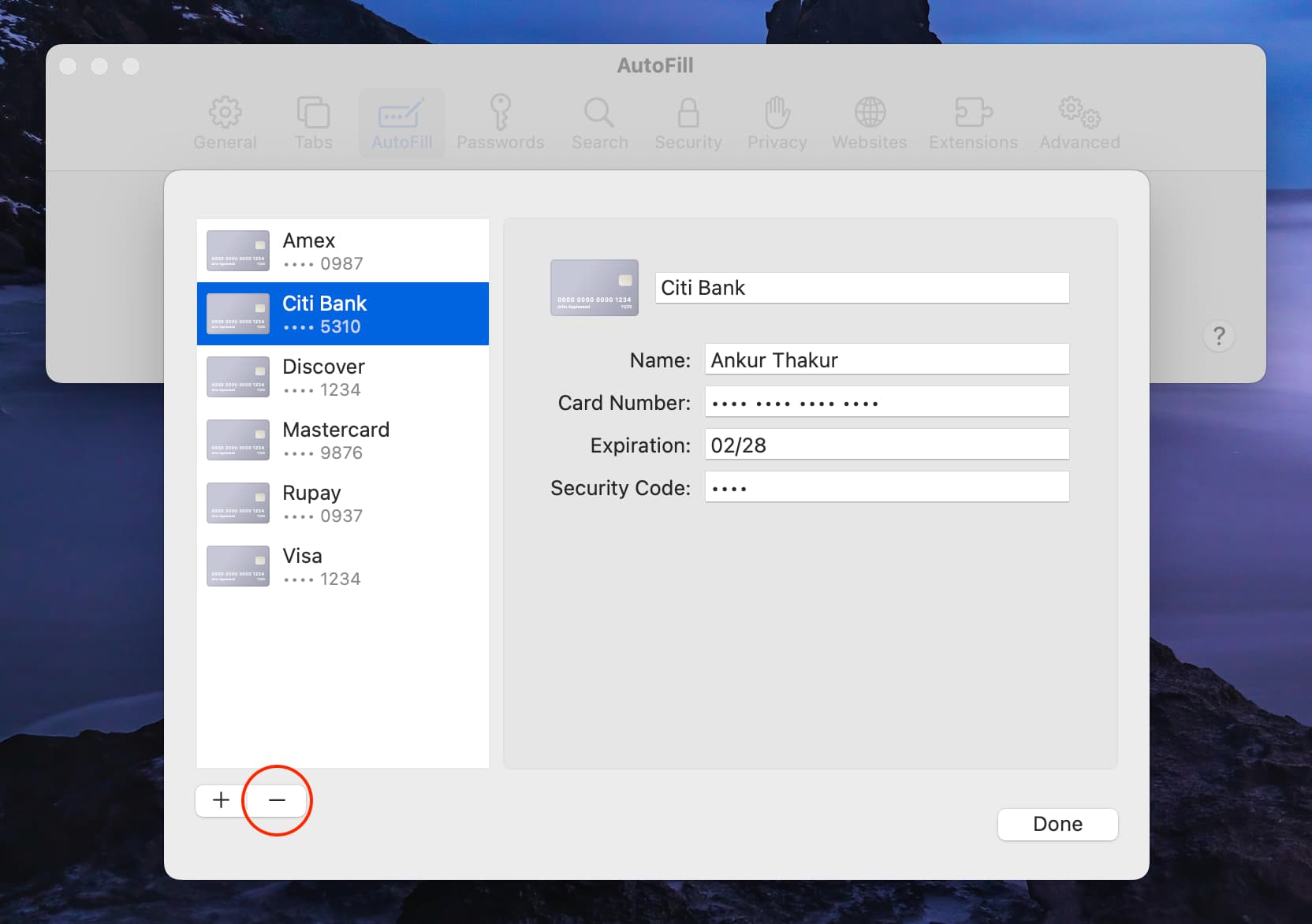
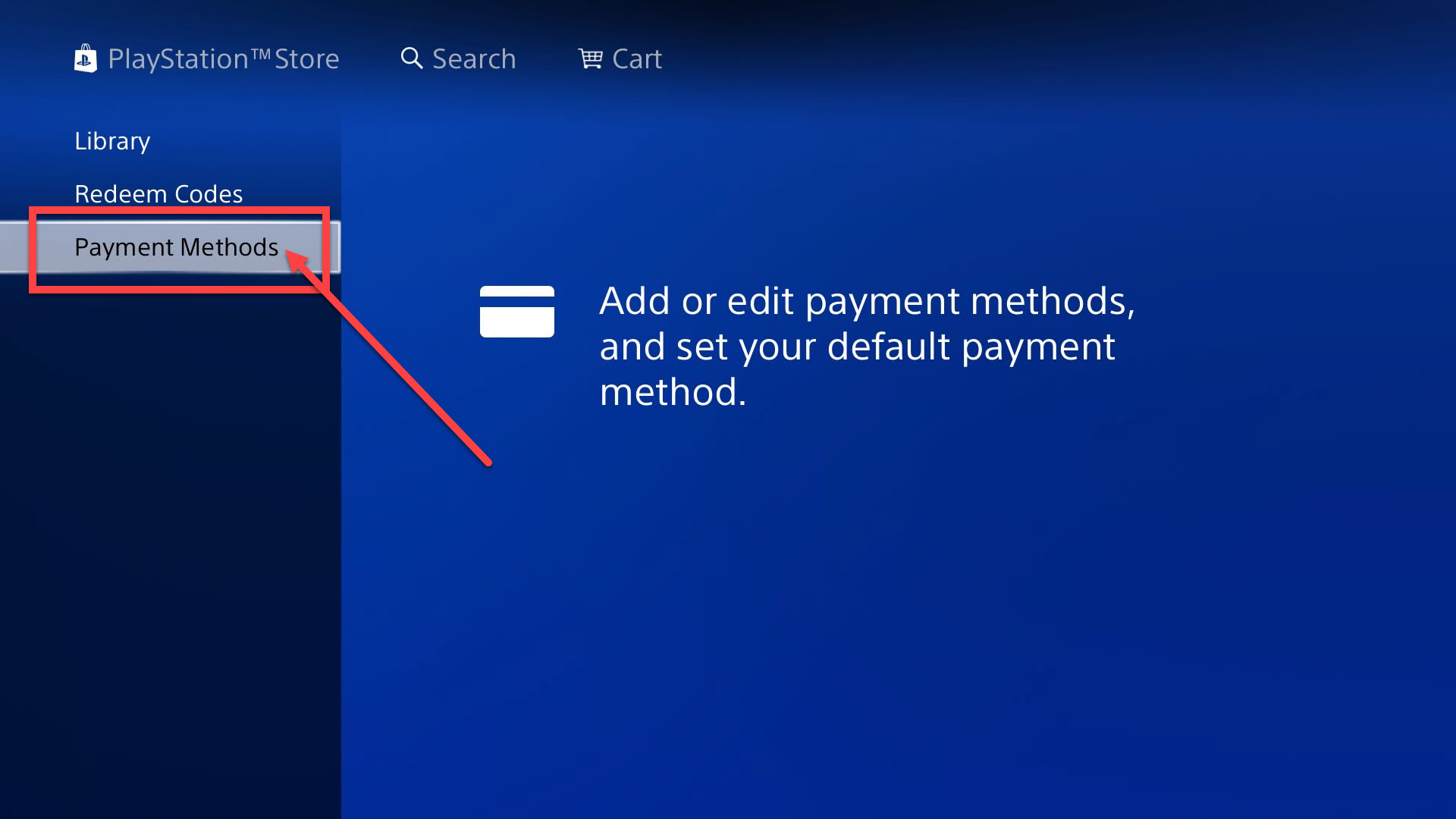
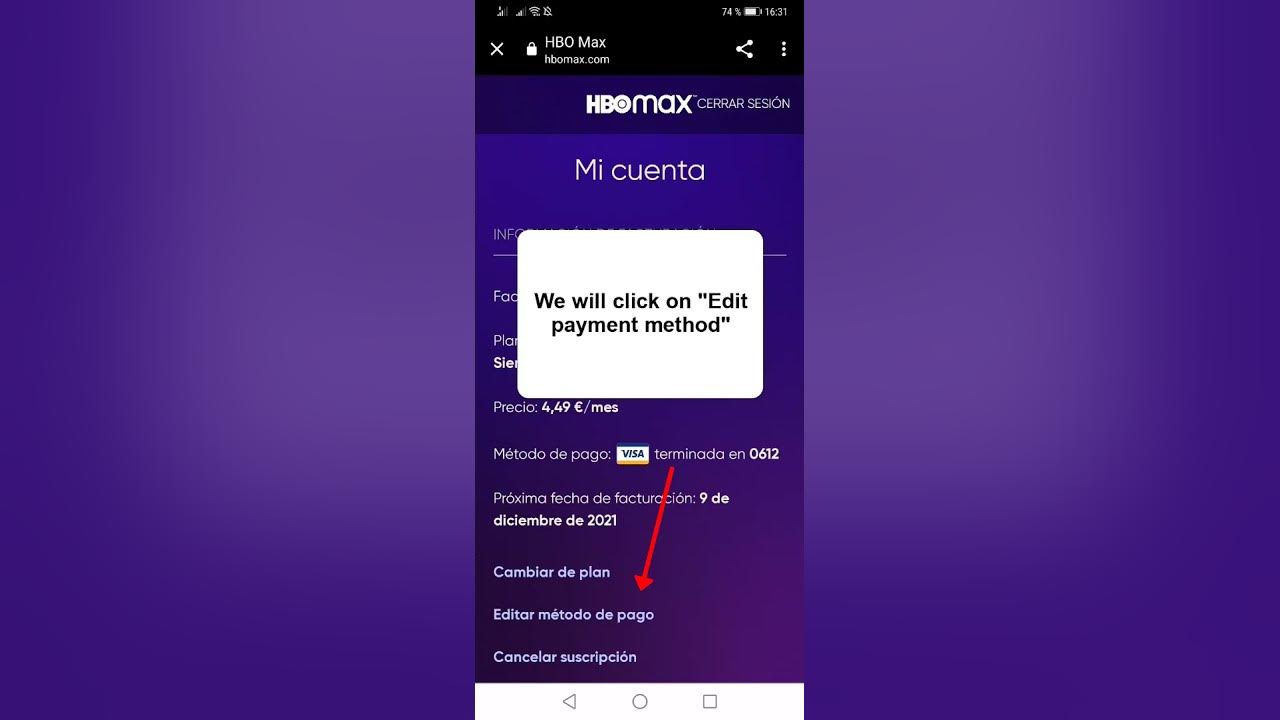
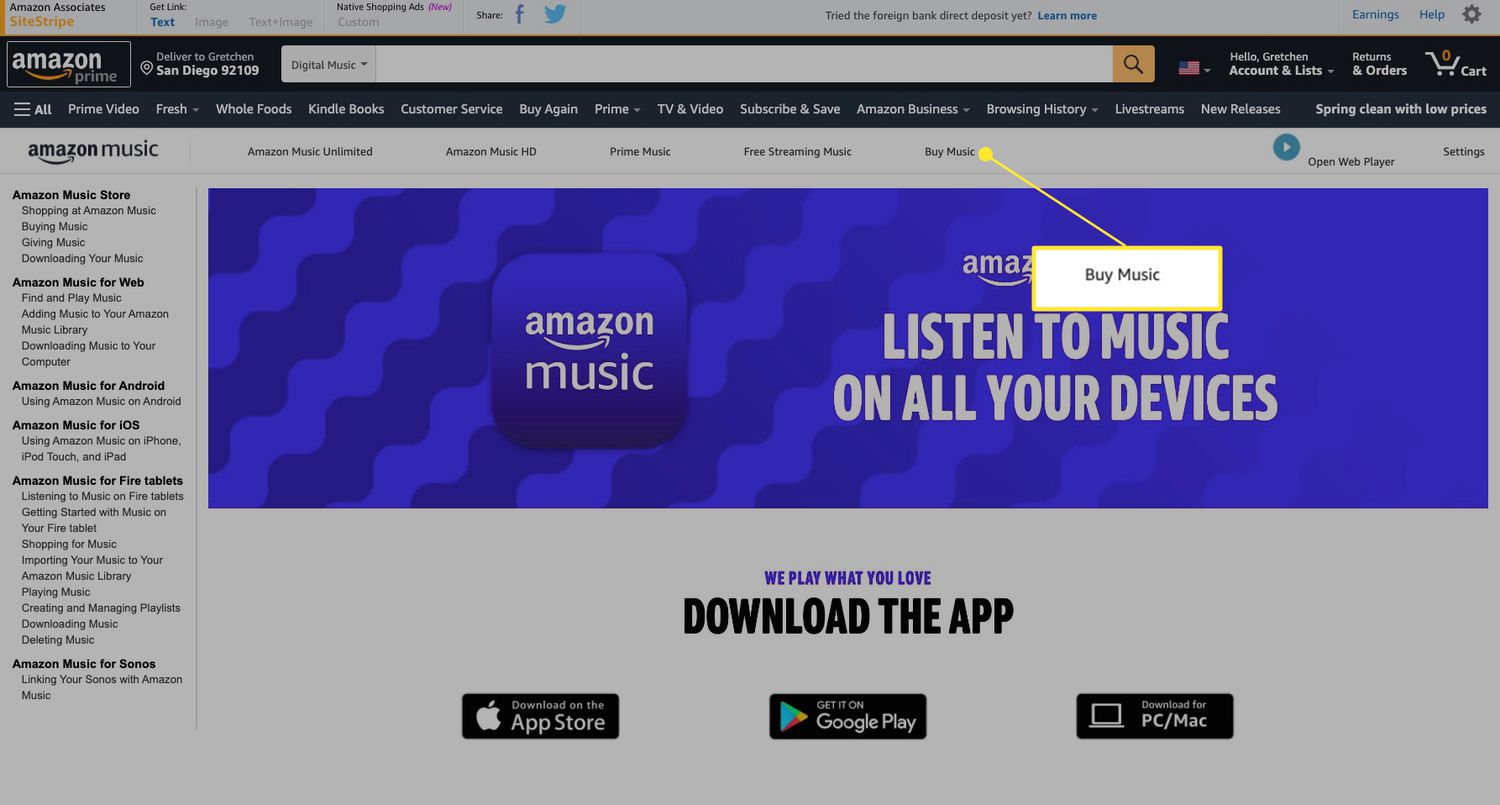
The articles fall into a few practical themes. One group helps you correct billing details on subscription services, such as changing the payment method for Amazon Music, HBO Max, Amazon Prime Video, or YouTube Premium. Another group focuses on digital wallets and prepaid cards, including how to add a Visa gift card to Venmo, how to view your Venmo card number, and why Venmo might block a payment to someone. A third theme is account hygiene and security: you can learn how to remove a card from PlayStation, how to find every payment method linked to your Roku account, and why you were charged for Amazon Music in the first place, which often points to a forgotten trial or an expired card.
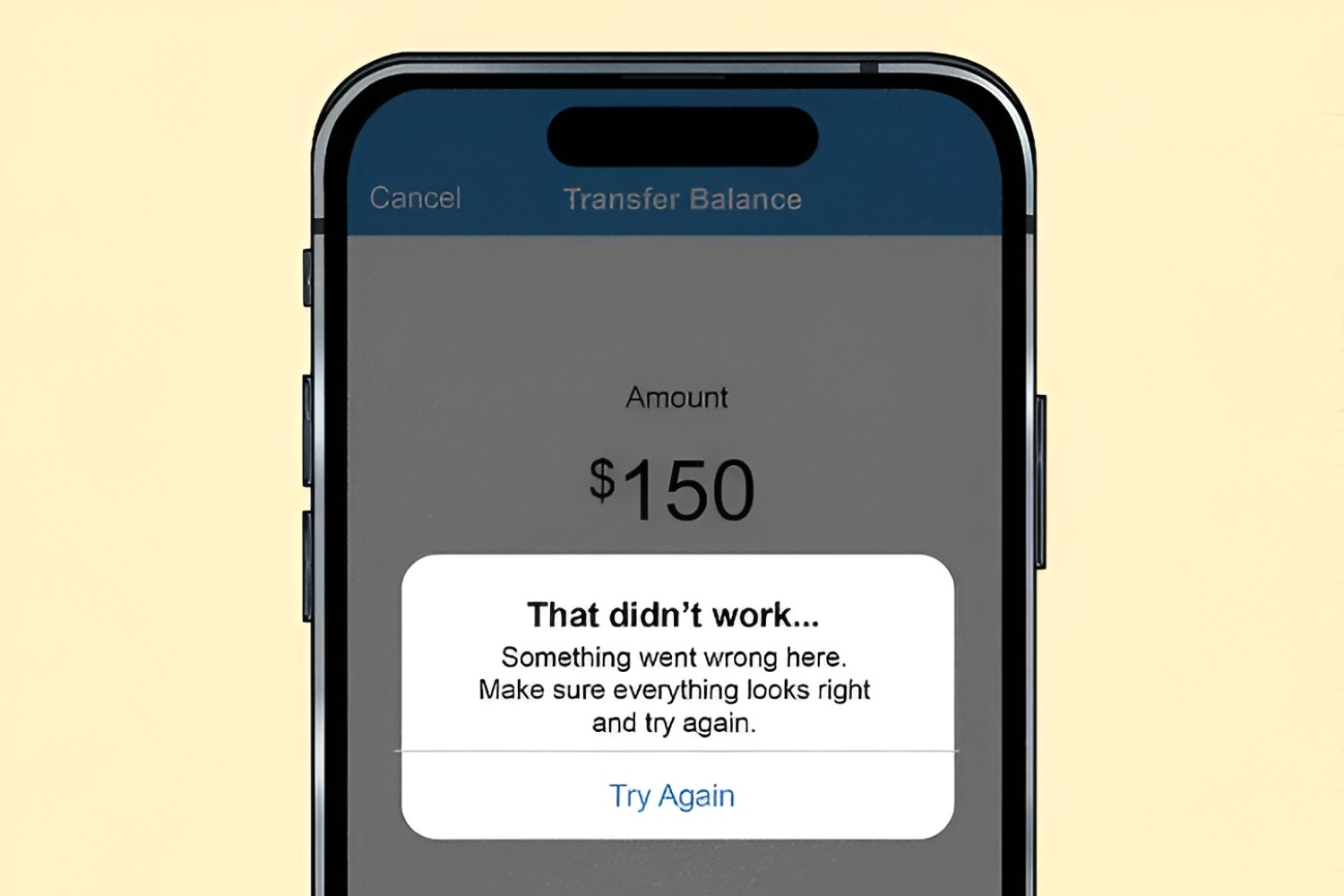
For readers concerned about safety, several articles explain legitimate alternatives rather than workarounds. For example, the piece on Venmo payment failures helps you resolve verification or funding issues, while the guide to PayPal Pay in 4 lists stores that accept this buy-now-pay-later option legally. None of these pieces encourage bypassing security, pirating content, or hacking accounts; they simply show you how to manage your own billing information correctly and avoid unwanted charges.