Your Verizon WiFi extender keeps disconnecting because it is likely losing its dedicated 5GHz wireless link to the main router. Distance, interference, or a flaw in the Self-Organizing Network handoff logic causes the drop. Moving the extender closer to the router usually stops the intermittent drops. Switching to a wired coax or Ethernet connection also solves the problem. If the light is blinking yellow instead of solid white, you need to fix verizon wifi extender blinking yellow light to restore its connection. A solid white light on the extender indicates it is turned on, connected to the internet, and functioning normally.
Why the solid white light means your verizon wifi extender is disconnecting
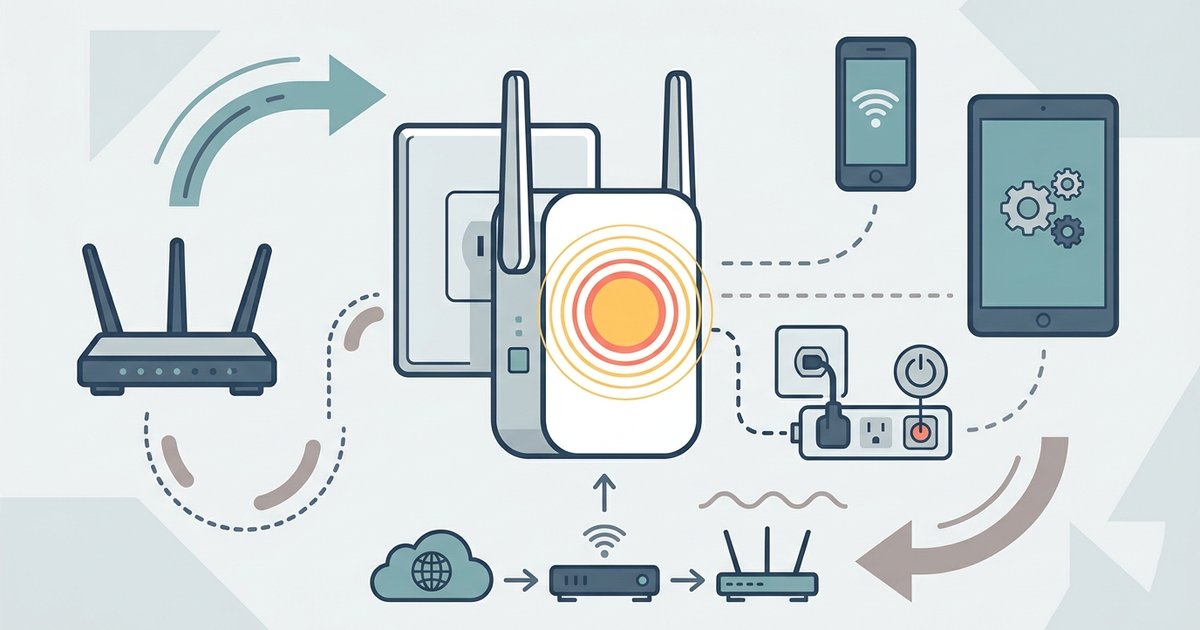
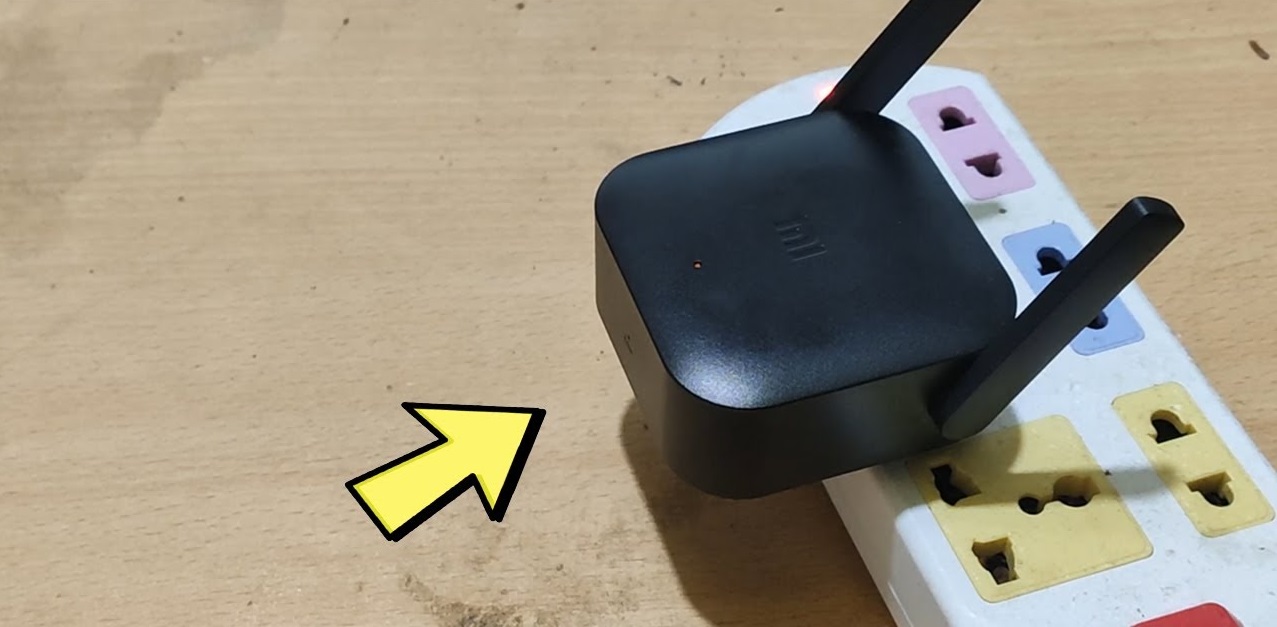
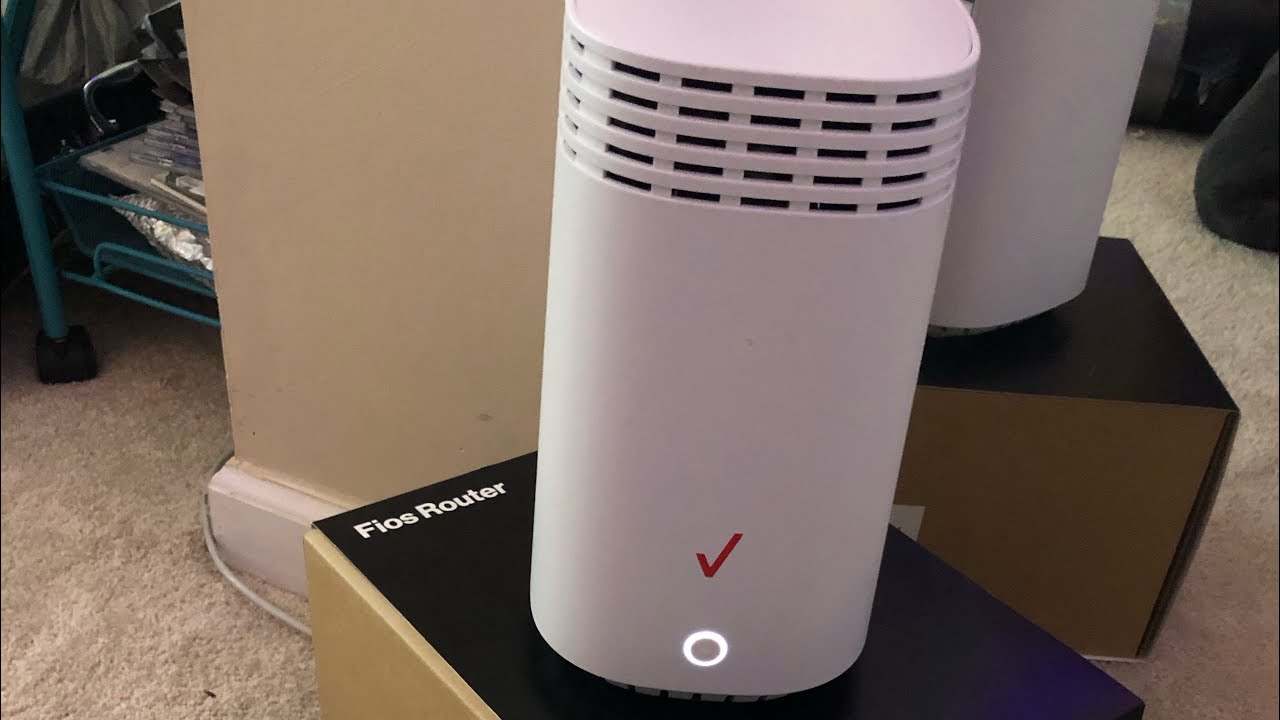
When your Verizon Fios extender shows a solid white LED, the device has completed its initial pairing. It is broadcasting a Wi-Fi network. This light does not reflect the health of the 5GHz wireless link that carries traffic to the main G3100 or CR1000A router. The extender can maintain that white light even after the connection drops. The 2.4GHz management channel remains active. Your devices still see the extender’s SSID. They cannot reach the internet because the high-speed path has silently collapsed. Log into the extender’s web interface to verify this. Check the extender's status page to see if the backhaul connection has dropped while the front LED stays white. This misdirection is why many customers waste hours restarting devices instead of fixing the link.
When self-organizing network logic backfires
Verizon’s Self-Organizing Network feature automatically shifts the extender to a less congested channel. In practice, SON often forces the extender to hop channels every few minutes to optimize throughput. The handoff logic is flawed. The extender disconnects from the 5GHz link before confirming the new channel is usable. This creates a 10-to-30-second gap where client devices lose internet. The extender appears online with a solid white light. The problem worsens in dense neighborhoods where SON cycles through DFS radar channels. The extender then waits up to 60 seconds for channel availability. Open the My Fios app to disable this. Navigate to the Wi-Fi settings and toggle the Self-Organizing Network feature off. Manually assign the extender to a fixed 5GHz channel in the router’s admin panel. This stops the constant reconnection cycle that causes your drops.
The coax cable fix no one tells you about
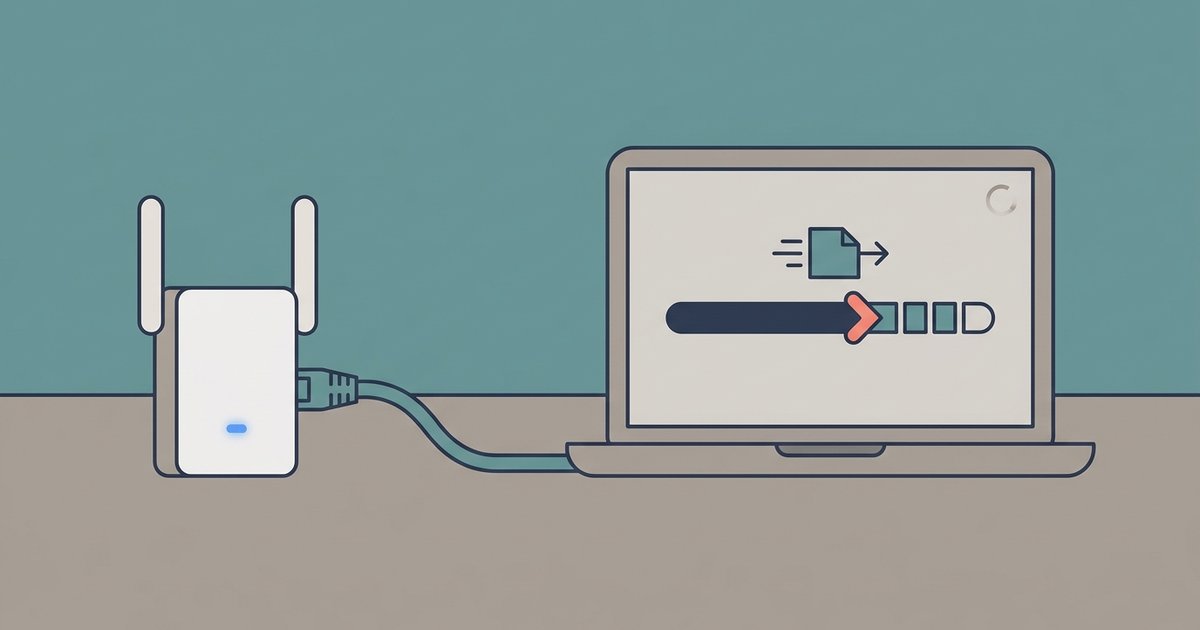
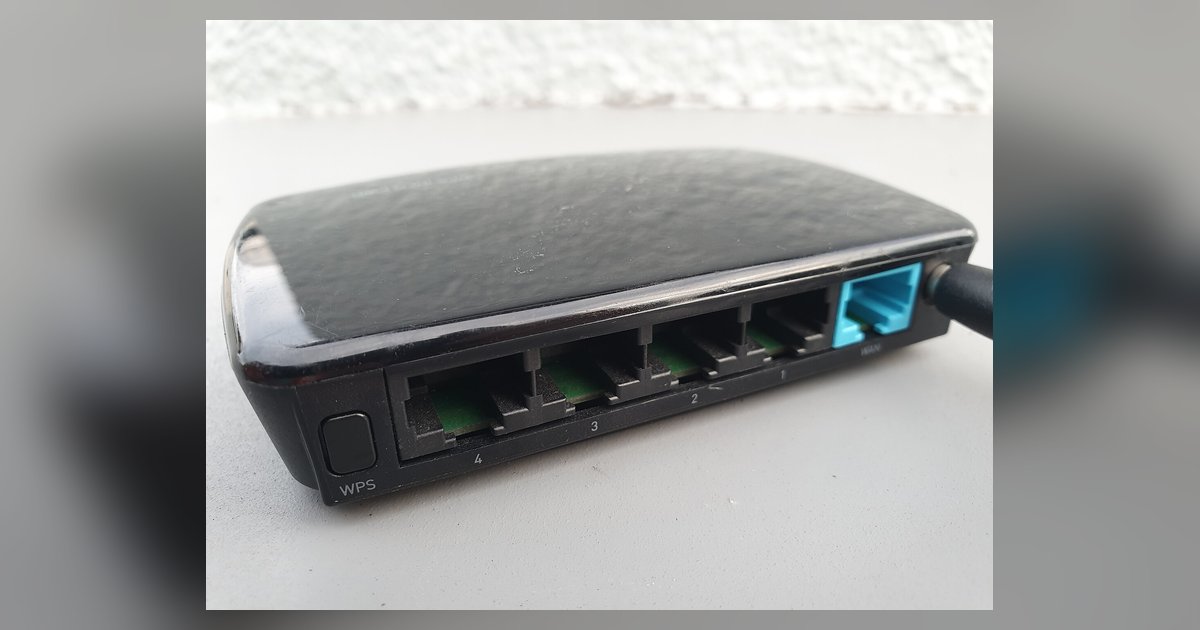
Your extender has a hidden solution if it is plugged into a wall outlet near a coaxial jack. Verizon Fios extenders like the E3200 support a wired connection over coax using MoCA technology. Connect a coax cable from the extender’s coax port to the wall jack right now. Then enable the coax backhaul option in the router’s MoCA settings. This locks the extender to a wired link that never drops due to interference or SON channel hops. Run an Ethernet cable from the extender’s LAN port to the router for maximum stability if they are in the same room. The extender’s white light will still glow once the wired connection is active. The link will remain solid even during heavy usage. Follow the standard procedure to setup verizon wifi extender and then manually assign the connection method if you ever need to rebuild this setup from scratch. Use the web interface to connect a WiFi extender to a router without WPS for routers that lack a button.
For a deeper dive into the broader topic of setting up routers, mesh Wi-Fi and extenders, you can explore how to properly configure these devices to avoid such misleading indicators.