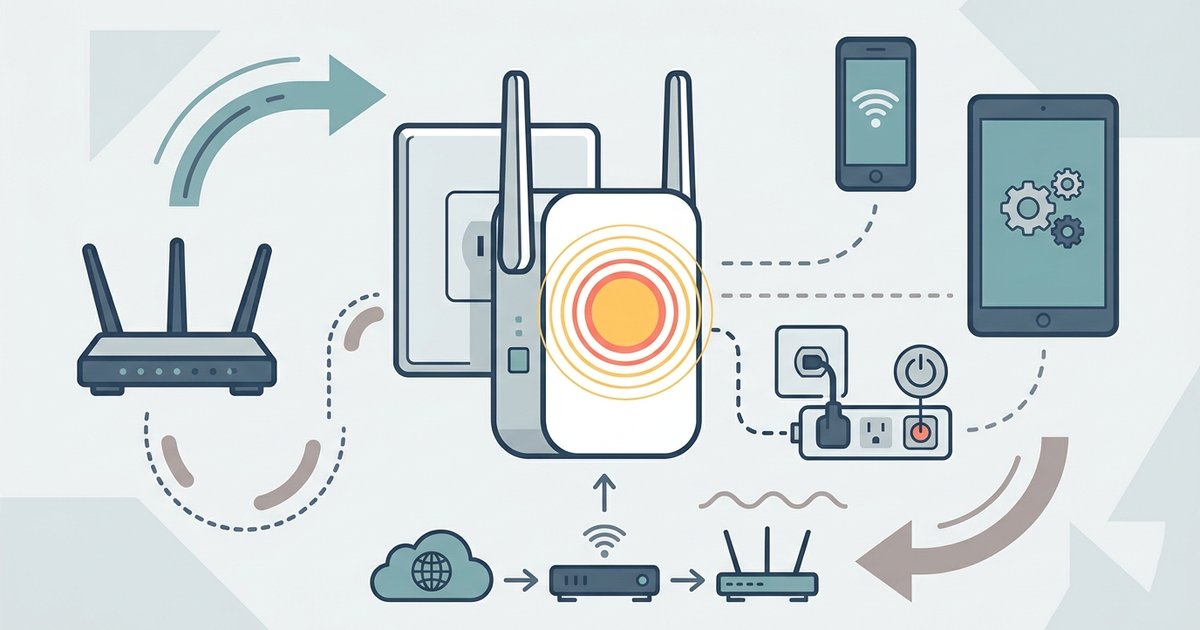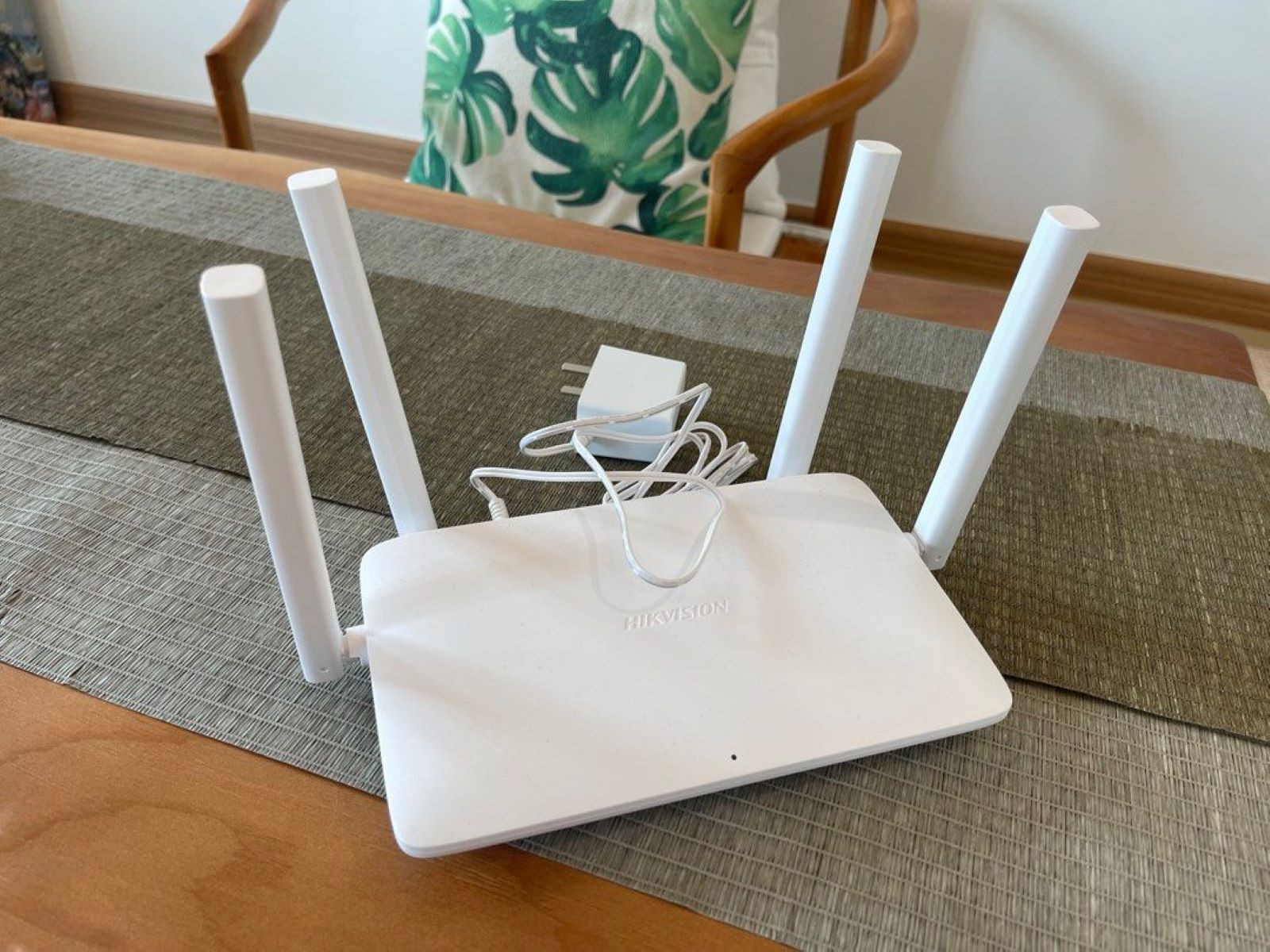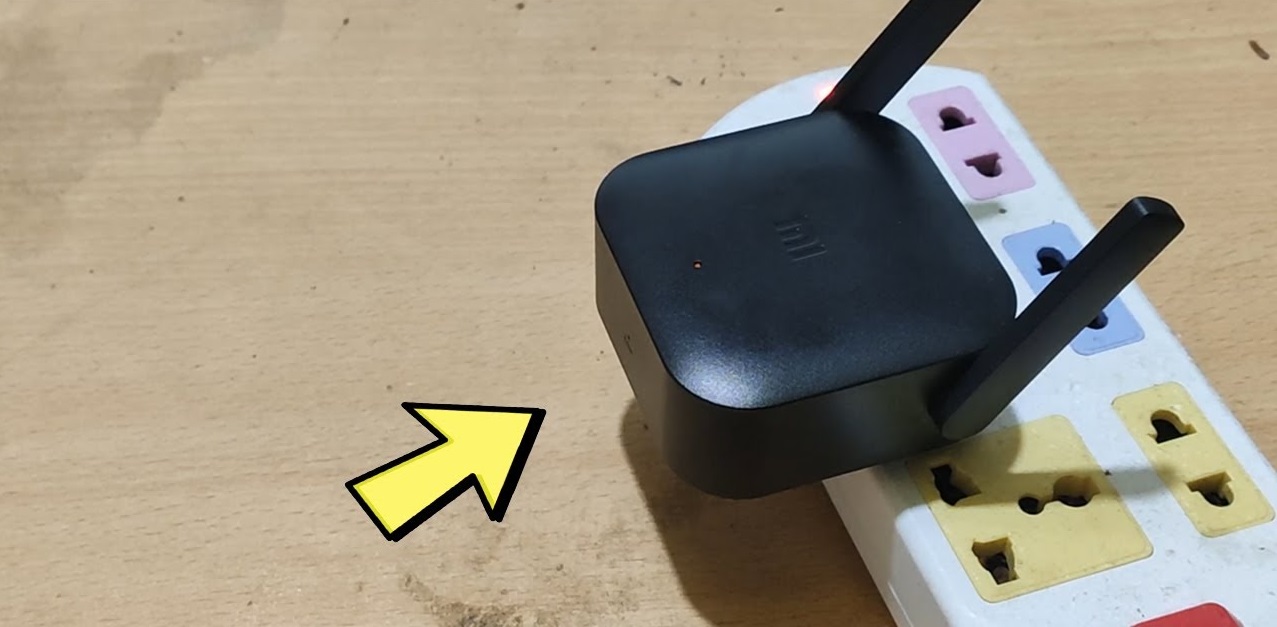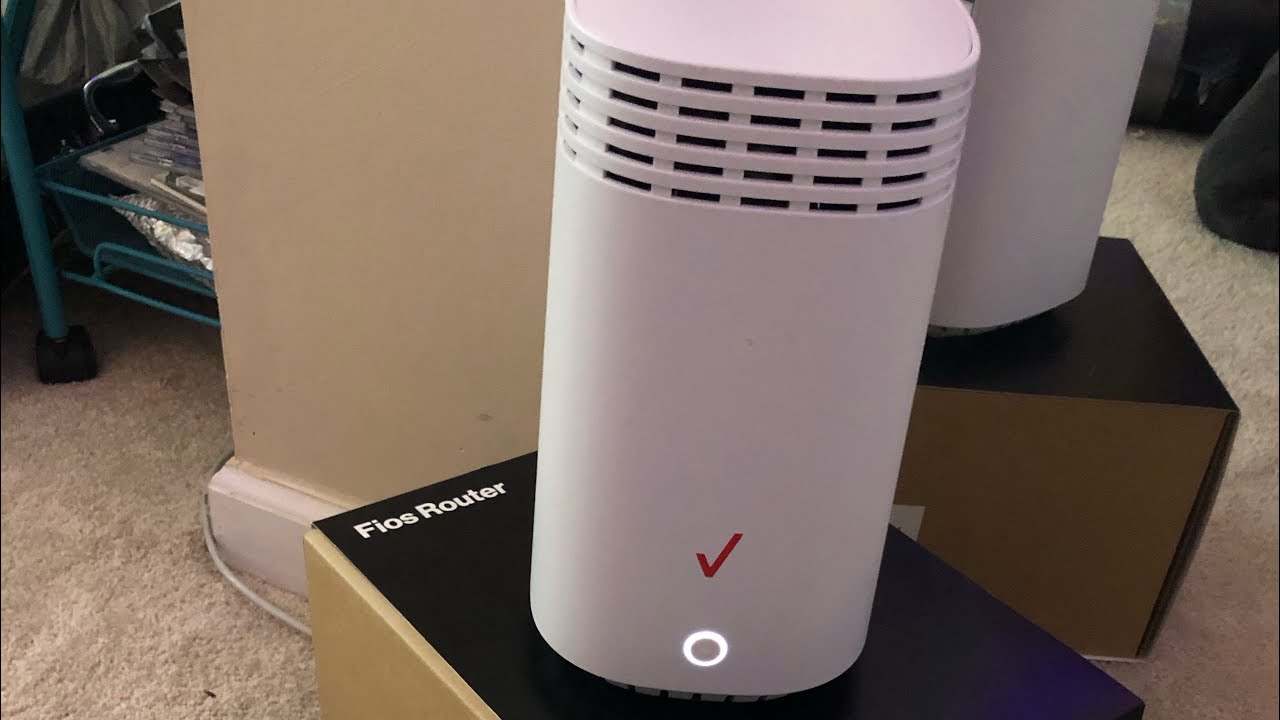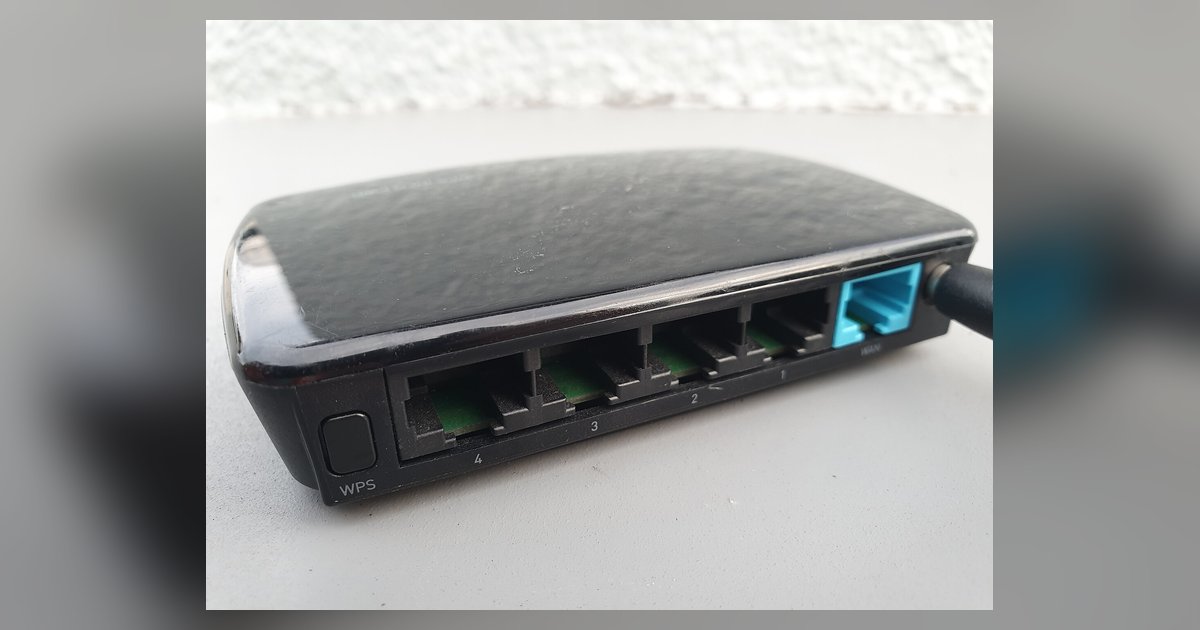
This tag collects articles about Wi-Fi extenders, aimed at home users who need to get their wireless network working reliably without calling a technician. The guides cover the practical side of owning these devices, from the first setup to fixing them when they misbehave. If you have a Verizon-branded extender, a third-party unit, or are just comparing your options, the material here speaks to the everyday problems of weak signals and dropped connections.
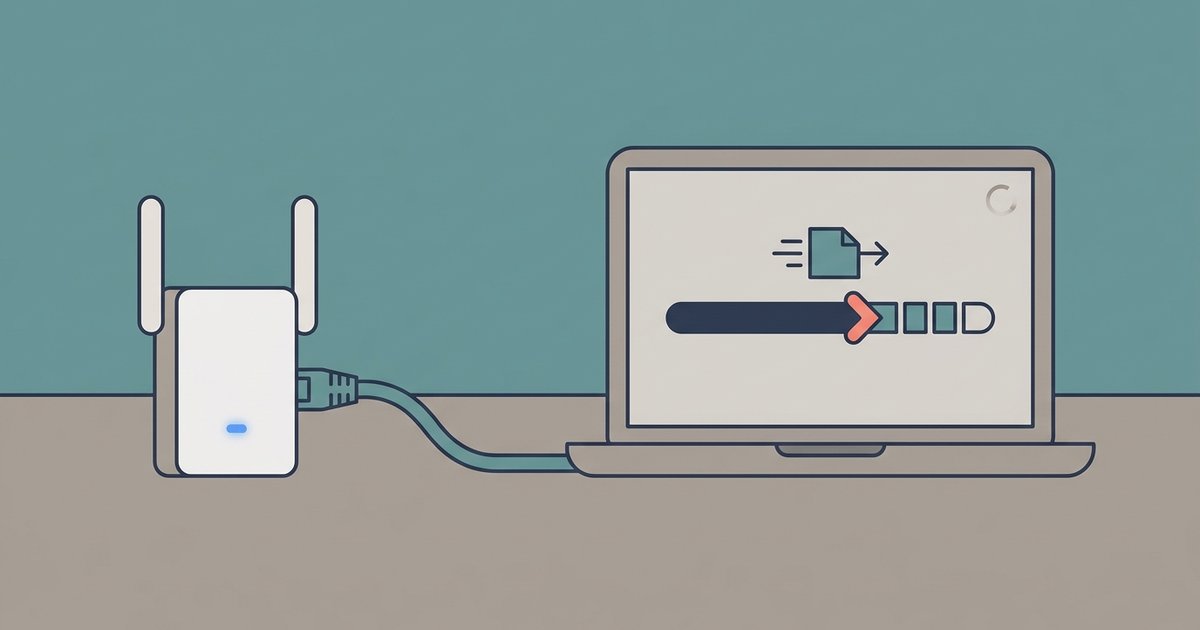
The articles break down into two main themes. First, there is the setup and configuration side: one piece walks through the basics of routers, mesh systems, and extenders so you can choose the right tool, while another explains how to get a wired Ethernet connection when your router sits too far away, useful for gaming or home offices. The second theme is troubleshooting and maintenance. Several pieces address common failures, such as a blinking yellow light on a Verizon extender, or the device disconnecting repeatedly. Others cover the more routine tasks of resetting the unit to factory defaults and updating its firmware to keep it stable and secure.
Rather than offering risky workarounds, these articles describe the safe, supported methods for restoring normal operation. For example, the reset guide explains the proper way to clear a misconfigured extender, and the firmware update piece walks through the official process to patch vulnerabilities. The goal is to help you keep your network running, not to bypass any protections, but to use the device as intended.