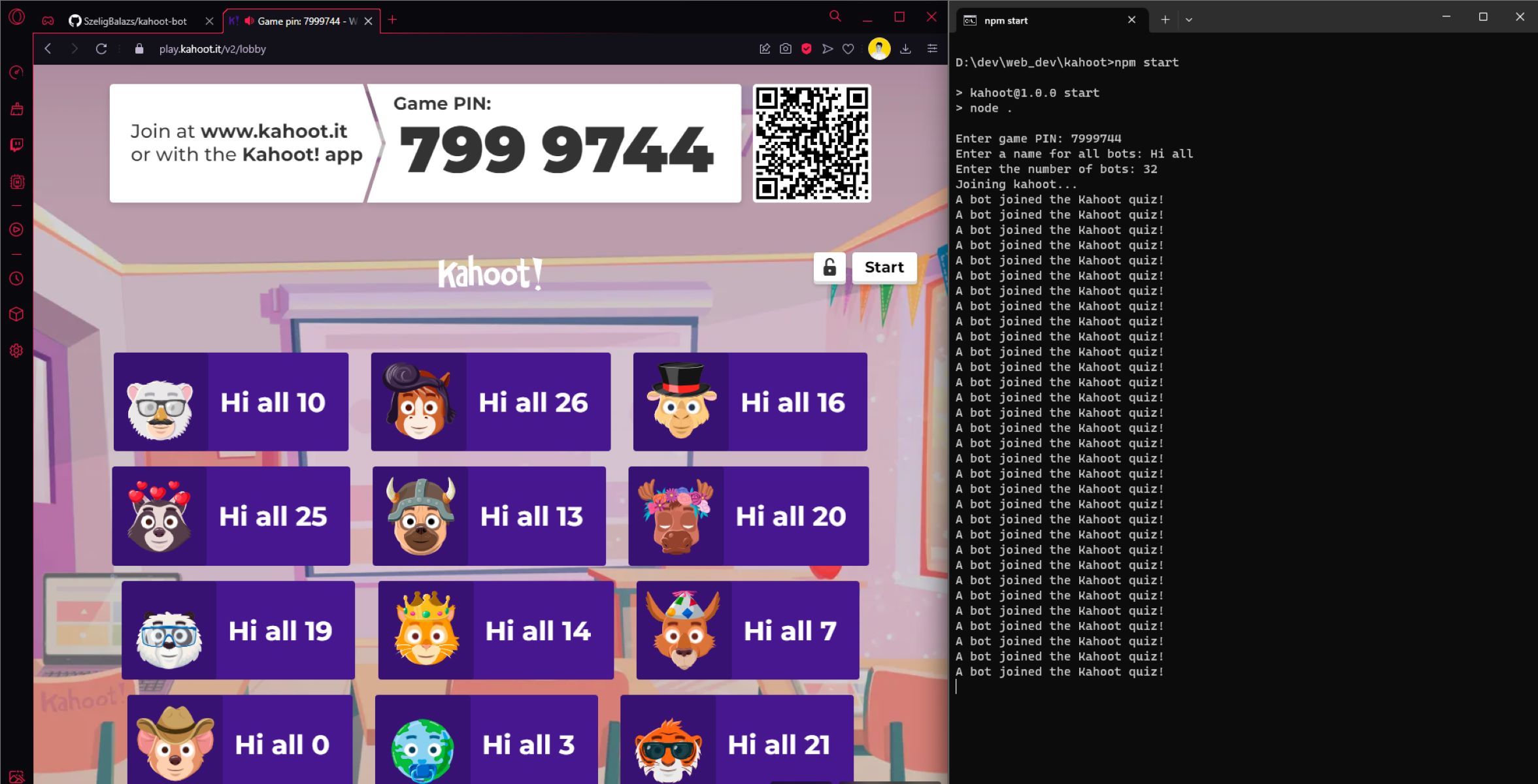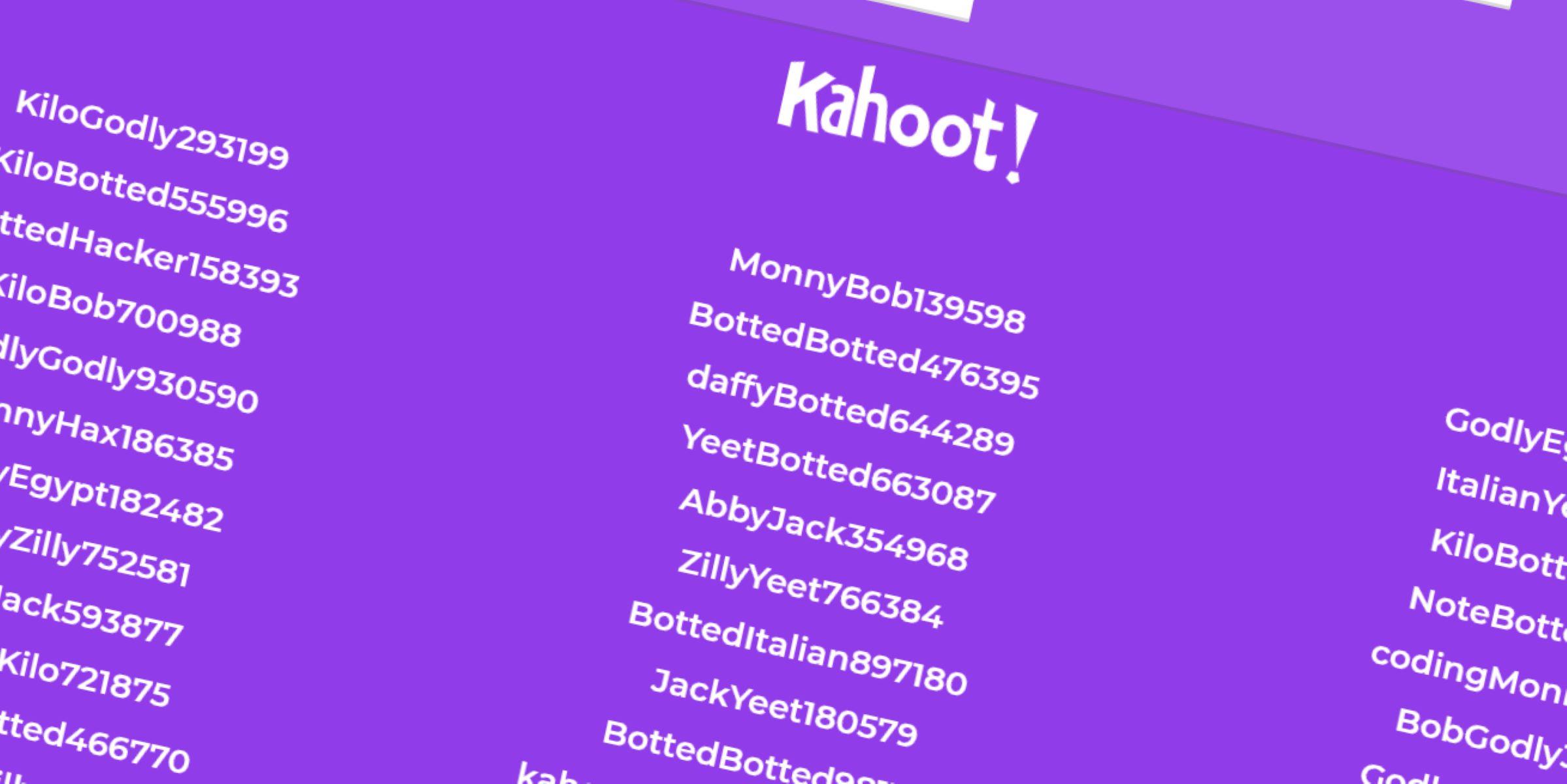
Kahoot bots are automated scripts that join a live game using its PIN and answer questions, often to flood a session or simulate extra players. If you want to know how to get bots in Kahoot, the fastest method is using a third-party bot generator website, but be aware that doing so to disrupt a live game violates Kahoot!'s terms of service and can get you banned.
What are Kahoot bots?
Kahoot bots are computer programs that mimic human players by automatically joining a game with a session PIN and submitting answers. They can be programmed to answer correctly, randomly, or with human-like delays. While some users want bots for solo practice against automated opponents, the most common search intent is to prank a class or disrupt a live quiz. That use case is explicitly against Kahoot!'s rules. The platform's Acceptable Use Policy and Editorial Guidelines state that using automated clients to interfere with or disrupt another person's live session is inconsistent with their policies. If you still intend to spam Kahoot bots into a game, know that you are breaking the rules.
How to get bots in Kahoot using external websites
The easiest way to get bots in Kahoot is through an external bot generator website. These sites handle all the technical work for you. Here is a single, concise step-by-step guide:
- Find a bot generator site (search for "Kahoot bot flooder" or "Kahoot bot generator"). Choose one that doesn't require downloads or personal information.
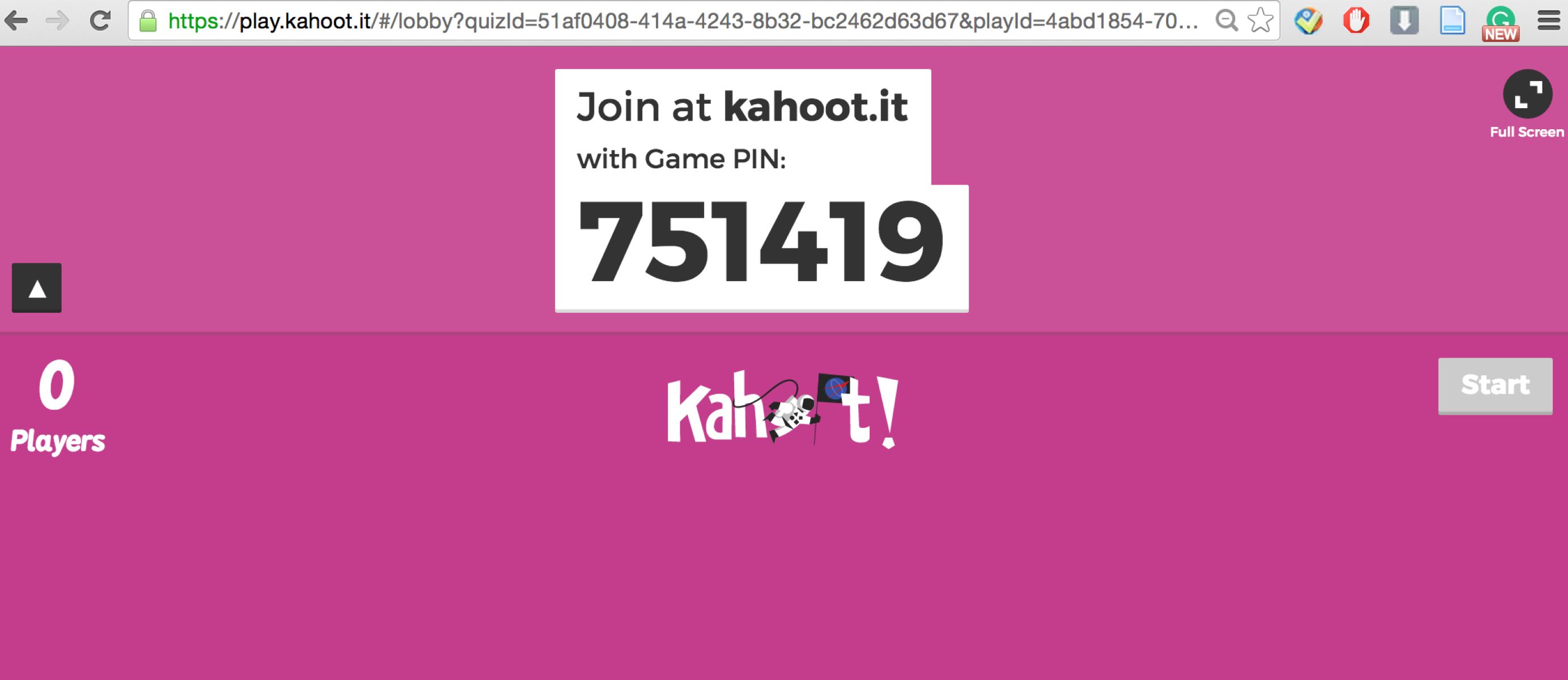
- Enter the game PIN of the live Kahoot session you want to target. The PIN is displayed on the host's screen.
- Click the "Generate" or "Flood" button.
- Wait a few seconds. The site will automatically inject the bots into the game using the PIN. They will appear in the lobby as fake players.
That's it. The bots will join and start answering questions. However, note that most of these third-party tools are unreliable, may fail to connect, or may get blocked by Kahoot's anti-bot measures.
How to get bots in Kahoot by writing your own script
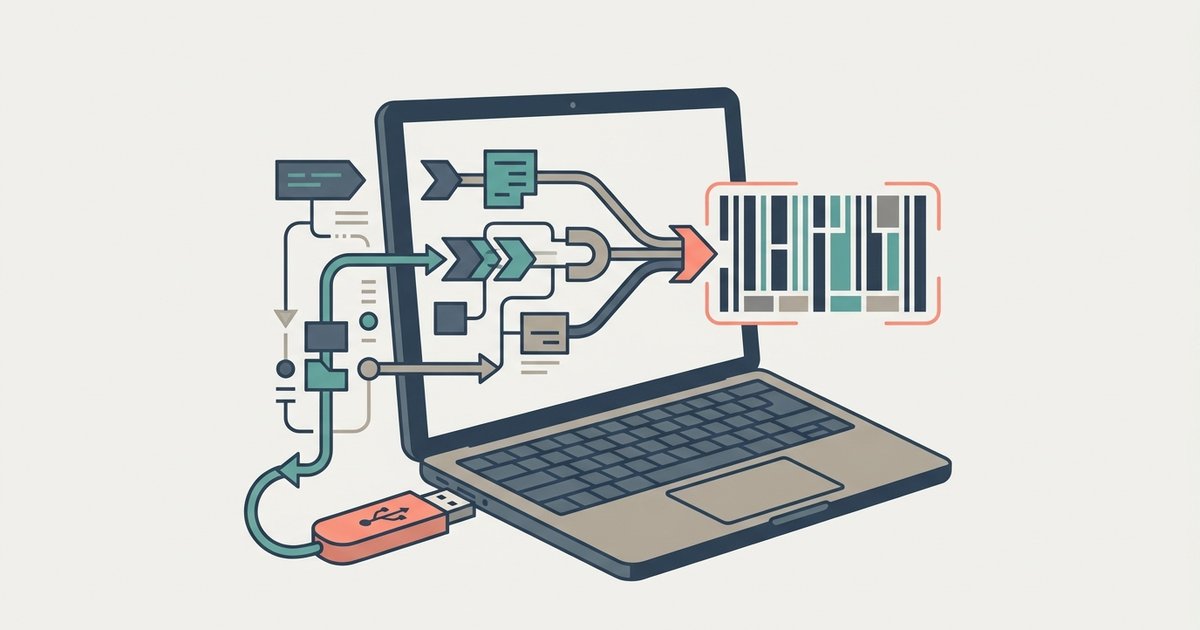
If you have programming skills, you can write your own script to create custom bots. This gives you full control over behavior, but it requires more work. Here is a concise step-by-step guide for advanced users:
- Choose a programming language you know well, Python and JavaScript are the most common for this task.
- Use the Kahoot API (unofficial documentation is widely available online) to understand how to join a session. The API lets you send a "join" request with the game PIN and a nickname.
- Write a script that connects to the WebSocket endpoint for the Kahoot game. You'll need to handle the handshake and send join packets.
- Program automated answers. The server sends question data; your script must parse it and submit an answer choice. You can make bots answer correctly, randomly, or with a delay to look human.
- Run the script for each bot you want. For multiple bots, loop the join and answer logic with different nicknames.
- Test your script in a private game first to ensure it works without crashing.
Writing your own script is more reliable than random websites, but it still violates Kahoot!'s terms of service if you use it on a live game without the host's permission.
Risks and consequences of using Kahoot bots
Using Kahoot bots carries serious risks. Kahoot!'s terms of service explicitly prohibit unauthorized automated access, activity that disrupts services, spamming games, and attempting to compromise security measures. If you are caught, the host can remove your bots manually. More importantly, Kahoot! can ban your IP address or account from the platform. Hosts also have built-in countermeasures: they can enable the nickname generator to block inappropriate names, remove suspicious participants, and lock the game once all legitimate players have joined, preventing further entries. Third-party bot tools are not affiliated with Kahoot! and often require you to complete surveys or give them access, which can lead to malware or phishing. Using these services may cause technical issues, service disruptions, or other damages for which Kahoot! is not responsible. The bottom line: you risk your access and your device's security for a prank that will likely fail anyway.
Official Kahoot tools that are not for botting
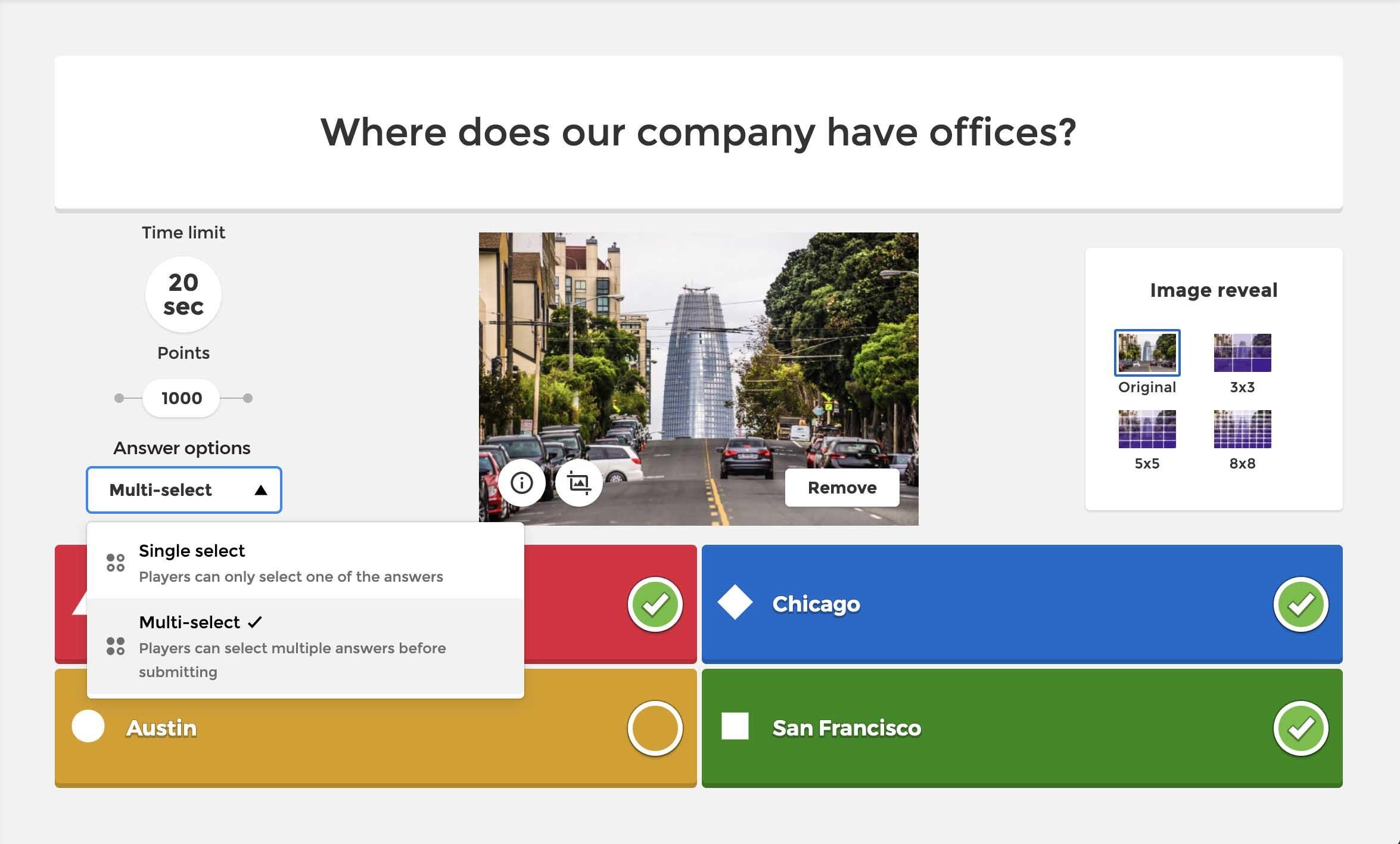
Kahoot! offers official AI-powered tools, but they are not for generating automated players. The "AI Assistant" and "Kahoot Generator" are designed to help you create quiz content, enhance questions, and improve slides. These tools can help you make a Kahoot faster, but they cannot add bots to a live game. If you want to practice alone, Kahoot! has a "Challenge" mode where you can play solo against a timer, but that still uses no bots. You can also use the get Kahoot quiz id to launch a specific quiz in this mode. There is no official way to get all the answers right on Kahoot using their tools, that would defeat the purpose of learning. So, if you see "official bot" claims, they are false. The only official features are for content creation, not for flooding games with fake players.
For the wider topic, see make a Kahoot.