Yes, you can use an AM radio tuned to a blank station around 600–800 kHz as a crude signal detector—holding the badge near the radio's internal ferrite antenna while tapping it on a reader-emulating app will produce audible clicking if the coil is intact. This only confirms the antenna isn't broken; it cannot verify the chip's data is correct or that the badge will open your specific door.
Why your phone NFC fails to test 125 kHz badges
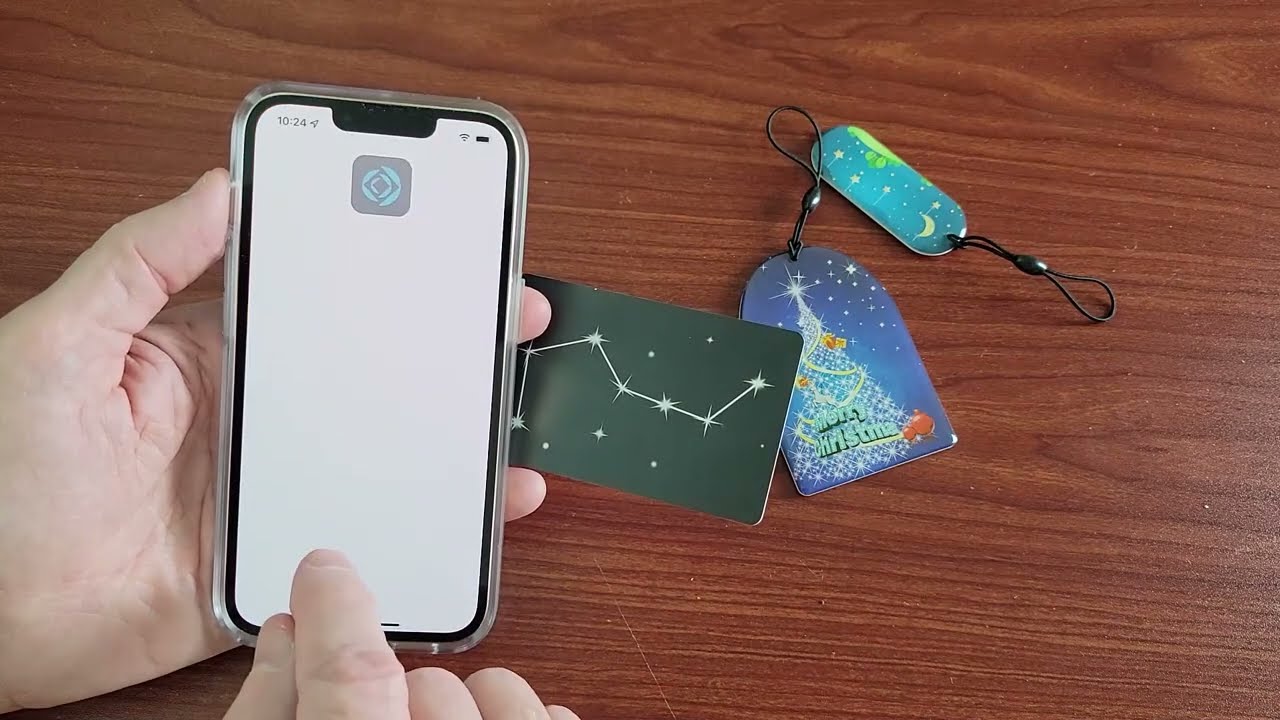
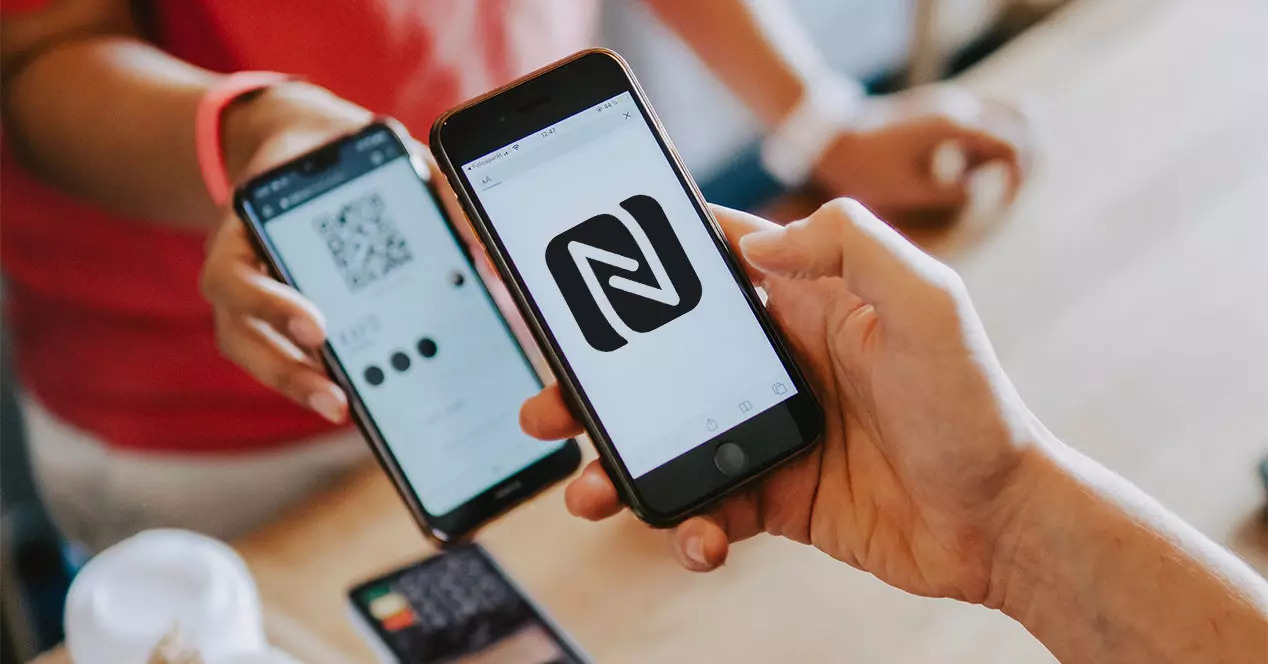
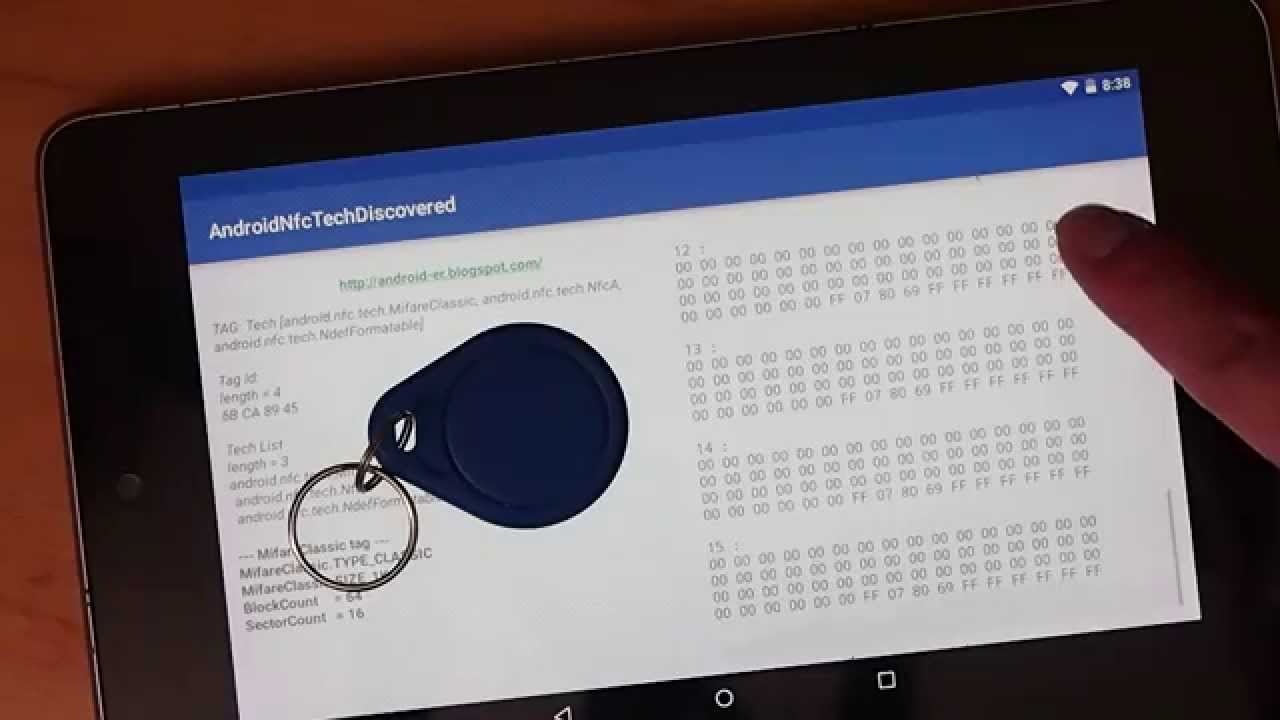
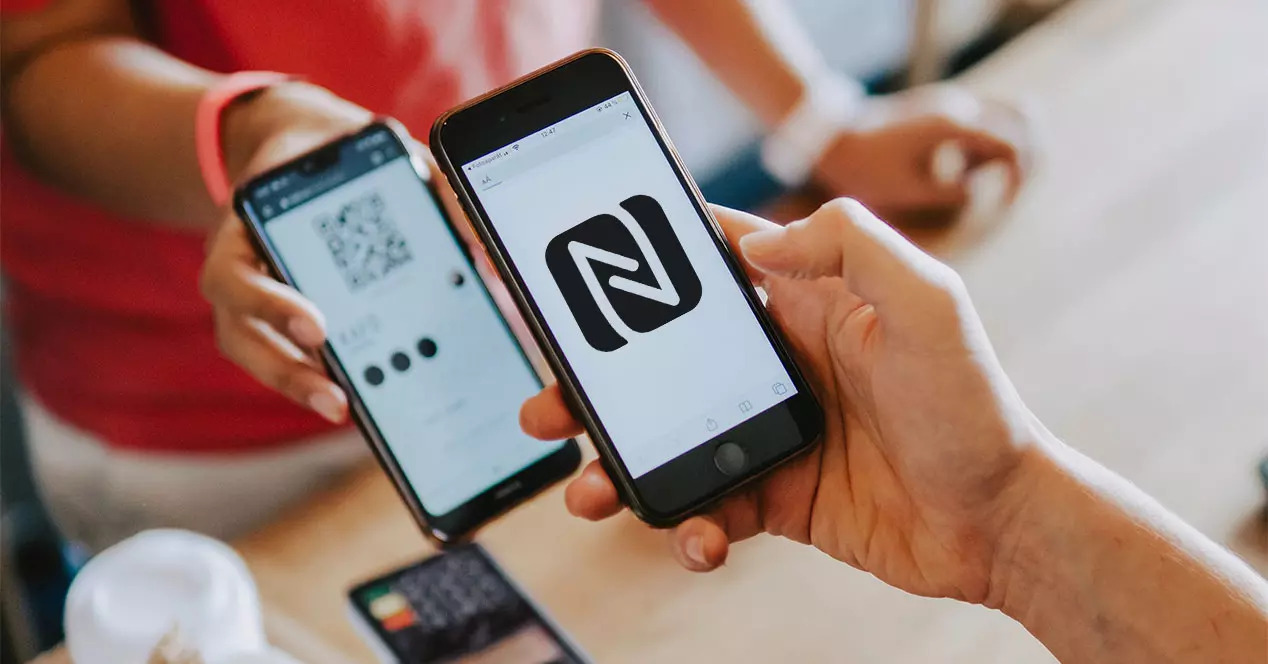
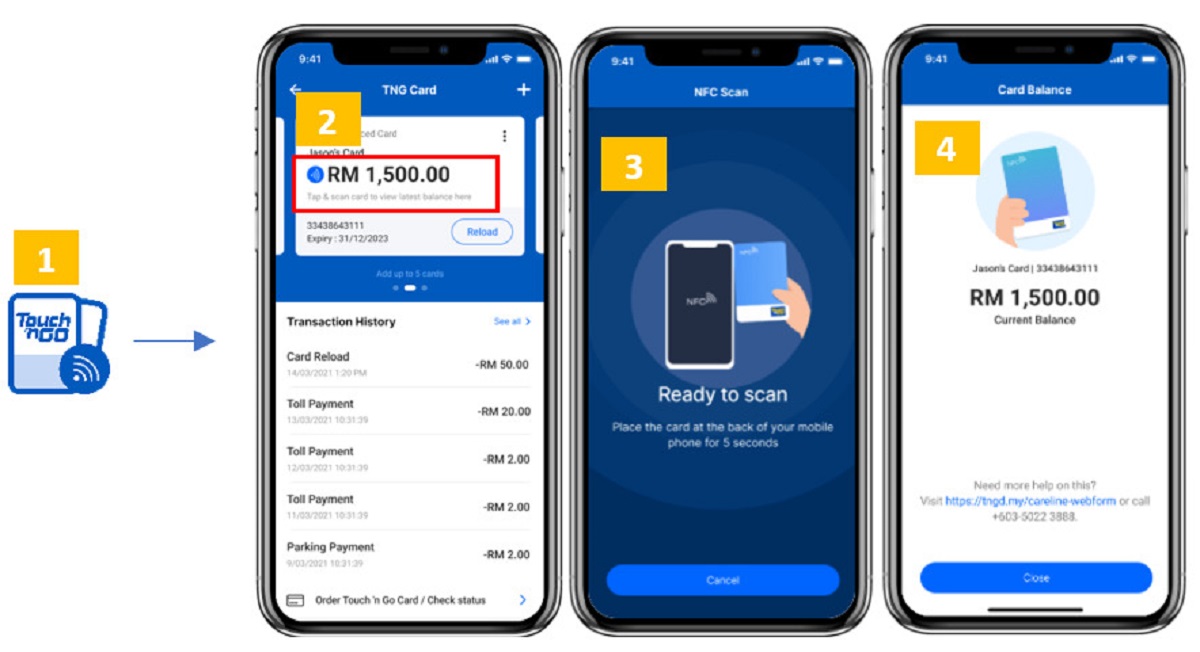
Your phone’s NFC hardware operates at exactly 13.56 MHz. That high-frequency band is designed for contactless payments and data exchange. A 125 kHz badge uses a completely different low-frequency electromagnetic field to power its passive chip. When you hold the badge against your phone, the phone’s antenna cannot generate the 125 kHz carrier wave needed to energize the tag’s coil. The phone’s reader chip also cannot decode the tag’s 125 kHz backscatter. This is why NFC Tools shows nothing. The app communicates with the phone’s NFC controller, which has no circuitry for low-frequency reception. No amount of repositioning or app switching will bridge this frequency gap. The hardware simply lacks the tuned coil and demodulator for 125 kHz.
The AM radio trick
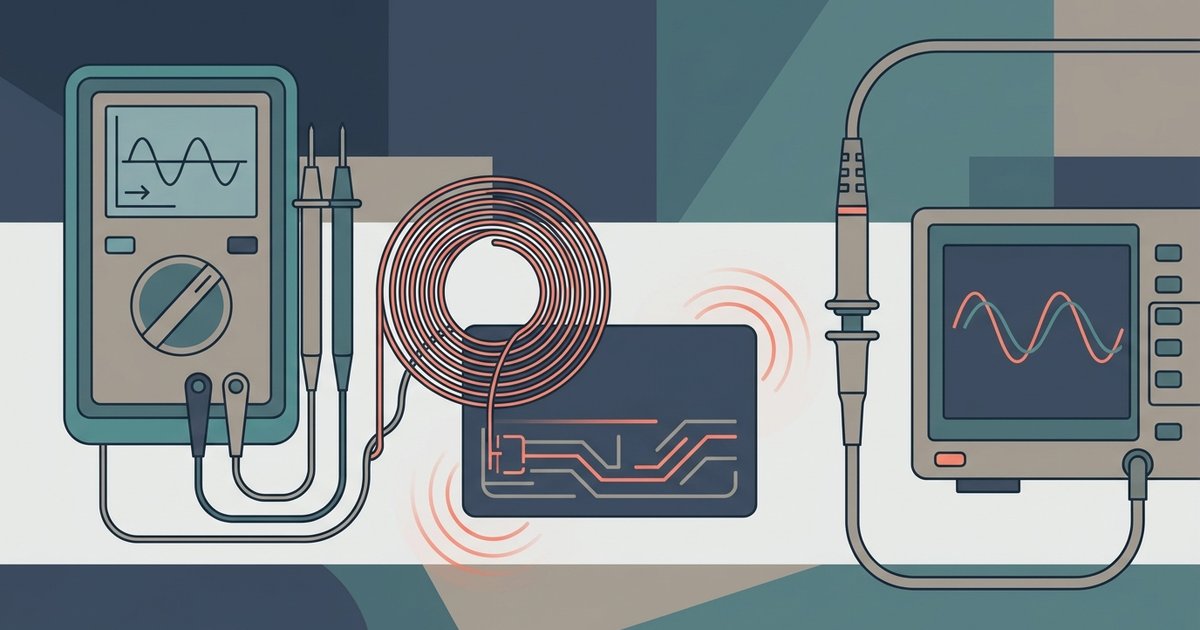
Find a portable AM radio with a built-in ferrite rod antenna. Most battery-powered radios have one. Tune it to a completely empty frequency between 600 and 800 kHz where you hear only steady static. Avoid any stations or strong interference. Place the badge flat against the radio’s back or side, directly over the internal ferrite antenna. That antenna is usually near the tuning dial. On your phone, open an app that generates a continuous tone through the device’s speaker coil. Apps that generate a continuous tone through the speaker may be available. Tap the phone’s speaker against the badge’s surface while the radio is turned up. If the badge’s copper coil is intact and resonates at 125 kHz, you will hear a distinct clicking or buzzing sound from the radio. The tone induces a momentary current in the badge’s antenna. The AM radio’s ferrite antenna detects this as a modulation of the static noise.
What this test actually proves
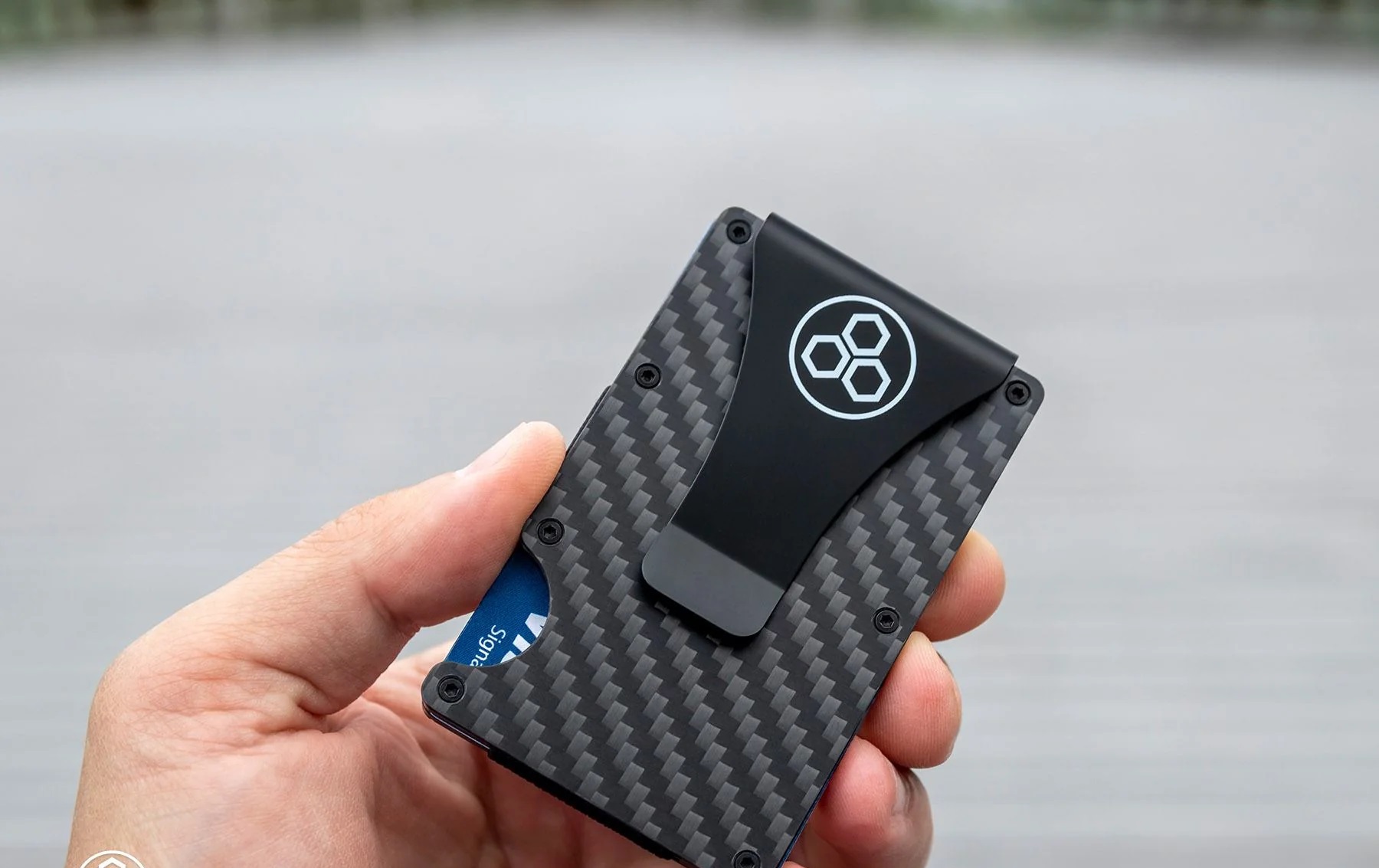
A clicking response confirms that the badge’s coil is unbroken and physically resonating. The antenna is not snapped or corroded. However, a silent badge could still be fully functional if the chip inside is passive-dormant and simply not being powered by the weak phone speaker field. The test only energizes the coil, not the chip’s memory. Conversely, a noisy badge that clicks loudly can still be rejected by a door reader if the facility code or card number stored in the chip does not match the access control system. This test cannot read the badge’s data, verify the chip’s programming, or confirm that the badge will open a specific door. For genuine validation, get a dedicated 125 kHz reader or a programmer that can decode the actual bitstream. If you want to protect your working badge from unwanted scans, you can make rfid protector sleeves using aluminum foil. A single layer of foil often suffices to block 125 kHz signals. A tag stores a URL, while your badge stores a unique identifier, much like the rfid chip in us passport that holds your personal data behind its cover.
This test only confirms the antenna isn’t broken. It cannot verify the chip’s data is correct or that the badge will open your specific door.
\nRelated reading: How Can I Tell If My Wallet Is RFID Protected.