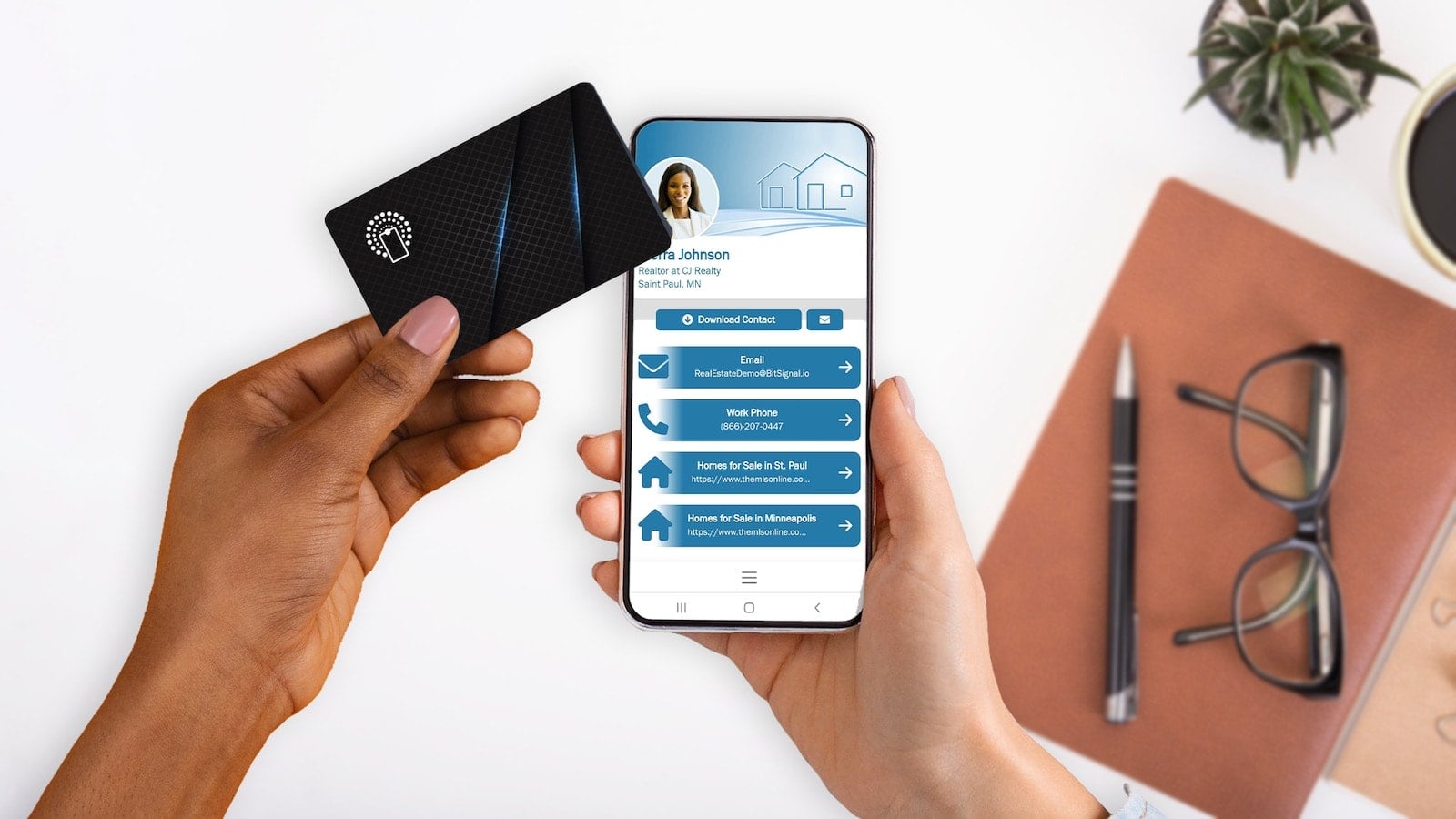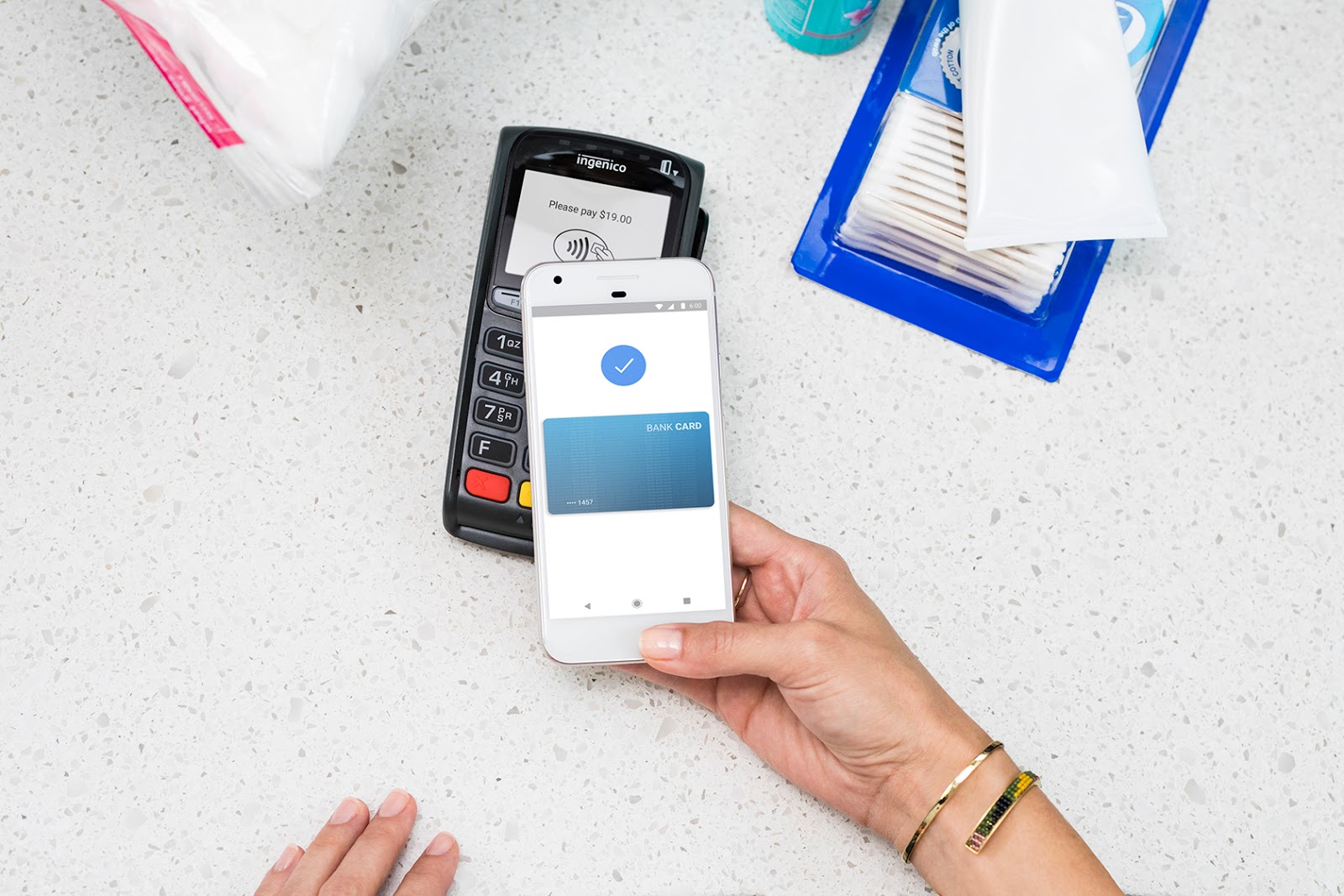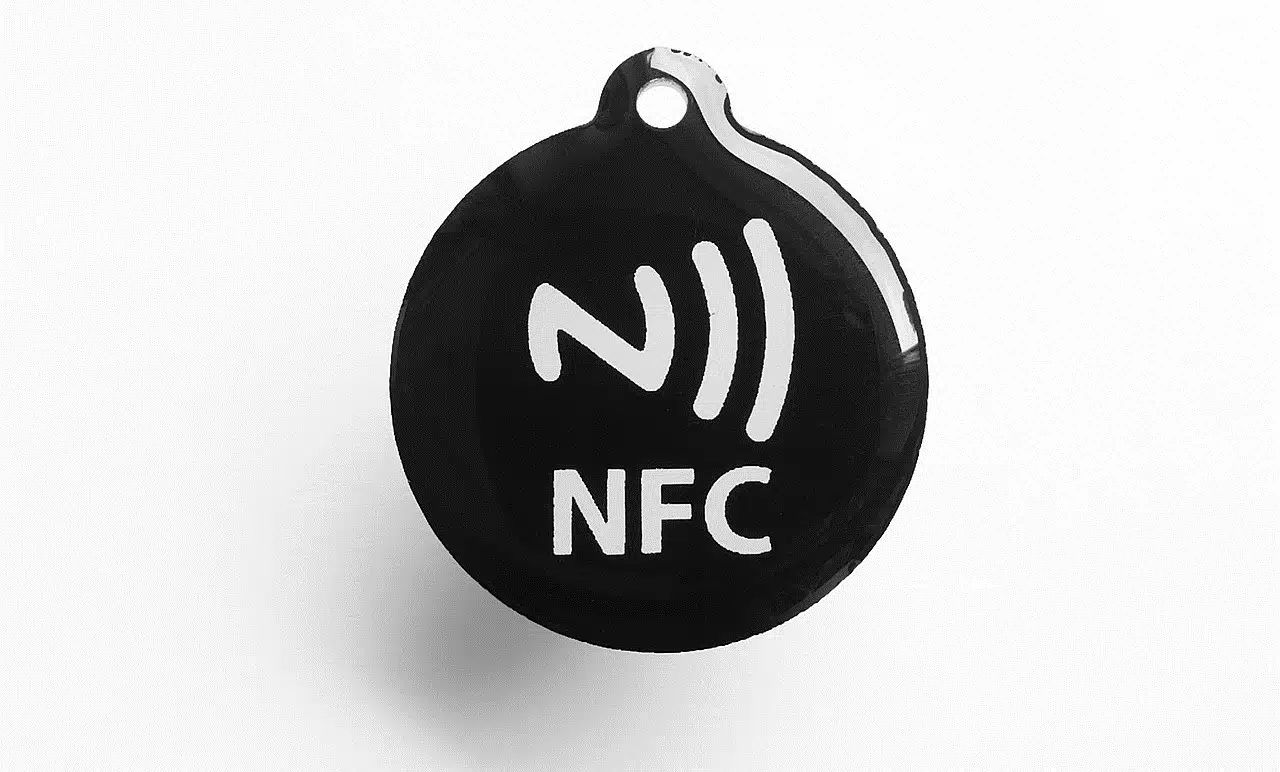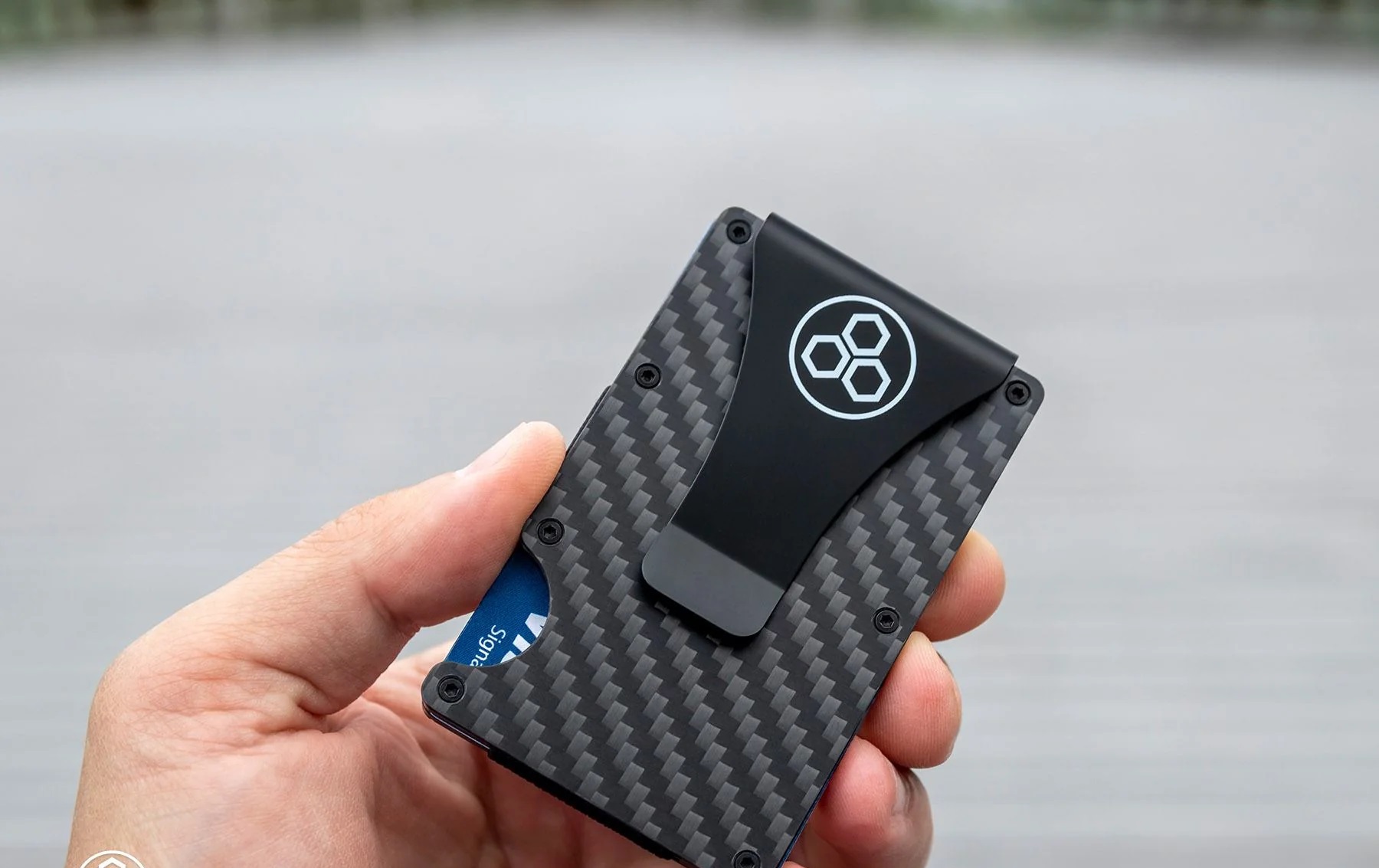
Near-field communication (NFC) is the short-range wireless technology that lets your phone talk to payment terminals, transit gates, and smart tags. This tag page collects practical guides for everyday consumers who want to understand, use, or protect their NFC-enabled devices and cards. Whether you carry a contactless credit card, a transit card, or simply own a smartphone, these articles are written for non-technical people who want clear, safe, and legal ways to manage their own gear.
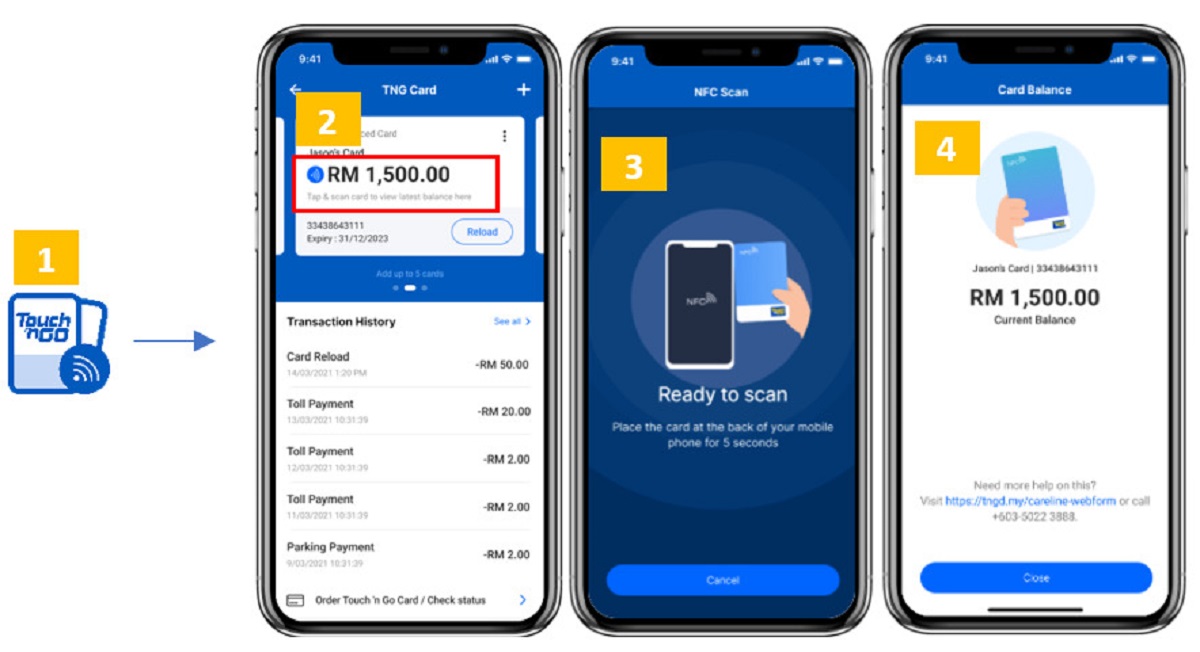
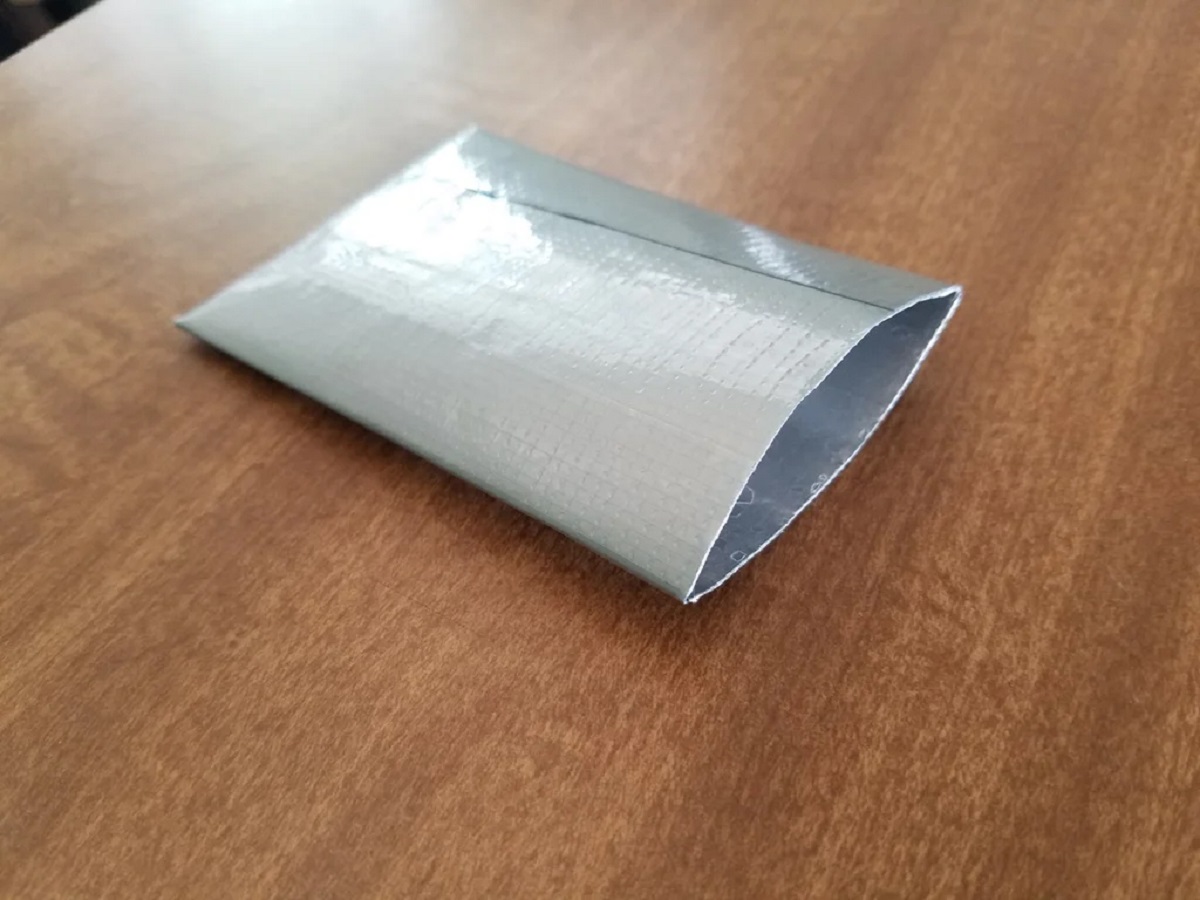
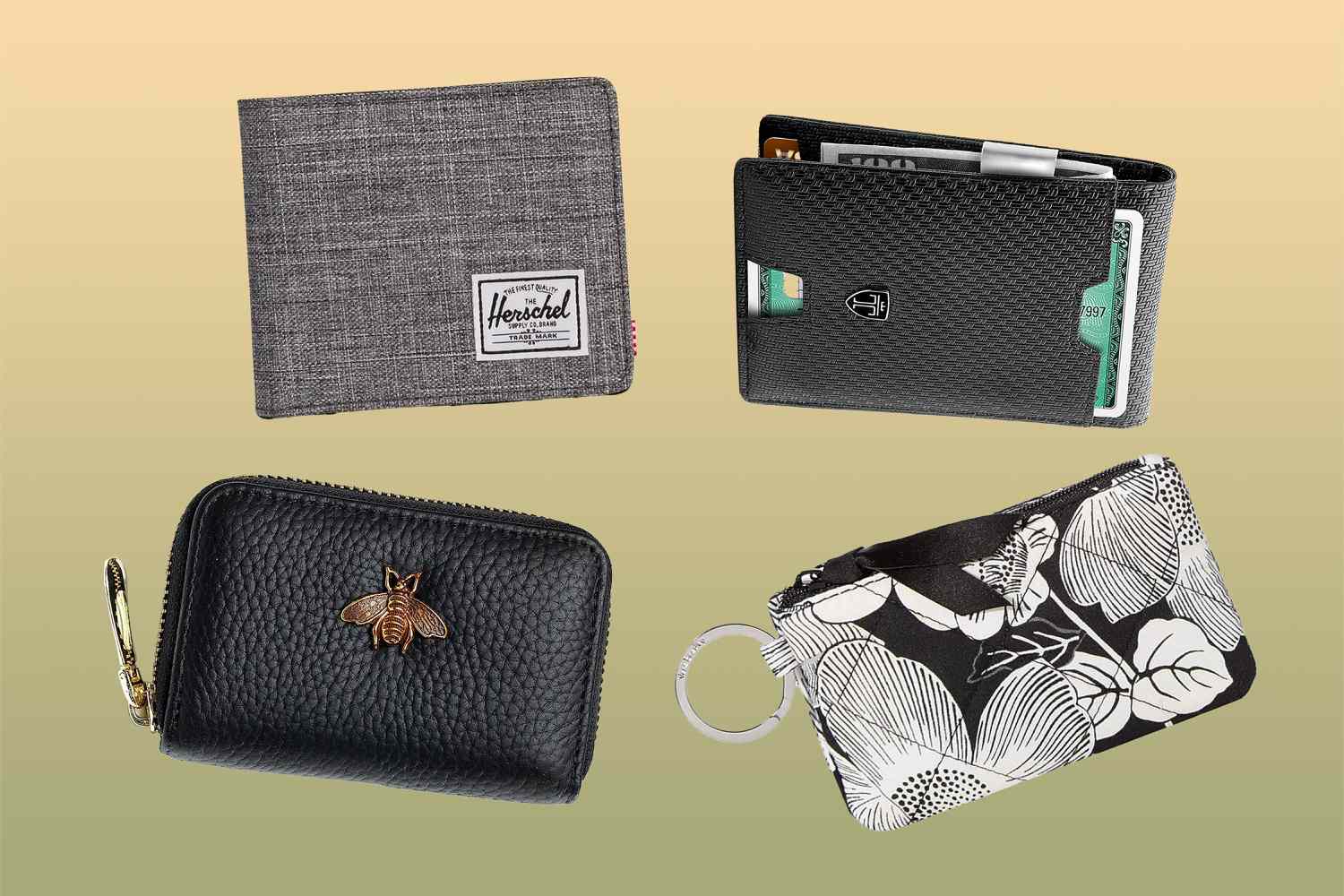
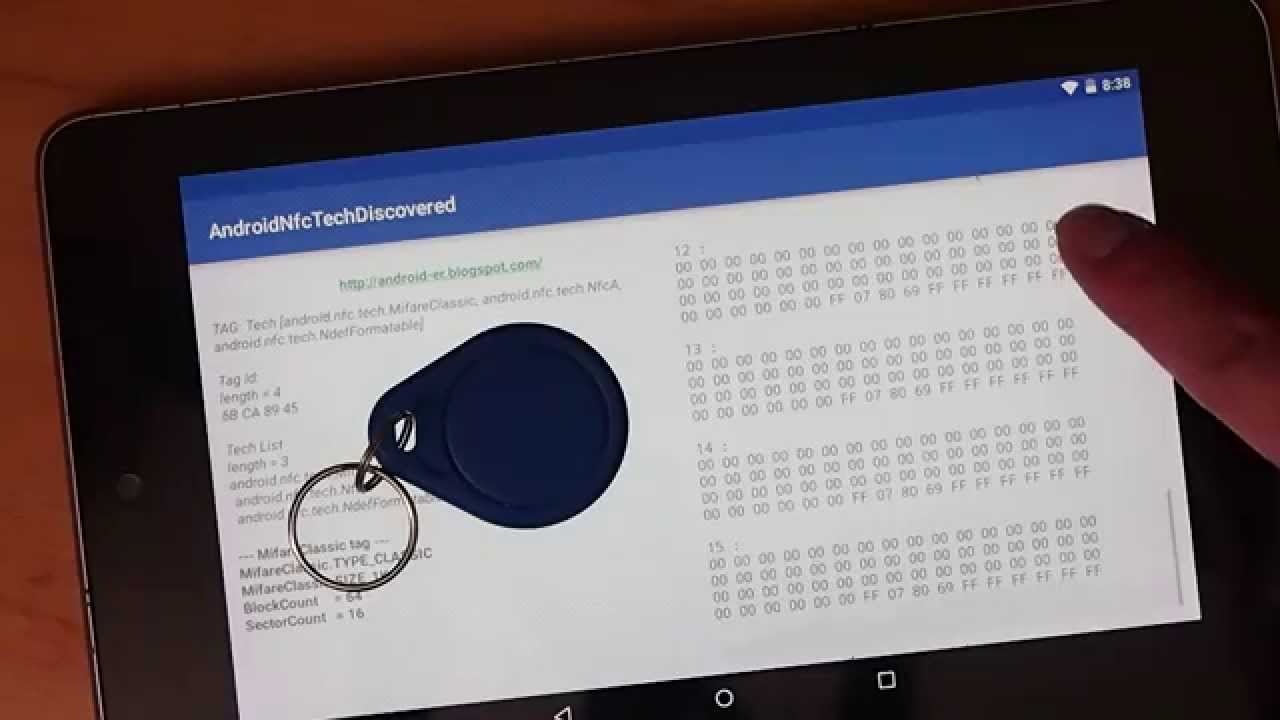
The articles fall into three main themes. First, there are everyday how-tos for reading and using NFC: you can learn how to read RFID tags with an Android phone, how to use your phone as an NFC card, and how to transfer a Touch ’n Go card balance to an e-wallet. Second, a strong security and privacy group explains how to block unwanted scans, for example, how many layers of foil block RFID, how to make an RFID protector, and how to tell if your wallet is already RFID protected. Third, several pieces clarify confusing phone prompts and limits, such as what it means when your screen says “NFC tag detected,” what a website NFC tag means, and how to use Google Pay without NFC at all.
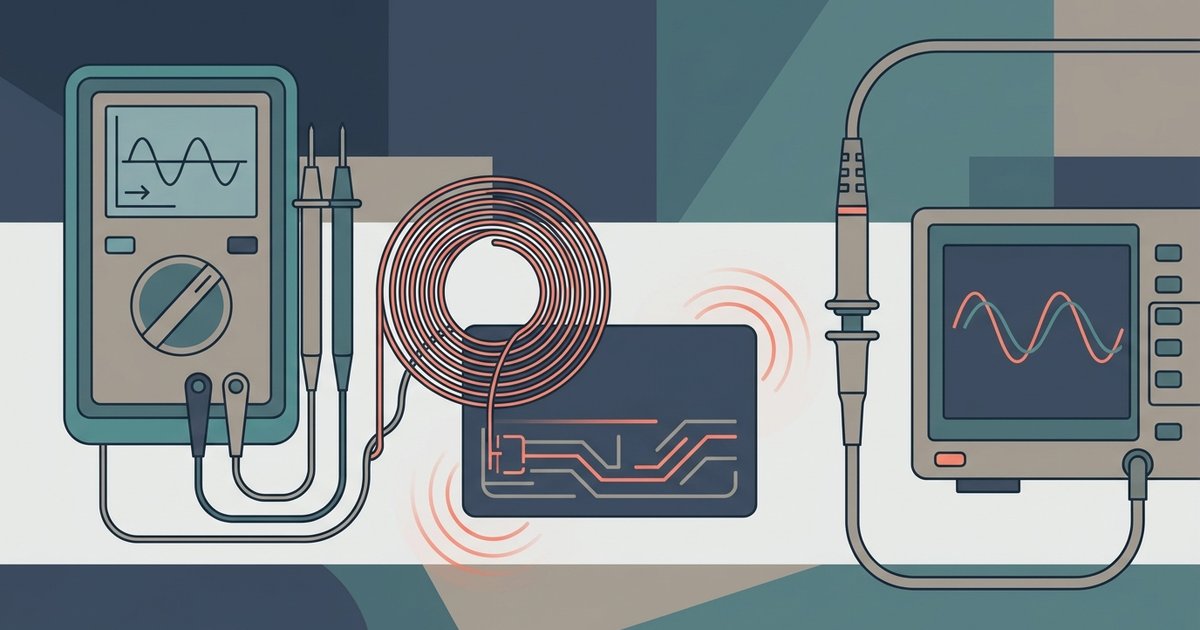
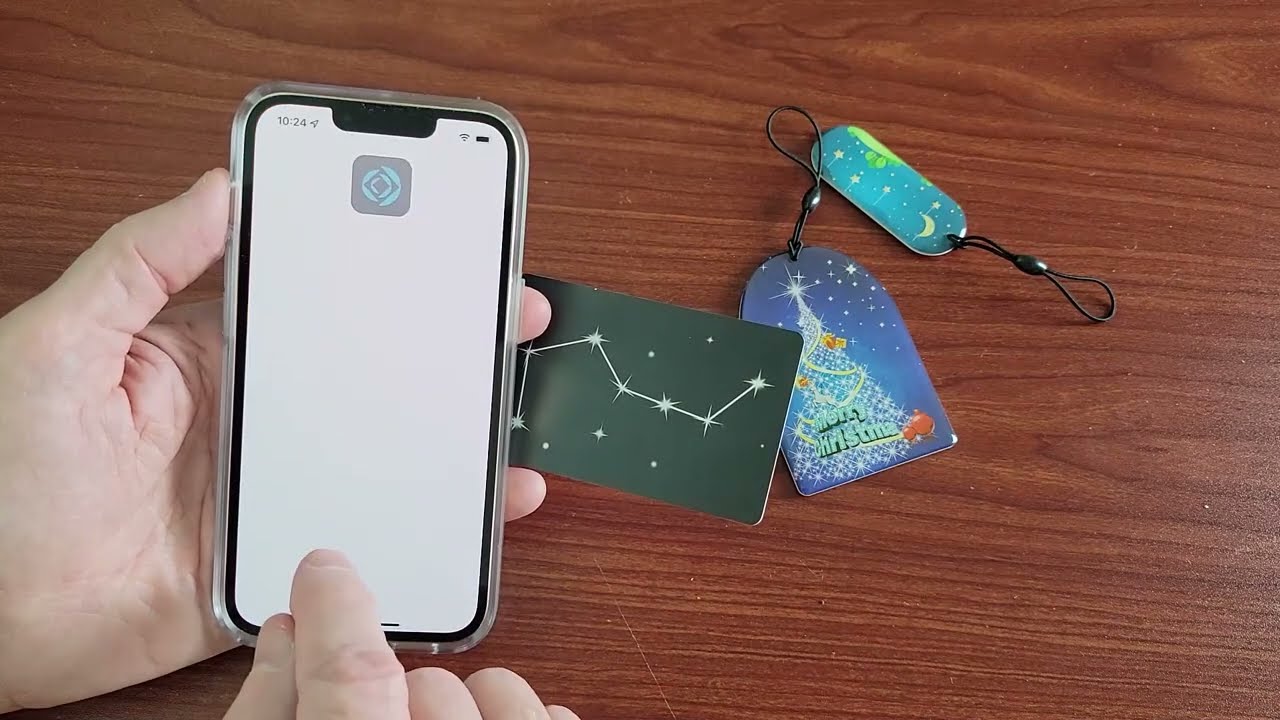
Several articles focus on safe, legitimate copying and testing. You can find out how to copy an NFC card or tag to an iPhone, but always in the context of your own property, like duplicating your own access badge for a spare. Similarly, the guide on testing a low-frequency 125 kHz badge at home without a reader helps you verify your own equipment works, not bypass anyone else’s system. These pieces steer you toward legal, responsible use of your own devices.