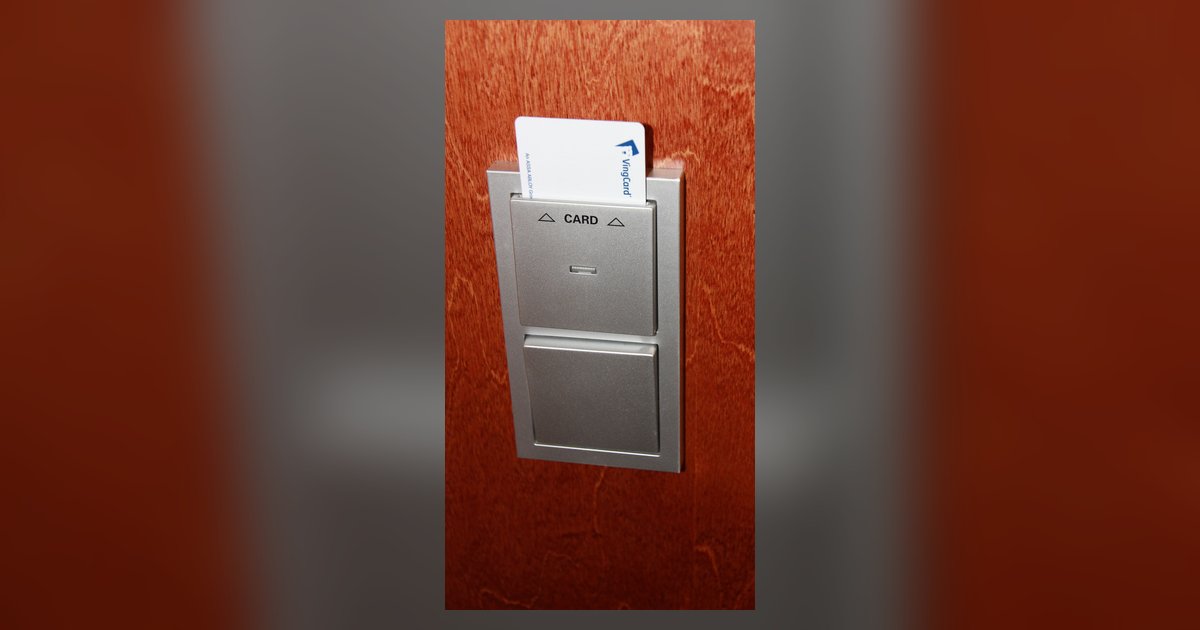
No, RFID protectors do not interfere with hotel key cards because the shield blocks radio waves passively and has no magnetized field strong enough to erase a magstripe. However, physically bending the card in a tight wallet slot or exposing it to a strong magnetic clasp on the wallet can still cause damage. The key is understanding that the shield itself is harmless to magstripe data, but other wallet features often get blamed for the failure.
Why RFID and hotel key magstripes are completely different technologies
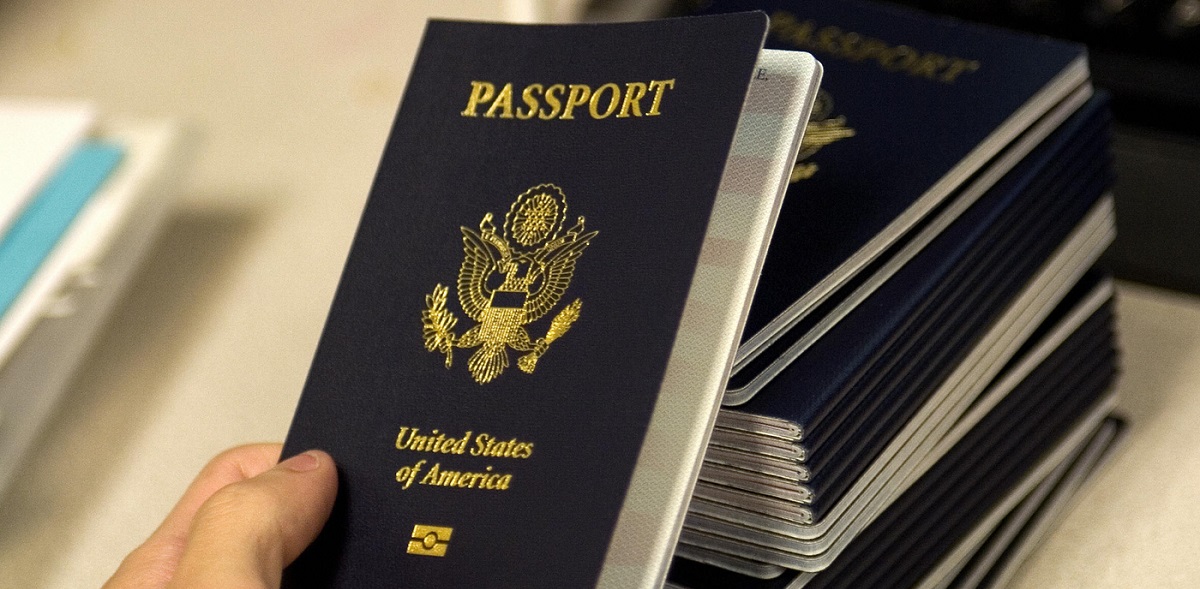
Radio-frequency identification (RFID) and magnetic stripes operate on fundamentally different physical principles. An RFID chip, such as the type found in a hotel key card with a contactless interface or the RFID chip in a US passport, uses a tiny antenna to communicate via radio waves at specific frequencies (typically 13.56 MHz for access cards). A magnetic stripe, in contrast, stores data as tiny magnetized particles aligned on a plastic strip, like the tape on a cassette. An RFID protector, whether a sleeve, wallet, or a DIY solution you might make an RFID protector with, works by creating a conductive barrier (often metal) that absorbs or reflects those radio waves. That barrier has zero magnetized field of its own. It cannot produce the strong, focused magnetized force (typically over 1000 Gauss) needed to scramble the particles on a magstripe. The two technologies are simply incompatible in terms of interference; a passive shield affects only RF signals, not magnetized fields.
What actually demagnetizes a hotel key card in your wallet
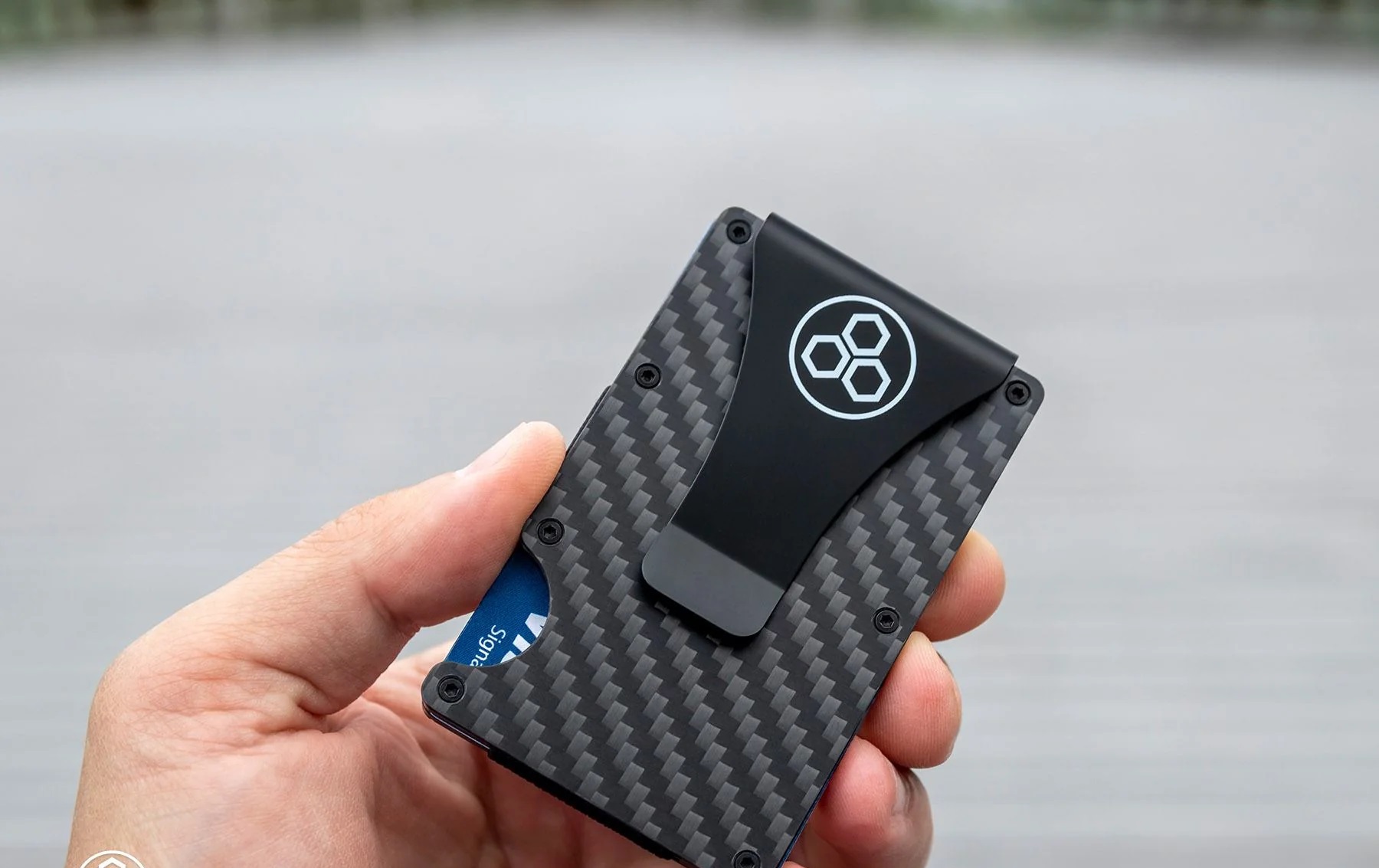
If your magnetically striped hotel key stops working after being in an RFID-blocking wallet, the culprit is almost never the shield itself. Real-world demagnetization comes from strong, nearby magnets. A magnetized money clip, a purse clasp with a rare-earth magnet, or the MagSafe ring on the back of an iPhone can easily erase a magstripe if the card is stored in the same pocket or slot. Physical creasing is another common cause: bending the card repeatedly along the stripe breaks the magnetized alignment. Even the pressure from a tight wallet slot can warp the stripe. Before you blame the shield, physically remove every card and inspect your wallet for any visible magnets; many RFID-blocking products also include magnetized closures, and that closure, not the shield, is the risk. If you want to test shielding yourself, you might try layers of foil to block RFID, but that test concerns radio waves, not magnetism.
When RFID protectors can still cause key card failure
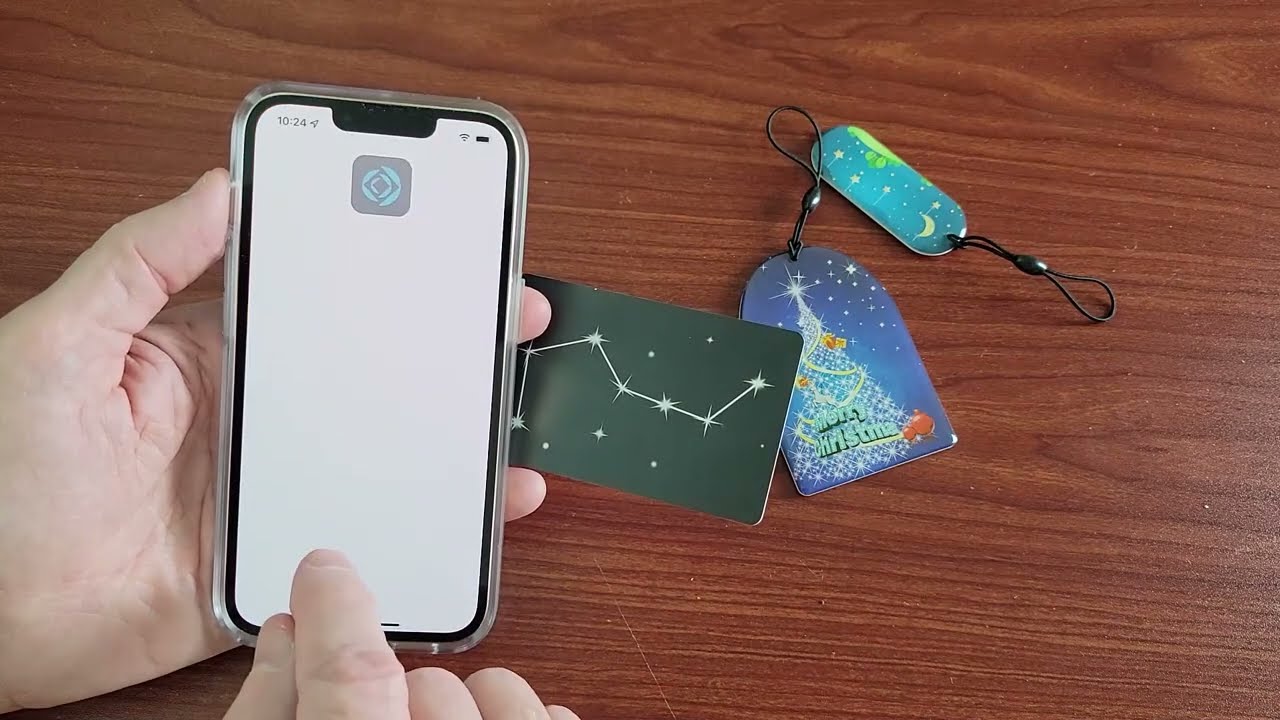
There is one scenario where an RFID protector can make a hotel key card appear “broken,” and it has nothing to do with demagnetization. Many older hotels still use low-frequency proximity (prox) cards, which operate at 125 kHz. These cards rely on the reader’s electromagnetic field to power the chip inside the card. If your RFID sleeve is too thick or contains a dense metallic layer (like aluminum foil), it can physically insulate the card from the reader’s field. The door reader simply cannot detect the card, so you get a red light and a “card not working” error. This is often mistaken for demagnetization. The same issue can occur if you try to use a wallet that has a built-in NFC tag, some readers confuse the tag’s signal. If you see a website NFC tag mean error on your phone, that’s a different protocol entirely. The fix is simple: remove the card from the sleeve before tapping it on the reader. The card’s data remains intact; only the physical barrier caused the failure.
Book a hotel that uses encrypted contactless keys instead of magnetic stripe cards, and you eliminate the risk of accidental erasure entirely. When you check in, ask the front desk specifically for a contactless key and skip the magstripe version if it is offered. Arrive at your room and take the card completely out of any shielded wallet or sleeve before you hold it to the reader, because the metallic barrier blocks the signal even if the card is perfectly functional. Use the entrance nearest the elevator bank for your first tap test, since those readers are serviced most frequently and give you the fastest confirmation that your check-in worked. For those interested in a more permanent solution, you can make rfid protector at home using common materials to shield your cards from unwanted scans.