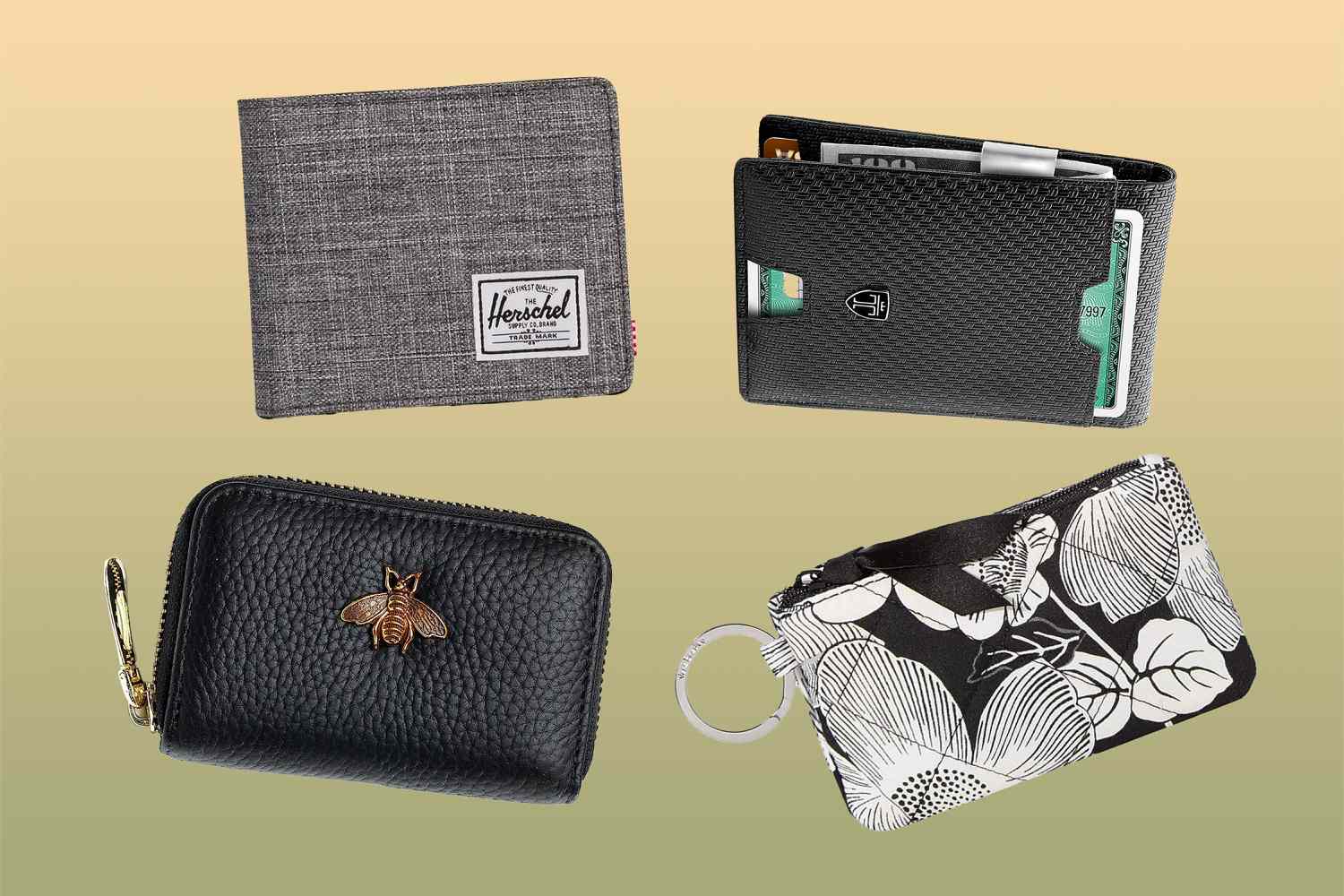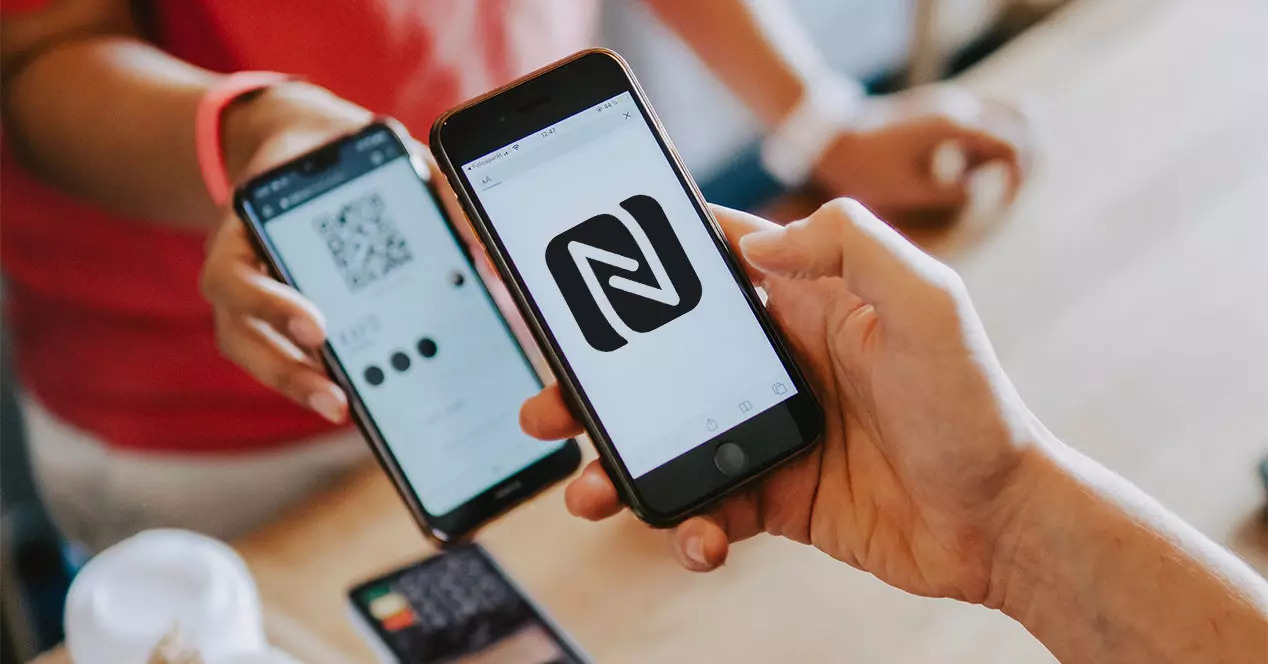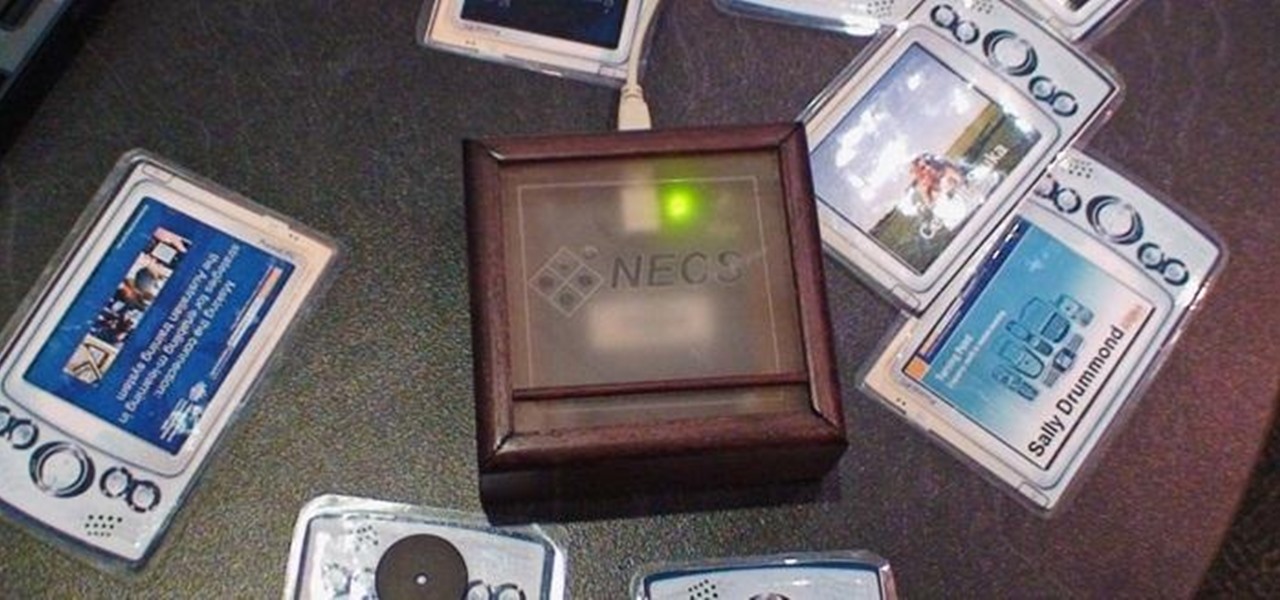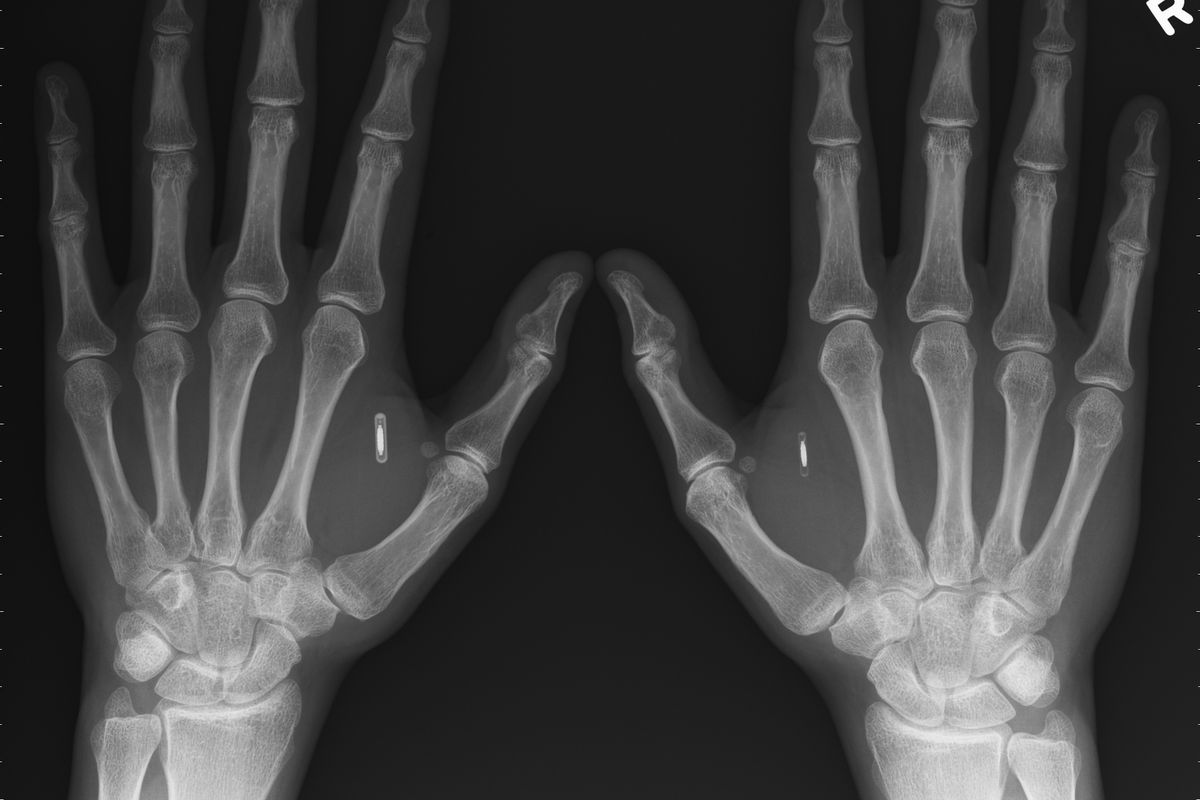
RFID (Radio-Frequency Identification) is the short-range wireless technology behind tap-to-pay cards, key fobs, office badges, and the chips embedded in modern passports. This tag page collects practical guides for everyday consumers who want to understand, manage, or protect the RFID chips they already carry, whether that means reading them with a phone, testing a stray badge, or deciding if a “blocking” wallet is worth the money. The audience is the curious non-expert: someone with a new iPhone, a contactless transit card, or a lingering worry about digital pickpocketing.
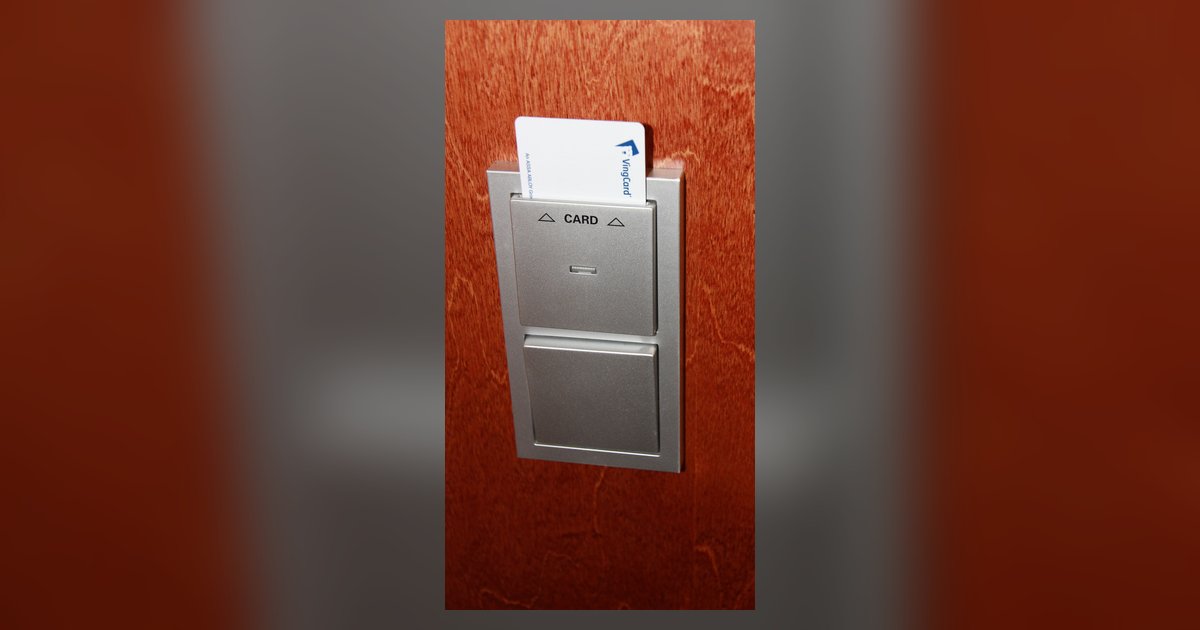
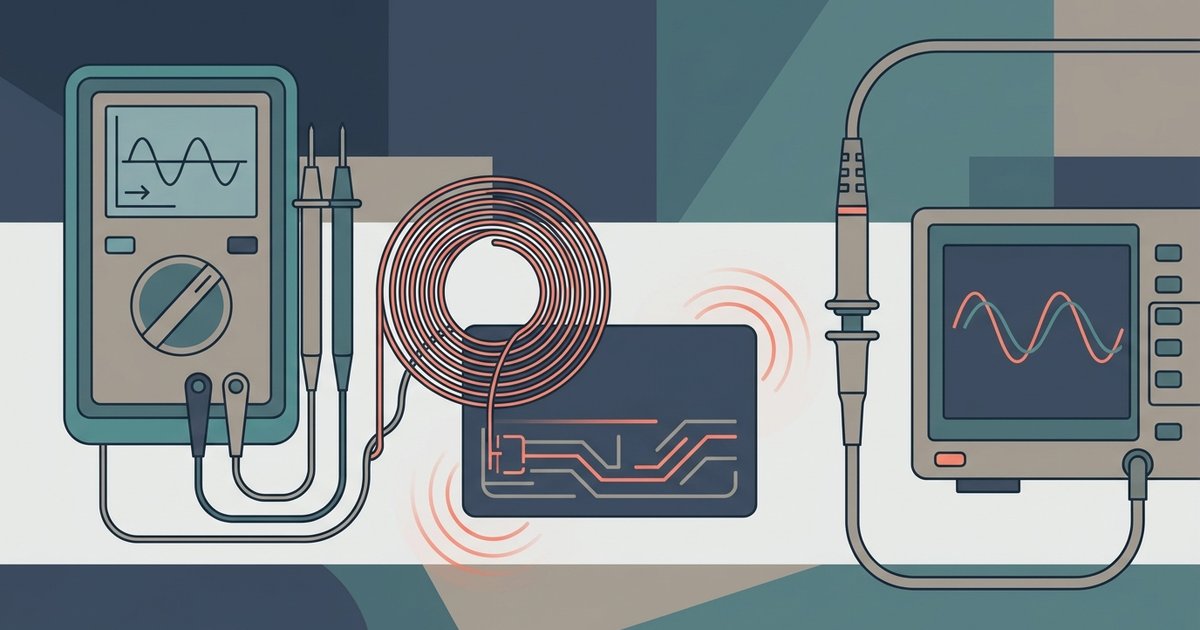
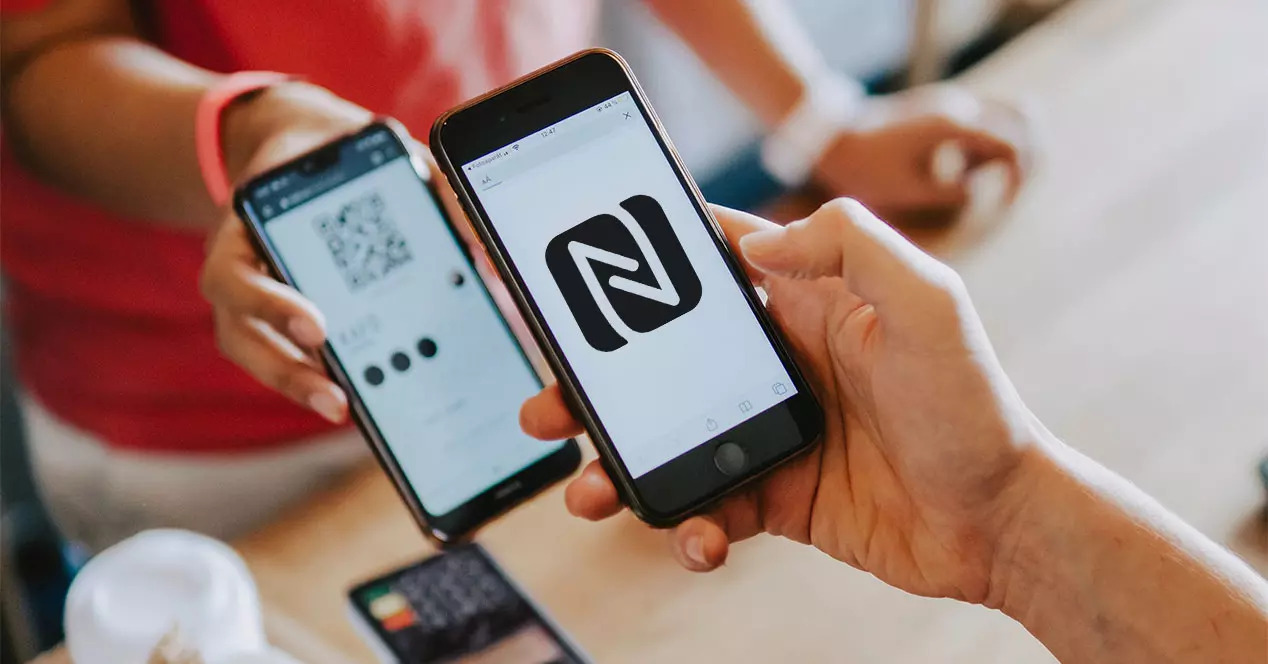
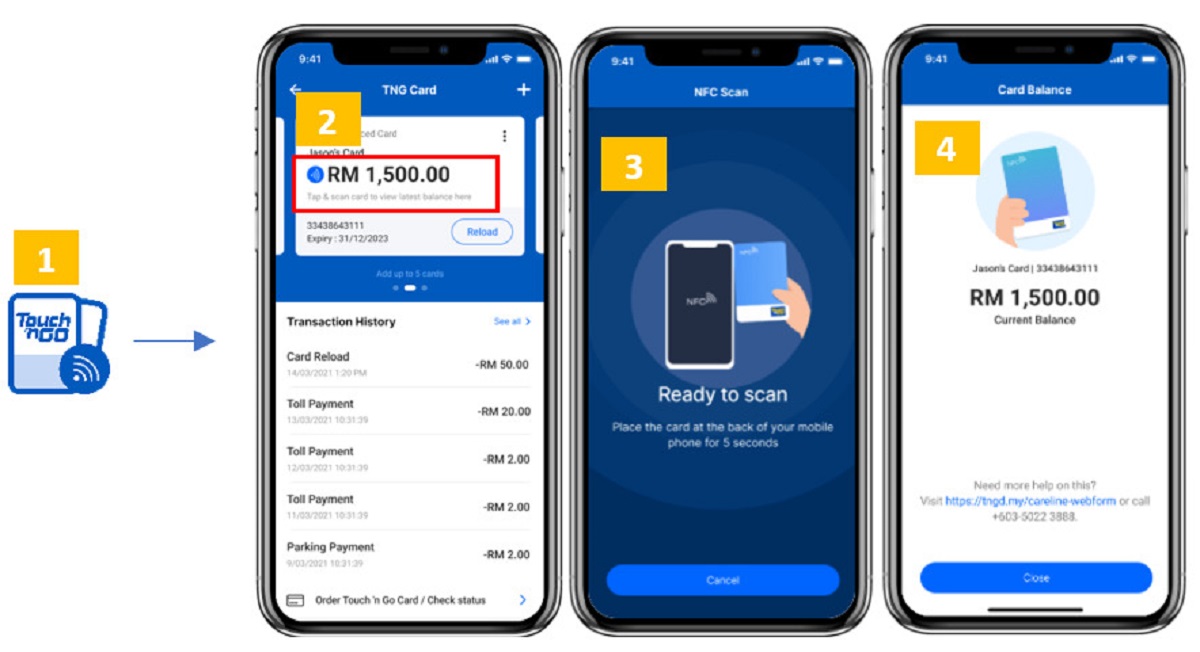
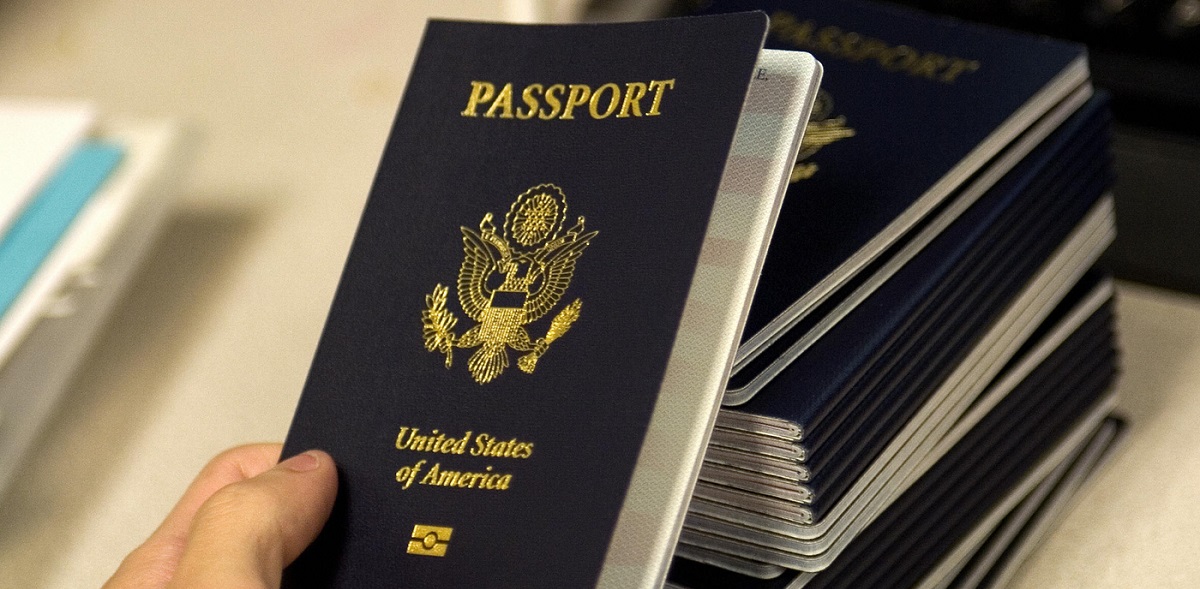
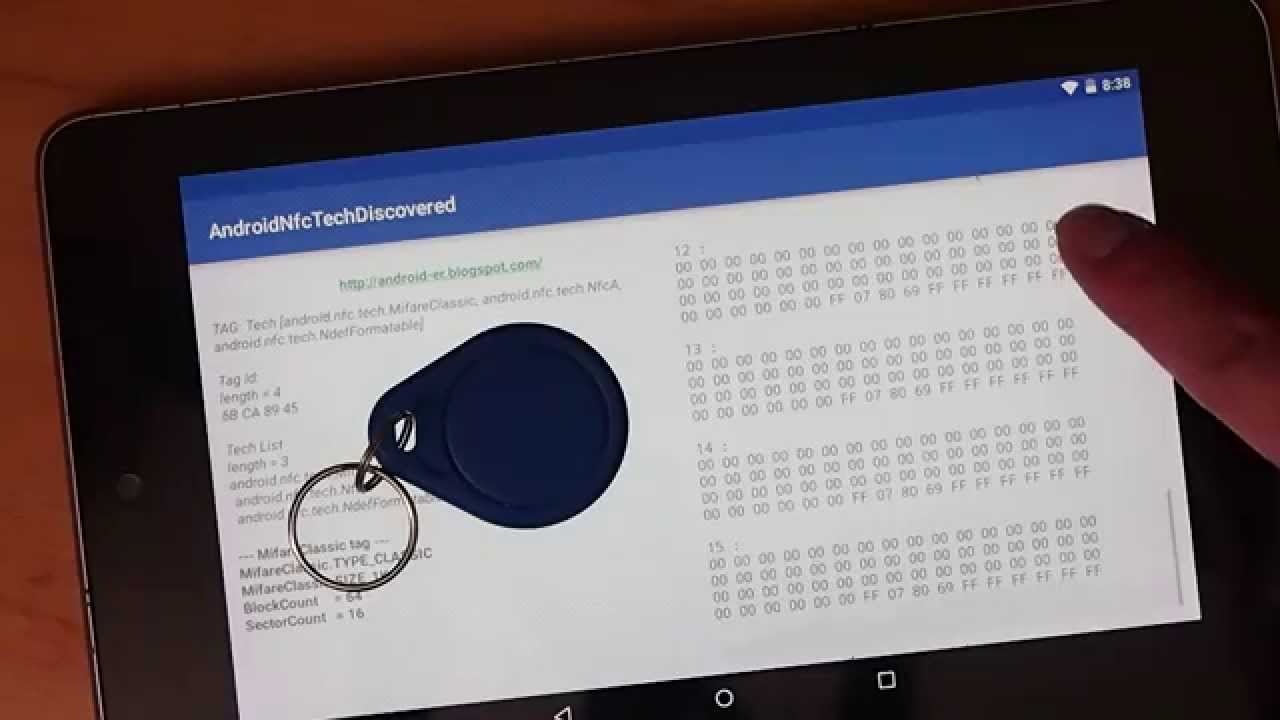
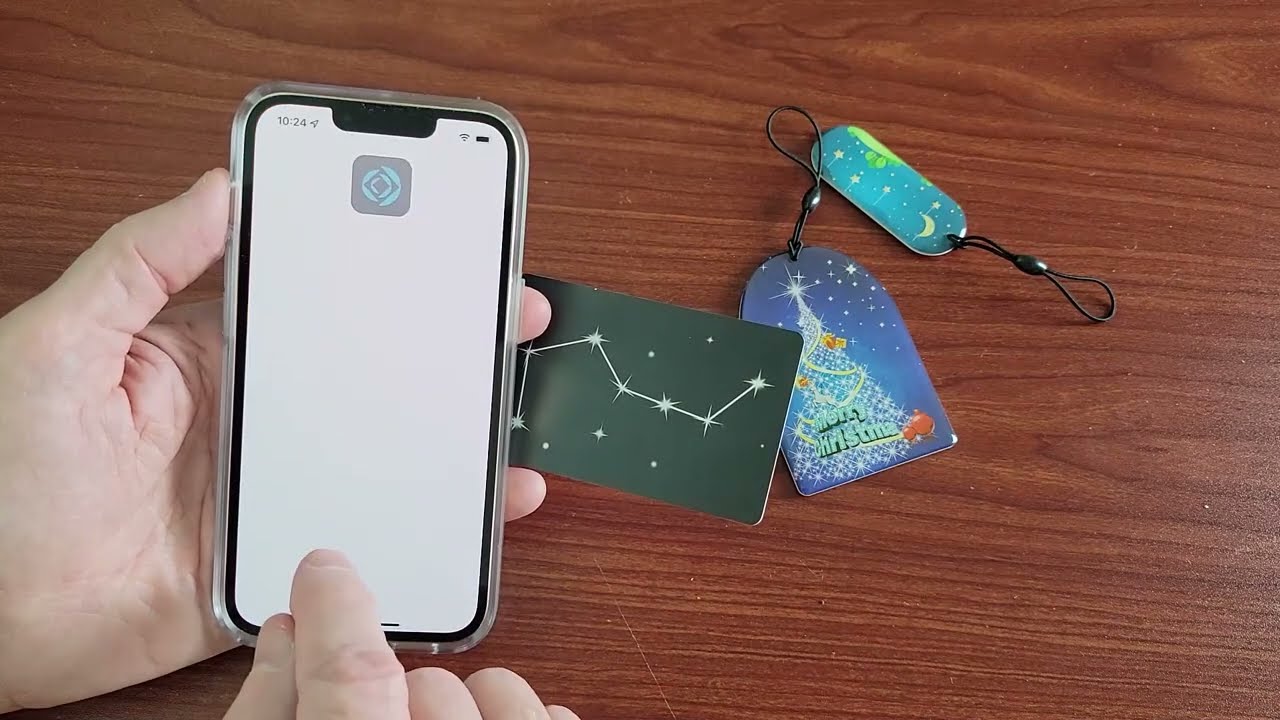
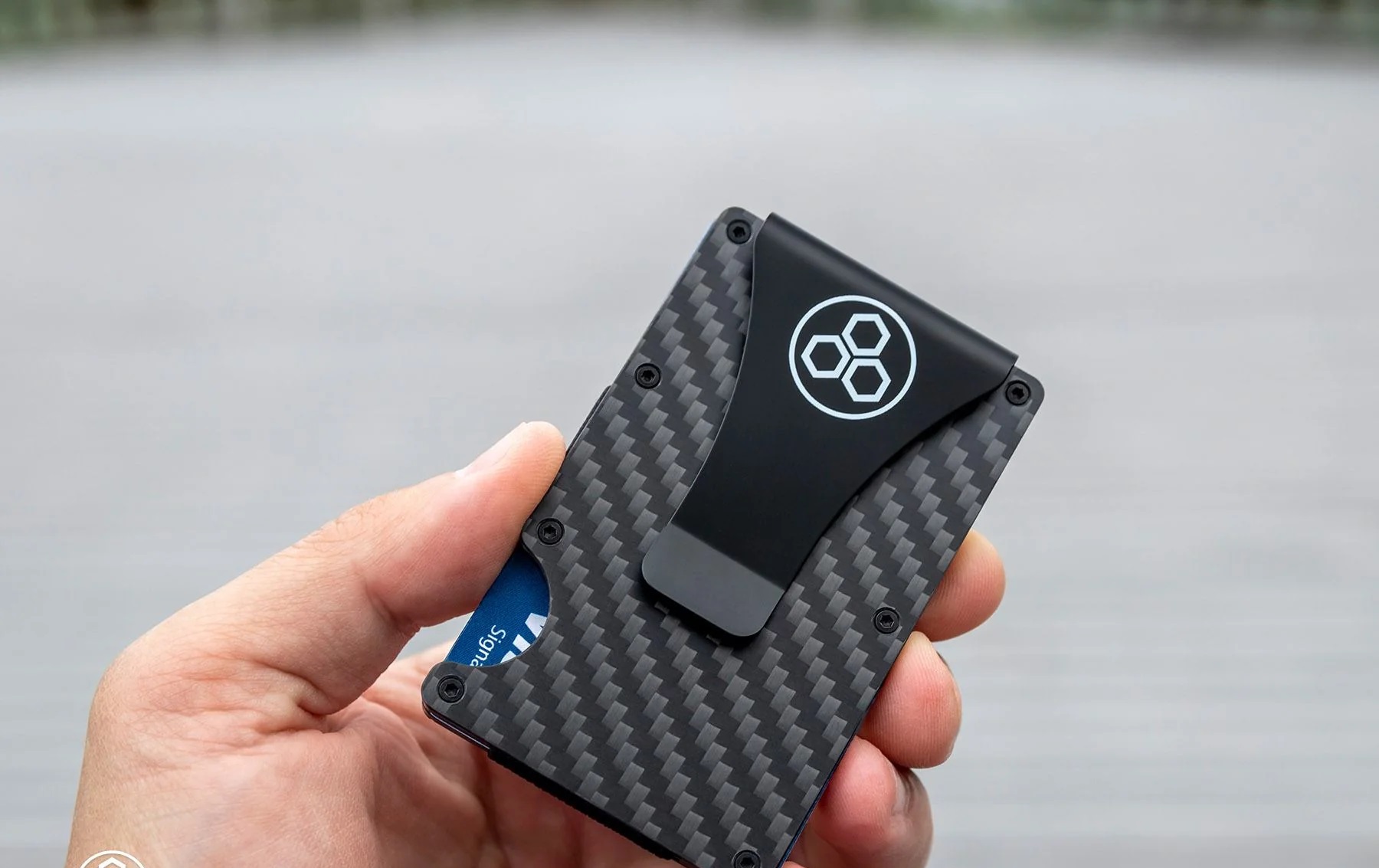
The articles here cluster around two clear themes. The first is everyday access and convenience: you’ll find walkthroughs for scanning RFID tags with an iPhone or Android device, copying an NFC card to your phone for mobile payment, and even transferring a Touch ’n Go card balance into an e-wallet. The second theme is security, privacy, and verification. Several pieces take a protective angle, how to make your own RFID-blocking sleeve, how to tell if your wallet is actually shielded, and whether those protectors interfere with hotel key cards (they don’t, if you’re doing it right). Others are about identification and control: locating the RFID chip in a U.S. passport, recognizing whether you already have a chip in your cards, and, importantly, how to disable a chip you own, which is framed as a privacy measure for unwanted tracking, not as a way to dodge payment. Finally, a few articles are diagnostic, like testing a low-frequency 125 kHz badge at home without a reader, which helps you confirm what kind of tag you’re dealing with. Across all of them, the goal is to give readers the knowledge to use their own RFID devices safely, verify what they own, and make informed choices about shielding and access, without venturing into anything illegal or harmful.