To set max volume on Fire Tablet, you need to use a child profile, the volume limit doesn't apply to the main adult account. The setting is found in the Parent Dashboard or directly in the child's profile, but it may not work with every app or with Bluetooth headphones.
What you need to know about setting max volume on a Fire Tablet
The max volume feature on a Fire Tablet is designed exclusively for child profiles, not for the primary adult account. This means if you want to set volume limit on Amazon Fire tablet, you must create or use an existing child profile. Even then, the limit is not guaranteed to work everywhere: some apps like Netflix or Plex may ignore the cap, and Bluetooth headphones often bypass it entirely. Also, repeatedly pressing the physical volume buttons can override the limit in certain situations. Understanding these limitations upfront helps you decide whether this feature meets your needs or if you need additional safeguards.
How to set the max volume using Parent Dashboard
The Parent Dashboard is the most straightforward way to apply a volume limit to a child's profile. You can access it from any web browser or from the Fire Tablet's parent settings. Here's what to do:
- Select the child's profile you want to manage from the list of profiles.
- Look for the sound or volume section in the dashboard settings.
- Enable "Set Child Sound Limit" or "Set Max Volume" and choose the desired maximum level.
Once saved, the limit should apply whenever that child uses the tablet. However, the dashboard only controls the child profile, it does not affect the adult account or any other profile.
How to set the max volume directly on the child's profile
If you prefer to make the change directly on the tablet, you can do so from within the child's profile itself. This is useful when you don't have access to the Parent Dashboard or want a quick adjustment. Follow these steps:
- Switch to the child's profile on the Fire Tablet.
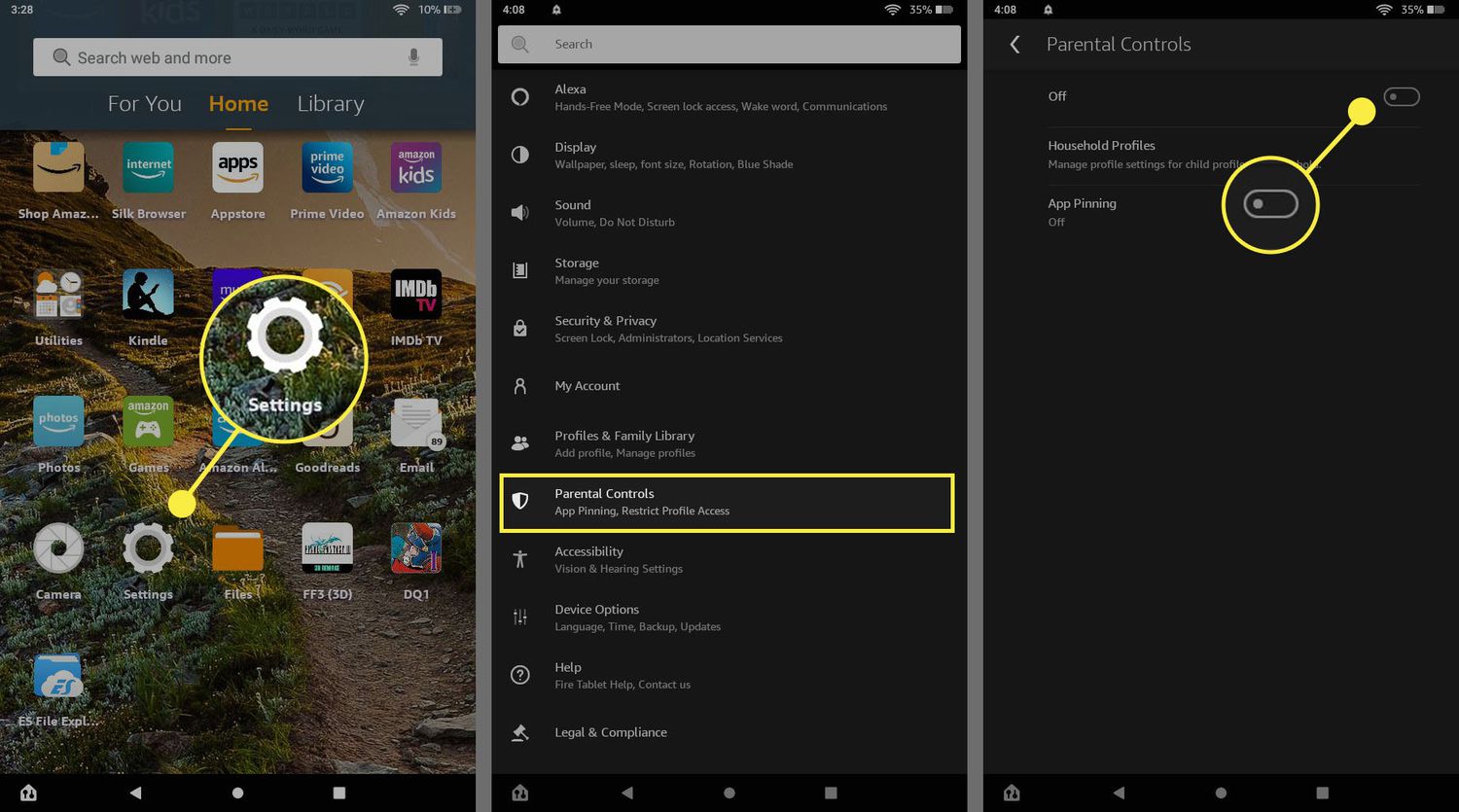
- Open the Settings app from the home screen.
- Navigate to the "Sound" or "Sound & Notification" section.
- Toggle it on and set the maximum volume level using the slider.
This method applies the same limit as the Parent Dashboard, but it's done locally on the device. The setting will stay in place until you change it again, even after a restart.
When the max volume limit does not work
There are several known scenarios where the volume limit fails to hold. Bluetooth headphones are the most common culprit, many models ignore the tablet's volume cap and play at their own maximum. Similarly, streaming apps like Netflix and Plex have their own volume controls that can bypass the system limit. Additionally, if a child continuously presses the physical volume up button, the limit may be overridden in some cases, especially if the button is held down repeatedly. These limitations are not bugs; they are inherent to how the tablet handles audio across different hardware and software. If you rely on the limit for safety, test it with the specific apps and headphones your child uses.
Troubleshooting: update and restart your Fire Tablet
If the volume limit isn't working at all, the first step is to ensure your Fire Tablet has the latest software. Go to Settings > Device Options > System Updates and select "Check Now" to install any available updates. After the update, restart the tablet by holding the power button for 20-40 seconds until it shuts off, then press it again for two seconds to turn it back on. This clears temporary glitches that may interfere with the volume limit.
\nRelated reading: How To Set Screen Time On Amazon Fire Tablet and How To Add Contacts To Fire Tablet.