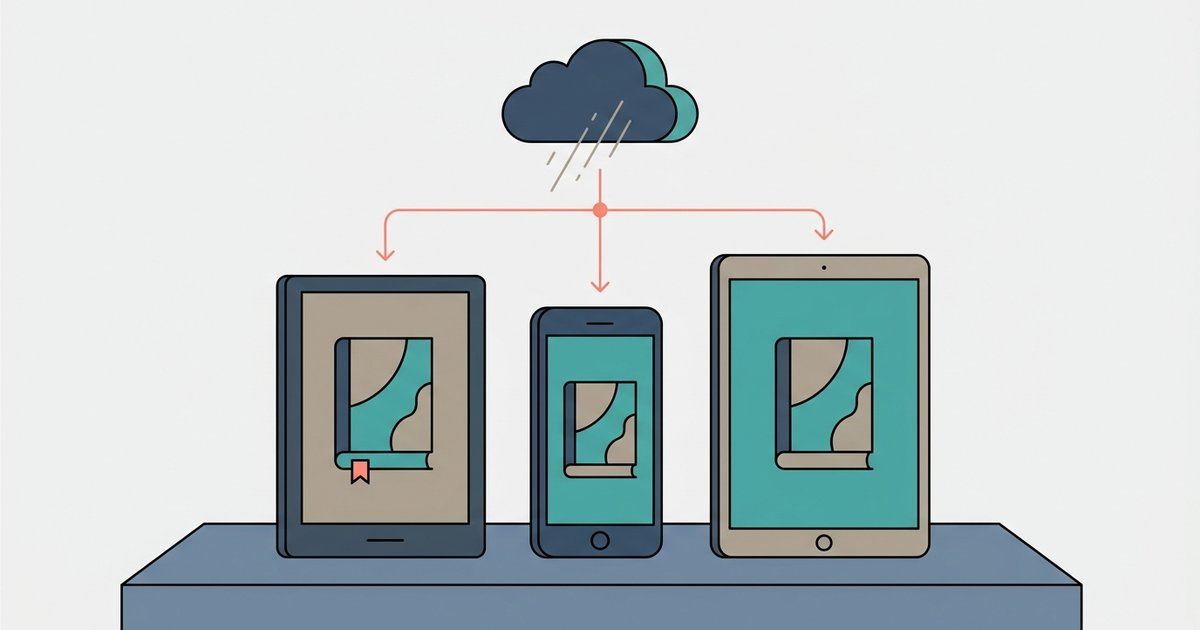
Yes, you can read Kindle books in your web browser using Kindle Cloud Reader with no downloads required. However, you must be online to load a book initially, and certain Kindle features like print replica textbooks or comics may not be supported.
How to read kindle books in a browser
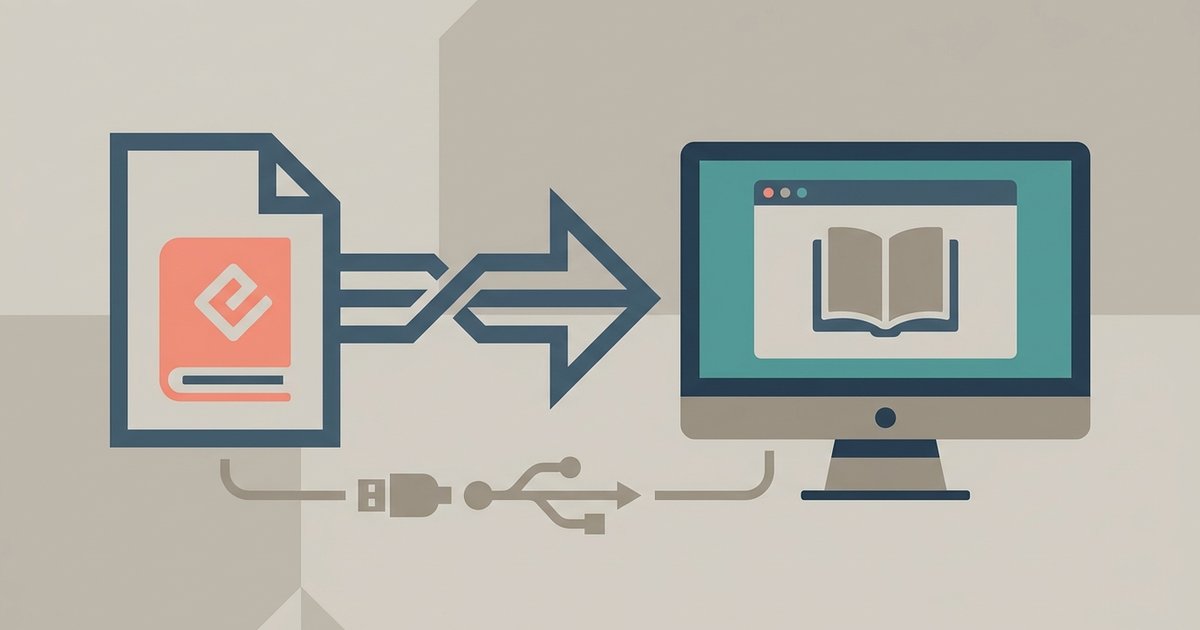
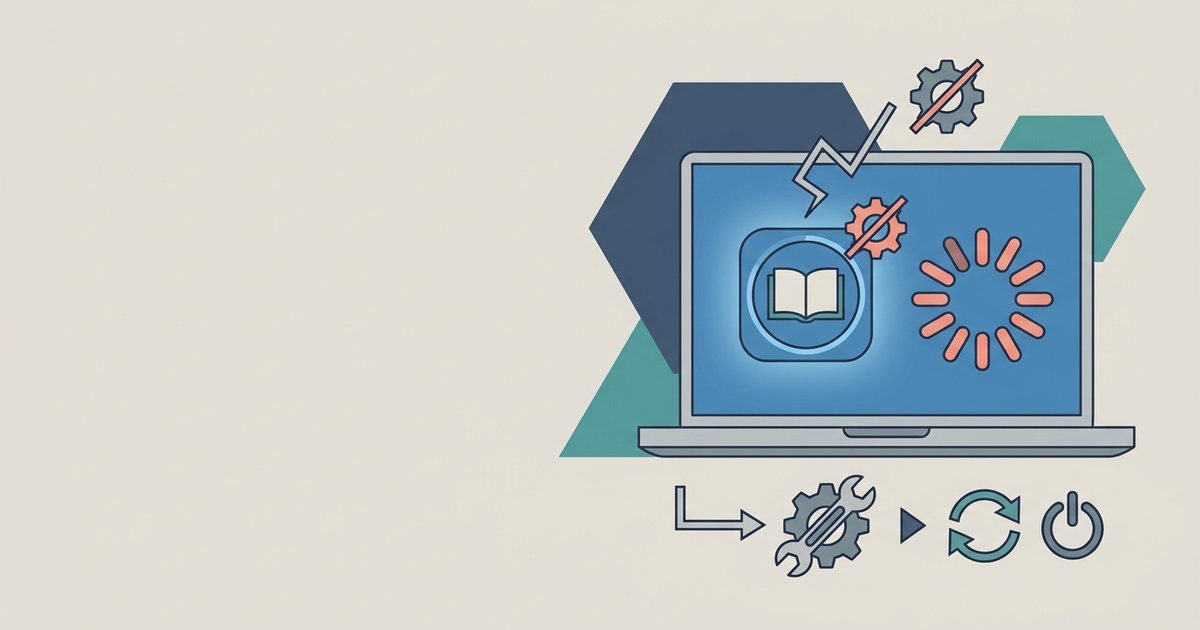
To access Kindle Cloud Reader, simply navigate to read.amazon.com in your web client. Log in with your Amazon account credentials, and your entire Kindle library will appear in a grid layout. Click any book to open it in the reading pane. The interface mirrors the Kindle app: you can adjust font size, background color, and brightness, and you can bookmark pages or highlight text. Cloud Reader works on Windows, Mac, and Chromebooks without installing anything, no software, no plugins, no extra steps. If you prefer the dedicated app but it crashes on launch, you can fix Kindle app not opening on Windows 11 with a quick settings adjustment. It is the same service that powers the “Read on Kindle” button on Amazon’s product pages, so your highlights and last page read sync automatically across devices, and you can transfer EPUB files to Kindle app on PC to read your non-Amazon books there too.
What you can't do in a web client
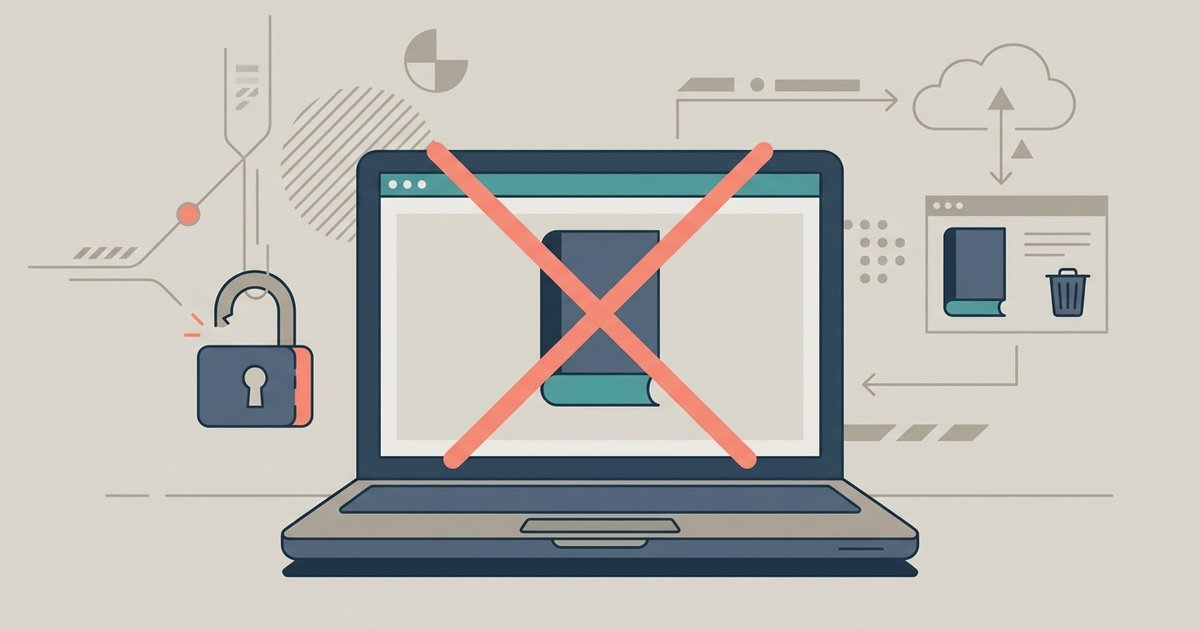
Despite its convenience, Kindle Cloud Reader has clear limits. The most significant is the lack of offline reading for new books: you must be connected to the internet to load any title for the first time, and after that, the portal may cache only a few chapters, not the full book. If you lose your connection mid-read, you will be stuck at the last cached page. Additionally, Cloud Reader fails completely with fixed-layout formats like print replica textbooks, comics, and children’s books. These titles require the full Kindle app or device to render properly; on the online reader, they will either display as a blank page or throw an error message like “This book cannot be read in your current browser.” If you need to read such content, you will have to fall back to an app or device.
Reading on a phone without the app
If you own a phone or tablet and want to avoid the iOS or Android Kindle app, you can still use Kindle Cloud Reader in your mobile browser. Open Safari, Chrome, or any other navigation app and go to read.amazon.com. The site will automatically load a mobile-optimized version with larger touch targets for page turns and a simplified menu. You can pinch to zoom, tap to turn pages, and access the same library and settings as on a desktop. The only catch is that mobile clients often have stricter memory limits, so very large books or those with many embedded images may load slowly or crash. But for pure Kindle reading, the mobile browser route is a solid alternative to the app, provided you have a steady internet connection.
This is the only reading platform that lets you access your full Kindle library instantly without a download, app installation, or browser extension, because the entire service runs natively inside Amazon’s own web infrastructure rather than relying on your device’s local storage. For more on the broader topic of buying, borrowing and downloading audiobooks and ebooks, explore our full guide to Audiobooks and Ebooks: Buying, Borrowing and Downloading.