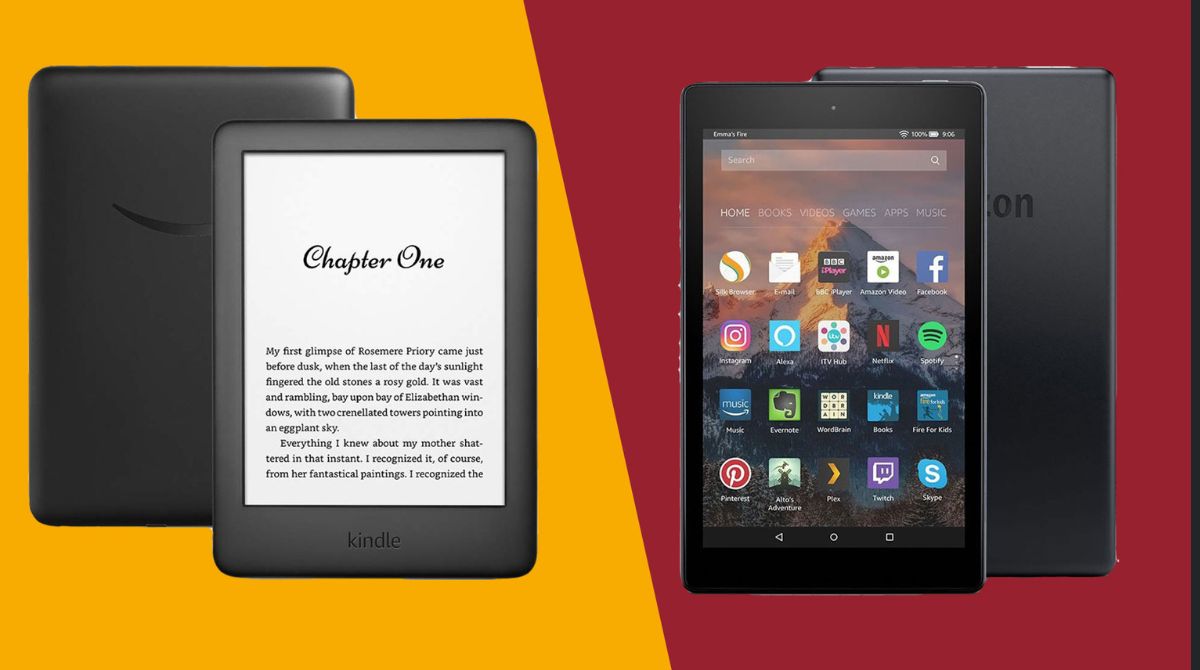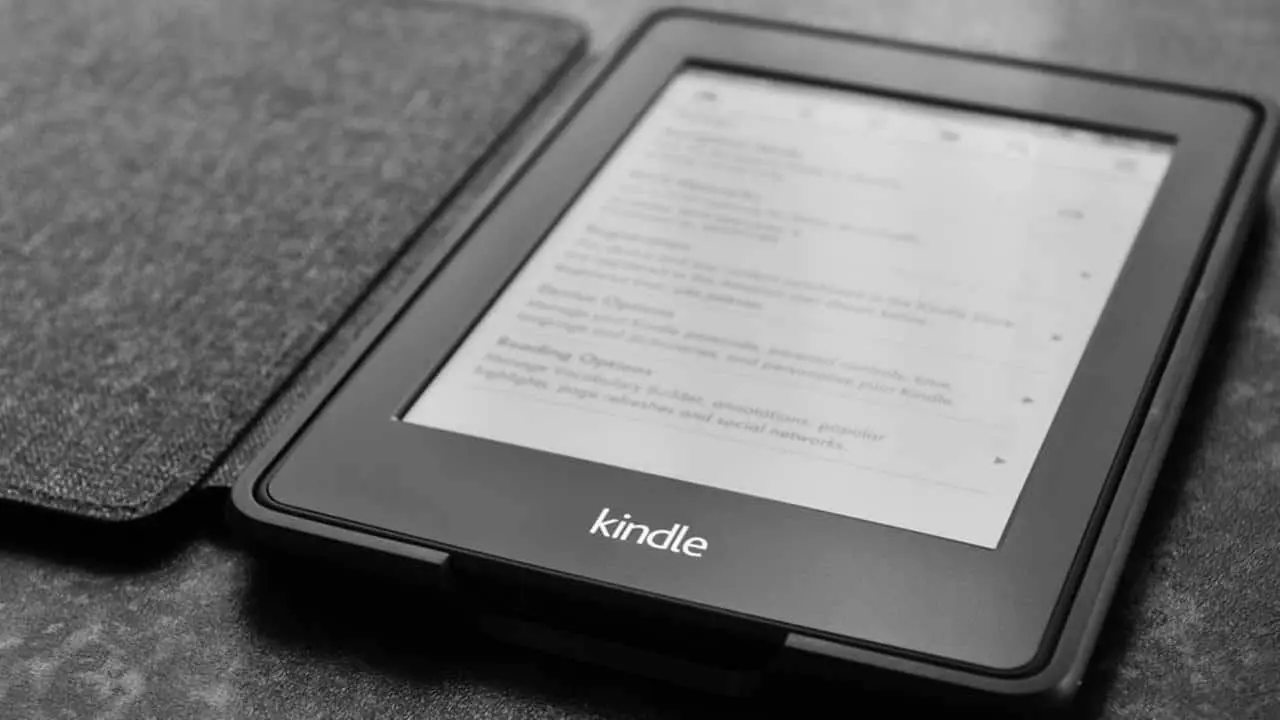
The Kindle tag on Robots.net collects practical, straightforward guides for anyone using Amazon’s reading ecosystem, whether on a dedicated Kindle e-reader, a Fire tablet, or the Kindle app for PC and mobile. These articles are written for everyday consumers who want to get more out of their devices without wading through jargon. If you have ever struggled with a basic task like downloading the app, borrowing a library book, or managing your account settings, this tag is a good place to start.
The articles group into a few clear themes. One is getting started and navigating devices: you’ll find help with downloading Kindle on a PC, understanding what an Amazon Fire tablet can do, and resetting a Kid’s tablet for a fresh start. Another theme is troubleshooting, for example, fixing the Kindle app when it won’t open on Windows 11. A third theme covers account and content management, including borrowing books through Amazon Prime, transferring EPUB files to the app, and understanding the cost to remove special offers ads from your lock screen. Some pieces also take a security-conscious angle, such as how to deregister a lost computer from your Kindle account to protect your library, or explaining that you can read Kindle books without any device at all, using legal, supported methods like the Kindle Cloud Reader. These are not workarounds or hacks; they are official, safe ways to manage your purchases and devices.
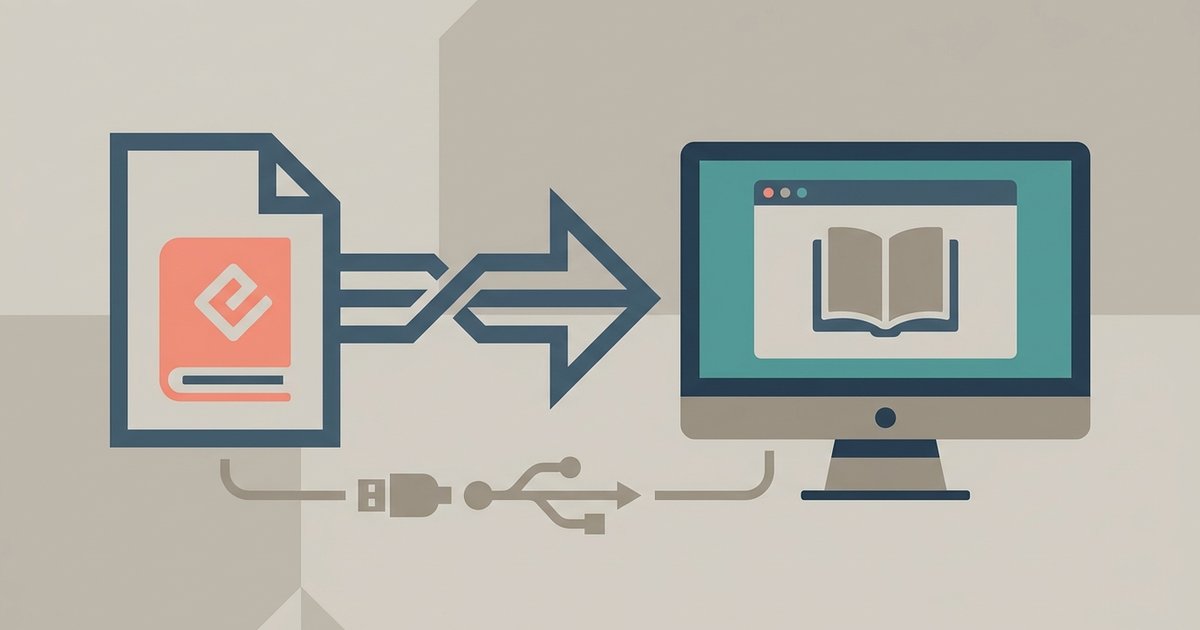
The latest Kindle for PC app allows you to directly import EPUB files. You can drag and drop your EPUB files directly into the Kindle for Windows app and click...
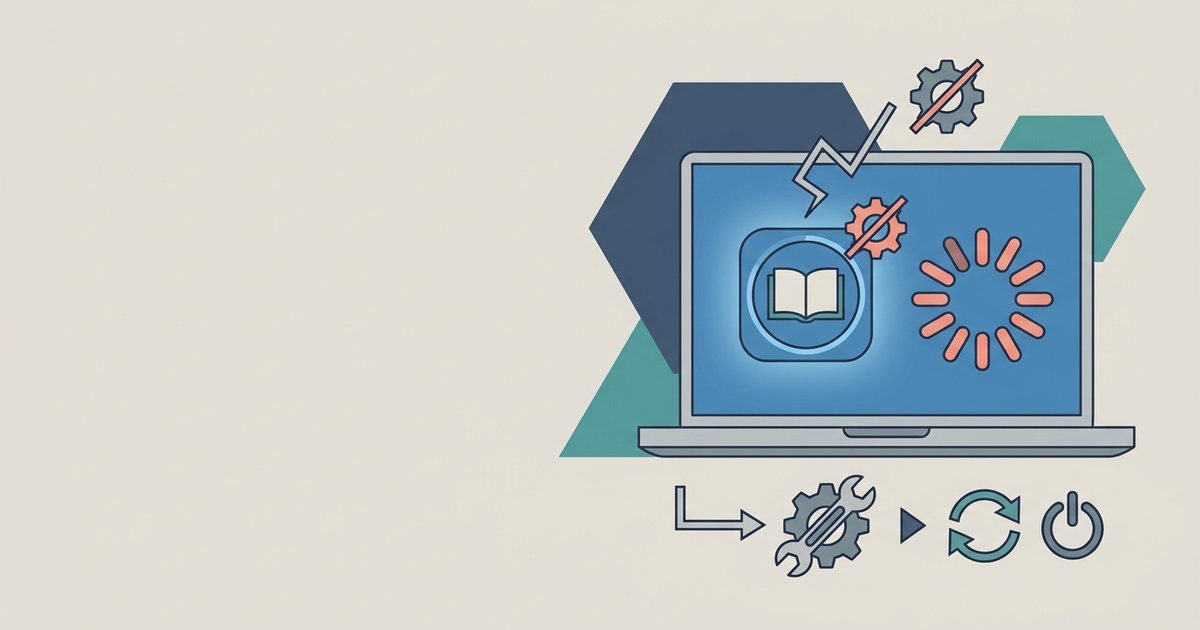
The Kindle app usually fails to open on Windows 11 because of a corrupted app cache or a conflict with leftover files from a previous installation. Reset the app's data...
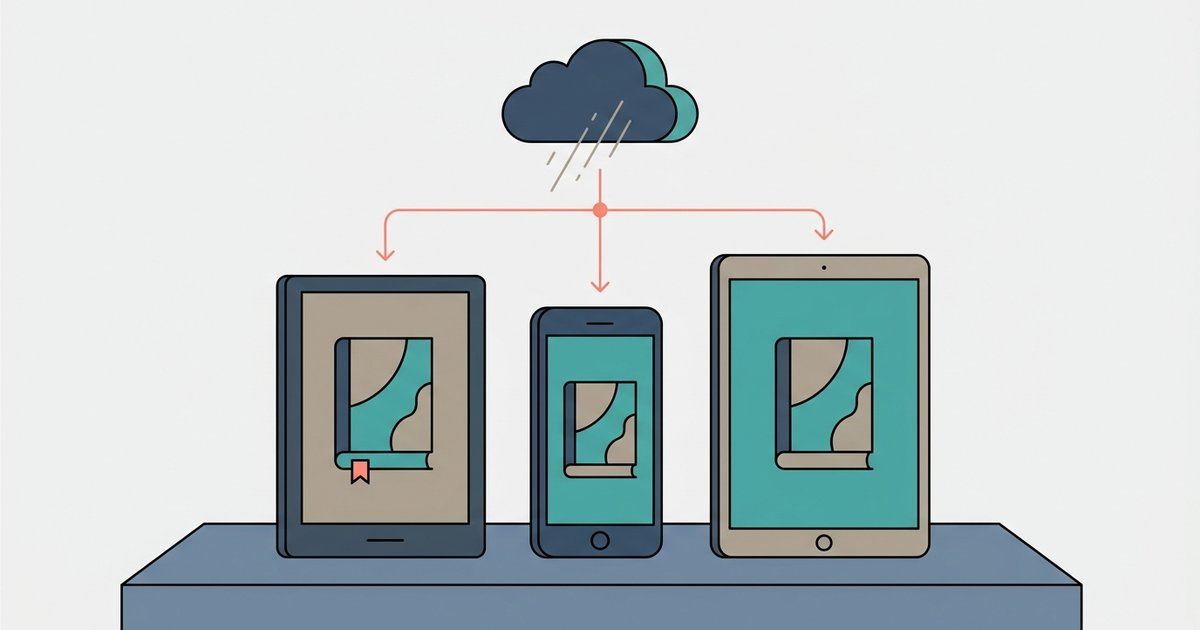
Yes, you can read Kindle books in your web browser using Kindle Cloud Reader with no downloads required. However, you must be online to load a book initially, and certain...
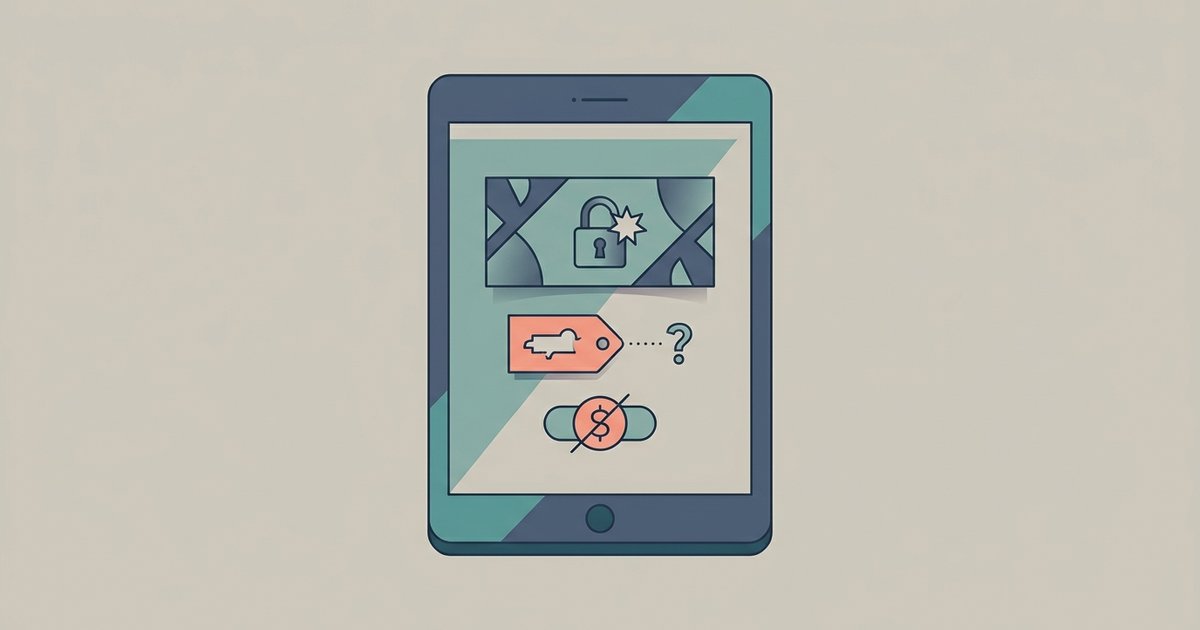
Wondering how much it costs to remove Special Offers after purchase? Getting rid of lock screen ads on an ad-supported Amazon tablet costs a one-time fee, usually $15 for Fire...
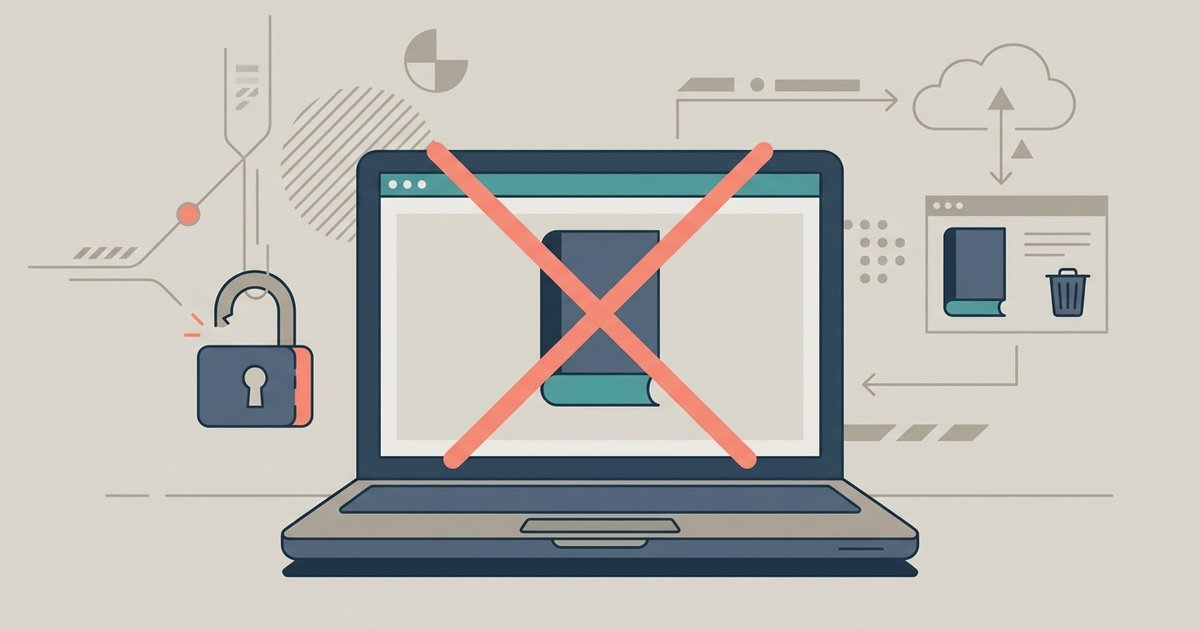
You cannot remotely deauthorize a specific computer from within the Kindle app; you must sign into your Amazon account on the web, navigate to 'Manage Your Content and Devices', and...
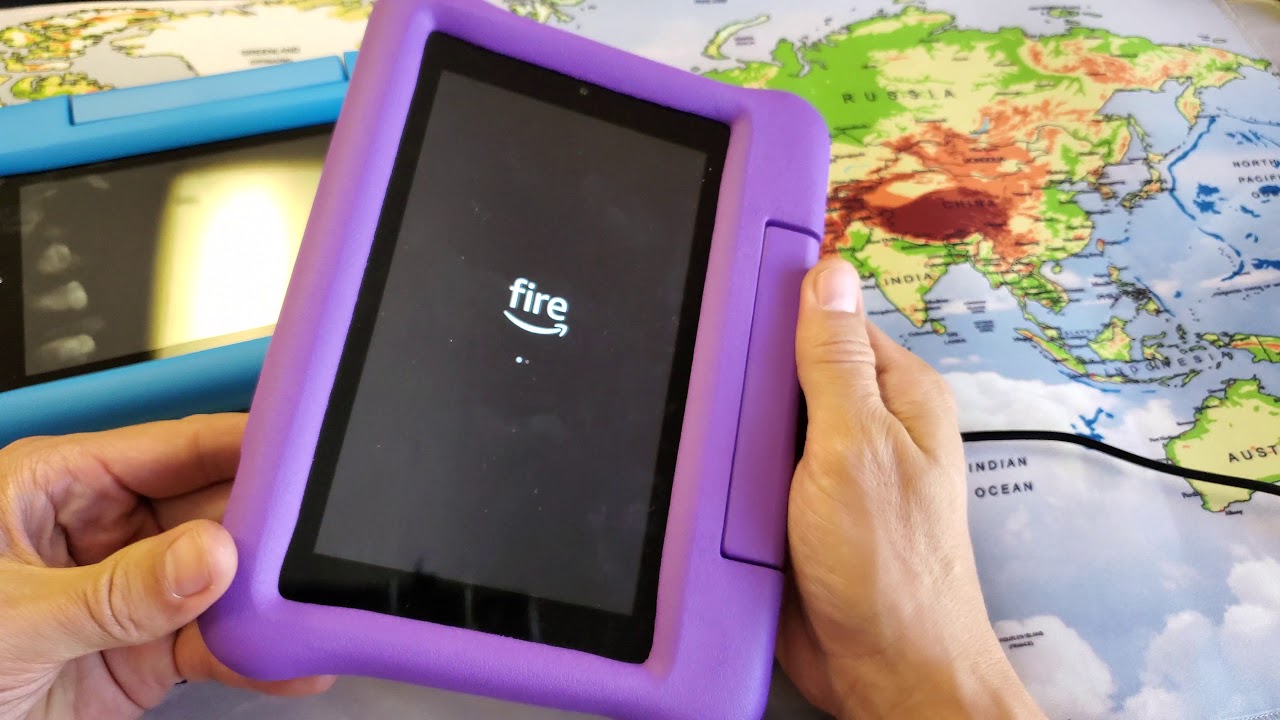
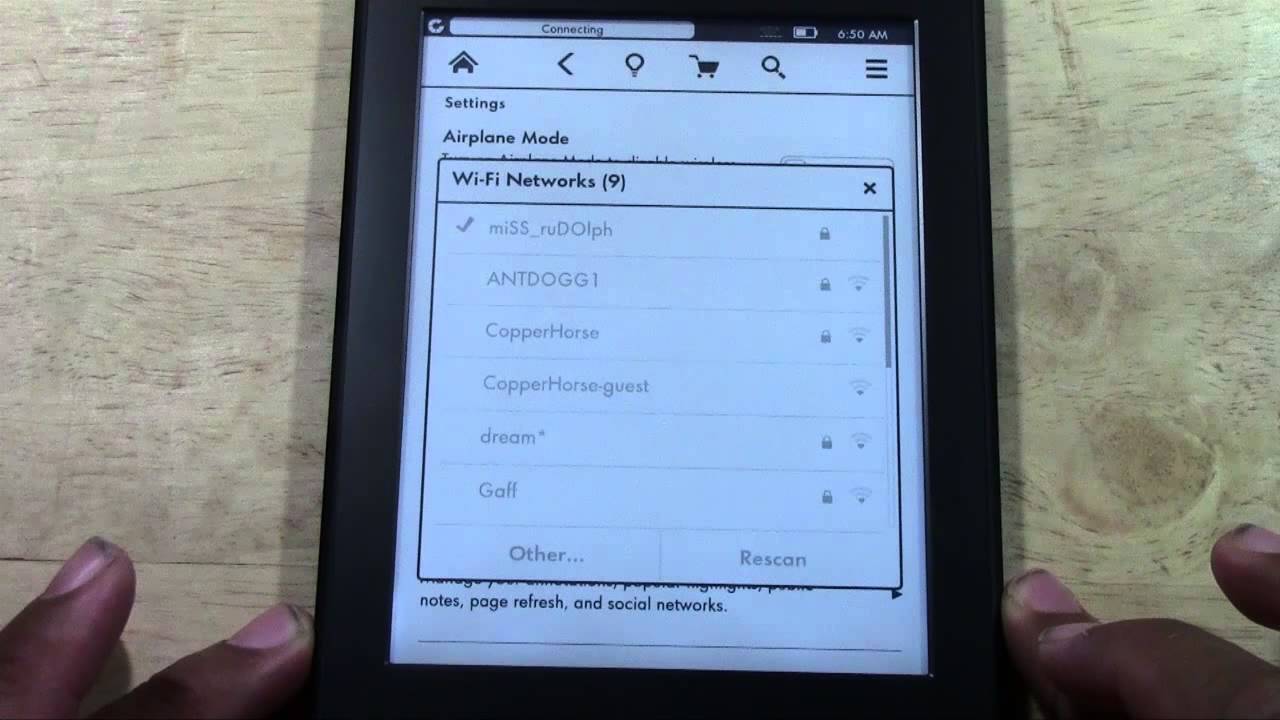
To reset an Amazon Kid Tablet, you can use the Settings menu if the tablet is working, or recovery mode if it is frozen or you are locked out. A...
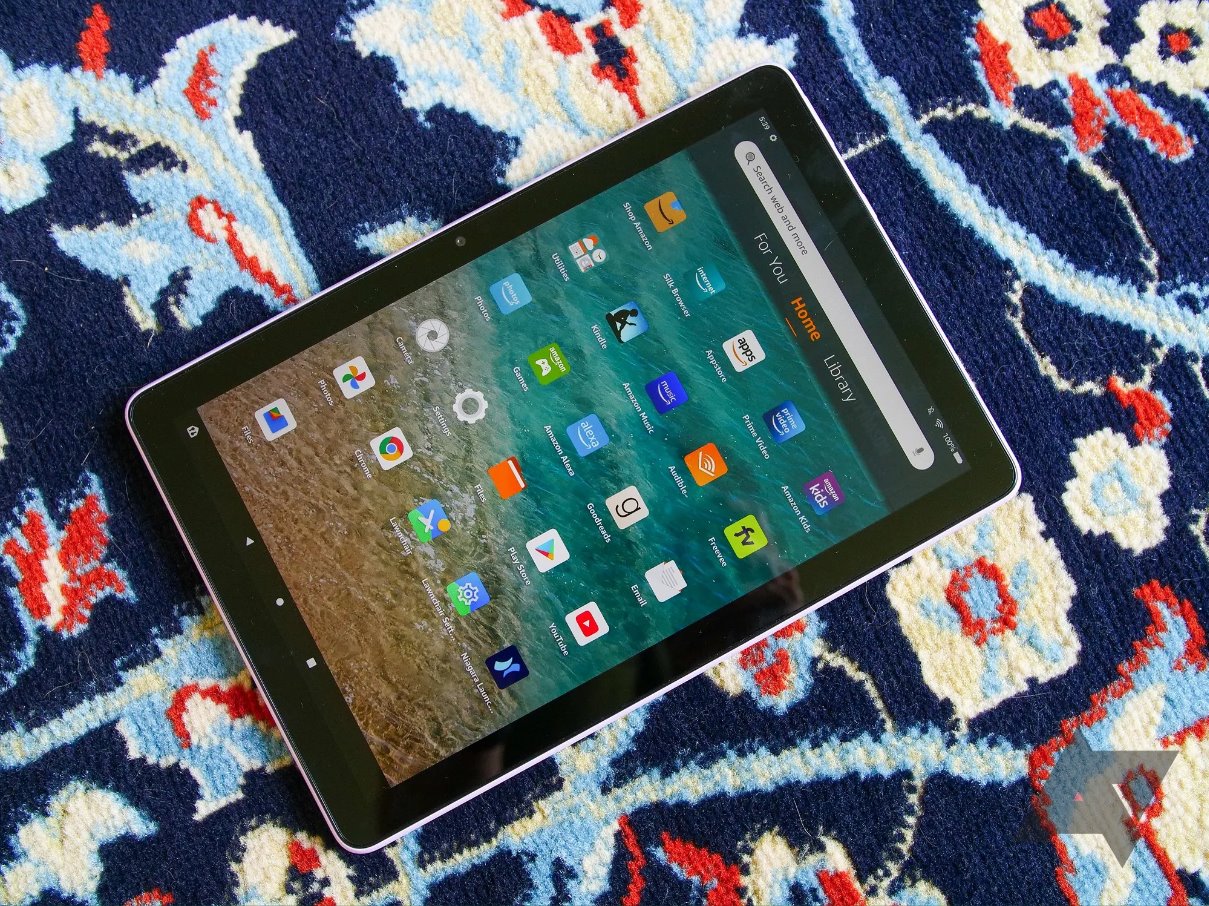
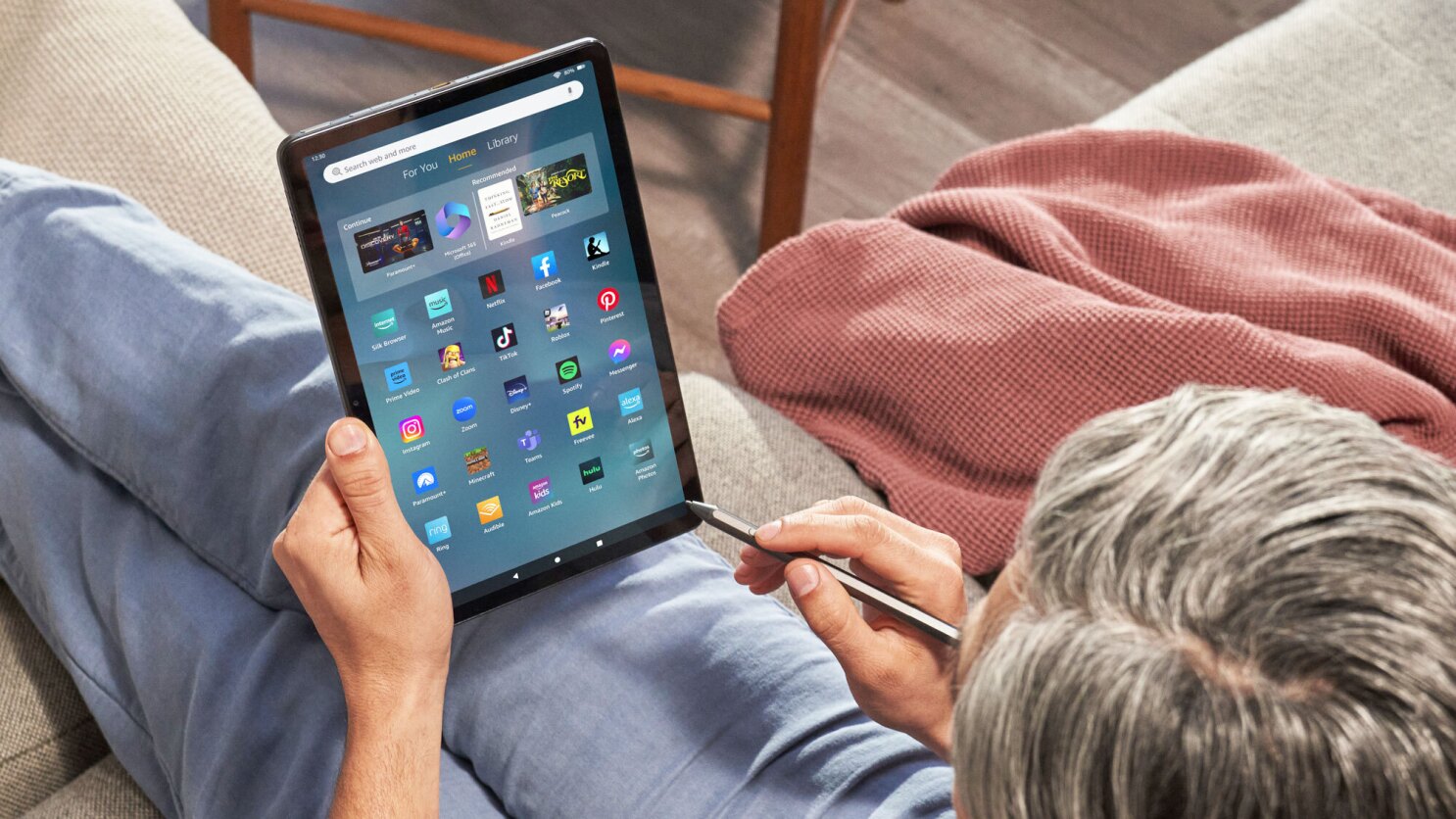
First things to know when you use the Fire Tablet Before you use the Fire Tablet for anything else, take a moment to understand what you are holding. An Amazon...
An Amazon Fire tablet lets you stream movies, read Kindle books, play games, browse the web, and control smart home devices with Alexa, all without the Google Play Store. You...
To borrow a book on Amazon Prime, open the Kindle Store on your device or the Amazon website and look for the "Prime Reading" section or titles labeled "Read for...
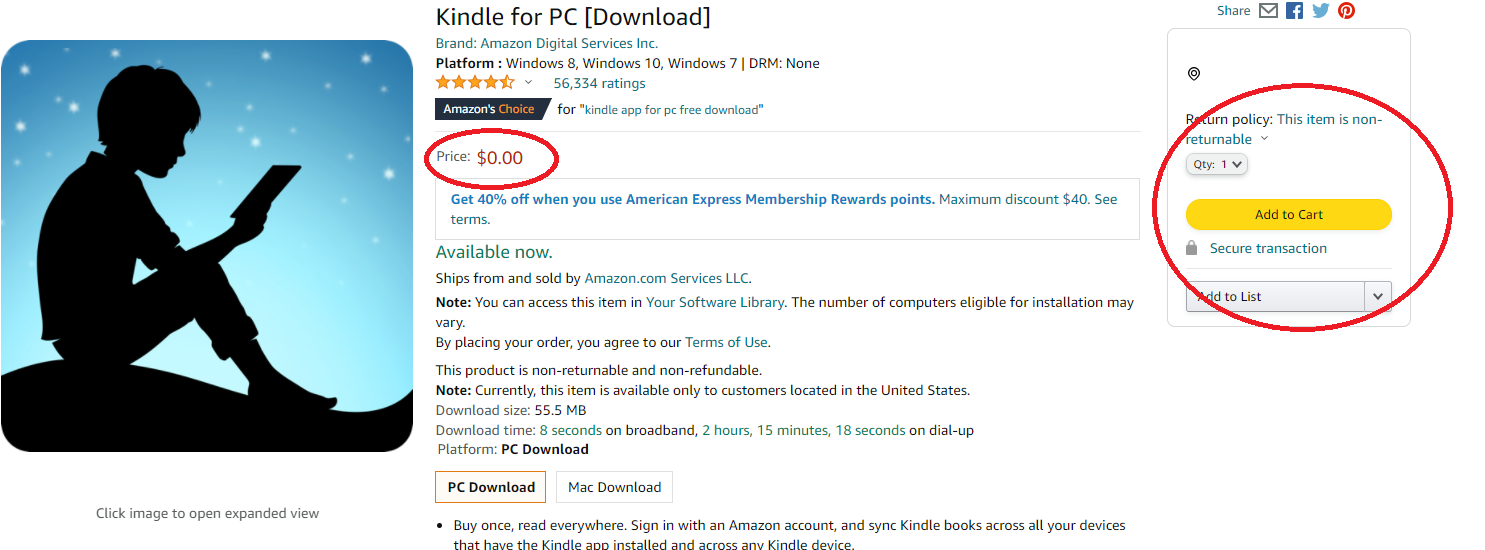
To download Kindle on PC, go to Amazon's official Free Kindle Reading Apps page and download the installer for Windows. If you are using Windows S Mode or an unsupported...