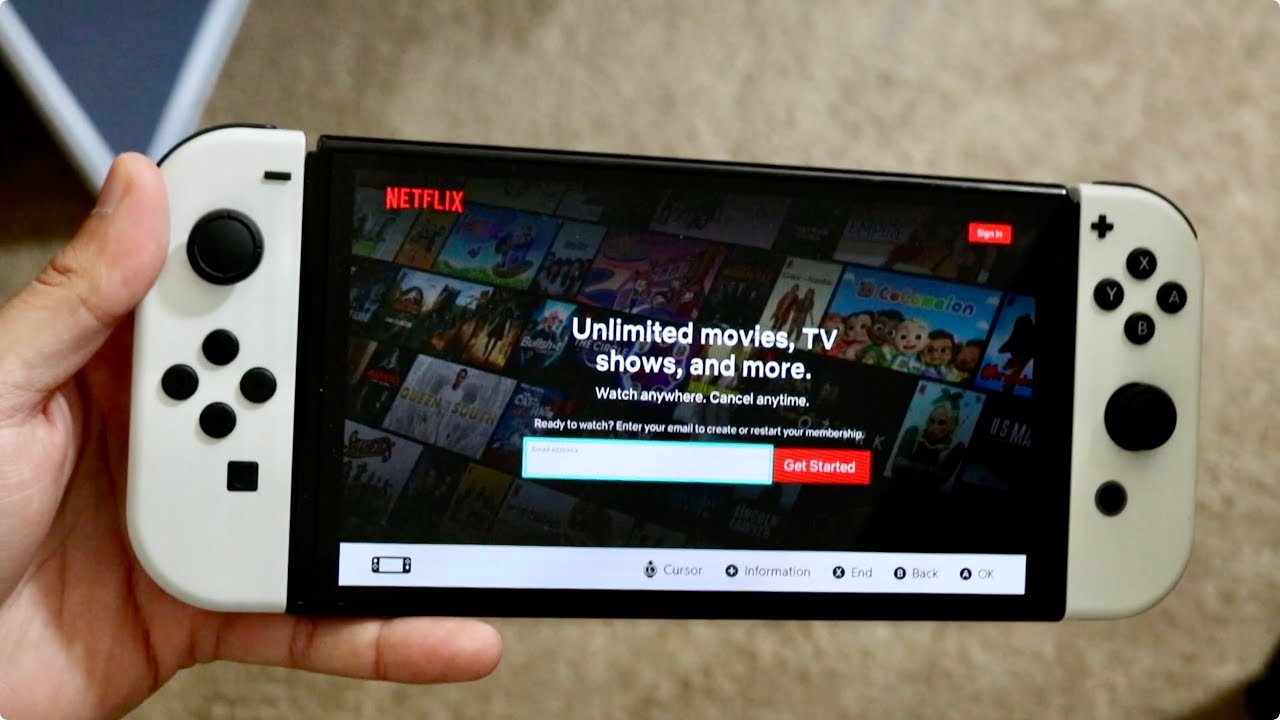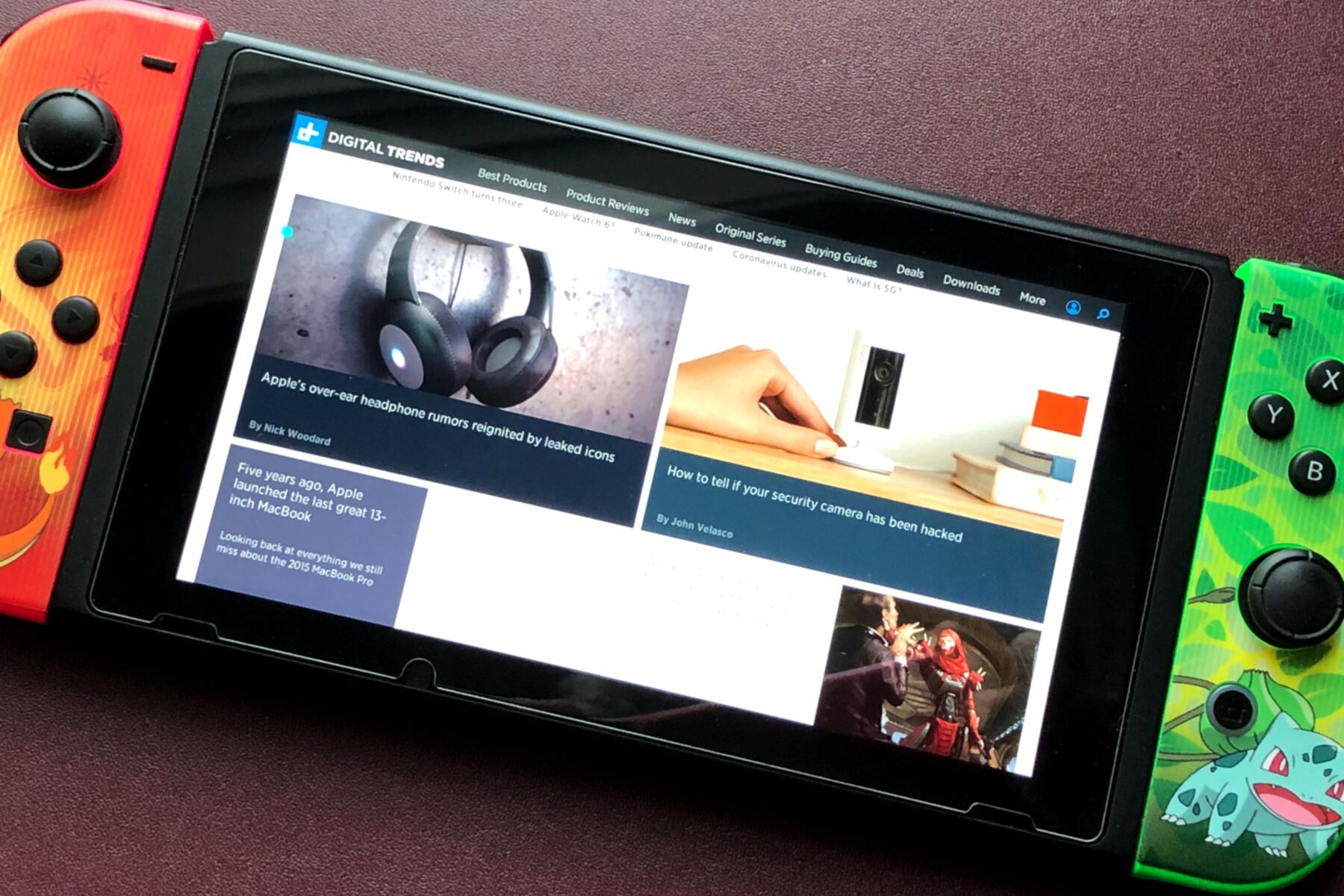
You can watch videos on a Switch browser, but only if you understand the console's limitations. The Nintendo Switch does not have a normal, user-facing web browser, so the only reliable way to watch videos is through official streaming apps downloaded from the Nintendo eShop.
Can you really watch videos on switch browser?
The short answer is no, not in the way you might expect. Nintendo's official support states that it is not possible to use an internet browser on the Nintendo Switch. The console contains a stripped-down, hidden browser built into the system for purposes like hotel Wi-Fi portals and social media sign-ins, but it is not presented as a general-purpose browser. Even if you access the hidden browser, playback depends on video formats working on the Switch hidden browser. Video viewing on the Nintendo Switch is officially supported only through compatible applications like YouTube and Crunchyroll, which can be downloaded from the Nintendo eShop.
The official way: Use streaming apps from the eShop
This is the dependable method to watch video on Nintendo Switch. You do not need a Nintendo Switch Online membership to use these apps.
- From the Home screen, select the Nintendo eShop icon.
- Search for the app you want, YouTube is a supported general-video option, and Crunchyroll is an official anime-streaming option.
- Download and install the app, then open it from your Home screen.
- Sign in with your account and start watching.
Crunchyroll allows eligible Mega Fan and Ultimate Fan members to download episodes for offline viewing. Note that Hulu ended support on Nintendo Switch, so it is no longer available.
The hidden browser workaround (unsupported)
Using DNS browser workarounds to access the hidden browser is unsupported by Nintendo and may not reliably play video. This method is for those who want to know how to get browser on switch, but it comes with significant limitations and risks.
- From the Home screen, navigate to System Settings (the gear icon).
- Select "Internet," then "Internet Settings."
- Under "Registered Networks," choose your Wi-Fi network and select "Change Settings."
- Scroll down to "DNS Settings" and change it from "Automatic" to "Manual."
- Select "Primary DNS," clear the existing numbers, and enter 045.055.142.122.
- Save the changes and select "Connect to This Network."
- Wait for a registration message to appear, then proceed through it until the SwitchBru DNS page is reached.
- Click on "Continue to Google" to access the web browser.
- To end the browsing session and revert to default settings, return to Wi-Fi settings and change DNS settings back to "Automatic."
What videos can you actually play?
The hidden browser supports basic HTML5 video playback and is optimized for lightweight, self-hosted media using native video elements. It implements core HTML5 video standards and supports codecs such as H.264 and AAC-LC, allowing reliable playback for properly encoded MP4 files. Typical usage scenarios include viewing short, self-hosted MP4 files uploaded to personal cloud storage (e.g., Dropbox or Google Drive links) and accessing archival or educational video portals with open HTML5 embeds.
However, the browser has severe limitations. It does not support platforms like YouTube or other major streaming services that rely on advanced JavaScript frameworks and DRM systems. Flash is not supported, and most HTML5 video players, including YouTube, are not supported through this browser. Additionally, the hidden web browser has a limitation where it will automatically close after approximately 20 minutes of use. Nintendo Switch system software updates, such as OS v17.0.0 (2023), have introduced improvements like more robust MP4 header parsing and reduced memory-related interruptions during video playback, but the core limitations remain.
Why you should stick to the official apps
The hidden browser is unreliable for video. Using third-party apps or jailbreaks is unsupported by Nintendo and may impact system stability or online functionality. Parental controls on the Nintendo Switch can restrict internet communication, though the console does not include a general web browser. With Hulu support now ended, the eShop remains your best option for a seamless experience. If you still need to use the hidden browser, switching to faster best DNS server addresses for switch hidden browser can reduce buffering on video sites. The dependable way to watch video on Nintendo Switch is to install a supported streaming application from the Nintendo eShop, it works every time, without the 20-minute timeout or codec headaches.