




How to Use AI Tools to Get Real Value From YouTube Tech Videos
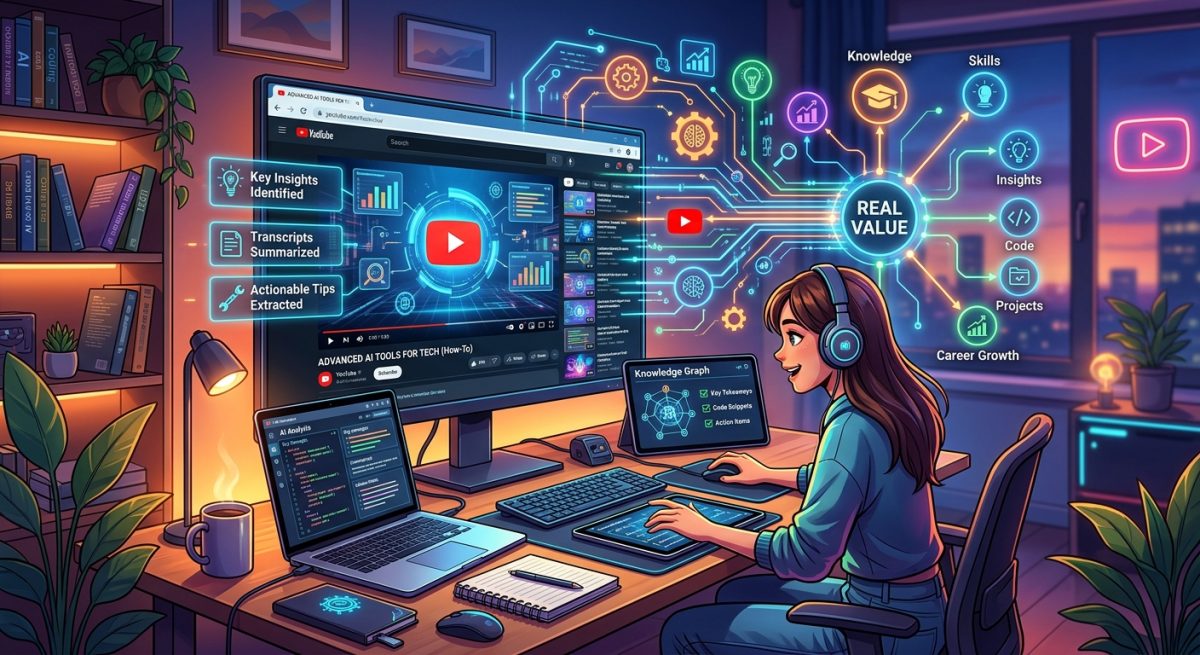
You just finished a 45-minute tech review. You remember the thumbnail. You remember the host. But the actual details you came for? Already blurring. This is the core problem with long-form YouTube content. The platform is packed with genuinely excellent information, from deep hardware comparisons to hands-on software walkthroughs. But watching alone rarely converts into knowledge you can act on. AI tools change that entirely. They take the raw material inside any video and transform it into something you can query, reference, and use right now. This guide walks you through exactly how that looks in practice.
AI tools turn passive YouTube watching into an active, searchable learning workflow.
- Extracting a video’s transcript is the essential first step before any AI tool can help you.
- AI chatbots can compress, categorize, and clarify hours of video content within minutes.
- This workflow applies equally to product reviews, setup tutorials, and expert interviews.
Why Passive Watching Is Not Enough
Watching is comfortable, but it is not the same as learning. Research on active learning consistently shows that engagement drives retention, not exposure. When you watch a video without interacting with the information, your brain treats a large portion of it like background noise. You get the feeling of having learned something without the substance to back it up.
Long-form tech content makes this especially sharp. A 40-minute CPU benchmark breakdown is dense with data. A 30-minute smart home setup tutorial covers a dozen configuration steps in real time. You cannot absorb all of that from a single viewing. And rewatching is rarely an option. You need a way to make the information retrievable after the video ends.
That is exactly what an AI-assisted workflow gives you.
Step One: Getting the Text Out of Any Video
Before an AI chatbot can help you, you need the video’s content in a format it can read. That means plain text. The fastest way to get there is to fetch a YouTube transcript for any video before you paste its content into an AI tool. Treat this as step one in every session.
Most YouTube videos already have auto-generated transcripts. Some channels add human-edited captions, which are cleaner, but either works fine for AI analysis. Once you have the transcript text, you copy and paste it directly into your chatbot. The whole thing takes under two minutes.
One thing to know upfront: transcripts come out as a dense block of text with no paragraph structure. Do not waste time cleaning it up. AI tools handle raw transcript text without any issues. Just paste it in and start asking questions.
Choosing the Right AI Tool for Transcript Work
Not every AI chatbot handles long text equally well. Context window size matters here. A short clip’s transcript might run 2,000 words. A feature-length review can hit 15,000 words or more. You want a tool that can hold the full transcript and still reason over it clearly without losing track of details from earlier in the text.
AI Chatbots Compared for Transcript Analysis
| Tool | Best Use Case | Handles Long Transcripts | Free Tier |
|---|---|---|---|
| ChatGPT | General summaries and Q&A | Yes (GPT-4o) | Yes |
| Claude | Very long transcripts, nuanced analysis | Yes (large context window) | Yes |
| Google Gemini | Fast responses, Google Docs integration | Yes | Yes |
| NotebookLM | Research, multi-source synthesis | Yes | Yes |
All four tools can handle a pasted transcript without issue. The choice comes down to what you want to do afterward. If you plan to ask follow-up questions or compare claims across multiple sources, Claude and NotebookLM tend to handle depth particularly well. For fast, one-and-done summaries, ChatGPT and Gemini are solid starting points.
Turning a Product Review Into Buying Criteria
This is one of the most practical applications. Say you are considering a new pair of wireless earbuds and you find a 38-minute YouTube review. You do not have 38 minutes. You pull the transcript, paste it into your chatbot, and ask pointed questions instead of watching the video in full.
Good prompts for this kind of transcript include:
- What are the three biggest strengths this reviewer highlights, with specific reasoning for each?
- What downsides or caveats does the reviewer mention, even briefly or in passing?
- Does the reviewer compare this product to alternatives, and what were the key conclusions?
- What type of buyer does the reviewer think this product is best suited for, and who should avoid it?
Those four questions generate a complete buying framework in about 30 seconds of reading. You get the reviewer’s actual reasoning, not just a score or a headline verdict. And because the AI is pulling from the full transcript, you catch nuance that a short written summary would cut. The reviewer’s hesitant tone on the battery life claim, the brief mention of a competitor that outperforms it in one specific scenario, the firmware issue buried in the final five minutes. All of that is surfaced when you know what to ask for.
You can go further still. Ask the AI what questions the reviewer left unanswered. Ask whether their enthusiasm seemed consistent throughout or dropped off in certain sections. Ask it to flag any claims that would need independent verification before you trust them. The transcript holds all of this information. The AI just makes it accessible on demand.
Making Dense Tutorials Actually Executable
Tutorial videos create a different kind of challenge. A product review gives you information to evaluate. A tutorial gives you steps to follow. The problem is that video format delivers those steps as a linear stream. You have to pause, rewind, and hunt for the right moment constantly. Trying to work through a technical setup while scrubbing a YouTube timeline is genuinely frustrating.
Pasting a tutorial transcript into an AI chatbot and asking for a structured walkthrough solves this immediately. You get a clean version of the process that you can work from directly, without ever touching the video timeline again.
But a basic checklist is just the beginning. You can ask questions that genuinely improve the experience:
- Which steps in this tutorial are most likely to cause errors for a beginner, and why?
- Are there any prerequisites the host mentions that are easy to overlook?
- What should I do if the host’s approach does not work on my specific setup?
- Summarize what each major section of this tutorial is actually trying to accomplish.
These prompts shift you from following instructions to understanding a process. You build a mental model of why each step exists, which means you can troubleshoot confidently when something does not go as expected. That is a significant upgrade from copying steps off a screen and hoping for the best.
Using AI to Actually Study What You Watch
Summarization is the obvious entry point, but it is far from the ceiling. Once a transcript is loaded into a chatbot, you have something closer to a study partner that has read the entire video and is ready to answer questions about it.
You can ask it to define a term the host used without explaining it. You can ask it to flag any moments where the host made a claim that seems worth verifying independently. You can ask it to generate follow-up questions for further research on the topic. You can even ask it to respond only based on what was said in the video, as a way to test your own comprehension of the content.
This is the underlying shift that makes AI tools so useful here. YouTube gives you access to thousands of hours of expert knowledge. But knowledge locked inside a video file is hard to use. When you extract the transcript and bring it into an AI conversation, that knowledge becomes interactive. You can query it, challenge it, and build on it in ways that passive watching never allows.
From Viewer to Someone Who Actually Knows Things
Most people treat YouTube as entertainment with occasional educational upside. The watch time stacks up, but the retained knowledge stays thin. That is not a reflection of the content quality. There is genuinely excellent material on the platform. It is a reflection of how video content is designed to be consumed.
An AI-assisted workflow changes your relationship with that content. You still watch the videos you want to watch. But you now have a tool that helps you extract, structure, and apply what is inside them. A 40-minute deep-dive becomes a reference document you can return to. A confusing tutorial becomes an annotated checklist you can actually execute without frustration.
The setup cost is minimal. You need a transcript and a free chatbot account. The transcript takes under two minutes to pull. The chatbot handles the heavy lifting once you give it clear, specific prompts. The result is a genuinely different way of using YouTube, one where the hours you put into watching actually compound into knowledge you can access and apply later. That is a small habit change with a meaningful payoff over time.