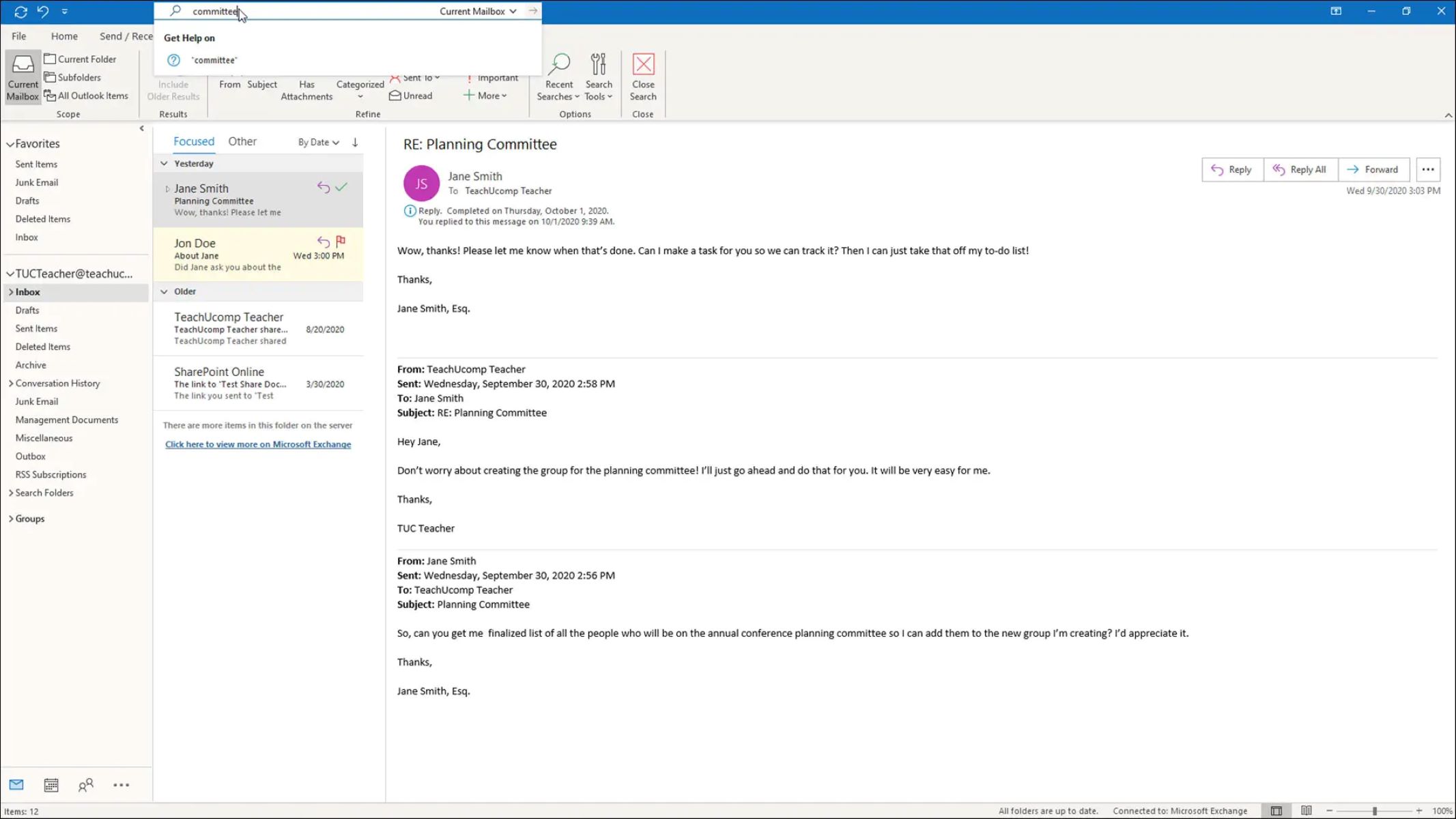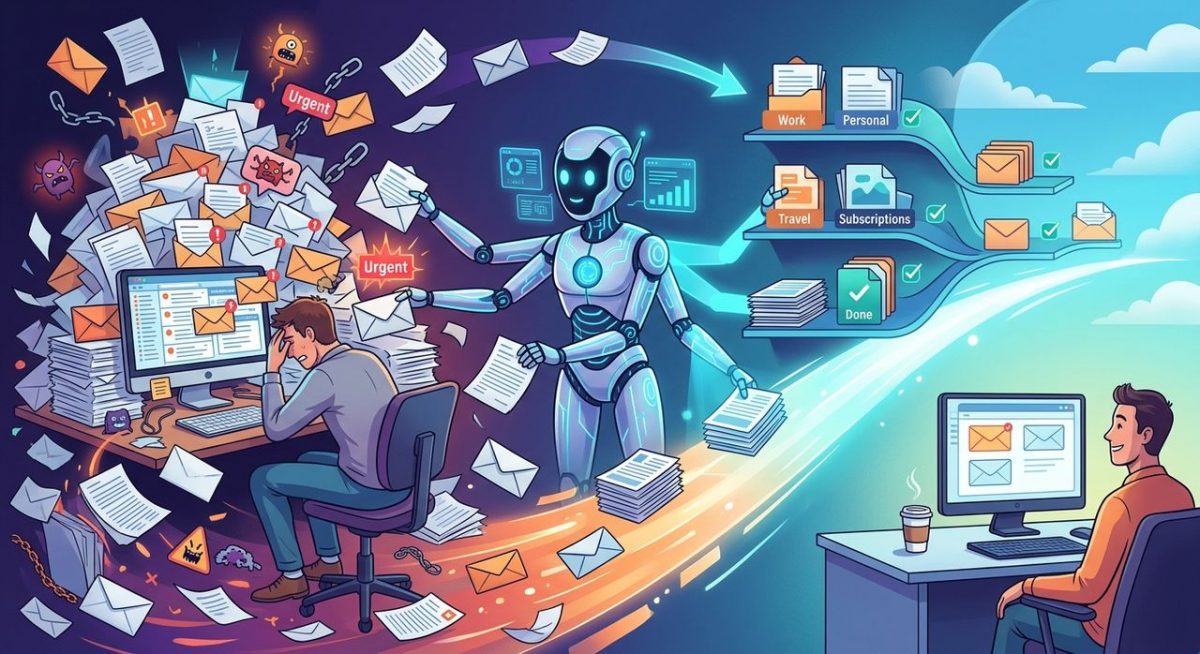
Your inbox is a second job nobody hired you for. Between the newsletters you forgot to unsubscribe from, the thread that is forty replies deep, and the message you saw at 9pm but felt too tired to answer, email has become one of the most quietly exhausting parts of modern work life. The good news is that AI has been steadily, almost invisibly, making this problem manageable, and millions of people are only now realizing how much they no longer have to do alone.
Key Takeaway: AI email assistants have moved well beyond novelty. They live inside the tools you already use, they write replies in your voice, and they catch tone problems before your words cause damage. If inbox overload has been dragging on your daily productivity, the right AI layer can cut your email time significantly without asking you to change platforms or learn new habits.
Why Your Inbox Became a Productivity Crisis
Email was not supposed to be this complicated. When it emerged as a mainstream communication standard in the early 1970s, the concept was refreshingly simple: send a message, get a reply. But today, the average professional receives over a hundred emails per day, and most of them demand at least some form of response or decision.
The problem is not just volume. It is context switching. Every time you stop a focused task to check email, your brain pays a real cost. Research on information overload shows that constant interruptions do not just waste time, they actively degrade the quality of the work you return to. Email has become the single largest source of that fragmentation for knowledge workers.
On top of that, the emotional weight of email is real. Sending a message to a manager, a client, or a colleague you have had friction with requires careful phrasing. Getting it wrong can create misunderstandings that spiral into longer threads, awkward meetings, or worse. Most people spend far more mental energy on email than the task usually deserves, and they do it every single day.
How AI Quietly Moved Into Gmail
A few years ago, the idea of AI helping with email felt futuristic in a clunky way, like a chatbot that would get your tone all wrong and fire off something embarrassing. That era is over. Modern AI writing assistants actually work, and the best ones sit directly inside Gmail so there is zero app-switching involved.
A Gmail AI assistant can now read the thread you are in, understand the context from previous messages, and generate a reply that matches the conversational register, whether that is professional and measured or friendly and casual. You can accept the draft as-is, tweak a sentence, or ask it to try a different angle. The heavy lifting of getting words on the page, which is often the hardest part, is already done for you.
What makes this generation of tools different is that they are not trying to replace your judgment. They are trying to remove the friction that prevents you from using your judgment efficiently. You still decide what to say. The AI just makes saying it faster and far less draining on your mental bandwidth.
More Than Drafts: AI That Reads the Room
Drafting replies is the obvious use case, but it is not the most underrated one. The more powerful feature that fewer people talk about is tone analysis, the ability for AI to read what you have written and flag when it might land differently than you intended.
This matters more than it sounds. You write an email when you are rushed, or frustrated, or simply trying to be direct, and the recipient reads it as cold, dismissive, or passive-aggressive. A tone checker catches that gap before you hit send. It reads the emotional signal your words are transmitting and tells you if there is a mismatch between what you mean and what you are likely to communicate.
For anyone who manages people, deals with clients, or works across cultures, this is not a minor feature. It is a safeguard against the kind of miscommunication that email is uniquely bad at causing. Text strips out facial expressions, vocal warmth, and timing. AI tone analysis adds some of that signal back by evaluating word choice, sentence structure, and phrasing patterns that correlate with specific emotional registers.
Think of it as a thoughtful colleague looking over your shoulder before you send something that might backfire. Except the colleague never gets tired, never misses context, and never judges you for asking.
What Changes When AI Handles Your Email Day-to-Day
People who use AI email tools consistently report the same shift: email stops feeling like a chore and starts feeling manageable. Here is what that looks like in practice:
- You spend less time staring at a blank reply field trying to figure out how to start
- Follow-up emails that used to get procrastinated for days go out the same day
- Long threads get summarized so you can catch up without reading every message in sequence
- You catch passive-aggressive or overly blunt phrasing before it reaches the recipient
- Replies to routine requests, scheduling questions, and status updates take under a minute
- Your writing becomes more consistent because the AI maintains a baseline quality even when you are running on four hours of sleep
The cumulative effect is not dramatic in any single moment. Across a week, though, it adds up considerably. Professionals who have adopted AI email assistants often report saving an hour or more per day, time that used to disappear into drafting, re-reading, and second-guessing perfectly ordinary messages.
There is also the psychological relief to consider. Email anxiety is a documented phenomenon. The sense of a growing, unanswered backlog creates low-grade stress that persists even when you are not actively in your inbox. When AI helps you clear that backlog faster, the mental load lightens too. The inbox stops feeling like a threat.
Fitting AI Into an Existing Workflow
One of the biggest reasons people hesitate to adopt AI email tools is the assumption that it requires a significant behavior change. The reality is the opposite. The best AI email assistants are designed to slot into what you already do, not ask you to rebuild your habits from scratch.
You do not need to switch email clients. You do not need to learn a new interface. You do not need to spend a weekend setting things up. The tools that are gaining real traction are the ones that sit inside the software millions of people open first thing every morning, respond to natural language requests, and get out of the way when you do not need them.
The learning curve is genuinely shallow. Most people are functional within a few minutes and comfortable within a week. The AI learns the kinds of replies you tend to accept versus revise, and it adjusts accordingly over time.
The Workflow That Email Always Should Have Been
The history of email stretches back over five decades, and for most of that time, the core experience has remained essentially unchanged. You read, you type, you send. No assistance. No analysis. No safeguards against tone disasters.
AI has finally changed that equation, and it has done so without requiring you to abandon the habits and tools you already have. The assistant is inside Gmail. It understands professional tone. It can write a reply that sounds like you, in the time it takes you to grab your coffee.
Inbox overload did not happen overnight, and fixing it is not about working harder or checking email more often. It is about having the right layer of intelligence sitting between the chaos of a full inbox and the mental energy you actually want to spend. That layer exists now. It works. And the people using it are spending their recovered time on work that actually needs them.
\nRelated reading: Turning Meeting and Lecture Recordings Into Notes You Can Search and How To Clean Up Email.