An active stylus is a powered input device that communicates with a screen's digitizer, offering a technical insight into how modern touchscreens achieve precise, pressure-sensitive interaction. Unlike a passive capacitive stylus, which simply mimics a finger, an active stylus contains electronic components that enable two-way data transmission, making it essential for digital artists, note-takers, and professionals who require accuracy and control.
What is an active stylus? A technical insight
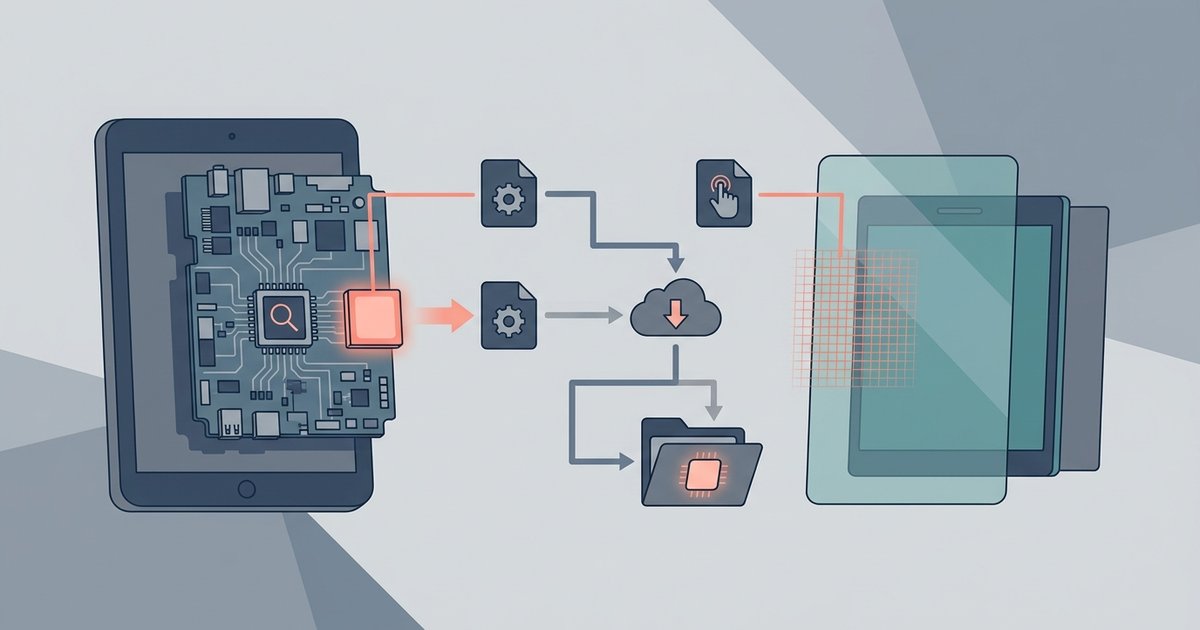
An active stylus, also known as an active pen, is a digital input device that uses internal electronics to communicate with a touchscreen's digitizer layer. This communication allows the screen to track the pen's exact position, pressure, tilt, and other parameters in real time. The digitizer is a grid of sensors embedded beneath the display that detects the stylus's signals, enabling far greater precision than finger touch. When that signal path is disrupted, you may experience active stylus skipping or drawing wavy lines. This technology powers features like palm rejection, hover functionality, and programmable buttons, making the stylus a versatile tool for creative and productivity tasks.
How an active stylus communicates with the screen
The core of the interaction lies in the digitizer grid, a matrix of conductive lines that senses the stylus's electromagnetic or capacitive signals. When the pen touches or hovers near the screen, it transmits data packets containing its position, pressure level, and tilt angle. The digitizer receives these signals and relays them to the device's processor, which interprets the input as a stroke, a click, or a gesture. This two-way communication is continuous and rapid, often operating at hundreds of reports per second, ensuring lag-free, natural-feeling writing and drawing.
The core technical split: battery-free EMR vs. battery-powered pens
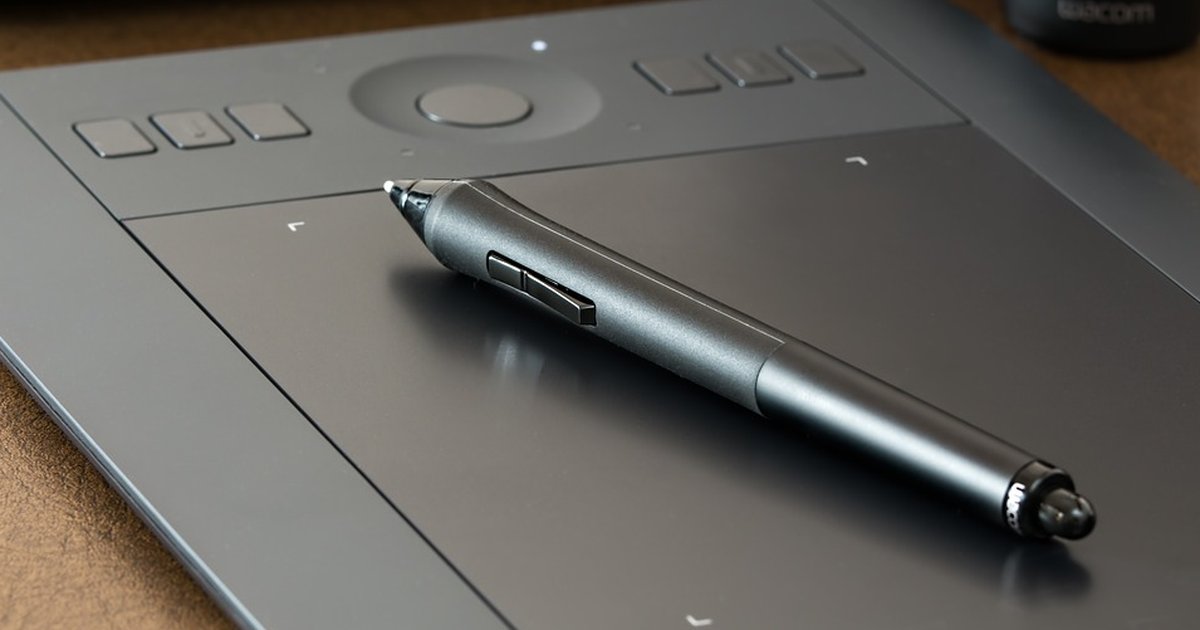
The most significant technical distinction among active styluses is their power source. Wacom's EMR (Electro-Magnetic Resonance) technology allows pens to be battery-free; the digitizer grid beneath the screen emits an electromagnetic field that wirelessly powers a coil in the pen, which then sends data back to the tablet. This means the pen never needs charging or battery replacement. Most other active styluses, including those using AES, MPP, and USI technologies, require a power source, typically a replaceable AAAA battery or a built-in rechargeable battery. This split determines maintenance, weight, and compatibility: EMR pens are lighter and simpler, while battery-powered pens often offer more programmable features and broader device support.
Key features enabled by active stylus technology
Active stylus technology unlocks several capabilities that passive styluses cannot match. Pressure sensitivity uses a variable capacitor or strain gauge in the pen tip to measure how hard you press, translating that into line thickness or opacity. Tilt recognition detects the angle of the pen relative to the screen, enabling natural shading effects similar to a real pencil. Palm rejection uses the digitizer's knowledge of the pen's position to ignore accidental touches from your hand resting on the screen. Hover functionality allows the cursor to appear when the pen is near the display, enabling previews or tool selection without contact. Programmable buttons on the pen body can trigger shortcuts like undo or eraser, streamlining workflows.
How to choose an active stylus based on its technology
When selecting an active stylus, focus on three technical factors: compatibility, power source, and required features. First, ensure the stylus uses the same protocol as your device, Wacom devices typically use EMR, while many Windows tablets use MPP, and iPads use Apple's proprietary system. For devices supporting multiple standards, check which technology your digitizer supports. Second, decide between battery-free EMR (no charging, but limited to compatible devices) or battery-powered AES/MPP/USI pens (need batteries, but often work across more brands). Third, consider which features matter for your use case: artists need pressure sensitivity and tilt, while note-takers prioritize palm rejection and hover. Understanding the technical split between EMR and battery-powered pens is the key to making an informed choice, as it directly impacts the experience of connecting and using a stylus pen with your device. For digital art, a battery-free EMR pen offers the most natural feel; for general productivity on multiple devices, a rechargeable AES pen provides flexibility and programmable controls. If your device lacks active stylus support entirely, you can still get precise input with tablet stylus alternatives like a capacitive disc stylus.