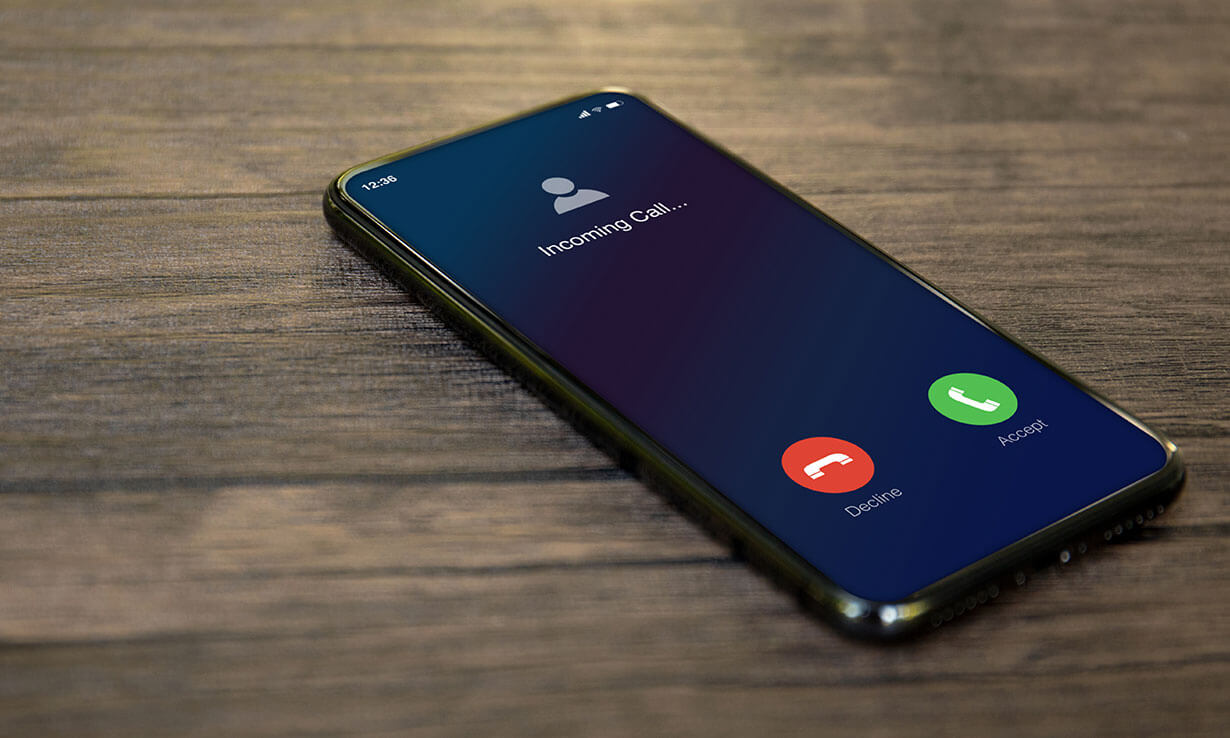
Your phone rings when turned off because it isn't actually fully off in most cases, either the shutdown process is still finishing, a Find My network is keeping it partially powered for location tracking, or a scheduled power-on setting has already reactivated it. These three causes explain nearly every instance of a phone ringing while the screen is black and the power button appears to have done its job.
Why your phone rings when turned off
A phone that shows a blank screen and refuses to respond to taps isn't necessarily disconnected from cellular networks. Modern smartphones have multiple power states, and the "off" position you trigger with the power button doesn't always sever every radio connection immediately. The ringing you hear is almost always one of three things: a delayed shutdown that hasn't fully killed the cellular radio, a location-tracking network that keeps the phone partially alive, or a schedule you set that turned the phone back on without you noticing.
Delayed shutdown
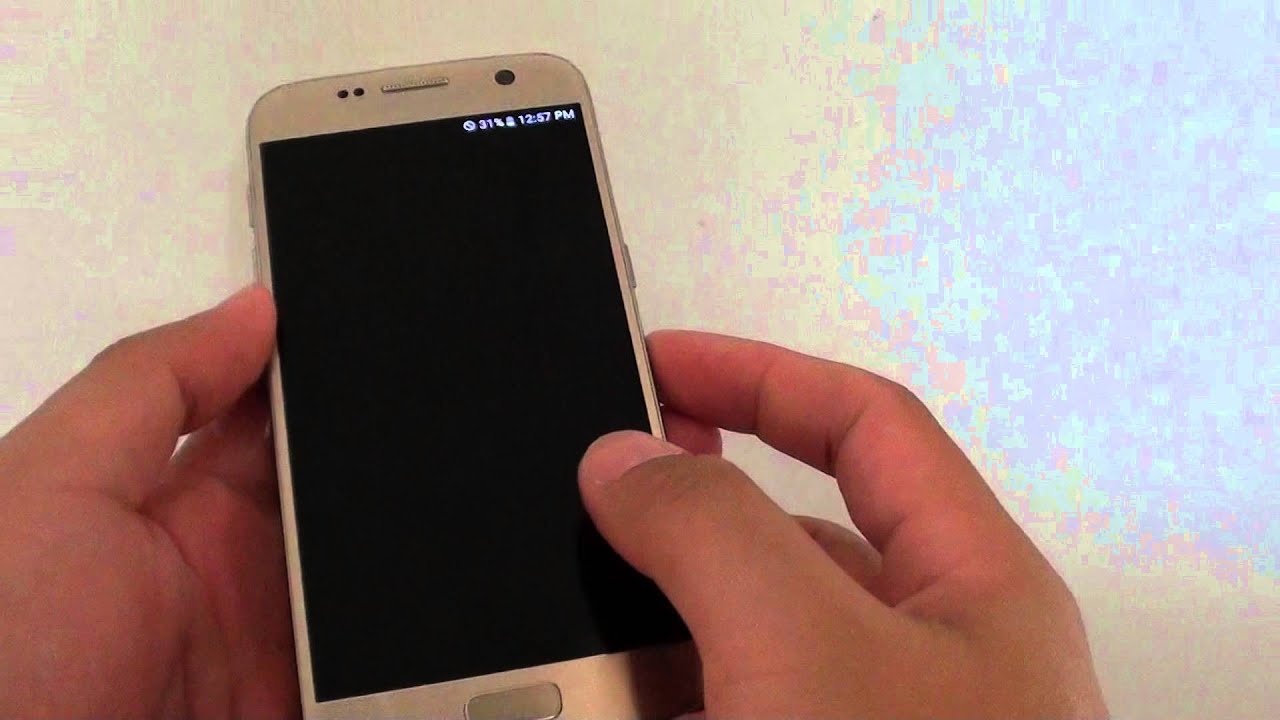
The most common reason a phone rings after you've turned it off is that the shutdown process hasn't actually completed. When you press and hold the power button and confirm shutdown, the operating system begins a sequence of closing apps, stopping background processes, and disconnecting radios. On most phones this takes a few seconds, but if an app is stuck or a system process is mid-write, the phone can remain in a half-off state for several minutes. During that window, the cellular radio may still be active, which means incoming calls can trigger the ringer even though the screen is off and the phone feels dead in your hand. The fix is simple: after pressing power off, wait until the screen goes completely black and the phone vibrates once or plays a shutdown sound, that's the signal that the radio has actually disconnected. If you put the phone in your pocket the moment you press the button, you're likely to hear it ring before the shutdown finishes.
Find My network
On supported Android devices, including the Pixel 8 series, the Find Hub network can locate your phone for several hours after it's turned off or even after the battery dies. This works because the phone doesn't fully power down its Bluetooth and location hardware, it enters a low-power state that keeps broadcasting a signal so you can find it if you lose it. The tradeoff is that this partial power state can also allow calls to come through, especially if the shutdown was recent. If you want to stop this behavior, go to Settings > Google > Find Hub and set "Find your offline devices" to a less aggressive option. For the phone to be locatable offline, Bluetooth and Location must have been on when the phone shut down, so disabling those before powering off also prevents the ringing. This feature is genuinely useful when you need to find lost Bluetooth headphones that are turned off Android, the same network that keeps your phone partially alive can help you track accessories, but if you'd rather have a truly silent phone, turning off offline finding is the way to go.
Scheduled power on/off and alarm exceptions
Many phones let you set a schedule for automatic power-on and power-off, typically designed to save battery at night or silence your device during meetings. If you've ever set such a schedule and forgotten about it, your phone can power itself back on before you wake up or during the day, and then ring normally. The phone isn't malfunctioning, it's following the schedule you configured. Check your phone's settings for "Scheduled power on/off" or "Auto power" and review whether any active schedules exist. Additionally, some devices allow alarms to override a powered-off state. On certain Android phones, an alarm set for a specific time will power the phone on briefly to ring, even if the phone was completely off. This is a deliberate design choice to ensure you don't miss an alarm, but it also means your phone can ring while appearing to be off.
Do Not Disturb and contact exceptions
Sometimes the phone isn't off at all, it's simply in Do Not Disturb or silent mode, and a contact exception is overriding that silence. On iPhone, you can set "Emergency Bypass" for specific contacts, which allows their calls to ring even when the phone is in Do Not Disturb or fully silenced. On Android, you can mark contacts as "Favorite Contacts" or set individual ringtone overrides that bypass system-wide mute settings. Some Samsung Galaxy phones even allow custom ringtones for individual contacts that ring even when the phone is set to vibrate or mute. If you hear a phone ringing and the owner insists it's off, check whether they've set up such an exception. The phone may be in silent mode, but a designated contact's call is breaking through. To stop this, go into Do Not Disturb settings and remove or adjust the exceptions, or change individual contact ringtone settings back to "default."
How to stop your phone from ringing when it's off
If you're tired of your phone ringing when you've turned it off, work through these steps in order. Each one addresses a different cause, and you'll likely find that one or two of them solve your problem completely.
- Wait for a full shutdown before putting the phone away. Press power off, then hold the phone in your hand until the screen is completely black and the device gives a final vibration or sound. Don't pocket it immediately.
- Disable offline finding in your phone's Find My settings. On Android, go to Settings > Google > Find Hub and change "Find your offline devices" to "Off" or the least aggressive option. On iPhone, go to Settings > Find My > Find My iPhone and turn off "Find My network."
- Check and clear any scheduled power-on events. Look for "Scheduled power on/off" in your phone's battery or system settings, and delete any schedules that would turn the phone back on automatically.
- Review Do Not Disturb exceptions for contacts that can always ring through. Open Do Not Disturb or Focus settings, look for "Allowed Calls" or "Emergency Bypass," and remove any contacts you don't want to break through silence.
After completing these steps, test your phone by turning it off and calling it from another line. If it still rings, the issue is likely a delayed shutdown, give the phone more time to fully power down before you expect it to be silent. If the problem persists on a specific contact, check that contact's individual ringtone settings for any override. And if you're using an Android phone with offline finding enabled, remember that the phone can stay partially powered for hours after shutdown, so disabling that feature is the most reliable way to ensure a truly off phone stays silent.
\nRelated reading: Maximizing Ring Duration: How To Extend Phone Ring Time and How To Use The Samsung Galaxy S6.