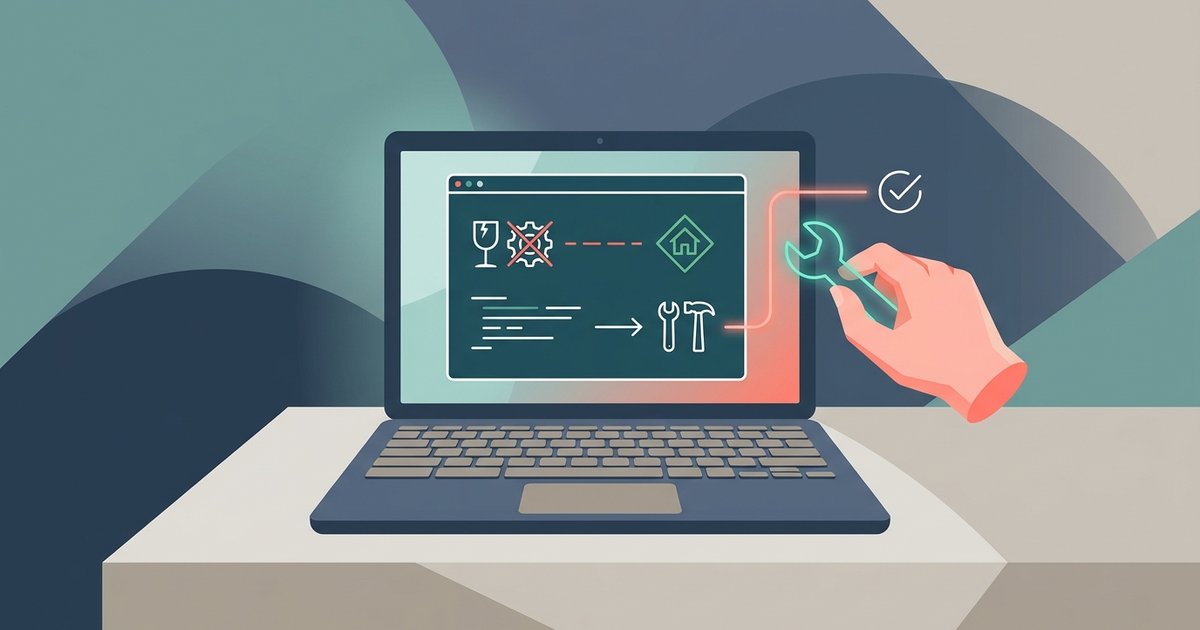
The crash is almost always caused by missing 32-bit Vulkan drivers or Mesa libraries inside the Linux container. Install them with 'sudo apt install mesa-vulkan-drivers:i386 libgl1-mesa-dri:i386' and relaunch the game.
Why the sims 4 Chromebook crash happens before it opens
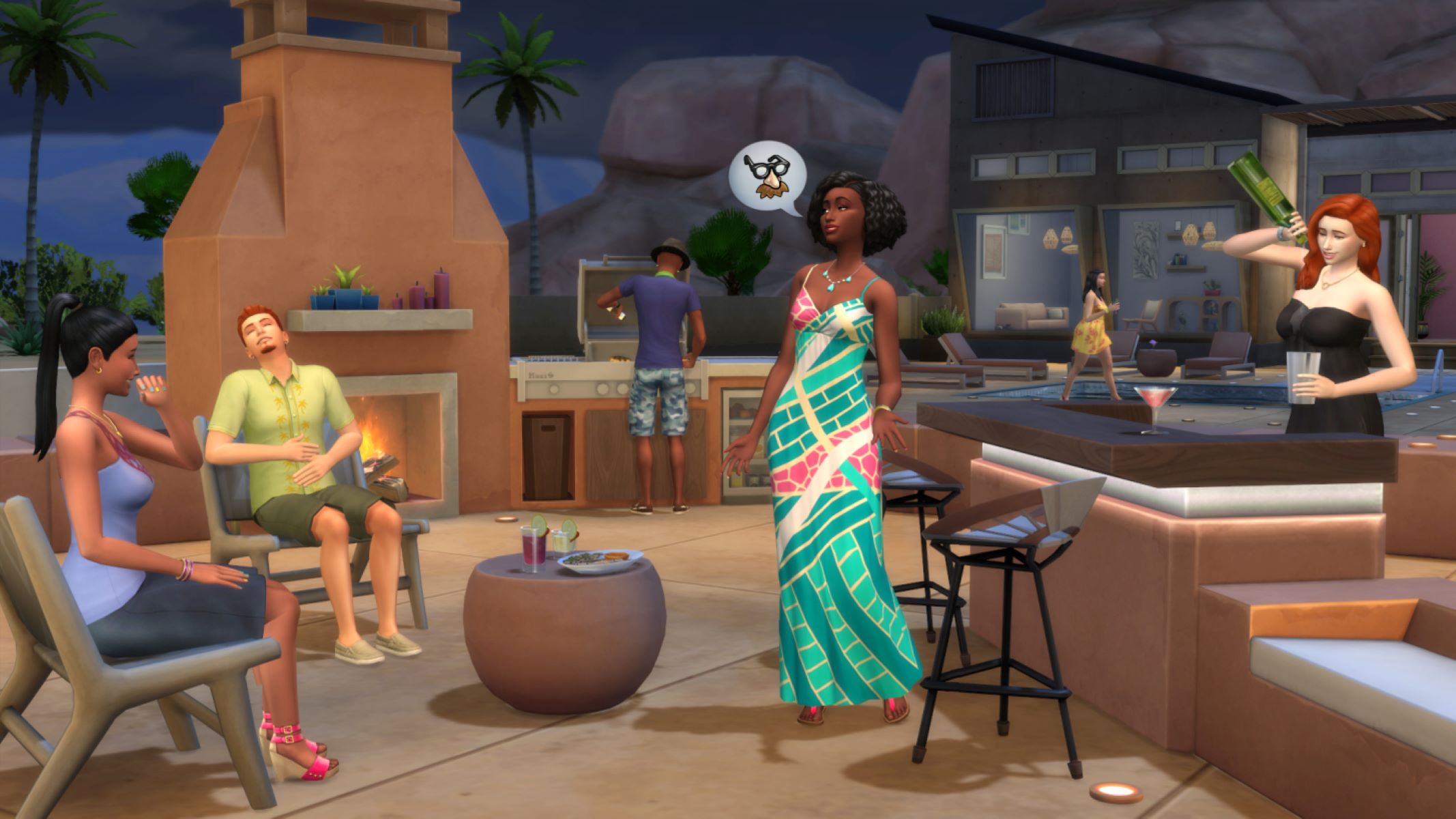
Sims 4 uses DirectX 9 and 11 renderers, but Wine translates those into OpenGL or Vulkan calls. Chrome OS runs Linux in a virtual machine (usually termina) that passes through a virtualized GPU. If the 32-bit (i386) versions of Mesa or the Vulkan loader are missing, Wine cannot find the renderer when the game tries to initialize its graphics context. The result is an immediate crash, no error message, just a black window that closes after a second or two. The game never gets far enough to read your save files or check your hardware. The missing libraries are not installed by default because the Linux container is set up for 64-bit applications, and Sims 4, like many older Windows games, expects 32-bit graphics support.
Installing the missing 32-bit libraries
This single command supplies the graphics layer that Wine needs to translate Sims 4's DirectX calls into something Chrome OS's virtualized GPU can process, so the game can reach its opening menu instead of dying silently on a black screen. Open your Linux terminal and run these two commands exactly: sudo dpkg --add-architecture i386 then sudo apt update. After that, install the core packages. If you see errors about missing dependencies, run sudo apt install -f to fix them, then repeat the install command. To verify the libraries are present, run dpkg -l | grep mesa and check that the i386 versions appear. Then launch Sims 4 from your Wine prefix. If the game still crashes, also install libgl1-mesa-glx:i386 and libvulkan1:i386 as a safety net. While you are setting up Linux for gaming, you can also play Minecraft on school Chromebook without download through the same container. No restart of the Chromebook is needed; the libraries take effect immediately.
When the fix does not work
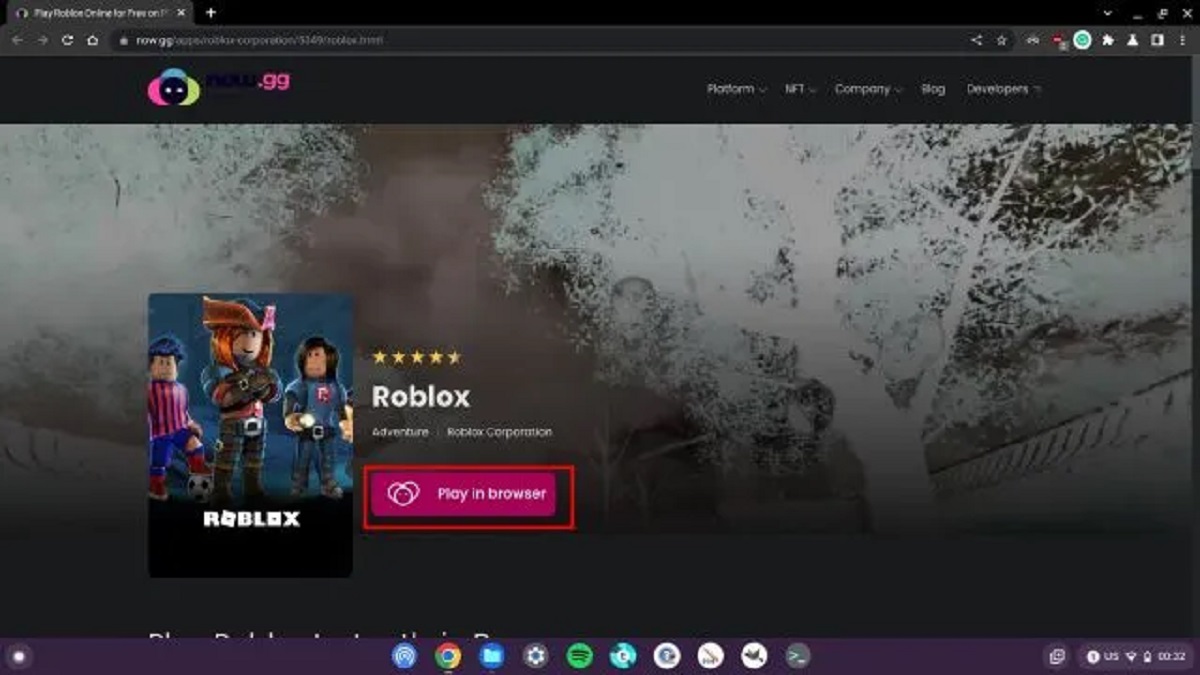
If the 32-bit libraries are installed and the game still crashes on startup, your Chromebook’s hardware is likely the barrier. Sims 4 requires a GPU that supports OpenGL 3.3 or Vulkan 1.1. Chromebooks with an ARM processor cannot run x86 Windows games through Wine at all because Wine translates instructions for the x86 architecture, and ARM Chromebooks lack the necessary emulation layer for 3D acceleration. Similarly, very old Intel integrated graphics lack the driver support inside the Linux container. To check your CPU, open the Chrome OS Diagnostics app or go to Settings > About ChromeOS, and look for the processor type. If it says "aarch64" or "ARMv8", you are in the no-fix scenario. For those stuck here, the only workaround is to stream the game from a remote PC or use a service like GeForce Now. While you explore alternatives, you might also want to know how to get sims 4 on Chromebook via other methods, or see how to play Minecraft on school Chromebook without download for similar streaming tricks. If you prefer other games, you can also look up how to download Roblox on Chromebook without play store or how to get Roblox on a Chromebook without the Play Store, as those titles often have lighter requirements.