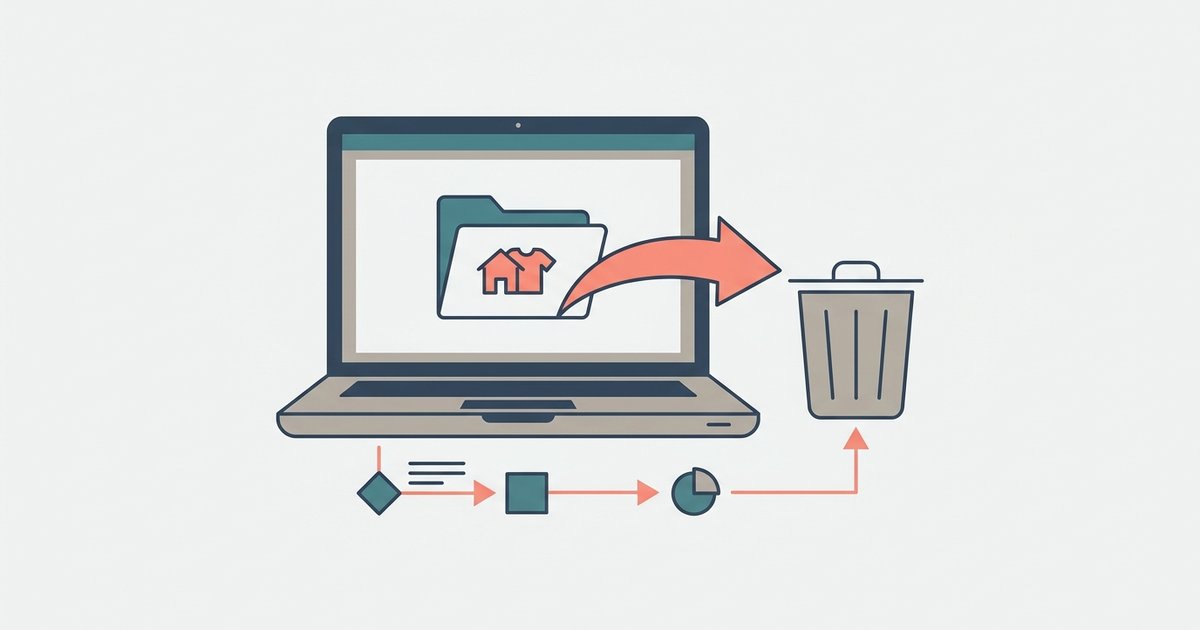
Remove the .package or .ts4script file from your Mods folder, delete the localthumbcache.package file, and load the save—if sims are bald or naked, exit without saving and use a batch fix in Sims 4 Studio.
Why dragging files to the recycle bin is not enough to uninstall sims 4 cc
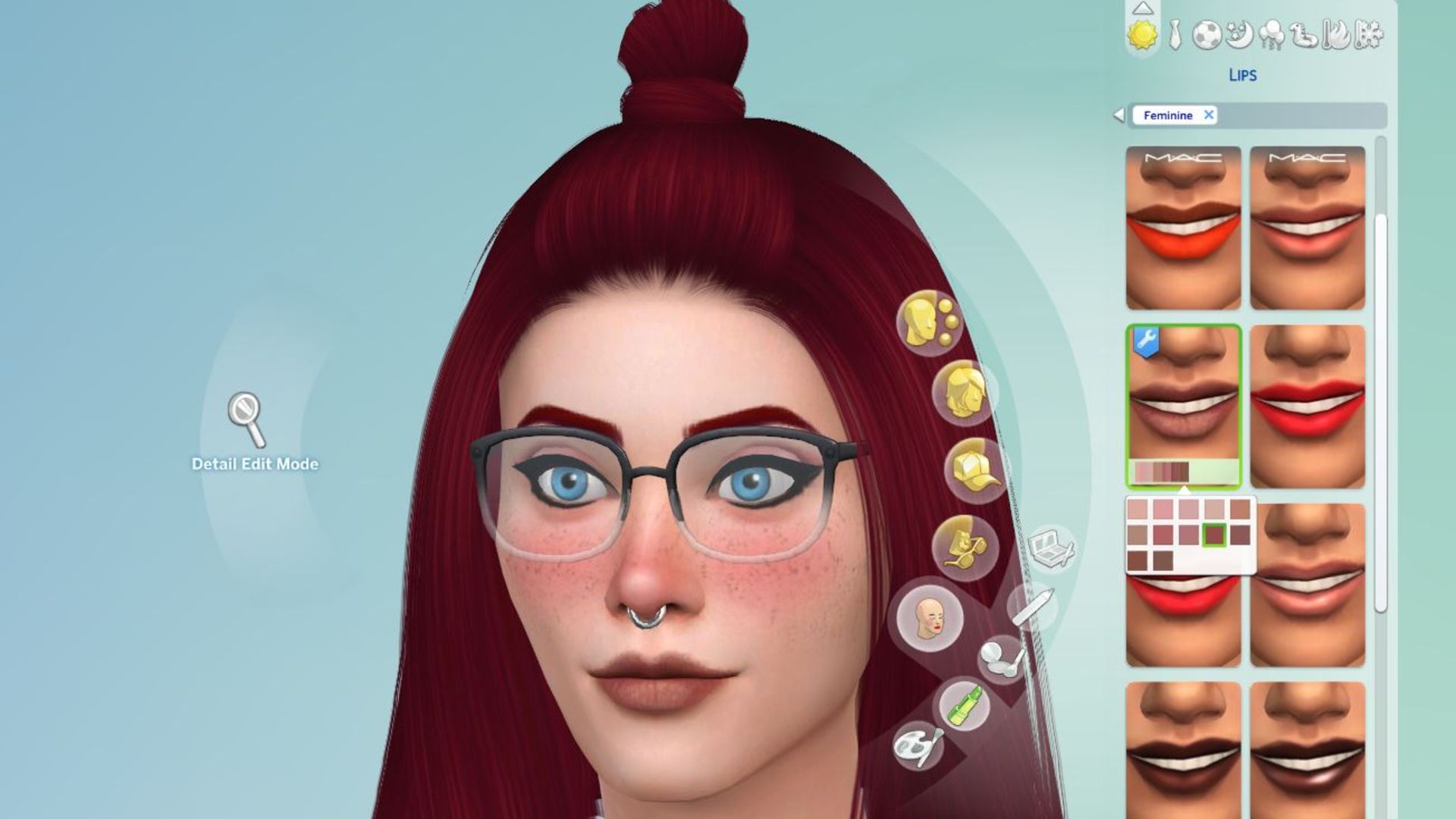
When you delete a custom content file from your Mods folder, the game still holds references to that item in its cache. The next time you load your save, the game tries to load those missing assets and, failing that, strips the affected sims of their hair and clothing. If you save after seeing a bald or naked SIM, the game writes that stripped state into your save file permanently. This is not a visual glitch, it is a data corruption that can break the entire household. The cache file, called localthumbcache.package, is the culprit: it stores thumbnails and metadata for every piece of CC you have ever used. Even if you empty your Recycle Bin, that cache remains, so the game still expects the old CC to exist. Without clearing it, you are guaranteed to see missing textures, broken outfits, and eventually a save that crashes on load. If your items still vanish after clearing the cache, you may need to fix sims 4 custom content not showing up due to deeper file conflicts. For a deeper look at managing your game files, you can download sims 4 free from the official site to test a clean install alongside your mods. This is the only sequence that ensures your households stay intact, because simply deleting the file and hoping for the best can leave your save permanently damaged.
The one file you must delete every time
After you remove any CC file, always delete localthumbcache.package from your Sims 4 folder (Documents > Electronic Arts > The Sims 4). This file is regenerated fresh each time you launch the game, so deleting it is completely safe. It holds the cached images and references for every piece of content that was in your Mods folder, including the broken mod you just removed. If you skip this step, the game will still look for the old mod’s assets in the cache, causing errors, missing SIM parts, and potential crashes. After you delete the cache, launch the game and load your save. The missing CC will simply be absent, and sims will appear in their default game outfits unless you manually reassign them. This prevents the "bald and naked" catastrophe entirely.
When the SIM is already naked or bald in your save
If you loaded your save after removing CC and saw a SIM with no hair or no clothes, do not save under any circumstances. Immediately exit the game without saving. Then open Sims 4 Studio, a free tool for managing CC. Use the "Batch Fixes" menu, select "Disallow CC for Random," and point it to your save file. This will strip any broken CC references from the affected sims, replacing missing items with default game content. After running the fix, delete localthumbcache.package again and reload the save. Your sims will now have proper hair and clothes. If you do not have Sims 4 Studio, restore from a backup save, the game creates a backup of your save file in the saves folder with a .backup extension. Rename it to replace the corrupted .save file. To avoid this situation entirely, always test new CC in a fresh save before adding it to your main household, and if you need to rebuild your collection, you can download sims 4 expansion packs for free to restore official content.