Getting the base game and expansions for download sims 4 free
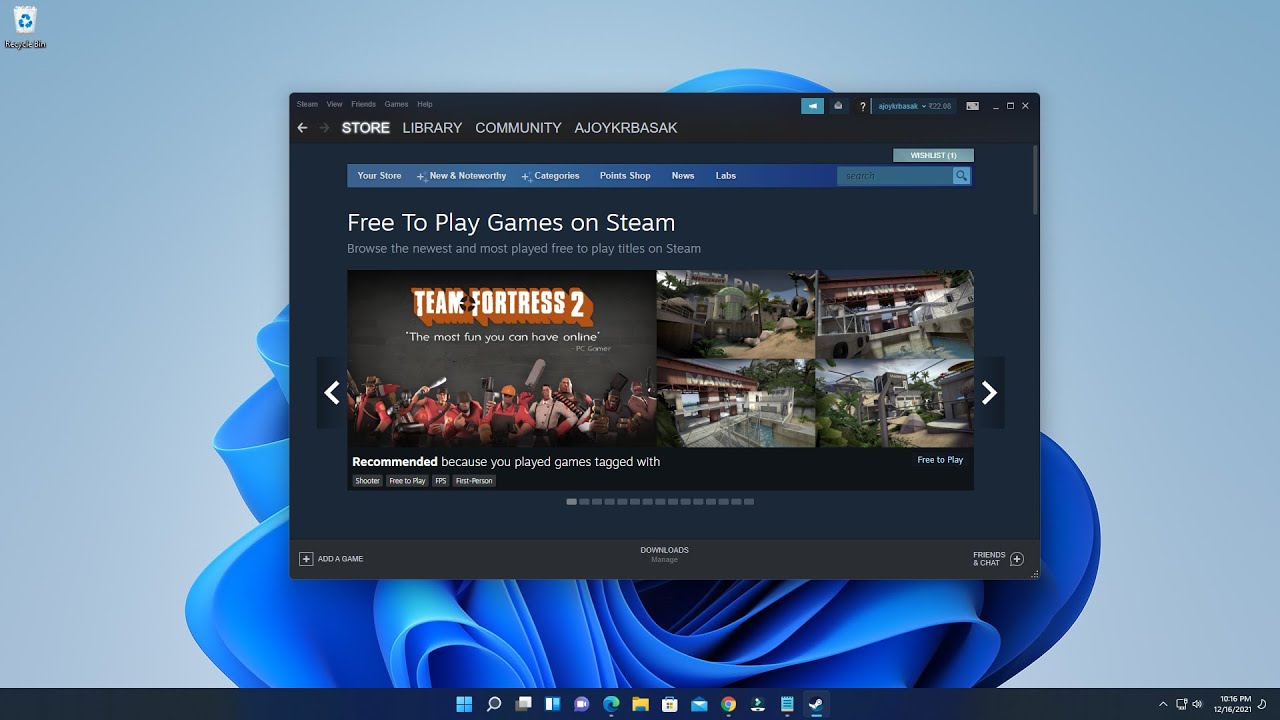
You can download Sims 4 free by claiming the base game on any official platform. Because The Sims 4 is now permanently free, you can skip any sketchy downloads entirely. If you want to test the waters before committing to the franchise, you can check how long the Sims 4 free trial on Steam lasts. It is a legitimate way to see if the gameplay suits you before installing the full game. Once you own the base game, you face the real expense: the dozens of expansion packs. The most common question players ask is how to download sims 4 expansion packs for free without breaking the law or their computer. The answer is to wait for sales, which happen every few months and slash prices by up to 75%. You can also use the library sharing feature on Steam if a friend owns the content. If you are deciding which packs to prioritize, look at a roundup of the best sims 4 expansion packs that will upgrade your game. Focus on those that add major new worlds like "City Living" or "Seasons" rather than stuff packs. Finally, if you decide the modern Sims is not for you and want to revisit the older title, you can download the sims 3 for free on PC through the EA App during promotional giveaways. This older game has lower system requirements and can run on less powerful computers.
Installing on your specific device
Start by checking your device’s storage and operating system. For a phone, the process is different from a PC. If you see a site promising to let you download sims 4 on phone as a full desktop experience, that is almost certainly a scam or an unsafe sideload. What you can actually do on a phone is run the game via remote play from your PC. You can also play the free mobile spin-off, but not the full base game. For a laptop, the official EA App is a safe source. If you want to download sims 4 on hp laptop, you should first check that your model meets the sims 4 minimum system requirements for laptop to ensure smooth gameplay and avoid crashes: at least a 2.0 GHz CPU, 4 GB of RAM, and integrated graphics from the last decade. Low-end PCs often struggle with the game’s loading times and lag. After installing the base game for free, you should avoid enabling too many expansion packs or high-resolution custom content at once. On older hardware, reducing the graphics settings and closing background apps will make the game run much smoother. Remember, the official download is free and safe; any other source is a risk to your device. Unlike other guides, we will never tell you that a third-party APK gives you the real desktop game on mobile.
- sims 4 minimum system requirements for laptop — Sims 4 minimum system requirements for laptop
- download sims 4 on hp laptop — How To Download Sims 4 On HP Laptop
- download sims 4 on phone — How To Download Sims 4 On Phone
Managing custom content and mods
Once you have the official base game installed, the real fun begins with player-made content. To find new outfits, furniture, or gameplay tweaks, you can download cc for sims 4 from creators on platforms like ModTheSims or Tumblr. Always scan files with VirusTotal before adding them to your Mods folder. After placing the files in Documents > Electronic Arts > The Sims 4 > Mods, you must enable custom content in the game’s settings menu. If items fail to appear in build mode or create-a-sim, you might need to fix sims 4 custom content not showing up. Check that the files are no more than one subfolder deep. Make sure the "Script Mods Allowed" checkbox is ticked in the "Other" tab of "Game Options". You must also delete the localthumbcache.package file from your Sims 4 folder. When you decide to remove a piece of content that is causing errors or slowing your game, you can uninstall sims 4 custom content safely by simply deleting the individual .package or .ts4script file from the Mods folder while the game is closed. Avoid using the in-game menu to disable mods as a removal method, since leftover files can still cause conflicts on the next launch. Keep a separate “_Testing” folder outside your Mods directory to isolate new downloads before committing them to your live game. No other guide will tell you that the localthumbcache.package file is the single most important file to delete when troubleshooting, because it stores outdated data that can haunt your game even after you remove broken mods.