Practical, step-by-step guides for players who want to get the game running on their own devices, whether that is a Windows laptop, an HP machine, or even a phone. These articles are written for everyday users, not just tech experts, and focus on clear, safe, and legitimate ways to install, download, and check system readiness. If you are trying to figure out where to start with Sims 4 on a new device, or you are unsure about the official download options, this tag points you to the right instructions.
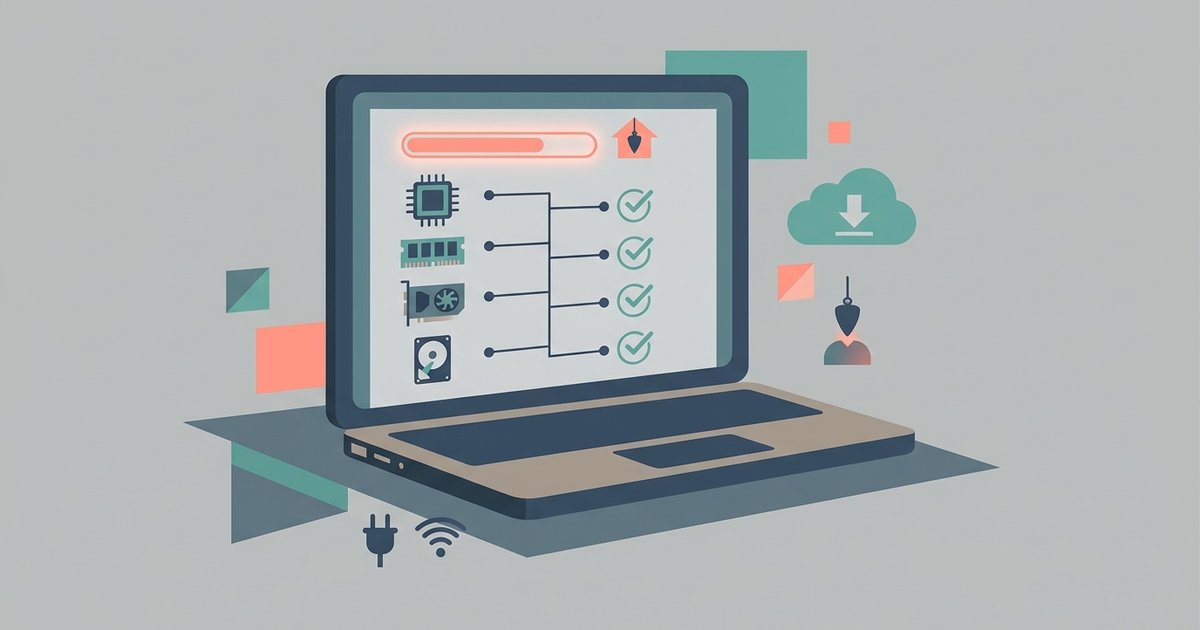
The articles here fall into two main themes. The first is installation and access: you will find guides on how to download Sims 4 on an HP laptop, how to get it on a phone, and how to download the base game for free through official channels. These pieces help you complete the setup process without guesswork. The second theme is system planning and trial information: one article explains the minimum system requirements for laptops, so you can check if your hardware is up to the task before installing, while another clarifies how long the Steam free trial lasts, helping you decide if that option fits your schedule.
Importantly, the tag also addresses legal and safe practices. For example, the article about downloading expansion packs for free is framed around legitimate promotions, bundled offers, or official free trials, not circumventing payment. Similarly, the “free” download guides focus on the official free-to-play version of the base game, not cracked or pirated copies. These articles help you make informed, secure choices, avoid unsafe downloads, and understand what is and is not allowed under the game’s terms. Whether you are checking your laptop’s specs or planning a phone install, this tag gives you the practical, above-board steps to get playing.