Straightforward, practical guides for removing software, browser extensions, and other digital clutter from your devices. It is written for everyday computer and phone users, not IT professionals, who want to clean up their systems, free up space, or get rid of programs that have become annoying, outdated, or simply unwanted. Whether you are dealing with a stubborn app on your PC or a browser add-on that appeared without your permission, these articles walk you through the process step by step.
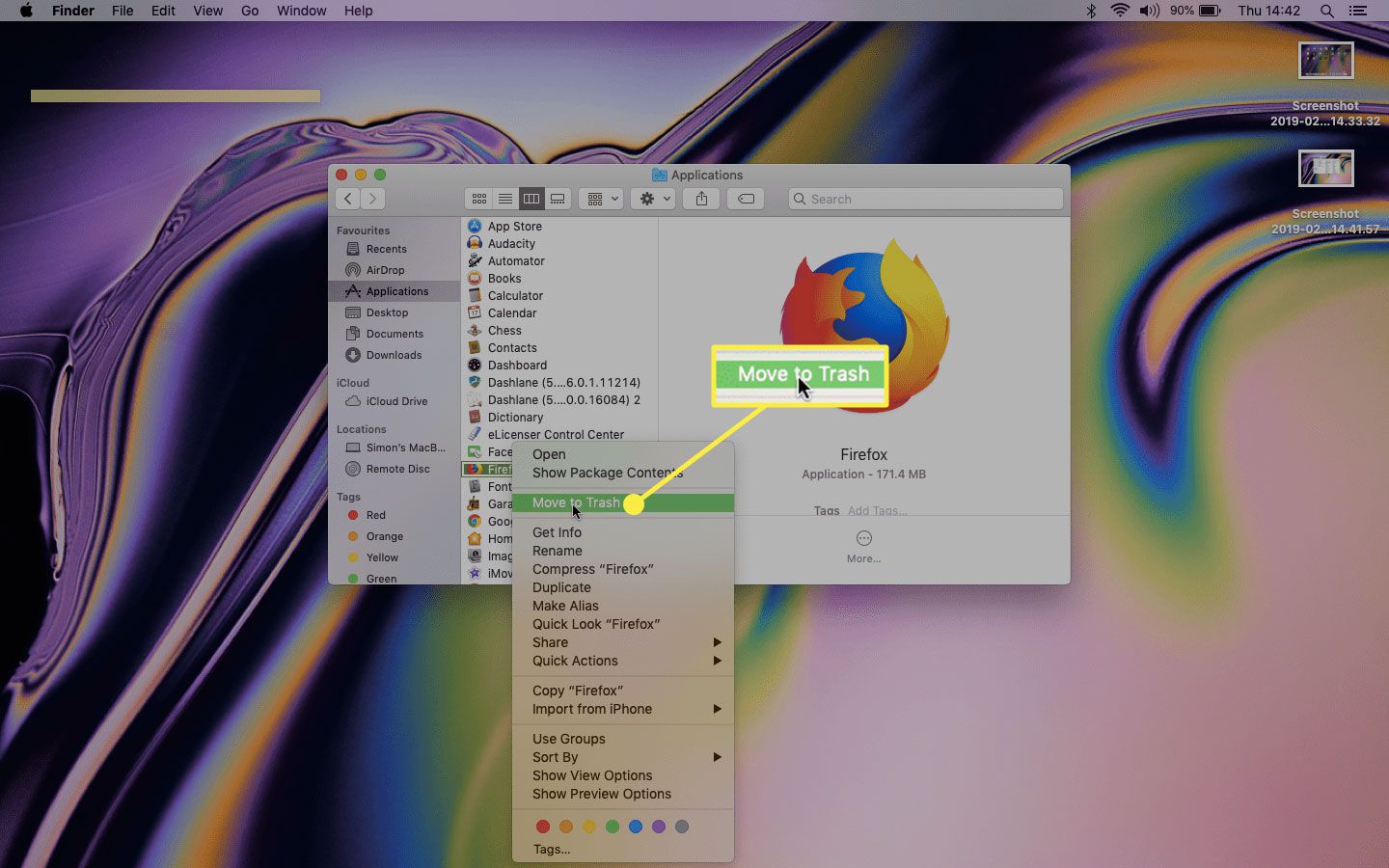
A clear theme across the list is reclaiming control over your web browser. Articles like “How To Uninstall A Browser,” “How To Remove Grammarly Extension From Safari,” and “How To Remove Puzzle Piece From Safari” help you strip away toolbars, extensions, and unwanted add-ons that slow down browsing or clutter your interface. Another theme focuses on thorough, complete removal, not just clicking “uninstall” and hoping for the best. “How To Uninstall Firefox Completely” and “How To Uninstall Sims 4 Custom Content Safely” address the leftover files, folders, and registry entries that often remain behind, which is especially important for protecting your privacy and keeping your system stable.
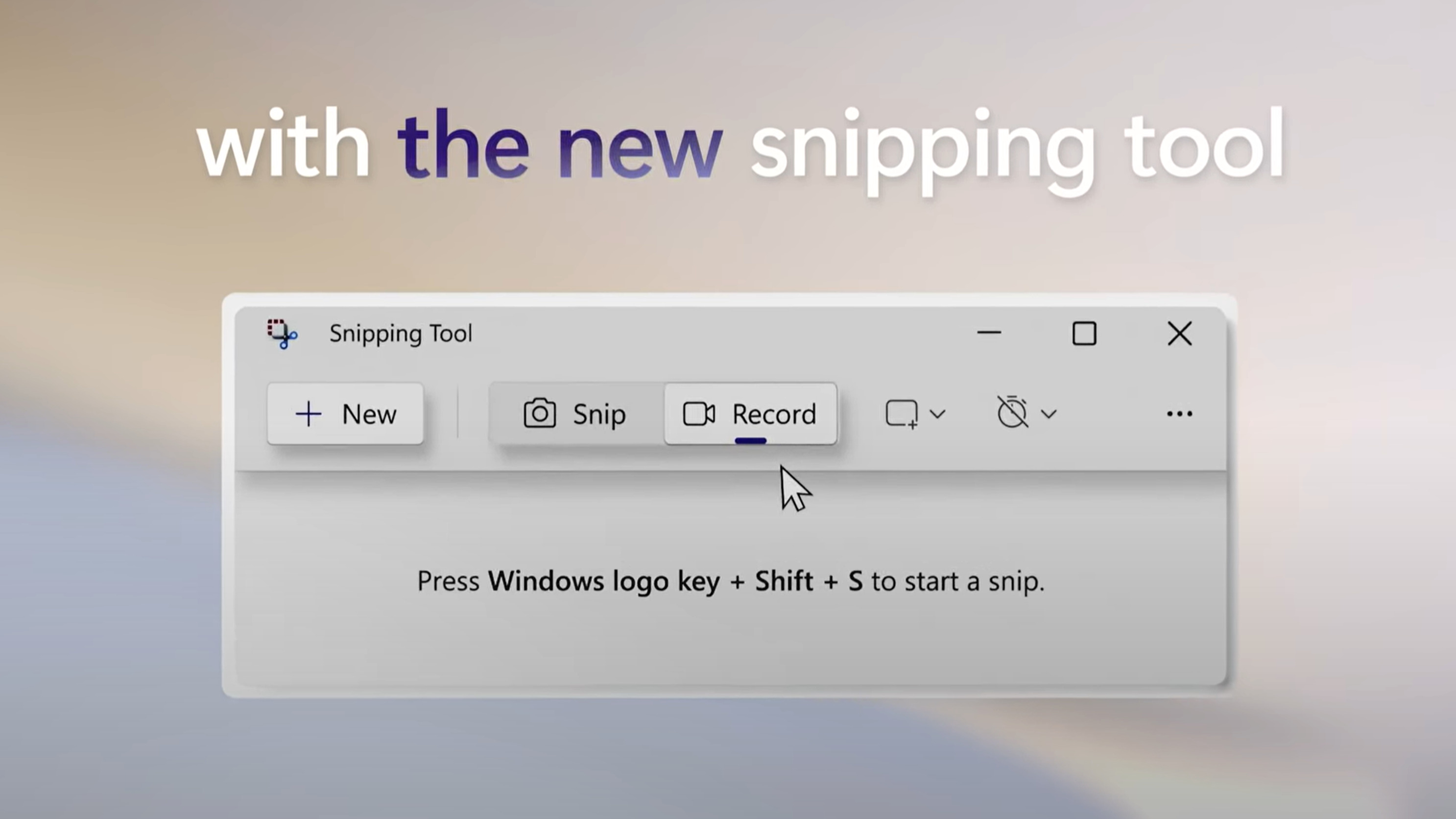
Several articles also take a security-conscious angle. “How To Delete Games On PC” and “App Removal: Uninstalling The Fitbit App” help you remove software that may hold personal data, while “How To Revert Chrome Update” and “How To Download Snipping Tool On Windows” focus on managing system changes and avoiding unwanted updates or missing tools. None of these guides encourage bypassing protections or pirating content, they simply show you how to remove what you legitimately own or no longer need, safely and completely.