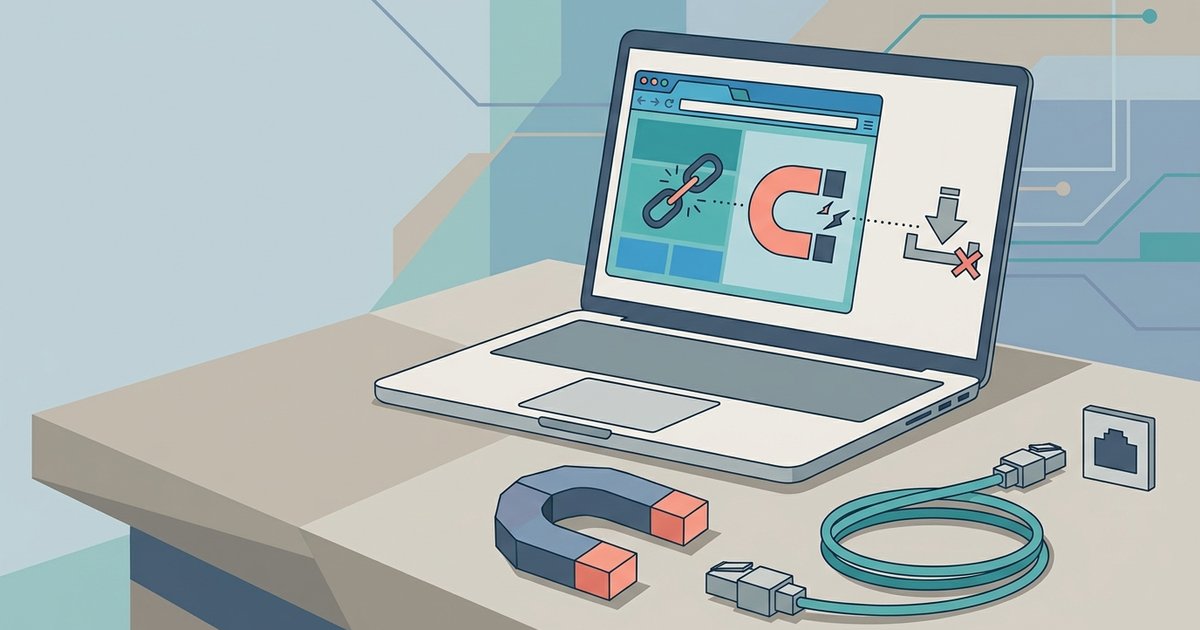
Your browser's magnet link association is broken or hijacked. Re-register qBittorrent as the default handler in its settings, or manually set it in your operating system's default apps.
Fix magnet links not opening in your browser
This is the most common reason clicking a magnet link on a site like The Pirate Bay produces no reaction, the browser no longer knows which program should receive the link, even after reinstalling qBittorrent.
Reset the association inside qBittorrent
Open qBittorrent and go to Tools > Options > Behavior. Under "File association settings", ensure the checkbox next to "Use qBittorrent for magnet links" is checked. Click it. This forces the application to re-register itself with the operating system for both the magnet and .torrent protocols. If a confirmation dialog appears from Windows or your browser, accept it. After clicking, close qBittorrent completely, then open a browser and try a magnet link again. This built-in reset is the fastest fix and often works even when a reinstall failed to restore the association.
Manually set the handler in Windows
If the in-app reset does not work, the association may be held by another program, like uTorrent, a media player, or a system setting that refuses to let go. Open Windows Settings (press Win+I) and go to Apps > Default Apps. Scroll down to find the entry labeled Magnet. Find the entry labeled Magnet. If it shows anything other than qBittorrent, click it and select qBittorrent from the list. If the Magnet protocol does not appear at all, scroll to the bottom of the page and click "Reset to the Microsoft recommended defaults", then repeat the qBittorrent in-app reset from the previous step. This manual override is especially useful when you have used a 1337x proxy and mirror sites and the magnet link gets snatched by a different handler.
When the browser still blocks the pop-up
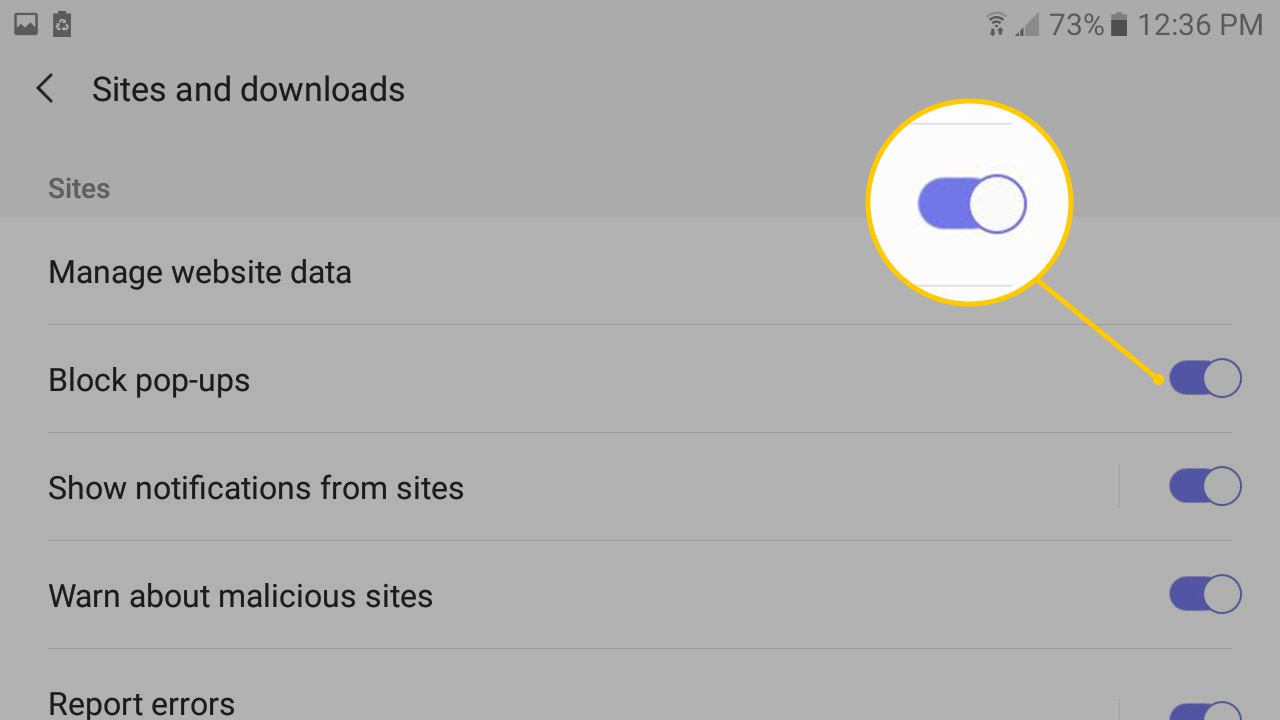
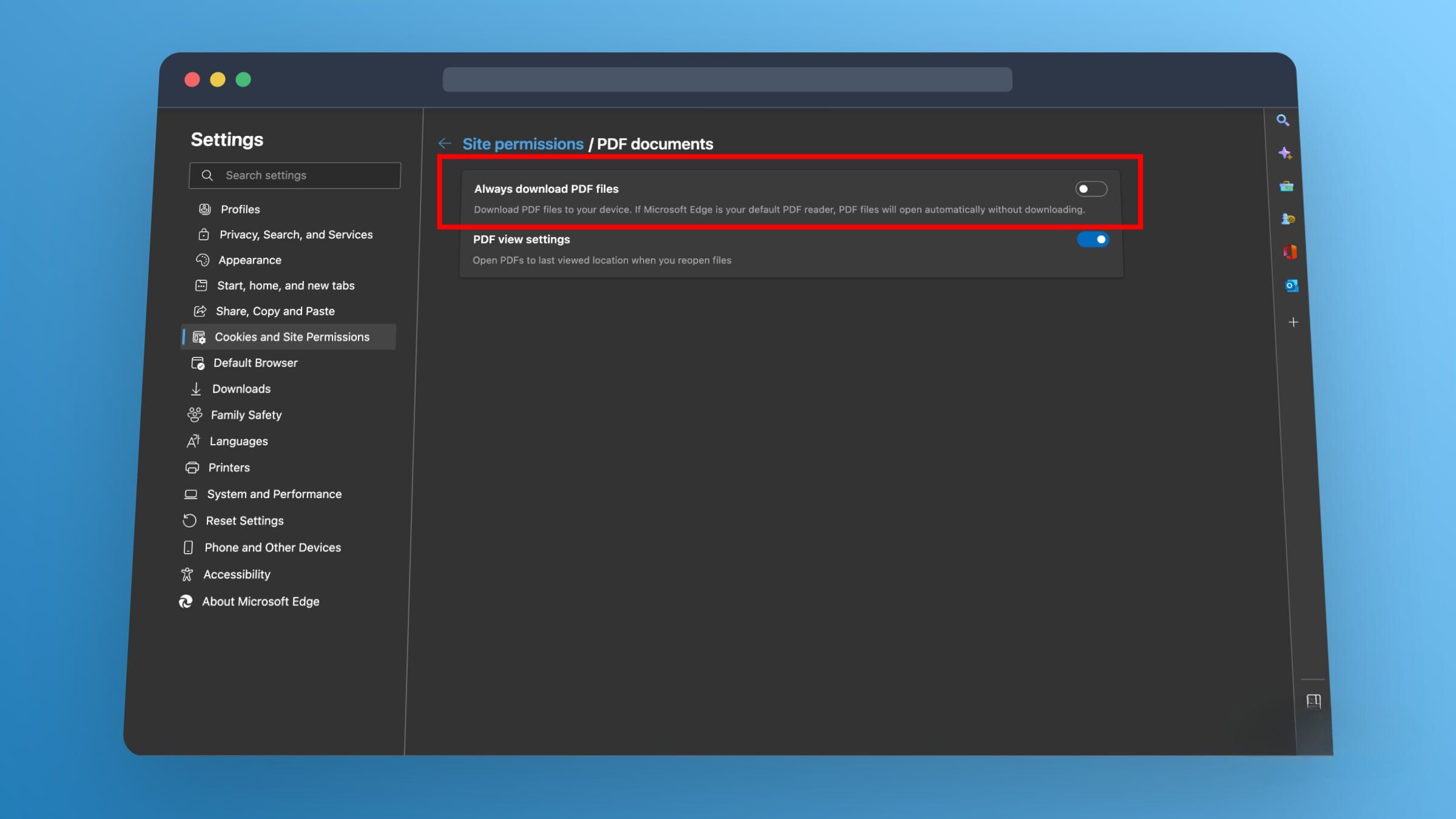
Even after the OS association is correct, your browser may silently block the external protocol request. In Chrome, go to Settings > Privacy and Security > Site Settings > Additional permissions > Protocol handlers. Ensure that the magnet protocol is listed and set to "Ask" or "Allow" for sites you trust. In Firefox, go to Settings > General > Applications, find 'magnet', and change its action to qBittorrent. Then visit a torrent site and click a magnet link, Firefox will prompt you to choose qBittorrent. Edge follows Chrome's method, but also check Settings > Cookies and site permissions > Protocol handlers. If you are using the pirate bay proxy sites list of 2020, note that some proxies block pop-ups by default; disable your ad blocker temporarily for that domain. Similarly, if you rely on working extratorrent proxy sites, their JavaScript may fail to launch the protocol if your browser's pop-up blocker is set to "Block all". Whitelist the site or temporarily allow pop-ups from that domain. Finally, restart your browser completely, a lingering background process can hold the old protocol mapping. The only reliable way to get a torrent client working across every major public tracker is to fix the protocol handler at the operating system level rather than inside any single application, which is a key step in learning how to download on piratebay.