The monitoring software will flag the unauthorized executable, which can trigger an automatic USB port lockdown and a disciplinary referral for violating the school's acceptable use policy.
The automated response from school USB game detection
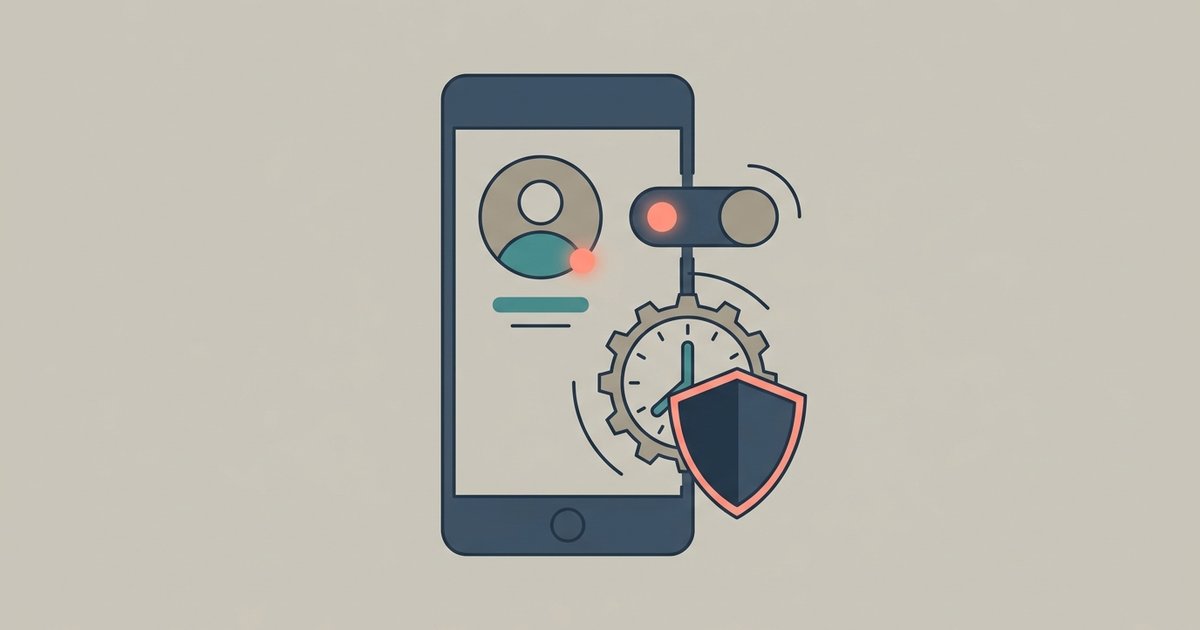
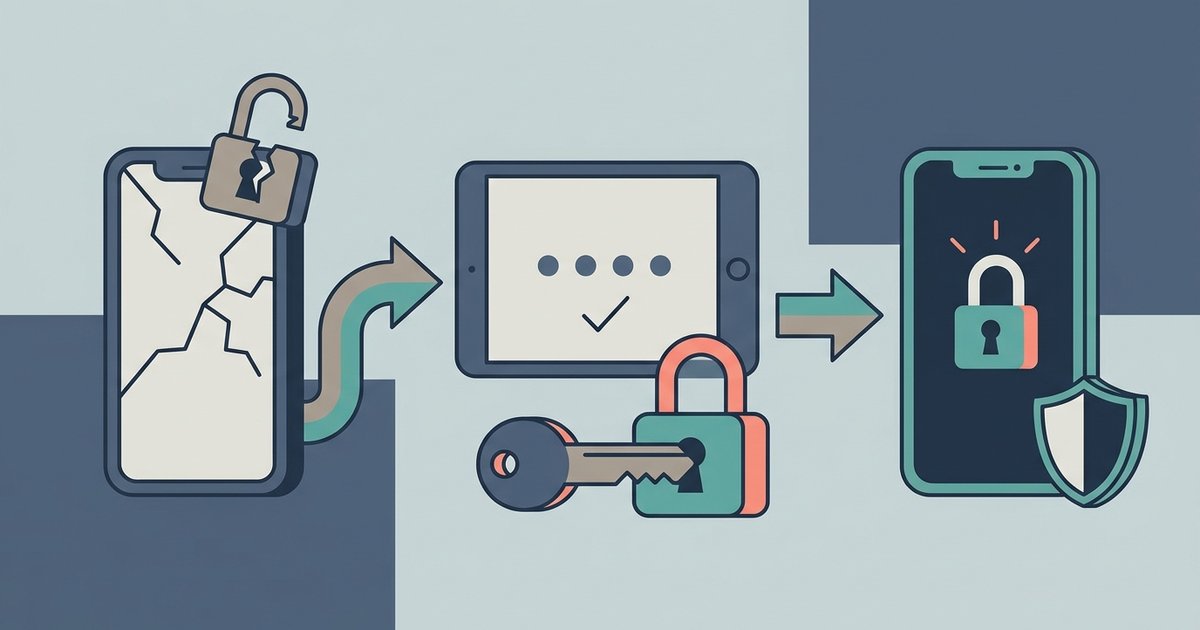
Schools may use endpoint detection and response tools like GoGuardian Admin, Securly, or LanSchool. These tools scan every process start. When a portable game’s .exe runs from a USB drive, the software compares its hash against a blocklist of known game executables. It also flags any executable that is not signed by an approved school publisher. The system can then silently restrict access on that machine within seconds. A teacher does not even need to see your screen. You might attempt to launch a second game and receive a “USB device not recognized” error. Your drive may simply stop appearing in File Explorer. The lockdown often persists until an IT admin manually re-enables the port. This makes the USB drive useless for the rest of the school day.
The disciplinary consequences most students don't expect
Portable games are deliberately designed to bypass school download blocks. Administrators treat the offense as an intentional breach of network security, not a minor distraction. The typical penalty includes immediate confiscation of the USB drive and disciplinary action for violating the school's acceptable use policy. In some districts, the referral is coded as “unauthorized circumvention of security controls.” This can appear on your disciplinary record and affect honor society eligibility. If you tried to download free games from a hub like itch.io or Steam and copied them to a drive, the school may also review your activity logs. They will look to see if you attempted to download games on a school computer before transferring them. The assumption is that you deliberately sought out a workaround, especially if you used methods to download paid itch.io games for free without the creator's permission. The punishment mirrors that of hacking or bypassing filters.
The false sense of security with 'no-install' games
Many students believe that portable games are invisible to IT because they don’t write to the registry or leave files in Program Files. That is a dangerous misconception. Modern behavior-based detection does not care about registry entries. It watches for processes that launch from a removable drive and may flag ones that match known game patterns. Even a “no-install” game that runs entirely from the USB stick will trigger an alert the moment it executes. The software can also detect when you attempt to download pirated games safely using a VPN or Tor. The endpoint client may monitor network connections to known piracy sites. If you try to download games from such sites onto the USB drive while at school, the monitoring tool may log the activity. It links the pirate download directly to your student account. The result is the same: USB port lockdown and a referral that includes evidence of both the game executable and the source URL.
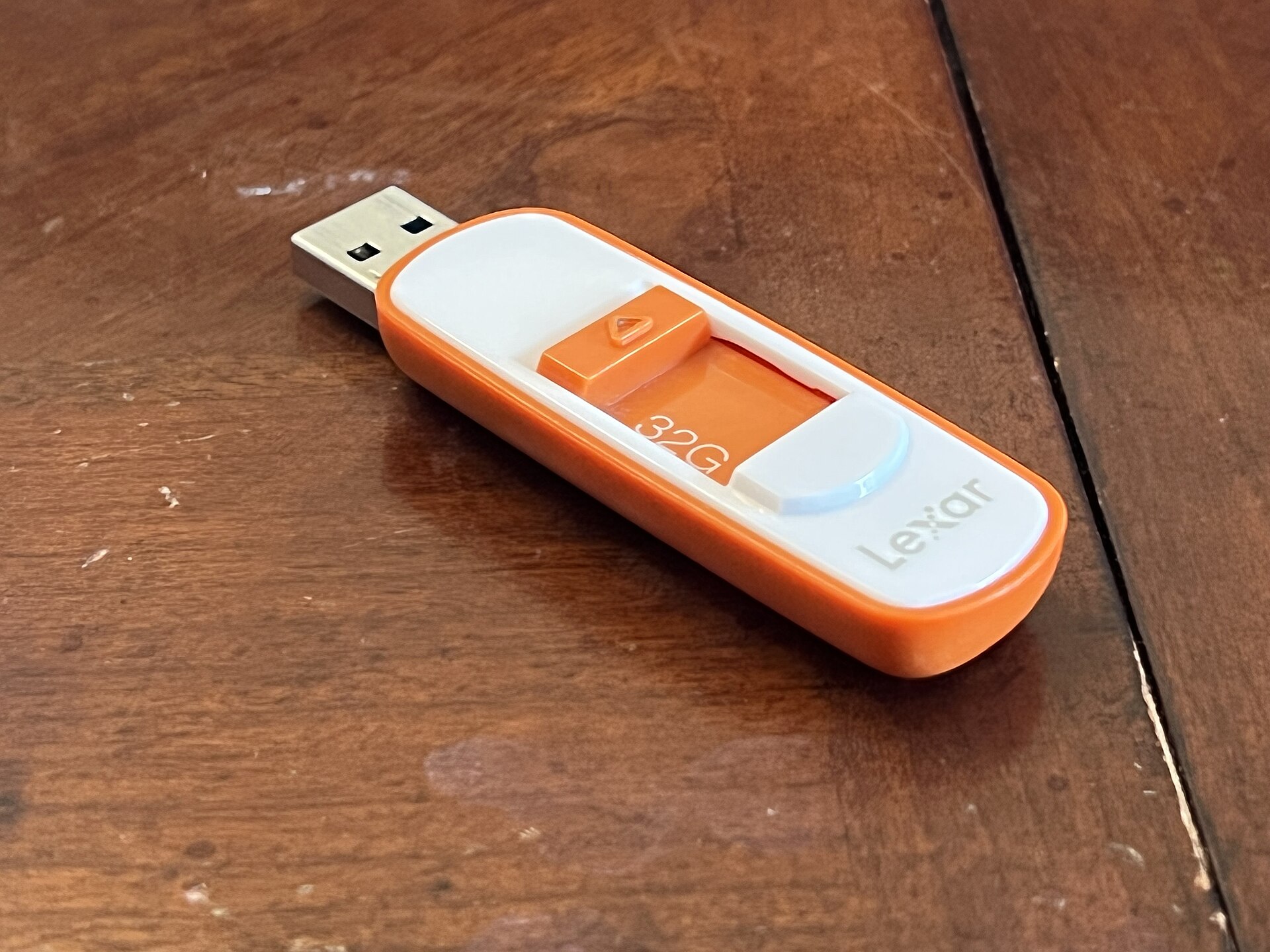
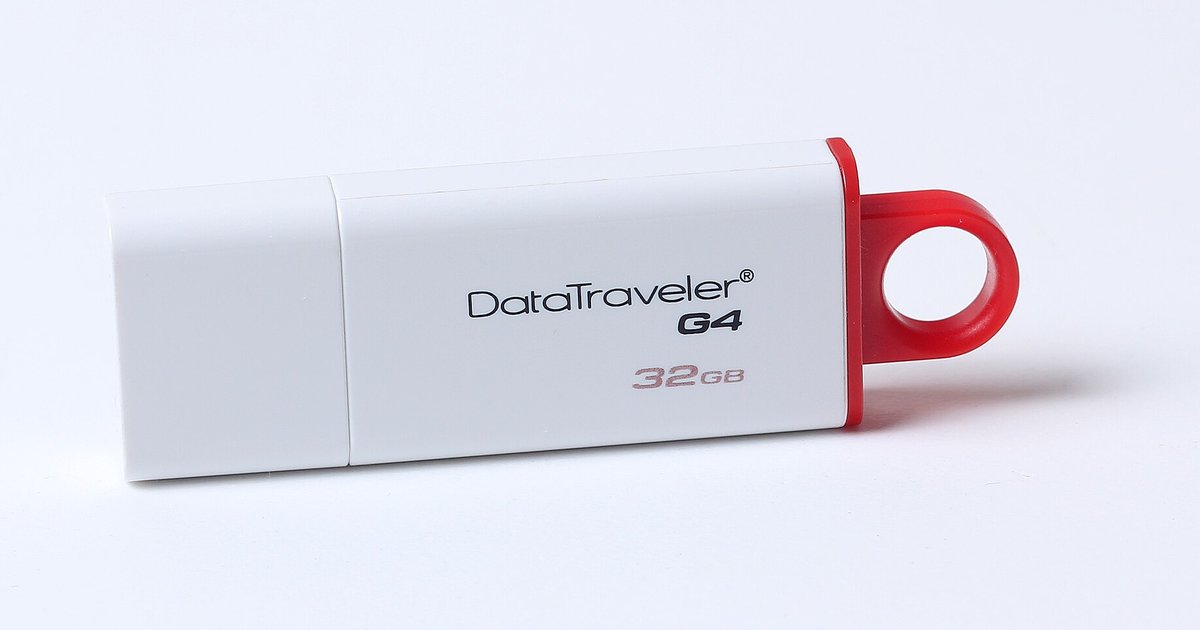
The monitoring software will flag the unauthorized executable. If you plug in a USB drive containing portable games and run one, the endpoint security client on your school computer instantly recognizes that a program is launching from removable media. You may see no warning at all. You might only find your USB ports disabled, with a notification already sent to your principal. Unlike a simple content filter that just blocks a website, the school’s endpoint security actively punishes the act of launching unauthorized code from external storage. For a safer approach to accessing entertainment, explore the broader topic of How To Download Free Games.