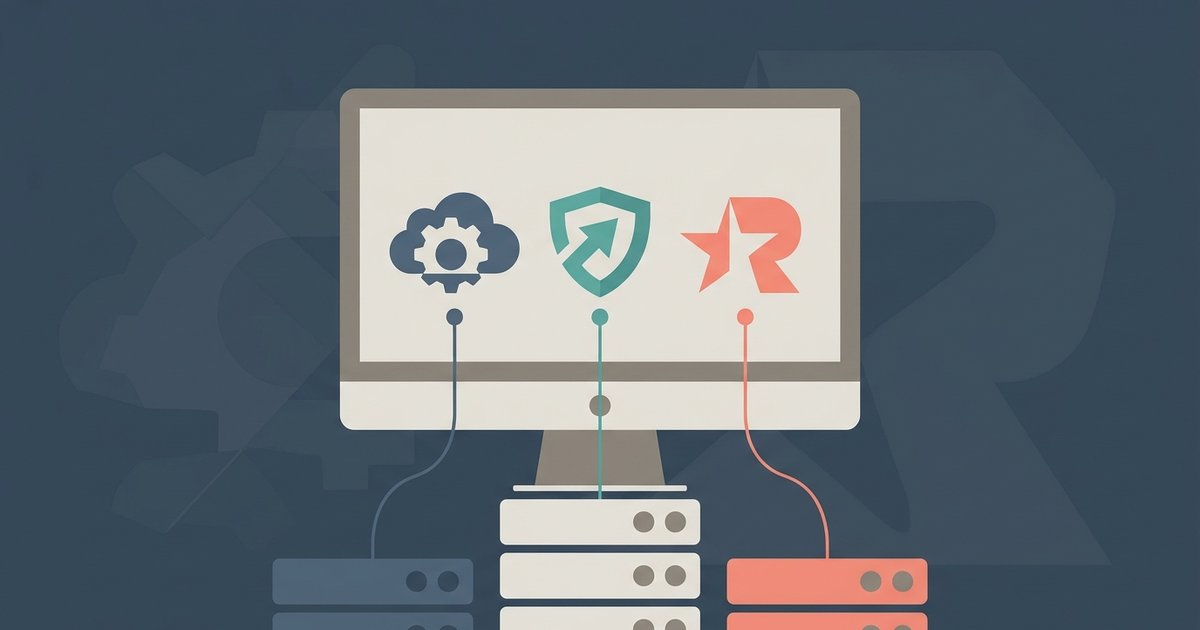
The core game is identical across all three, but the Rockstar Launcher runs in the background regardless of where you buy it. Choose Steam for the best social features and download speeds, Epic Games for exclusive coupon discounts, or the Rockstar Launcher directly if you want the fewest overlays and the most direct connection to the servers.
The Unavoidable Rockstar Launcher Difference
Many players assume that buying GTA 5 on Steam or Epic Games lets them bypass the Rockstar Games Launcher entirely. This is false. No matter which storefront you use, the Rockstar Launcher installs and runs in the background as DRM and account authentication. When you launch the game through Steam, Steam first triggers the Rockstar Launcher, which then loads the game. Your Rockstar Social Club account links to your Steam or Epic account during first launch. If you uninstall the Rockstar Launcher separately, the game will refuse to start. The only practical difference is that buying directly from Rockstar gives you one less overlay to manage, you launch the game from the Rockstar Launcher itself, without Steam or Epic running.
Download Speeds and Server Reliability
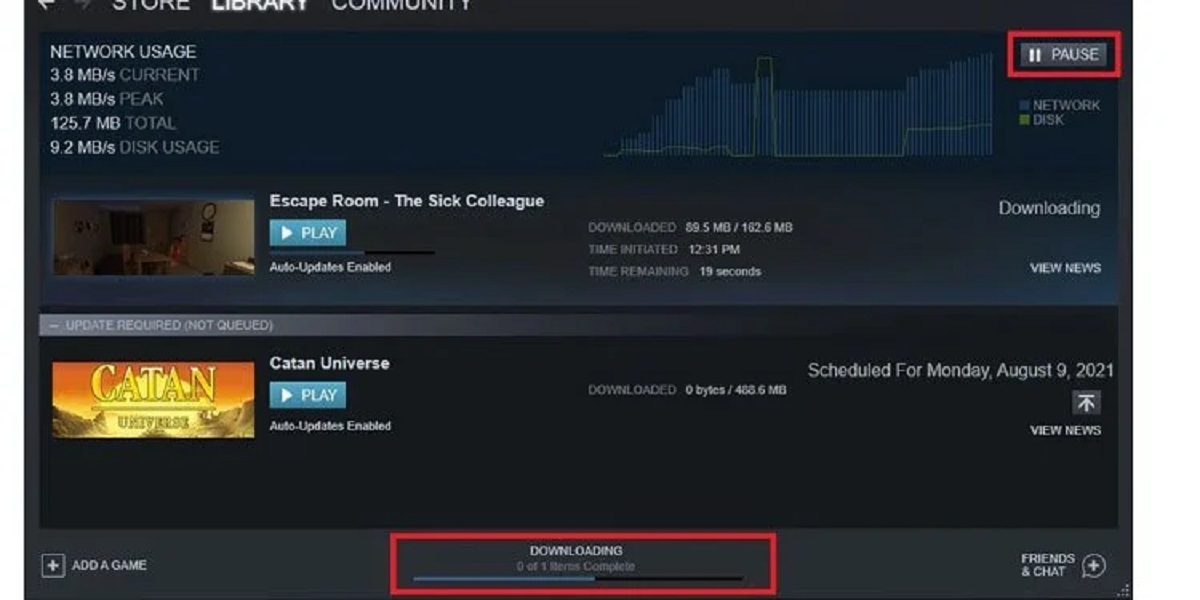
Steam consistently delivers the fastest and most stable retrieval speeds for GTA 5, thanks to its global CDN and regional servers. Most users see peak bandwidth near their internet cap. Epic Games’ distribution can be slower during major sales or free promotions, as its infrastructure historically struggles with sudden demand. The Rockstar Launcher’s transfer rates are often the slowest, especially for the initial 90 GB acquisition, because its servers throttle connections during peak hours and lack Steam’s caching network. However, if you already own the game on Steam, you can still use Steam’s infrastructure for the file delivery, the Rockstar Launcher only handles authentication, not the data pull. For the fastest initial install, Steam is the clear winner.
Social Features, Mods, and Overlays
Steam’s Shift+Tab overlay gives you a full friends list, voice chat, screenshot manager, and the ability to invite GTA Online players directly from your Steam friends. Epic’s overlay is more limited, it shows your Epic friends but doesn’t integrate with Rockstar’s invite system, so you must add friends in the Rockstar Social Club separately. The Rockstar Launcher’s social menu is barebones: you can see your friends list and join sessions, but there is no screenshot tool or voice chat. For single-player mods, Steam and Epic users have identical access, the mod folder is always at Documents\Rockstar Games\GTA V for the Legacy edition or Documents\Rockstar Games\GTAV Enhanced for the Enhanced edition, but the Rockstar Launcher’s auto-update can break Script Hook V more often than Steam’s, which offers more control over update timing. If you want to install GTA 5 mods easily, the launcher choice matters less than your willingness to disable automatic updates.
When the Answer Is No
You cannot transfer a GTA Online character from console to PC, regardless of which launcher you choose. Progress on PC is shared between all three storefronts because it is tied to your Rockstar Social Club account, not the store. If you buy the game on Steam and later redeem a code on Epic, your online character, money, and property carry over automatically. However, if you own the game on PlayStation or Xbox, there is no cross-progression option, Rockstar ended character transfers in 2020. This also means that if you see a guide that tells you how to download gta 5 rp on PC, you must start a new character on PC even if you have a console account. Similarly, if you search for how to download gta 5 in mobile, you will find only streaming services like GeForce Now, not a native port. And if you look up how to download gta5 for PC free full version, you will find only scams or expired promotions, Rockstar never gives the full game away for free outside of the Epic Games store giveaway in 2020, which required an Epic account.