Your crash is almost certainly caused by a mod conflict, outdated Script Hook V, or a memory heap error from the game engine being overloaded. Update Script Hook V and increase your heap limit in the heapadjuster.asi configuration to stop the crashes.
Update Script Hook V to stop GTA 5 crashing
An outdated Script Hook V can cause crashes after a game update because Rockstar’s patches change internal function addresses that the hook relies on to inject your mods. If you installed LSPDFR more than a month ago, your scripthookv.dll may be older than the current game build. Download the latest version from the developer’s official site, then replace the file in your Grand Theft Auto V root folder. Do the same for NativeUI.asi and NativeUI.dll, these two files control the LSPDFR interface and crash immediately when mismatched. After updating, launch the game once without any other mods to confirm the base hook loads, then reintroduce LSPDFR. If you need to start over, you can always download gta 5 fresh from the Rockstar launcher, but updating the hook is far faster. While you wait for the download, you can also download gta 5 in mobile to continue your career on the go.
Fix the memory heap limit
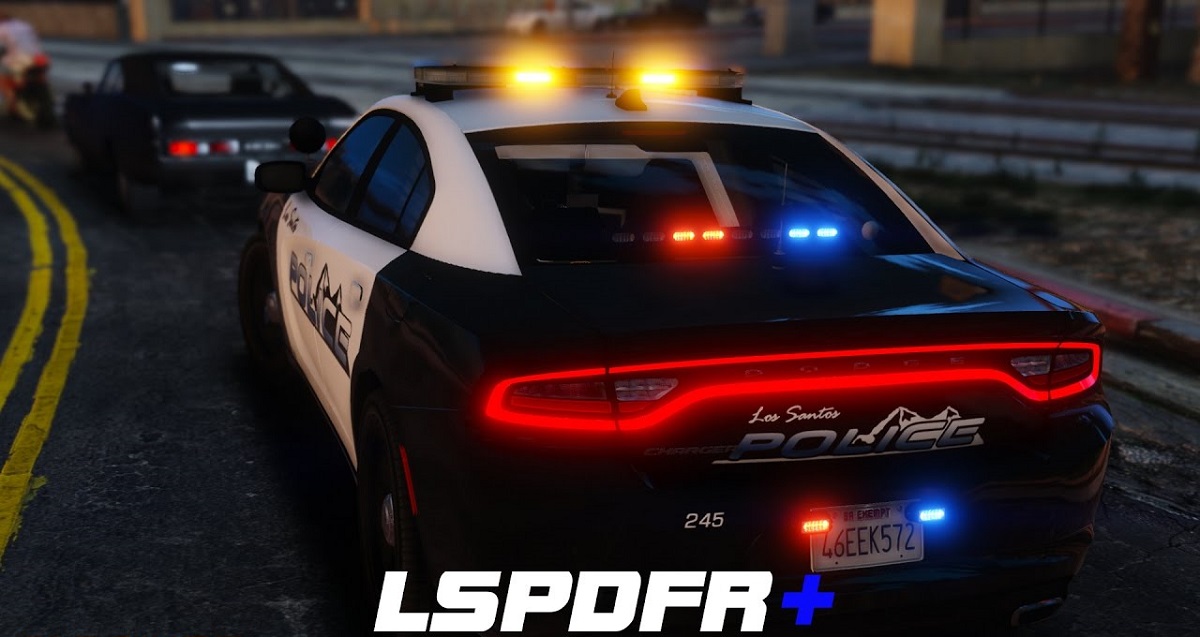
The 'ERR_MEM_EMBEDDEDALLOC_GUARD' crash happens when LSPDFR loads too many police vehicles, ped models, and callout scripts into a single memory heap. The game engine allocates a limited default heap for mod content, but a busy LSPDFR session can easily exceed it. Use HeapAdjuster.asi, a lightweight plugin that overrides this limit. Download it, place it in the game root, then open the heapadjuster.ini file and adjust the heap size setting as needed. Save the file and launch the game. This single change eliminates the memory guard crash entirely for most users. If you are curious about other mod setups, you can download gta on PC and compare configurations, but the heap adjustment is universal.
Isolate the broken mod file
When the heap fix and updated hook don’t work, a specific .asi or .dll file is causing a direct conflict. The fastest diagnostic step is to rename your entire mods folder to mods_off and launch the game. If it runs stable, the problem is inside that folder. Then use the manual 50/50 method: move half of your mods back into a new mods folder, test, then narrow to the culprit. Common offenders include outdated or duplicate .asi files or mods from beta builds. Check the file dates, any .asi older than the latest game patch is suspect. If you want to explore alternative police roleplay setups, you can download gta 5 rp on PC and compare their file lists to yours, but isolating the broken file is more direct.
When nothing works
If you have updated Script Hook V, increased the heap limit, and isolated every mod file but still crash, deeply corrupted mod files may be embedded in the game installation itself. The nuclear option is a clean reinstall that preserves your save files but removes every trace of mods. First, back up your GTA V save files folder. Then uninstall GTA V completely through the Rockstar launcher, delete the remaining Grand Theft Auto V folder from your Program Files, and reinstall. Do not copy any old mod files back, only restore your saves. Some mods, especially those that alter core game data like vehicle handling or weapon stats, simply cannot run together on the same save without causing heap corruption that persists even after file fixes. If you need a completely clean copy, you can download gta5 for PC free full version from the official store, but note that "free" offers are scams unless you own a valid license. A clean install with only LSPDFR and its official dependencies (Script Hook V, NativeUI, and the latest RagePluginHook) should run stable for hours.
For the wider picture, see download gta 5.