Straightforward, practical guides for people who want to change how their favorite games look, play, or perform. It is written for everyday players, not just hardcore techies, who are curious about adding community-created content but are not sure where to start. Whether you play on PC, a console, or a VR headset, these articles assume you are starting from zero and walk you through the process one step at a time.
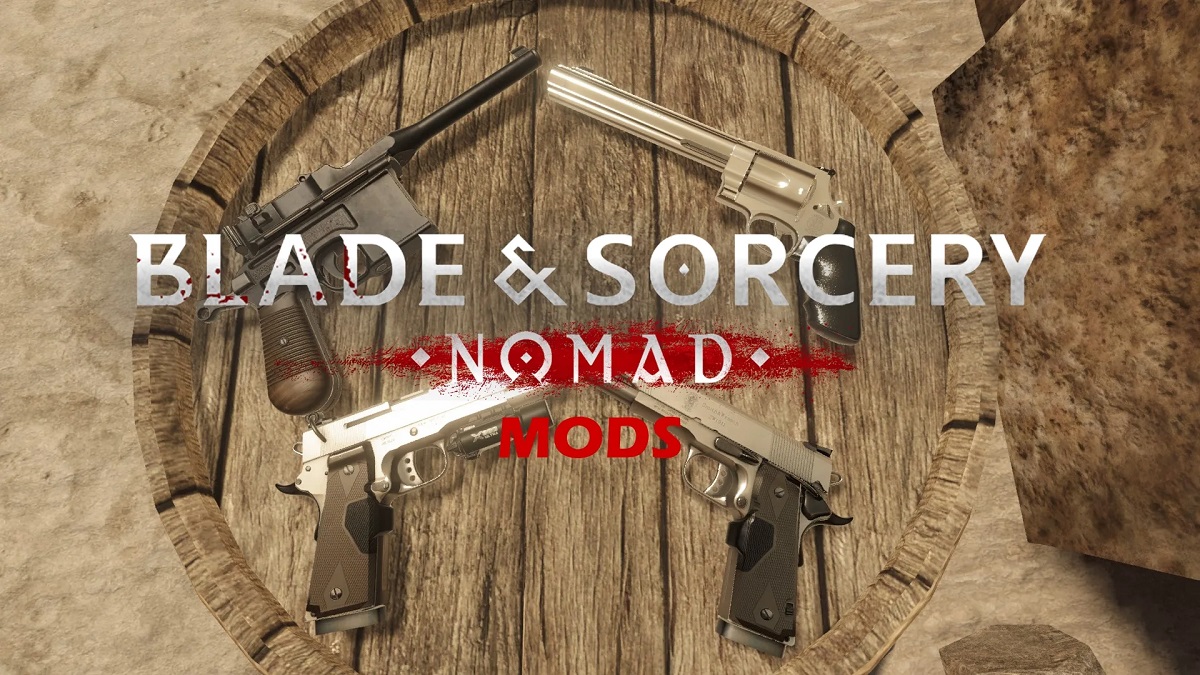
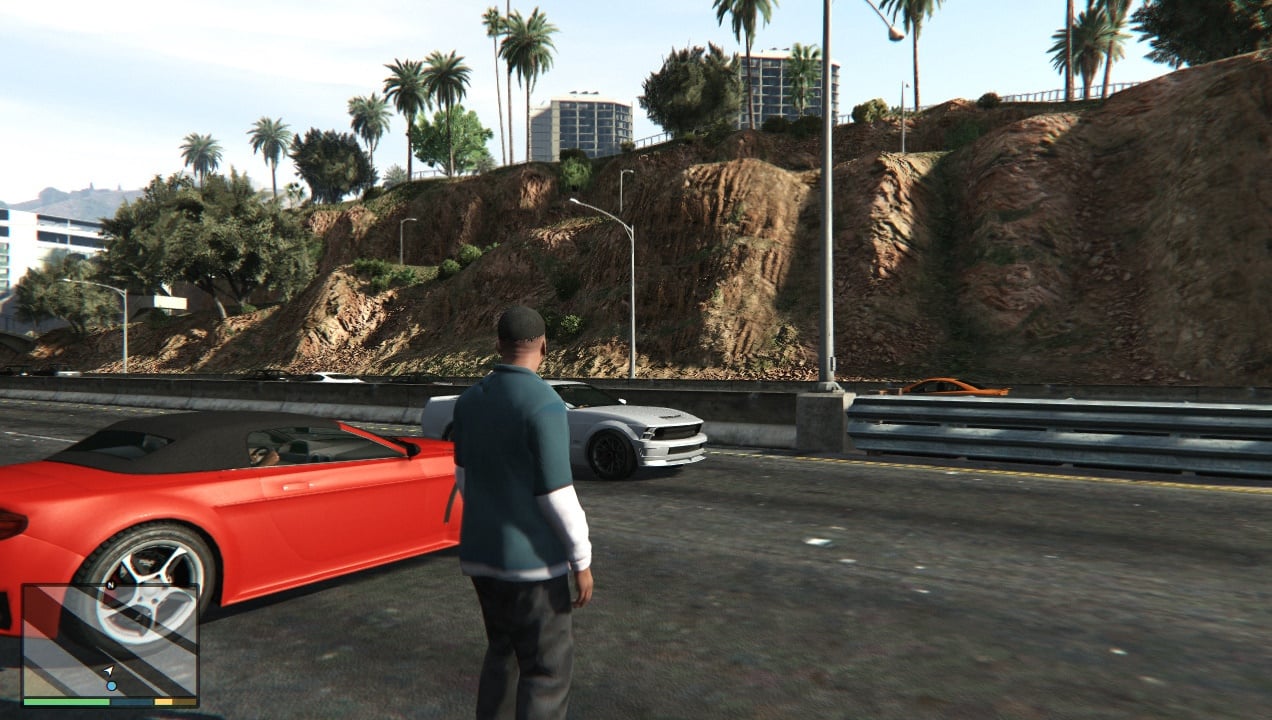
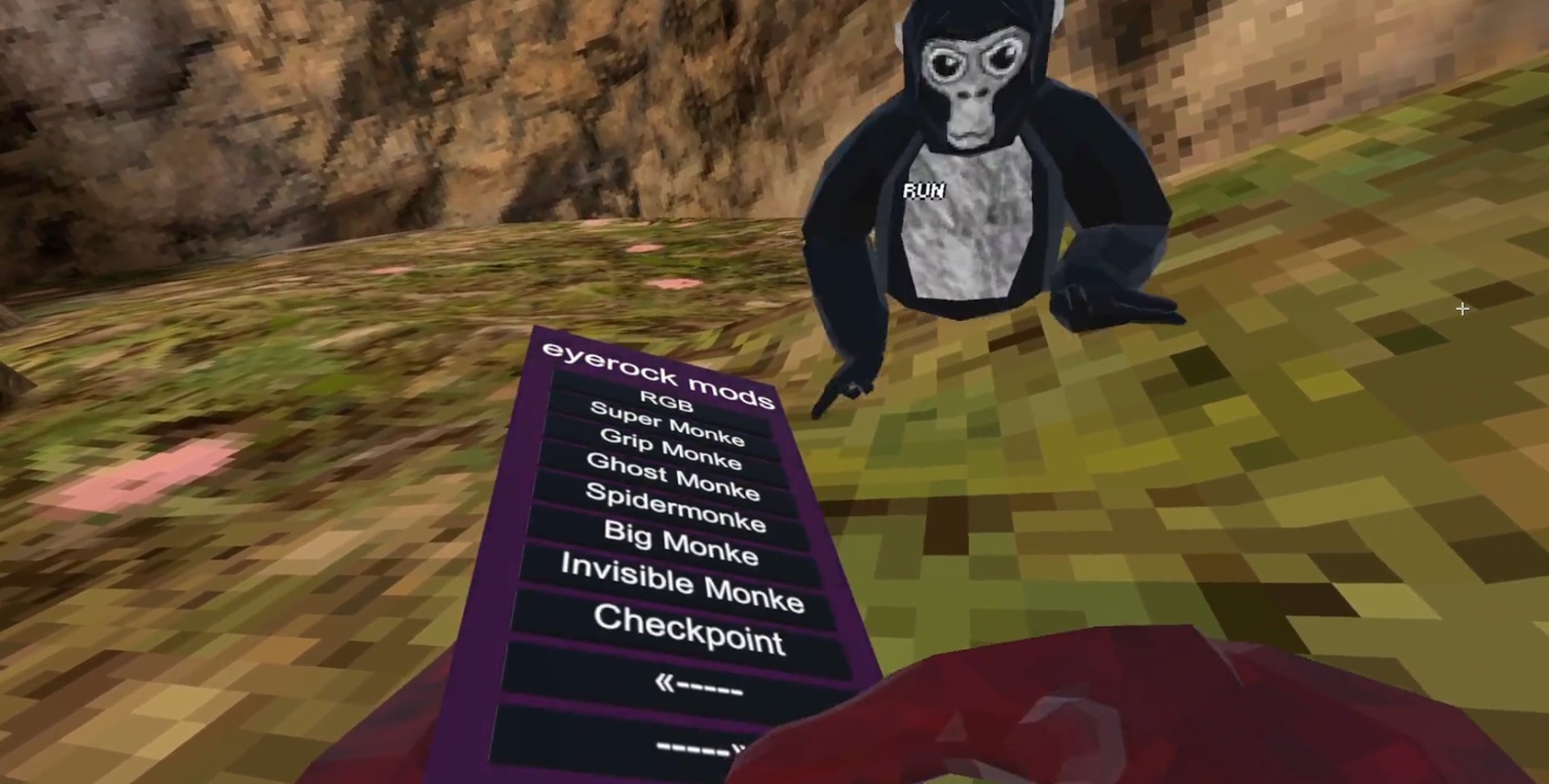
The articles here break down into a few clear themes. One is installation basics: you will see titles like “How to Download and Install Minecraft: Java Edition Mods on PC” and “How To Download Mods On Blade And Sorcery Nomad,” which focus on getting the files in the right place so the game recognizes them. Another theme is platform-specific limits, for example, “How To Get Mods On Gorilla Tag Without A PC” and “How To Download Mods For GTA 5 Xbox 360” address the extra steps or workarounds needed when you are not on a standard gaming PC. A third theme is troubleshooting and legal alternatives. “How To Fix GTA 5 Crashing On PC” is not about modding at all but about stability, which is often the first thing that goes wrong after you add content. Similarly, “Do You Need A Hacked Switch To Dump Games For Ryujinx” is discussed from a safety and legal-alternatives angle, explaining what the emulator requires without encouraging piracy or console tampering. The tag also covers how to use services like Mod.io and how to install specific mods for games like Friday Night Funkin’.
Across all of these, the goal is to help you actually complete the task, downloading, enabling, and running mods, while also flagging the risks, such as crashes or legal gray areas, so you can make informed choices. No shortcuts, no hype, just clear instructions for a specific problem.