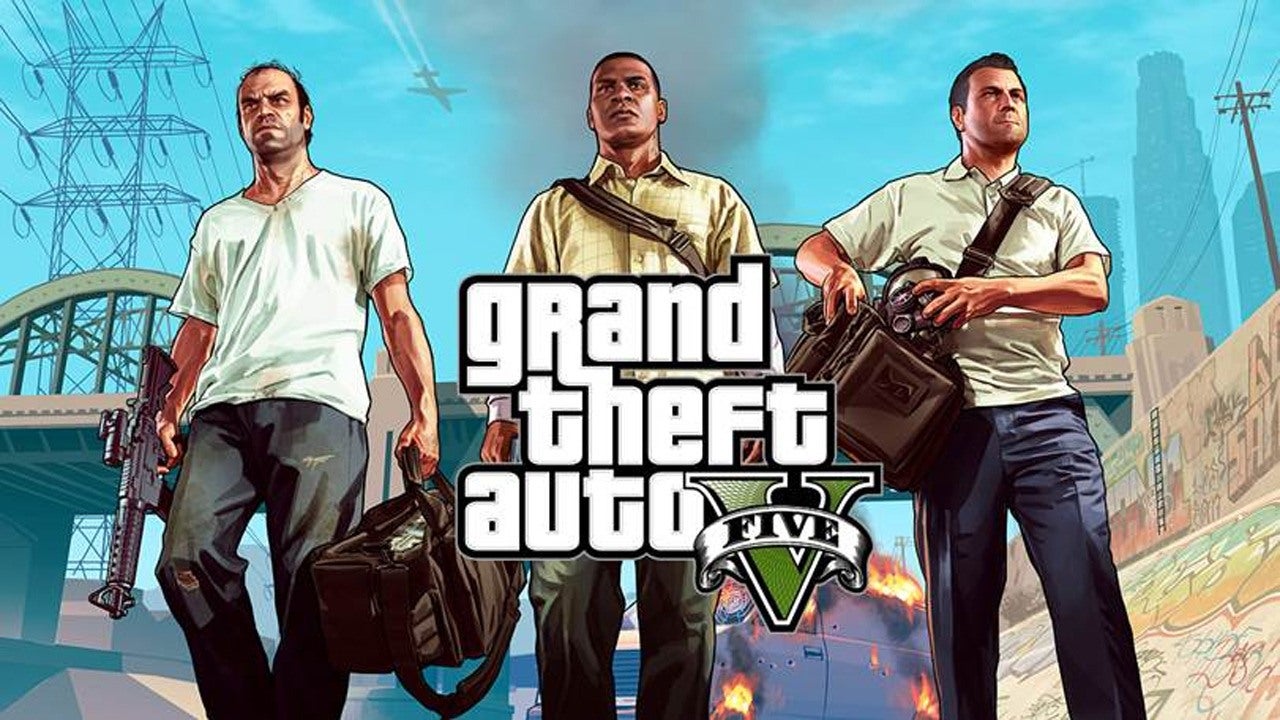
This tag collects the practical guides on robots.net that deal with Grand Theft Auto V across its many platforms, PC, PlayStation, Xbox, and even mobile. It is written for everyday players who own the game or are thinking about buying it, and who want to sort out common technical and account questions without digging through forums. The articles here are not about cheats or exploits; they focus on legitimate setup, troubleshooting, and understanding how the game’s different versions work.
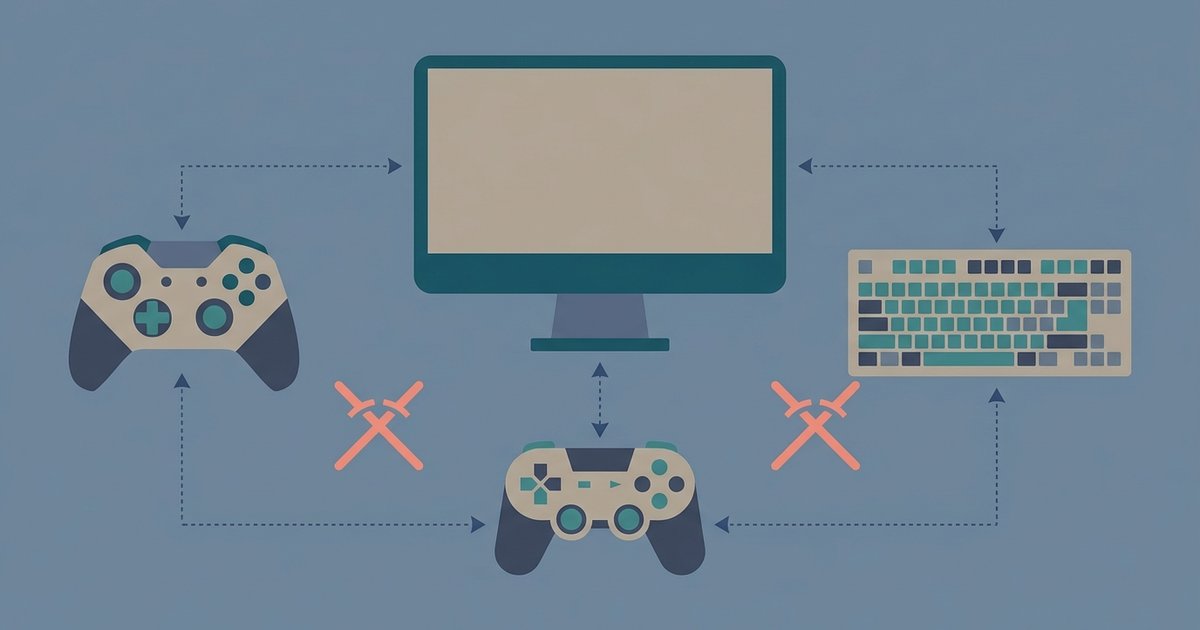
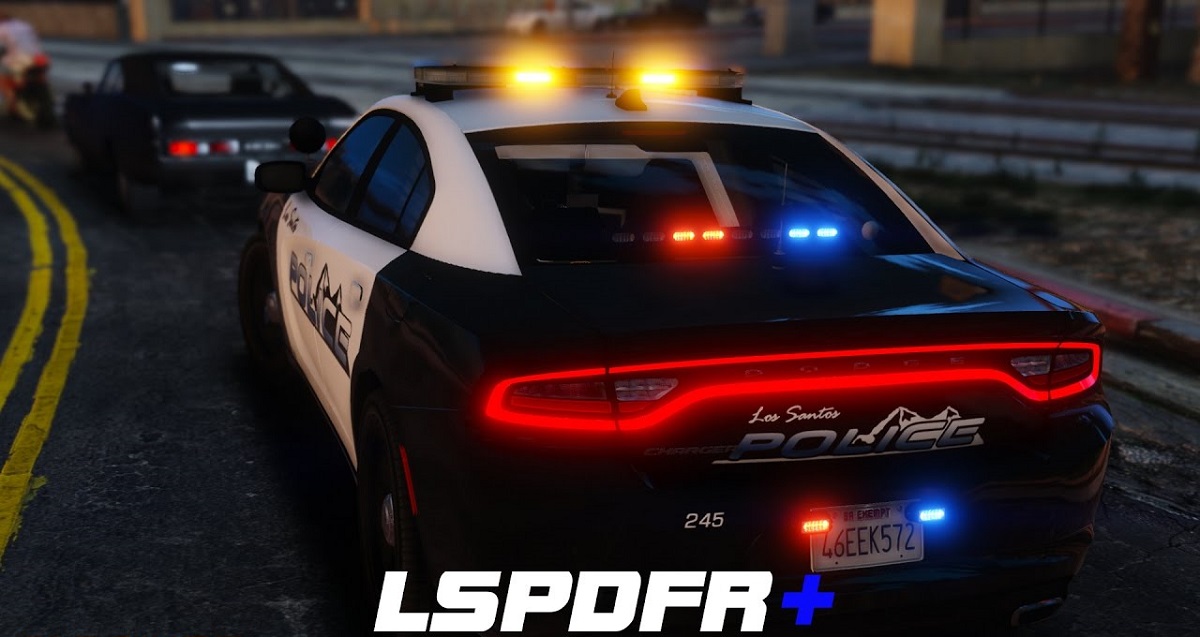
The posts fall into a few clear themes. One group helps you get the game running on hardware you already have, such as downloading GTA 5 on a phone, installing it on a PC without paying for a retail copy, or moving your story mode save from one machine to another. Another set addresses online access and multiplayer questions, including whether GTA 5 is cross-platform, how to play online on a PS4 without a PlayStation Plus subscription, and how to set up roleplay (RP) servers on PC. A third theme is stability and compatibility: you will find fixes for GTA 5 crashing on PC, a breakdown of the differences between the Steam, Epic Games, and Rockstar Launcher versions, and guides for adding mods or the LSPDFR police modification on Xbox 360, always framed around using supported tools and legal alternatives rather than bypassing protections.
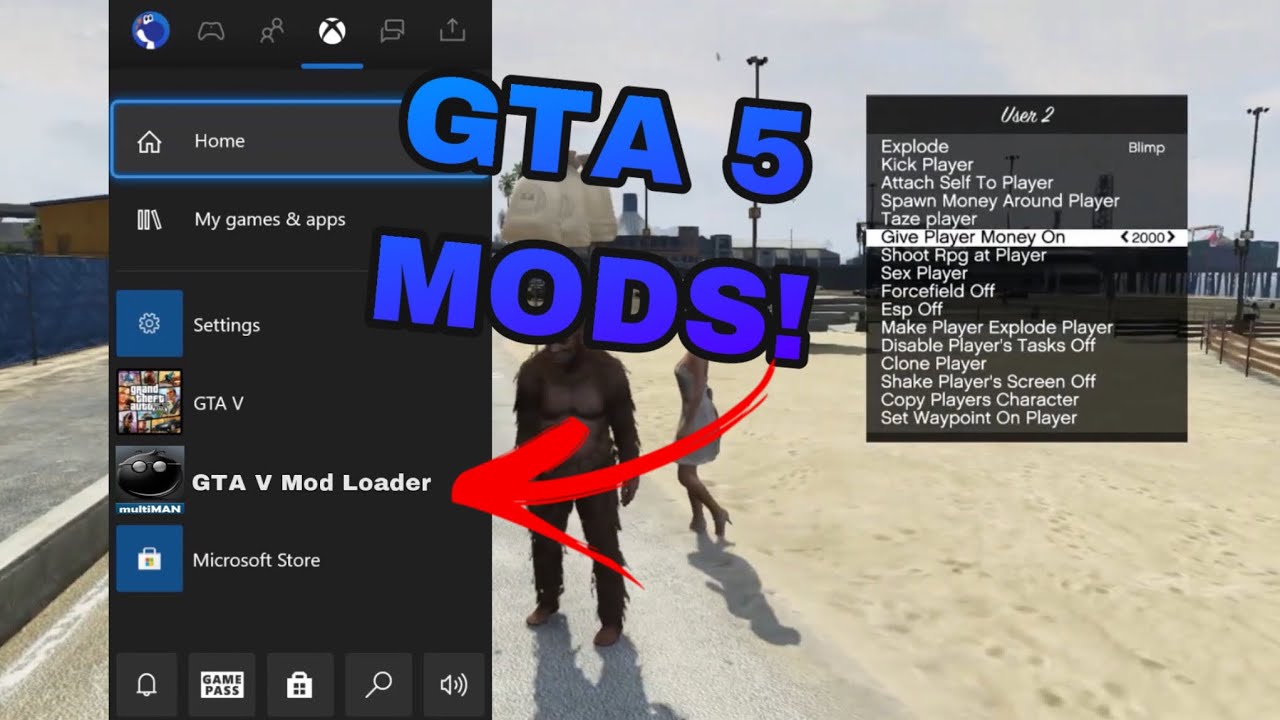
Specific topics you will see include mod menus for the Xbox 360, transferring progress to PC, and downloading the full PC version for free. Where a title mentions something like a mod menu or a free download, the article explains the safe, legitimate route, such as using official modding tools or taking advantage of a free promotional period, rather than encouraging piracy or hacking. These guides are meant to save you time and frustration, whether you are setting up a new install, fixing a crash, or choosing which PC storefront to buy from.