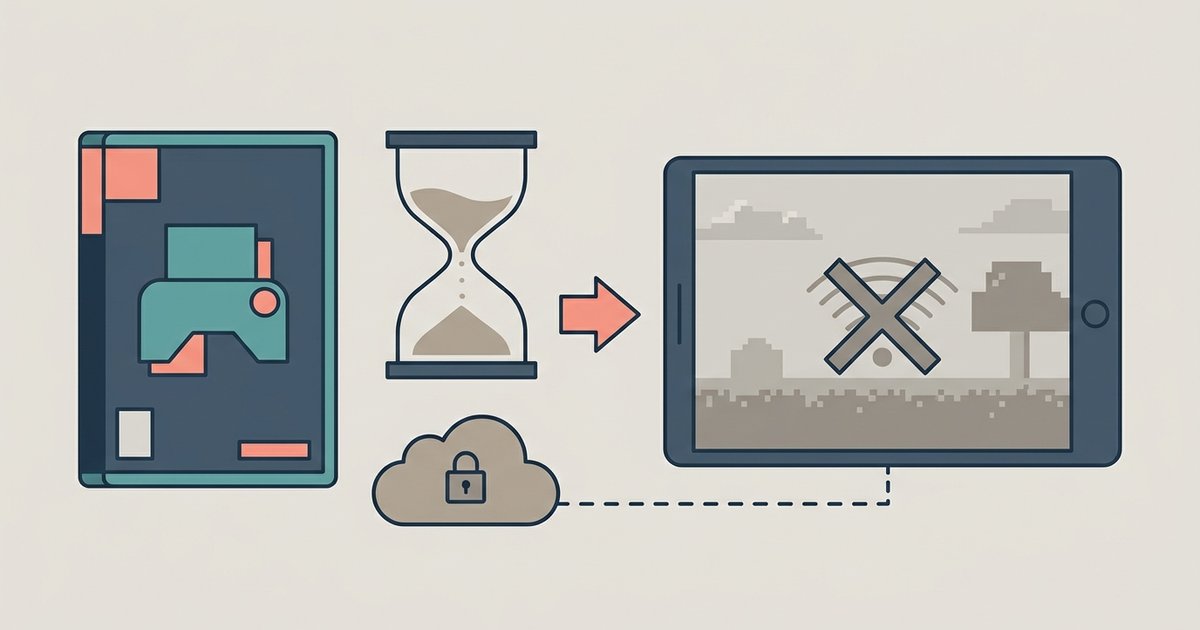
Your Realm world expiration isn't immediate; Mojang holds your server data for 18 months after the subscription ends, allowing you to reactivate and recover everything. However, if you manually close the server or let those 18 months pass, the world is permanently gone. This means you have a full year and a half to decide, but only if you avoid the single most common mistake that destroys server worlds instantly.
The realm world expiration grace period
When your subscription payment fails or you cancel it, Mojang does not delete your world. Instead, your server enters an "expired" state, and the server becomes inaccessible to all players. The data remains on Mojang’s servers for exactly 18 months from the date the subscription lapsed. During this time, the world is frozen exactly as you left it, all builds, inventories, and progress are preserved. The expiration date may be shown in the "Realms" menu of your Minecraft launcher under expired Realms. After those 18 months, the data is permanently erased with no recovery option, so setting a calendar reminder is your only safety net.
Reactivating vs. closing your realm
Letting a subscription lapse is reversible within 18 months, but manually closing your Realm may also permanently delete your world data. Many panicking owners see the "Expired" label and mistakenly look for a way to reset or fix something. Instead, manually closing a Realm may permanently delete the world data without the 18-month grace period. Reactivating an expired server is simple, just renew your subscription through the same store where you originally purchased it (Minecraft Marketplace, Microsoft Store, or the launcher). The world reappears exactly as it was, and all players regain access instantly, so Java and Bedrock players sharing a Realm can jump right back in together. Never close your Realm unless you are absolutely certain you want the world gone forever.
When your world is truly gone forever
Your world is permanently destroyed in two specific scenarios. First, if you manually close the server, the data may be wiped from Mojang's servers immediately without the 18-month window. Second, if you exceed the 18-month retention limit without reactivating or downloading a copy, the world is automatically purged. There is no notification before this purge; Mojang does not send emails or warnings as the deadline approaches. Once deleted, the world cannot be recovered by any support ticket or tool, because the data is overwritten to free server space. The only exception is if you previously downloaded the world file to your local device.
Protecting your world right now
Your only guaranteed safeguard is to download a local backup before the subscription ends. For Minecraft: Java Edition, open your Minecraft launcher, navigate to the "Realms" tab, select your server, and click "Configure." In the "World Backups" section, choose the most recent backup and click "Download latest." This saves the entire world to your computer. You can then open it in single-player or re-upload it to a new server later. For console players, you may be able to manage backups from your phone using the Minecraft app, but directly playing the world requires the correct edition; for example, a backup downloaded from a server on mobile might be usable on Minecraft on Xbox only if you transfer the file via cloud storage or USB. The key action now is to download your world file immediately, because once the payment lapses, the clock starts ticking on the 18-month window. The phrase "download Minecraft realm world" refers to exactly this process, and doing it today guarantees your builds are safe regardless of what happens to your subscription. This is the only official method to keep a permanent, offline copy of a realm in Minecraft.