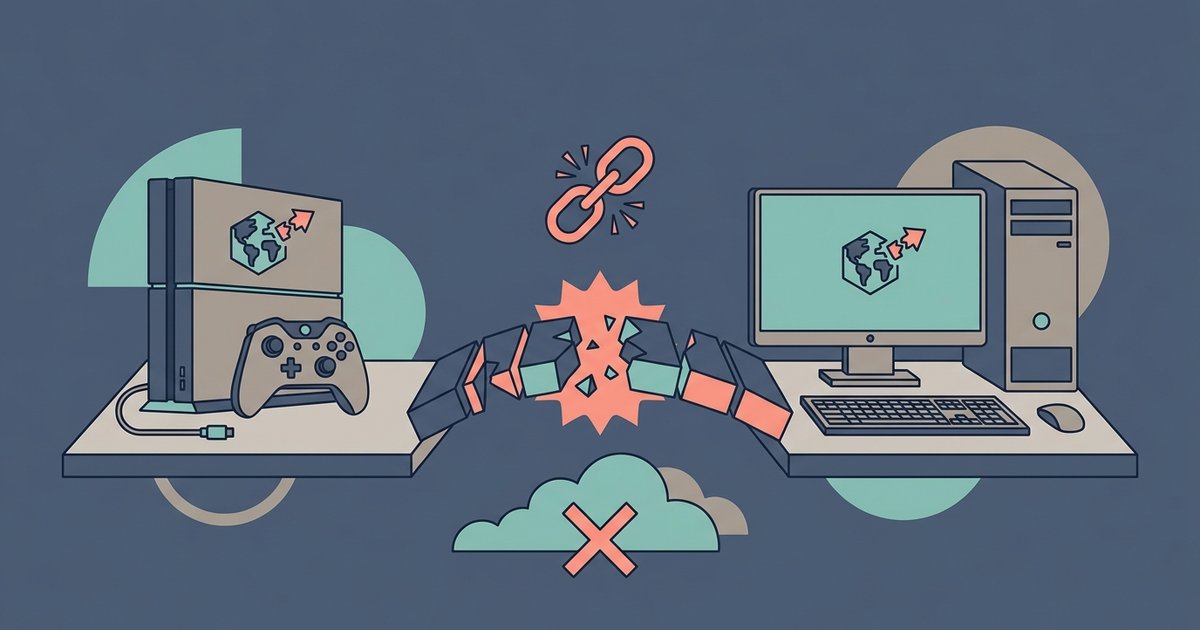
No, Java and Bedrock players cannot play together on a Realm. Realms are version-specific, so a Bedrock Realm only accepts Bedrock clients, and a Java Realm only accepts Java clients.
Why Java Bedrock crossplay fails on Realms
The core issue is that a Realm in Minecraft is hosted on separate servers for each edition. Mojang Studios runs two entirely different server infrastructures. One serves Java Edition. The other serves Bedrock Edition. Your Bedrock Realm uses Bedrock’s proprietary network protocol. This protocol is incompatible with Java’s codebase. Your Java friend cannot connect by typing the Realm’s IP address manually. That address is hidden from players anyway. The server will reject their connection. The handshake data does not match. This data is the initial exchange of version numbers and authentication tokens. The account systems are separate as well. Java uses a Mojang or Microsoft account linked to the Java launcher. Bedrock uses a Microsoft account tied to the Xbox network. Your Realm checks for a Bedrock license during the join attempt. Your friend’s Java account does not possess one. The error your friend sees is typically “Unable to connect to world” or “Outdated client.” The real cause is edition mismatch.
The common mix-up with cross-play
Many players confuse “cross-platform” with “cross-edition.” Cross-play in Bedrock is real. A player on a Nintendo Switch can join a Bedrock Realm hosted by a friend using Minecraft on Xbox. A mobile player can team up with someone on a Windows 10 or Windows 11 PC running Bedrock. This works because all Bedrock versions share the same codebase. They use the same Xbox Live authentication. However, Java Edition is not part of that ecosystem. Java runs on a different engine. It uses different world save formats. It has different redstone mechanics. Advertisements and articles about cross-play always refer to Bedrock devices only. Your Bedrock Realm does not have a “Java compatibility toggle.” Such a feature does not exist in the game’s server software. The only theoretical way for a Java player to access a Bedrock Realm is via third-party proxy software. That method violates Minecraft’s terms of service. It will not work with official Realms.
How to play together anyway
The only valid workaround is to have your Java friend switch to the Bedrock version on PC. If your friend already owns Java Edition, they may be able to download Bedrock edition on PC as part of a bundle. This may be part of a bundle that Microsoft introduced. Once they install the Bedrock launcher, they log in with the same Microsoft account. Then they can accept your Realm invite directly from the friends list. They can also join by entering the Realm code you share. That step is optional. If your friend does not want to switch versions, you could host a third-party server instead of a Realm. Software like GeyserMC translates Bedrock and Java traffic. That approach requires a separate server host and port forwarding. It demands technical setup. Your existing Realm subscription cannot be converted. For a seamless shared experience, the simplest path is for your friend to use the Bedrock version. Your friend’s best option is to use the Bedrock version if they have access to it.