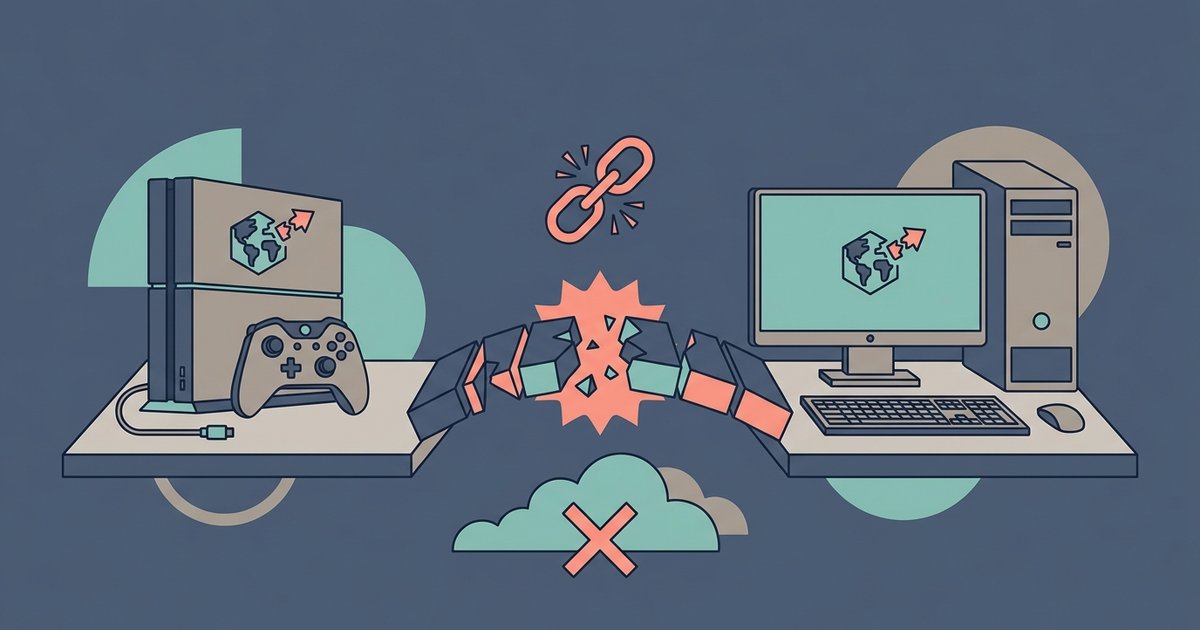
This tag collects guides for players who want to connect with friends across different gaming platforms, specifically focusing on the popular social deduction game Among Us and the broader PlayStation and Xbox ecosystems. It is written for casual gamers and console owners who have friends on a different system and want to play together without buying a second copy of the game or setting up complicated network tricks.
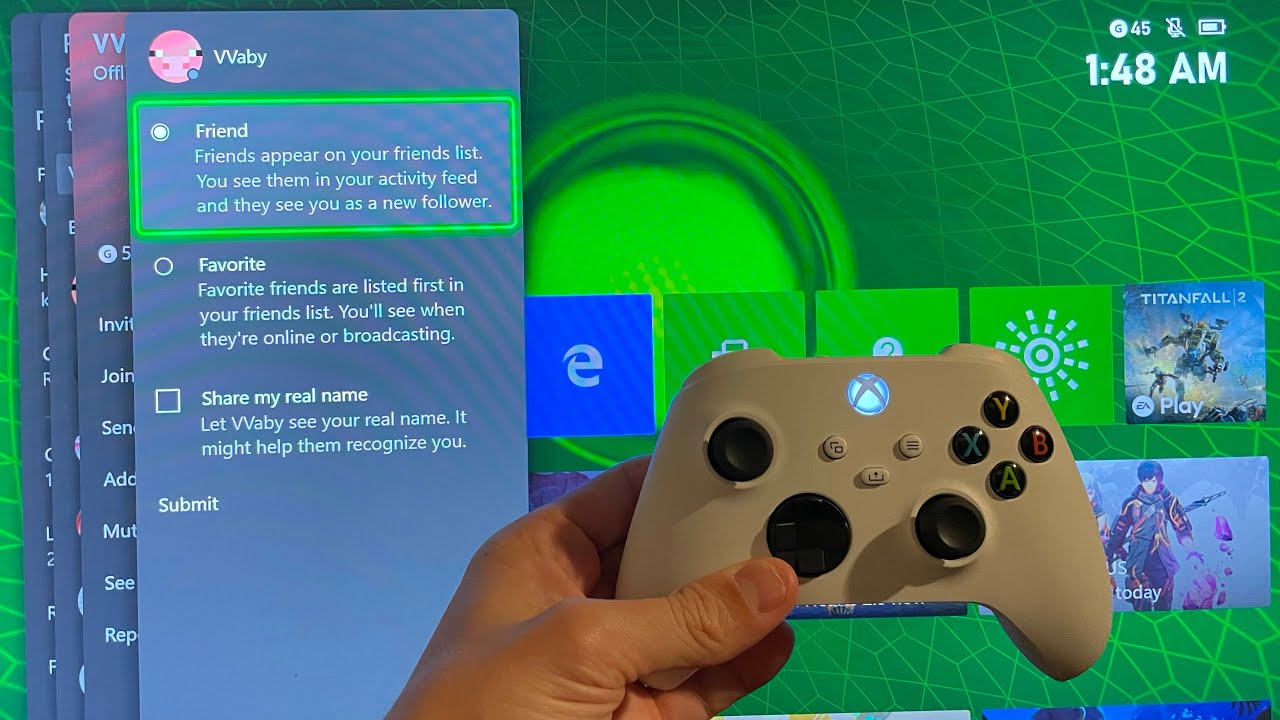
The articles solve two main kinds of problems. First, they address the practical mechanics of adding friends and starting a game across platforms. For example, the guides on adding a PlayStation friend on Xbox and enabling crossplay on Among Us for Xbox walk you through the account linking and in-game settings needed to see each other’s lobbies. Second, they cover the social and communication side of crossplay, such as setting up voice chat without relying on Discord, which is often unavailable or clunky on consoles. The piece on Among Us crossplay voice chat without Discord offers a safe, supported alternative using the game’s built-in systems or console party features.
A third theme, visible in the title about Java and Bedrock players on a Realm, focuses on the legal and intended ways to play together across different editions of Minecraft. That article, along with the general Among Us friend-adding guides, helps you understand what crossplay is officially supported and how to use it properly, rather than resorting to unofficial workarounds. Together, these articles help you get your group into the same game session quickly, keep communication clear, and avoid the frustration of platform lock-in.