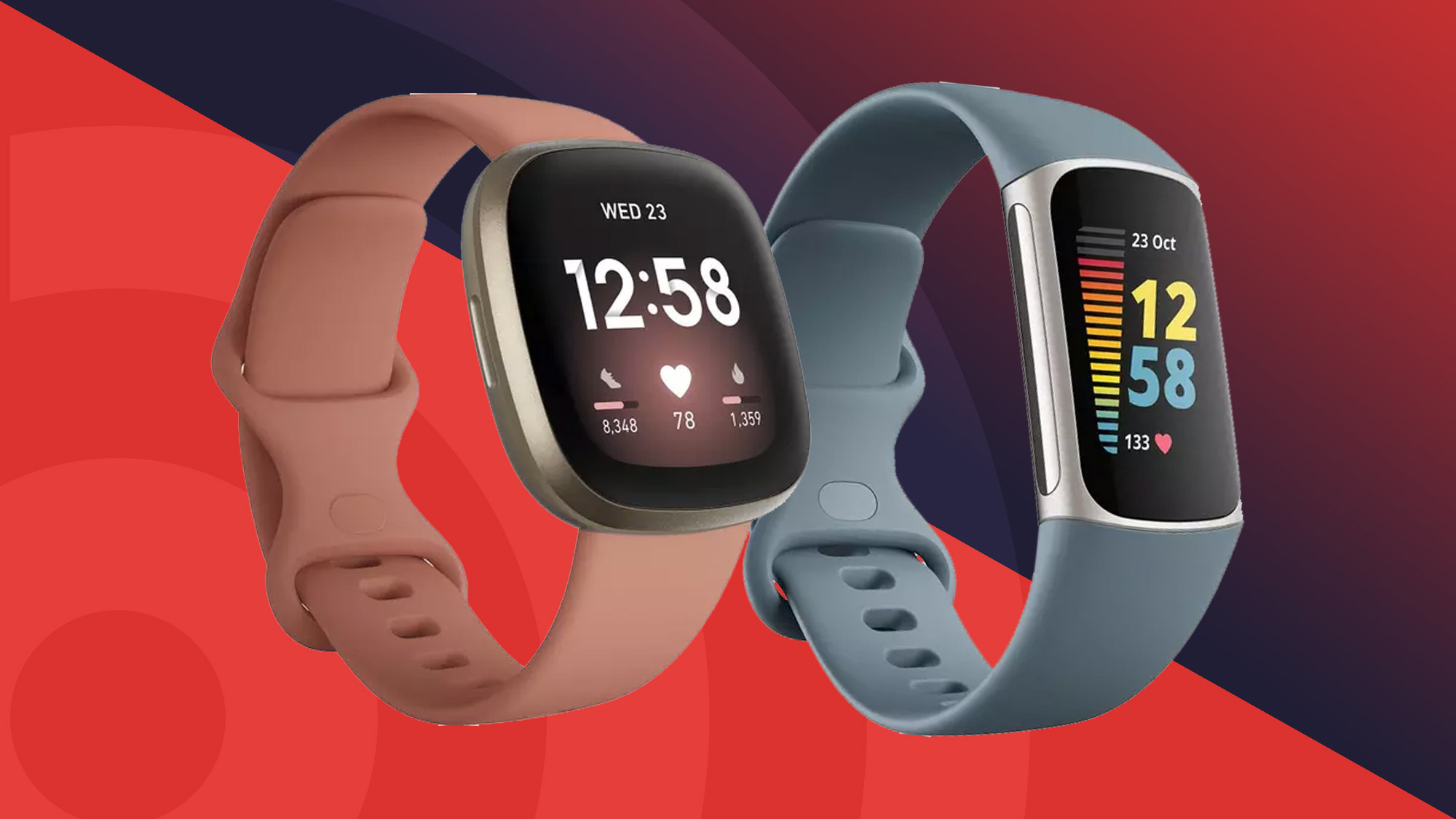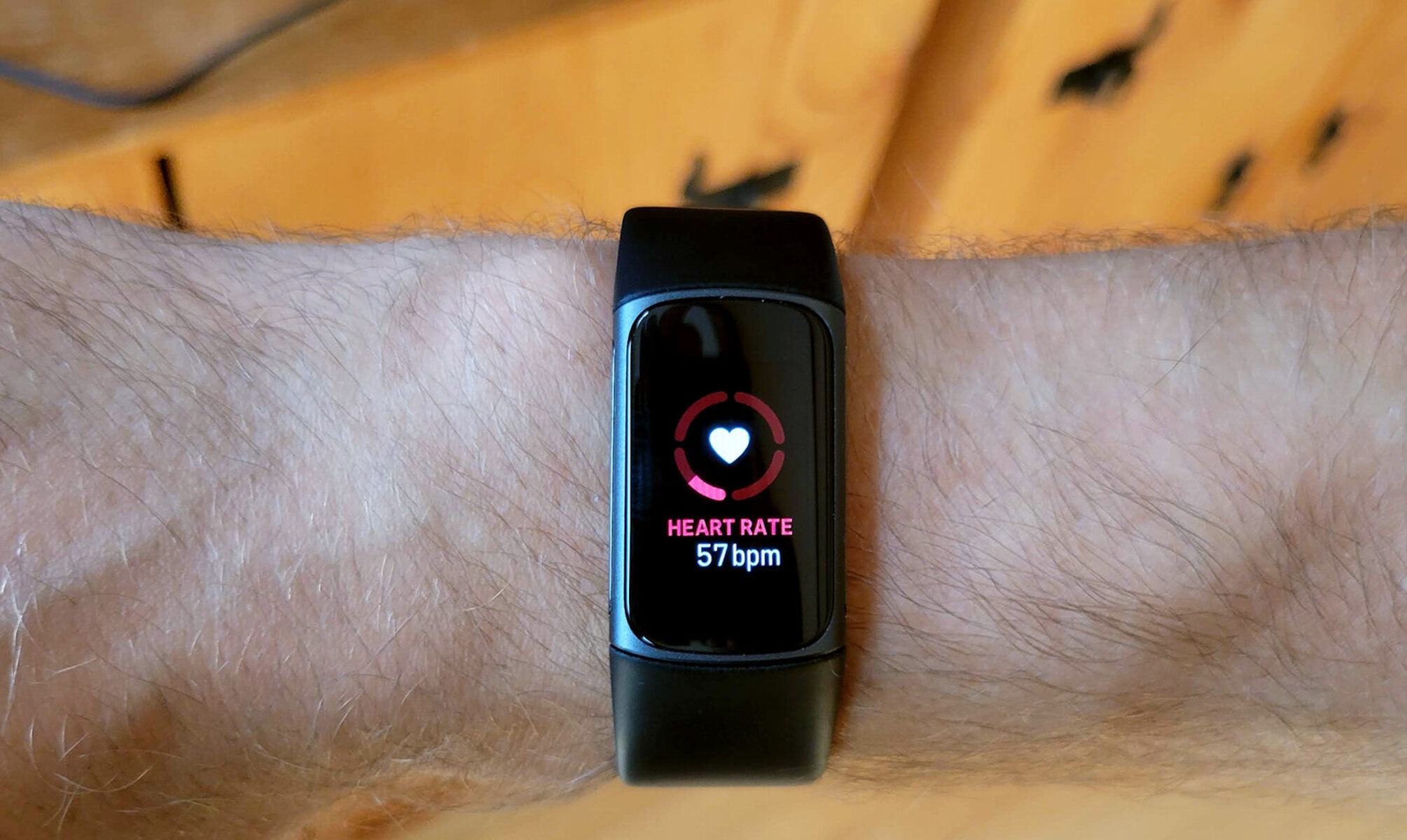
If your Fitbit is not detecting heart rate, the most common causes are a loose fit, incorrect positioning, or a sensor that needs cleaning. Follow these steps in order to get your heart rate readings back on track.
Check the heart rate setting on your Fitbit
Before troubleshooting anything else, verify that the heart rate monitor is turned on. It can be accidentally switched off during a settings change or after a software update. Navigate to your device settings and ensure the heart rate setting is toggled to "On." This is a quick check that saves time before moving to physical adjustments.
Wear your Fitbit in the correct position
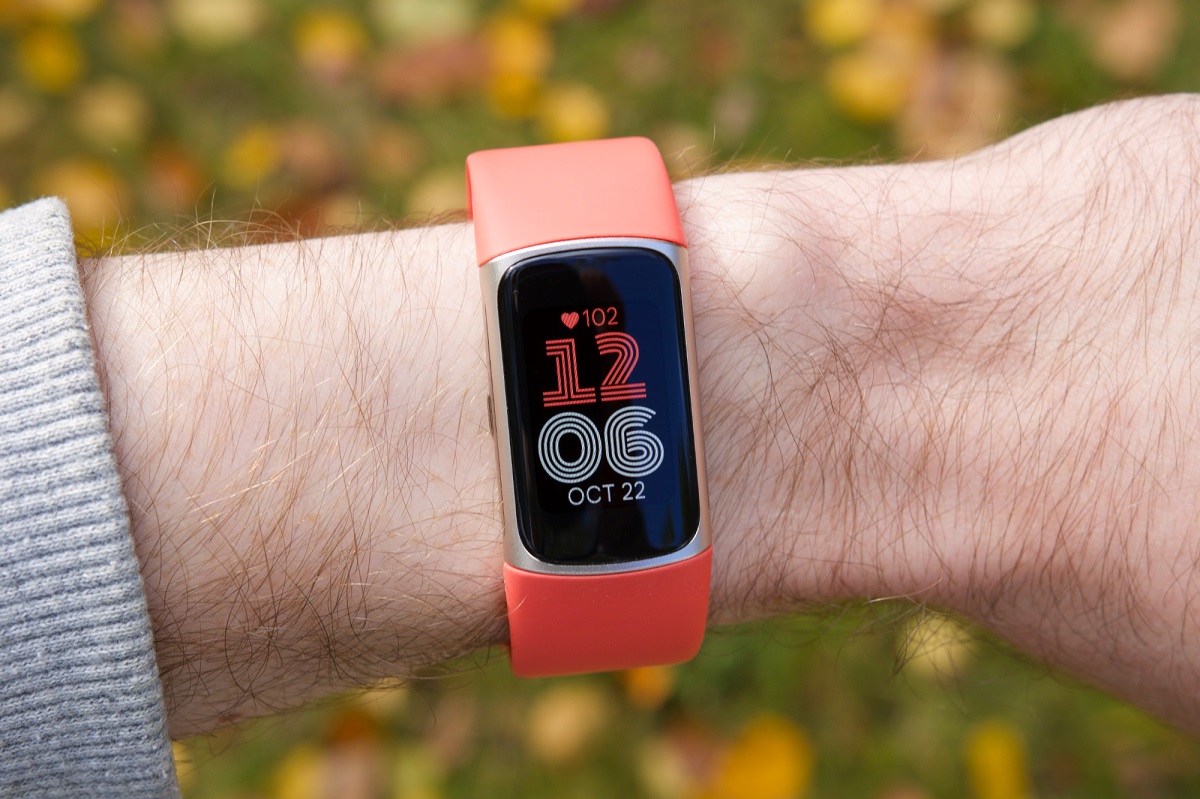
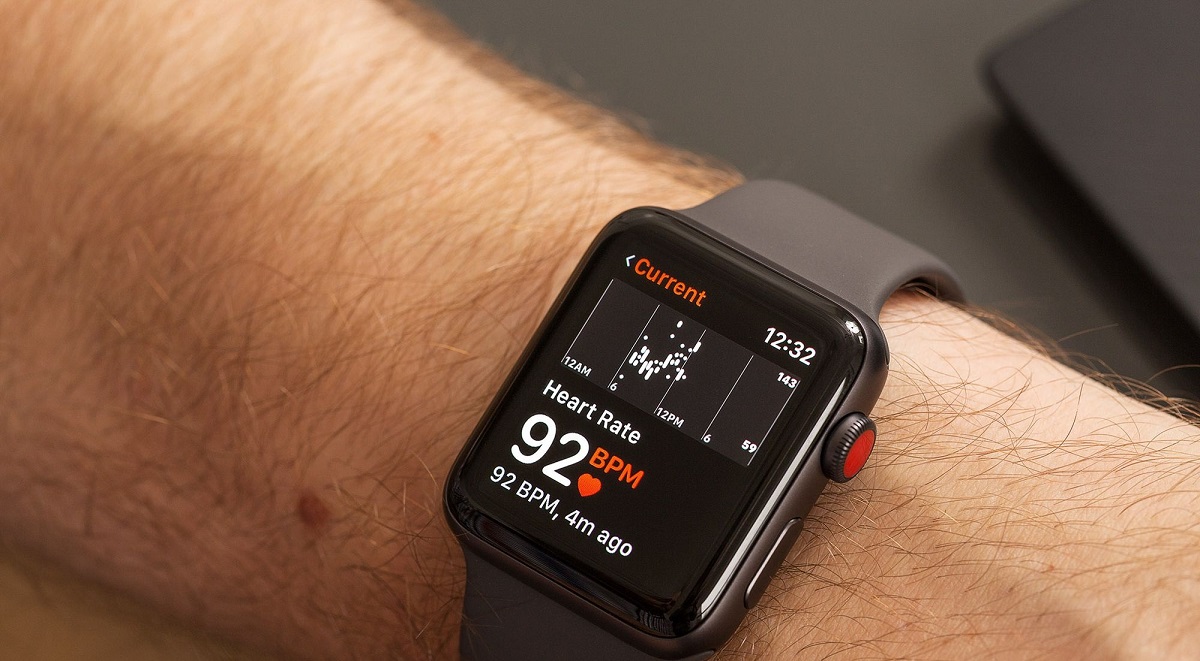
Positioning directly affects whether the sensor can read your pulse. For general daily wear, place your Fitbit about one finger's width above your wrist bone. During exercise, move it slightly higher up your arm and tighten the band a bit more. This placement keeps the sensor in steady contact with the blood vessels in your wrist, which is essential for accurate detection. If you've been wearing it too low or too loose, repositioning alone may solve the problem.
Adjust the band for a snug, secure fit
The band needs to be tight enough that the back of the device maintains firm, consistent contact with your skin, but not so tight that it restricts circulation. A loose band lets the Fitbit shift during movement, causing gaps that interrupt heart rate detection. A band that is too tight can also interfere with blood flow and produce unreliable readings. Aim for a fit that stays in place without leaving deep marks on your skin.
Clean the sensor on the back of the device
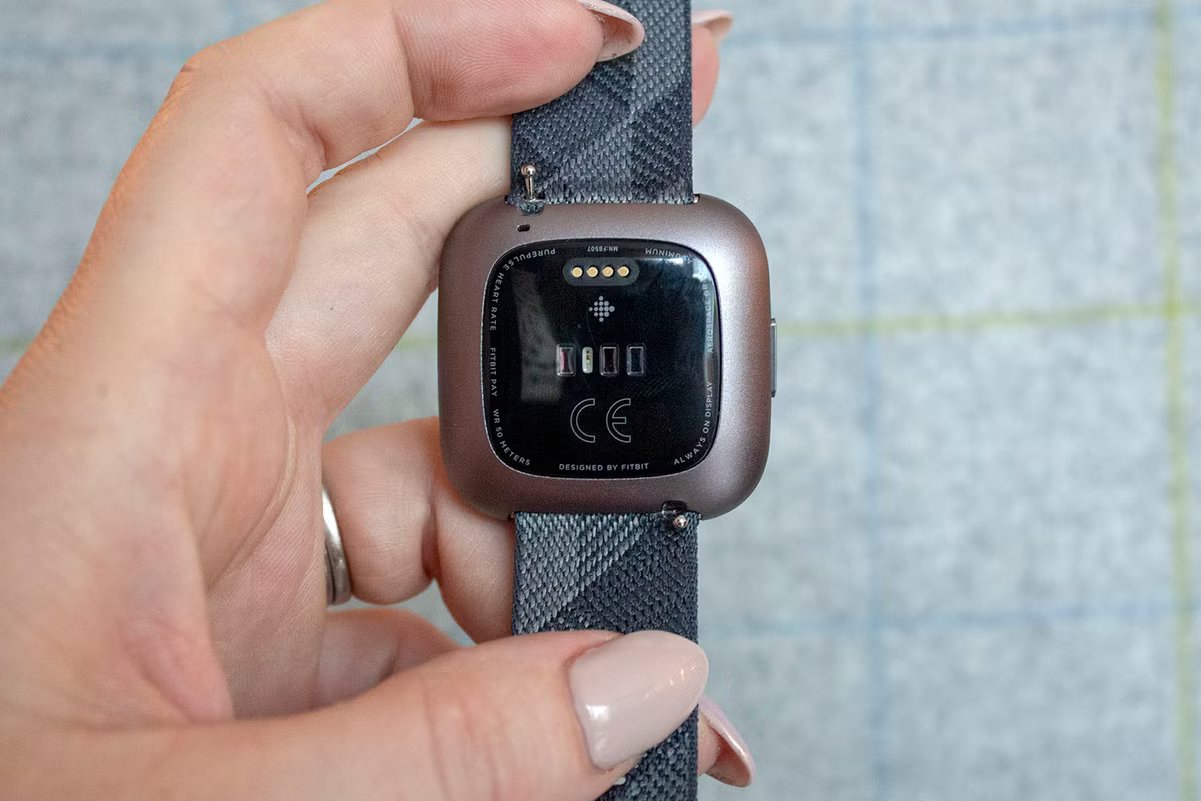
Dirt, sweat, oils, or other residues on the heart rate sensors can interfere with detection. Remove the Fitbit from your wrist and wipe the back gently with a soft cloth. For stubborn buildup, lightly dampen the cloth with rubbing alcohol or water and clean the sensor area. Let it air dry completely before putting the device back on. Regular cleaning prevents residue from blocking the optical sensor and is one of the simplest fixes for a Fitbit not detecting heart rate.
Update your Fitbit's software
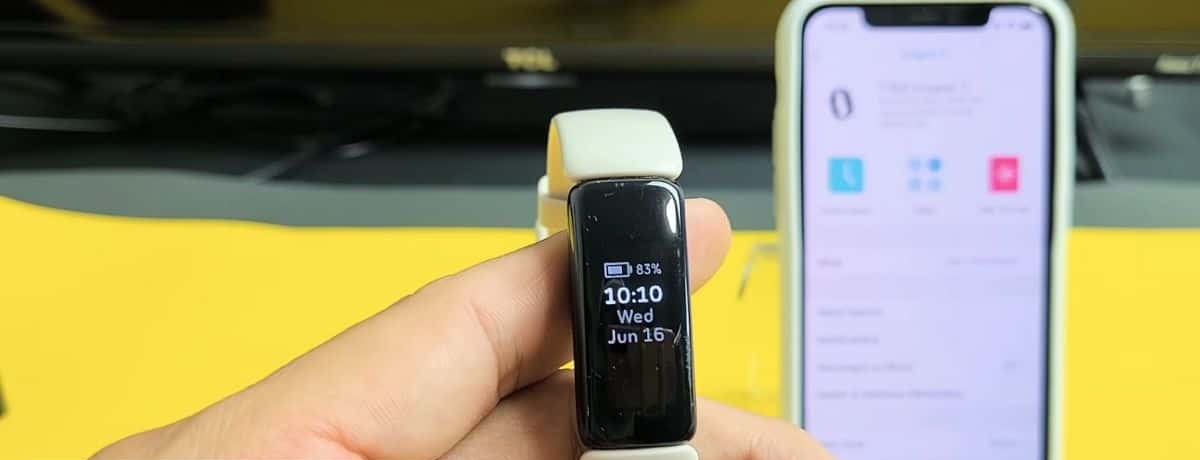
Software updates often include improvements to heart rate algorithms and bug fixes that affect sensor performance. Open the Fitbit app and check for any pending firmware updates for your device. Install the update when available, making sure your Fitbit stays charged and within range of your phone during the process. Keeping the software current ensures the device uses the most refined algorithms for heart rate detection.
Contact Fitbit support for hardware issues
If you have completed all the steps above and your Fitbit is still not detecting heart rate, the problem may be hardware-related. Contact Fitbit support through the official website or the Fitbit app. Provide details about your device model and the troubleshooting steps you have already tried. The support team can help determine if the sensor has failed and advise on warranty or replacement options. If your device also fails to alert you to notifications, you may need to look into troubleshooting why your Fitbit does not vibrate when you get a message. For additional help with other issues, you can also consult the resources on Fitbit setup and syncing.