Torrenting is a peer-to-peer (P2P) file-sharing method where you download and upload data in small pieces from and to multiple other users simultaneously, rather than from a single central server. This torrenting guide covers everything you need to start safely and legally, from understanding the core concepts of peers, seeders, and leechers to setting up the essential tools for privacy and security. If you need a simpler one-click method for smaller transfers, you can download wetransfer files directly from a browser. For a look at how decentralized protocols are evolving beyond traditional trackers, see the future of p2p file sharing.
A torrenting guide to p2p file sharing
At its core, torrenting is a decentralized file-sharing system. Instead of downloading a file from one server, your torrent client connects you to a "swarm" of other computers that all have parts of the file you want. You download pieces from many of these peers at once, and as you receive pieces, you also upload them to other users. This collaborative process makes the system highly efficient and resilient.
To participate, you need a small metadata file (a .torrent file) or a magnet link. This file doesn't contain the actual content; it holds crucial information like file names, sizes, and cryptographic hashes that verify data integrity. The client uses this info to find and connect with peers.
Within the swarm, there are two key roles: Seeders are users who have the complete file and are sharing it (uploading) to others. Leechers are users who are still downloading the file. A healthy torrent has a good ratio of seeders to leechers, which usually translates to faster and more reliable download speeds.
Is torrenting safe? understanding the risks and legal use
Torrenting itself is not illegal, but the technology is often associated with copyright infringement. The primary risks fall into two categories: security and legality. Understanding these is crucial for a safe experience.
Security Risks: The decentralized nature of torrenting means you are directly connecting to strangers. This exposes you to potential threats, including downloading malware-infected files, encountering malicious ads on torrent sites, and, most importantly, exposing your real IP address to everyone else in the swarm. Your IP address can be logged, potentially leading to tracking or targeted attacks.
Legal Distinction: The legality hinges entirely on the content you are sharing. Downloading or distributing copyrighted material (like movies, music, or commercial software) without permission is illegal in most jurisdictions. However, torrenting is a perfectly legal and efficient method for sharing open-source software, public domain works, academic resources, and your own creative content. Ethical torrenting always involves respecting the rights of creators and only sharing content you have the legal right to distribute.
Essential tools for safe torrenting: VPN and a client
To mitigate the risks and ensure a private and secure torrenting experience, you absolutely need two essential tools: a VPN and a reliable torrent client. Setting these up correctly is your first and most important step.
Choosing and setting up a no-log VPN
A Virtual Private Network (VPN) is non-negotiable for safe torrenting. It works by encrypting your internet traffic and routing it through a server in a location of your choice, effectively masking your real IP address. This protects you from ISPs throttling your connection and from other peers seeing your true identity.
When choosing a VPN for torrenting, look for these critical features:
- Strict No-Logs Policy: The VPN provider must not keep any records of your online activity.
- P2P Support: Ensure the VPN explicitly allows P2P file sharing on its servers.
- Kill Switch: This feature automatically cuts your internet connection if the VPN drops, preventing your real IP address from being exposed.
- Strong Encryption:
Once you have a VPN, install it and connect to a server (ideally in a country with favorable privacy laws) before you even open your torrent client.
Selecting a safe, open-source torrent client
Your torrent client is the software that manages the download and upload process. The best choice for security and functionality is qBittorrent. It is open-source, completely free of ads and spyware, and offers a clean, feature-rich interface that is perfect for both beginners and advanced users. It includes built-in search, scheduling, and superior control over your torrents.
A specific warning against uTorrent: We strongly advise against using uTorrent. Older versions were notoriously bundled with adware and even cryptocurrency miners. The current versions are also ad-supported and have a history of privacy concerns. For a safe and trustworthy experience, stick with open-source clients like qBittorrent, Deluge, or Transmission.
How to find and evaluate torrents
Finding a good torrent is about more than just searching. Knowing where to look and how to assess the quality of a torrent will save you time and protect your device.
Identifying reputable torrent sources
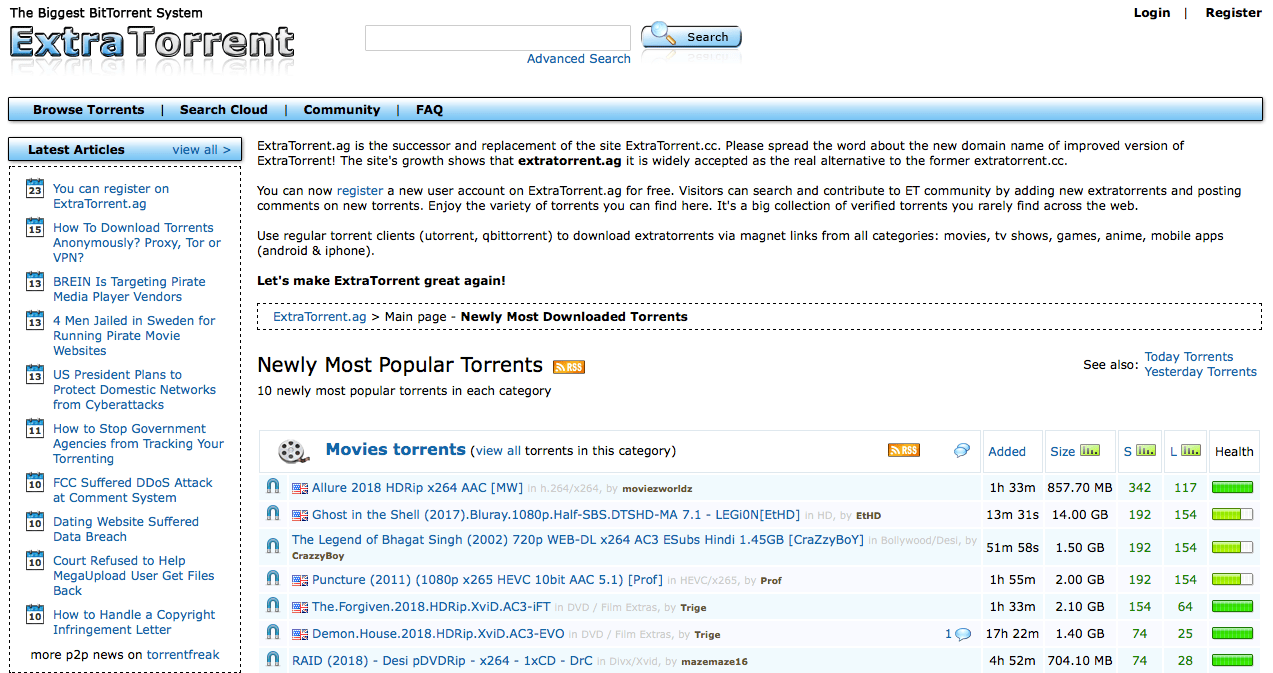
Start with well-known, reputable torrent sites that have a long-standing community and active moderation. Look for sites that offer a wide variety of content and have security measures like HTTPS. Be cautious of new or obscure sites, as they are more likely to host malicious files. The torrenting community often has forums where you can find recommendations for the current best and safest sites.
Assessing torrent health: seeders, leechers, and comments
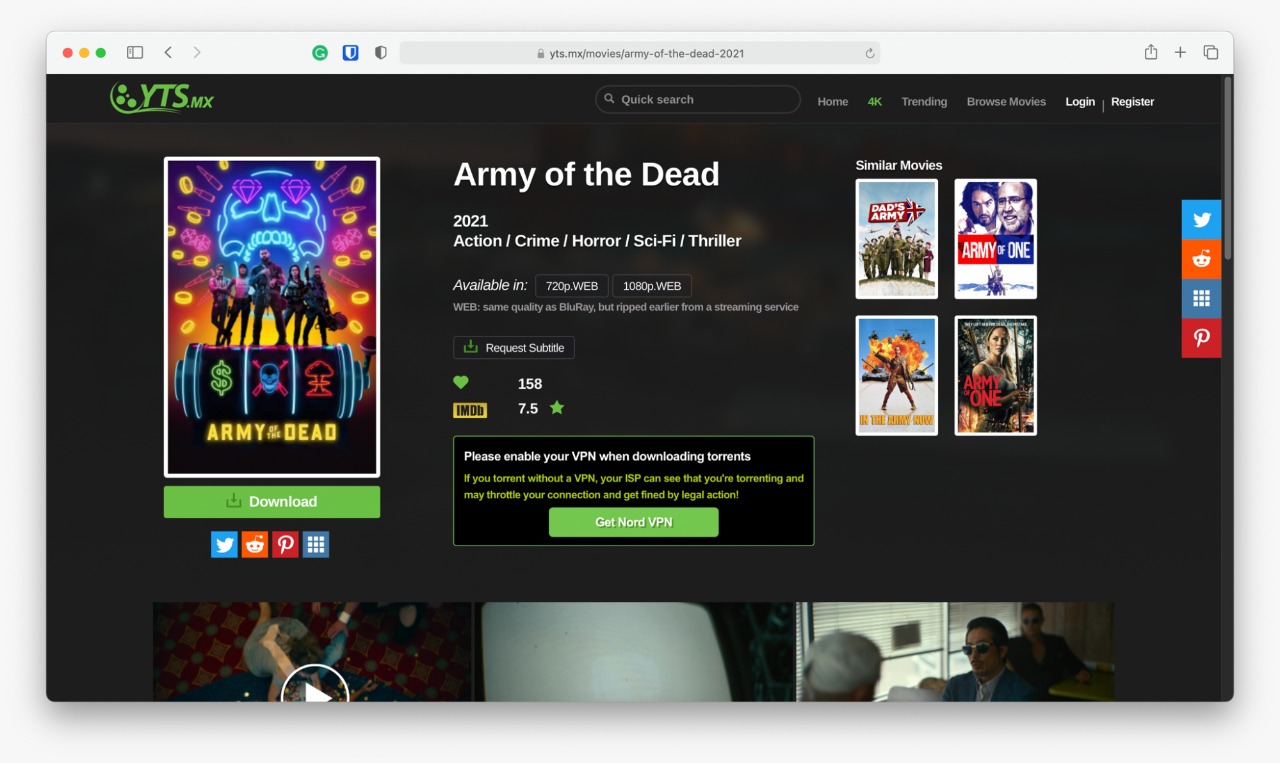
Before downloading, always look at the torrent's details. The seeder-to-leecher ratio is the most important indicator of health. A high number of seeders compared to leechers means faster download speeds and a higher chance the file is complete and authentic. A torrent with many leechers but few seeders might be slow or incomplete.
Always read the comments section. The community is your best resource for verifying the file's authenticity. Users will often report if a file contains malware, is a fake, or has quality issues. If a torrent has a high seeder count but negative comments warning about a virus, trust the comments.
Step-by-step guide to downloading your first torrent
Once you have your VPN connected and your client installed, the process is straightforward. Follow these steps for a successful download.
- Find Your Torrent: Go to a reputable torrent site and search for the content you want. Click on the title to see the details page.
- Evaluate the Torrent: Check the seeder/leecher ratio and read the comments for any red flags, as described above.
- Get the Torrent: Click the magnet link or download the .torrent file. A magnet link will automatically prompt your torrent client to open. If you downloaded a file, you will need to open it manually by double-clicking it or dragging it into your client's window.
- Select Files and Start: Your torrent client will open a window showing all the files included in the torrent. You can deselect any you don't want. Choose your download location and click "OK" or "Download".
- Monitor and Seed: The download will begin. Once complete, you should leave the torrent active to seed. Seeding is the act of uploading the file to other users, which is essential for the health of the torrent community. Most clients allow you to set a ratio or time limit for seeding.
Security and privacy best practices
Beyond a VPN, adopting good security habits will keep your system safe and your torrenting activity private.
- Use a Reliable Antivirus: Always have a reputable antivirus program running with real-time protection. Before opening any downloaded file, scan it manually. This is your last line of defense against malware.
- Enable DHT and PEX: In your torrent client's settings, ensure Distributed Hash Table (DHT) and Peer Exchange (PEX) are enabled. These features help your client find more peers and improve connection speeds, making your downloads faster and more resilient.
- Configure Port Forwarding: If your VPN supports it, enabling port forwarding can significantly improve your connection speeds by allowing direct connections to more peers.
- Understand ISP Policies: Some Internet Service Providers throttle (slow down) P2P traffic. A VPN is the most effective way to bypass this throttling, as it encrypts your traffic so the ISP cannot see what you are doing.
Creating and sharing your own torrents
Torrenting is a two-way street. To be a good community member, you should contribute by sharing content. Creating your own torrent is simple.
- Prepare Your Content: Ensure that whatever you are sharing is legal and that you have the right to distribute it. Place all the files you want to share in a single folder.
- Create a New Torrent: In your torrent client (like qBittorrent), look for the "Create a New Torrent" option. Select the folder you prepared.
- Add a Tracker (Optional): You can add a tracker URL to help peers find each other, but modern clients can also use DHT and PEX to find peers without one.
- Create and Share: Click "Create" to generate the .torrent file. You can now share this file or the magnet link with others. Remember, you must keep your client open and the file seeding for others to download it.
Troubleshooting common torrenting issues
Even with the right setup, you might encounter problems. Here are quick solutions to common issues.
Slow Download Speeds:
- First, check your general internet speed with a speed test.
- Ensure your VPN is connected and you are not experiencing a drop in speed from the VPN server itself.
- Check the health of the torrent. A low seeder count means slower speeds.
- Enable DHT and PEX in your client settings.
- Try a different torrent to see if the issue is with the specific file or your connection.
Connection Issues (No Peers Found):
- Verify your VPN's kill switch is not active, which can block the connection.
- Check if your firewall or antivirus is blocking your torrent client. You may need to add an exception for it.
- Ensure you are not using a proxy that is interfering with the connection.
Torrenting is a powerful and efficient technology for sharing files, but it demands responsibility. By understanding the P2P model, respecting copyright laws, and prioritizing your security with a reliable VPN and a safe client like qBittorrent, you can enjoy the benefits of the torrenting community while minimizing risks. Always prioritize ethical sharing, support creators, and contribute by seeding your files to ensure a healthy ecosystem for everyone.