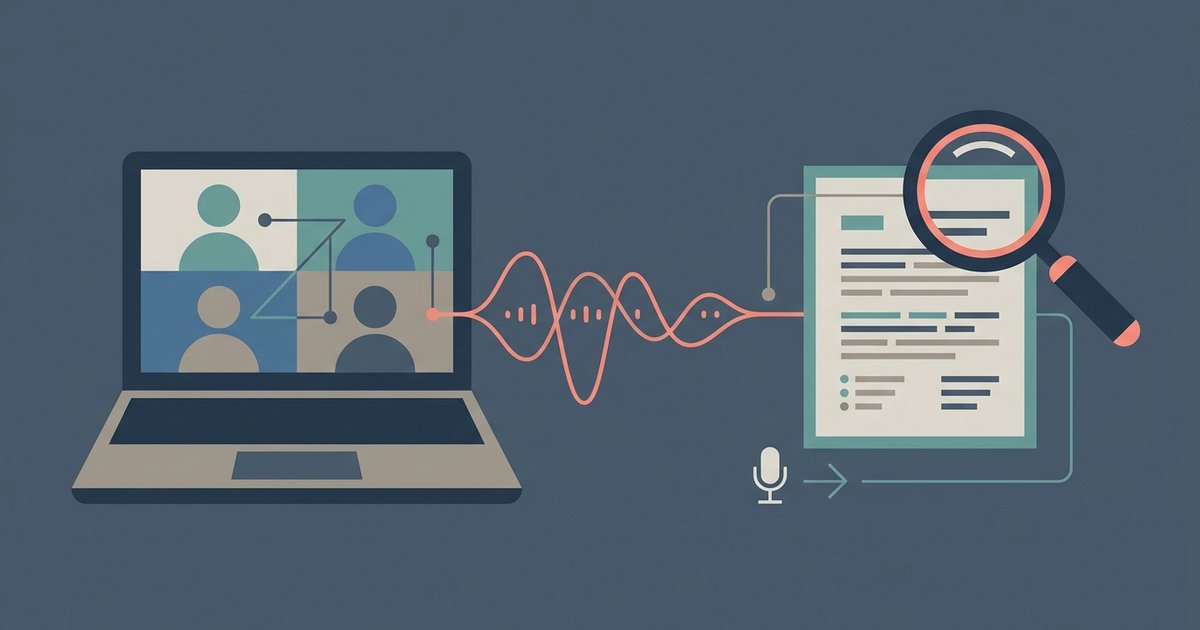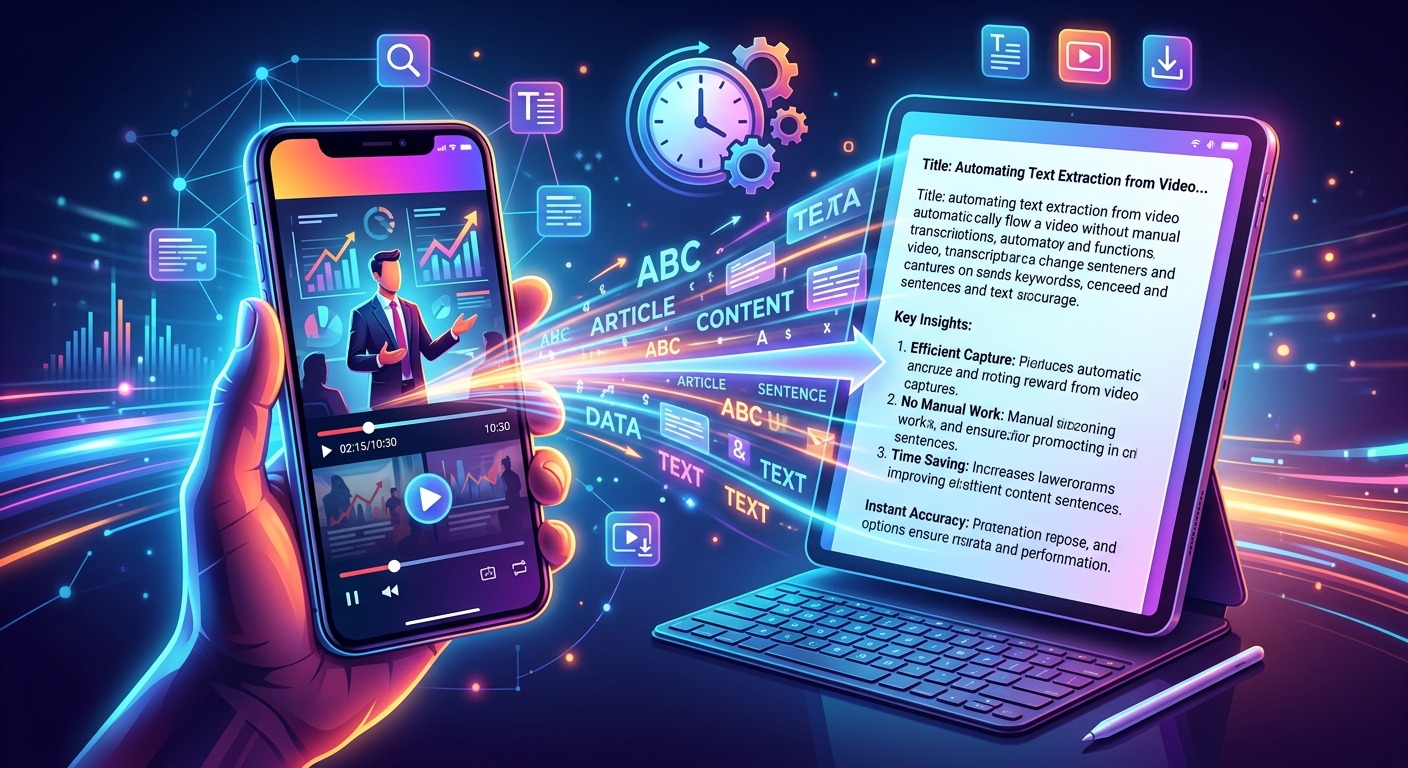
Watching a video to find one specific quote is exhausting. You scrub the timeline, miss it, rewind, miss it again, and eventually give up and paraphrase from memory. There is a much better way. Automated transcription tools now convert any video's spoken content into clean, readable text in the time it takes to paste a URL. For students taking notes, researchers pulling citations, or bloggers repurposing video content into articles, this shift changes everything about how you work with video.
This technology removes one of the biggest friction points in video-based research.
- You get a full, searchable text document from any video in seconds, no typing required.
- That text can feed directly into articles, study notes, newsletters, social captions, and more.
- Processing entire video archives is now a realistic option for content teams of any size.
Why Manual Transcription Kills Your Workflow
Most people underestimate how much time transcription actually costs. A 20-minute lecture does not take 20 minutes to transcribe. It takes the average typist somewhere between 60 and 90 minutes, assuming decent audio quality and no rewinds. A 45-minute podcast interview? You might be looking at three hours of focused work.
That math does not get better with practice. Typing speed has a ceiling. Audio quality does not always cooperate. Speakers talk over each other, use technical jargon, or have accents that slow you down. And throughout all of that, you are not creating anything. You are just converting one format into another, by hand, which is exactly the kind of task a machine should handle.
The concept behind automatic speech recognition has been evolving for decades, but recent advances in machine learning have brought the accuracy to a point where the output needs minimal cleanup, even for complex subject matter. That accuracy gap between human and machine transcription has narrowed dramatically, and for most use cases, machine output is now good enough to work from directly.
Pulling Text From a Single YouTube Video
The most common transcription need is also the simplest one: you watched a YouTube tutorial, lecture, or interview, and you want the text from it. Maybe you need to quote it in an article. Maybe you want to paste the content into a notes app and highlight key points. Maybe you are a student and the video is part of your coursework.
The traditional workaround was to use YouTube's built-in captions, which exist on many videos but are notoriously inconsistent. Auto-generated captions have no punctuation. Manually uploaded captions are only there if the creator bothered to add them. Neither version is easy to copy out cleanly.
That is where a dedicated tool makes a real difference. Pulling YouTube transcripts with a single URL paste gives you a properly formatted, readable text document. No need to scrub through the video. No need to play, pause, type, repeat. You get the full content of the video as text, ready to copy, search, or paste wherever you need it.
For a student sitting with three lecture videos to review before an exam, this is genuinely transformative. Instead of rewatching each video in full, you have three text documents you can search with Control-F, skim in minutes, and annotate at your own pace. The learning does not change. The time cost does.
What Researchers and Bloggers Do With Transcripts
Researchers pull video transcripts for reasons that go beyond simple note-taking. Interview footage, conference talks, and expert panel discussions often contain original analysis and direct quotes that are difficult to reference without a text record. When you have a transcript, you can search for keywords, identify recurring themes across multiple sources, and attribute quotes accurately without relying on memory.
Bloggers and content creators use transcripts as raw material. A 30-minute video conversation might contain five strong ideas worth building articles around. A tutorial video can become a step-by-step written guide. An expert interview can yield a half-dozen standalone quotes worth sharing on social media. The transcript does not write the article for you, but it dramatically reduces the gap between idea and published piece.
Here are some of the most common ways people actually use video transcripts in their work:
- Pulling direct quotes for articles or research papers without rewatching the source
- Extracting structured information from tutorial videos to build written how-to guides
- Feeding transcripts into AI writing tools for summarization or outline generation
- Creating closed captions for their own videos using a transcript as the starting point
- Repurposing podcast audio into newsletter content or blog posts
The common thread is time. Every one of these tasks exists regardless of whether you transcribe manually or automatically. The difference is whether you spend an hour doing the conversion yourself or ten seconds letting a tool do it.
Handling Entire Archives With Bulk Processing
Individual video transcription is useful for occasional research. But content creators, marketing teams, and academic researchers often face a different scale of problem entirely. A podcast with 200 episodes. A YouTube channel with years of uploads. A course library with dozens of recorded sessions.
Going through those one URL at a time is still far better than typing everything manually, but it is not ideal. This is where bulk transcripts become relevant. Being able to feed a list of videos and receive back a matching set of text documents changes what is actually possible for a content team to accomplish.
Think about what a full archive of transcripts enables. You can search across hundreds of videos for every time a topic was mentioned. You can audit older content for accuracy or outdated information. You can create a searchable database of everything a speaker has ever said on a podcast, making it easy to resurface relevant material for new episodes or written content.
For content strategists, a full transcript library is also a research asset. You can analyze language patterns, identify the topics an audience responds to based on comment patterns and engagement, and see how a creator's focus has shifted over time. None of that analysis is possible when the content only exists as video files.
The closed captioning field has also benefited significantly from bulk transcription tools. Many video platforms now require or strongly encourage captions for accessibility reasons, and processing a backlog of uncaptioned videos one at a time is a significant barrier. Bulk processing removes that barrier entirely.
The Accuracy Question (And Why It Matters Less Than You Think)
A common concern with automated transcription is accuracy. Will it get technical terms right? What about names, product titles, or industry-specific language?
The honest answer is that it depends on audio quality and speaker clarity, and there will sometimes be errors. But this concern, while real, is often overstated for typical use cases. Most transcripts need a light proofread, not a full correction pass. The errors that do appear are usually minor enough that a human skimming the text will immediately spot and fix them.
More importantly, the alternative is not perfect. Manual transcription also produces errors. A tired typist mishears words. Someone unfamiliar with a topic misspells technical terms. The difference is that manual errors cost you the full time investment before you discover them, while automated output is there in seconds for you to spot-check.
For a rough research pass, a student study aid, or raw material for content repurposing, automated accuracy is more than sufficient. For a published academic transcript or a legal record, you would want to review more carefully. But most use cases fall into the first category, not the second.
From Passive Watching to Active Use
The deeper shift that transcription enables is not just about saving time. It is about changing how you relate to video content. Video is a passive medium by design. You sit, you watch, you absorb. You cannot search a video. You cannot annotate a video. You cannot pull a sentence out of a video and paste it somewhere else without a lot of manual work.
Text is the opposite. Text is inherently interactive. You search it, highlight it, copy from it, restructure it, feed it into other tools, and build on it. The history of closed captioning shows how converting speech to text has long been recognized as a way to make audio-visual content more accessible and usable, and that principle extends far beyond accessibility into everyday productivity.
Turning a video into a transcript is turning a passive resource into an active one. That is why the productivity gain feels disproportionate to the effort involved. You are not just saving transcription time. You are gaining the ability to actually work with the content instead of just consume it.
Making This Part of Your Actual Process
The tools exist. The accuracy is there. The use cases are obvious. The remaining question is whether you actually build transcription into your regular workflow or treat it as a one-off trick you use occasionally.
The people who get the most value from automated transcription are the ones who make it a default step rather than an afterthought. A student who transcribes every lecture video as a first step before reviewing. A blogger who pulls a transcript before watching a source video, so the text is ready when they start taking notes. A content team that keeps a running transcript library that grows with every new publication.
Building the habit is straightforward because the friction is minimal. Paste a URL, get text, move on. The hard part is remembering that the option exists, especially when you are used to working around the problem by just rewatching videos repeatedly.
Text First, Then Watch If You Need To
The frame shift worth adopting is this: treat the transcript as your primary interaction with any video, and reserve the video itself for moments when the text is genuinely not enough. Context from facial expressions, visual demonstrations, or on-screen graphics might pull you back to the video occasionally. But for most research, note-taking, and content work, the text will carry you through without needing to press play at all.
That single change, treating video content as text-first, turns hours of passive watching into minutes of active work. The tools to make it happen are already there.
\nRelated reading: The Case for Using a Free AI Assistant Instead of Paying Monthly and What ChatGPT 5 Can Actually Do for You Right Now.