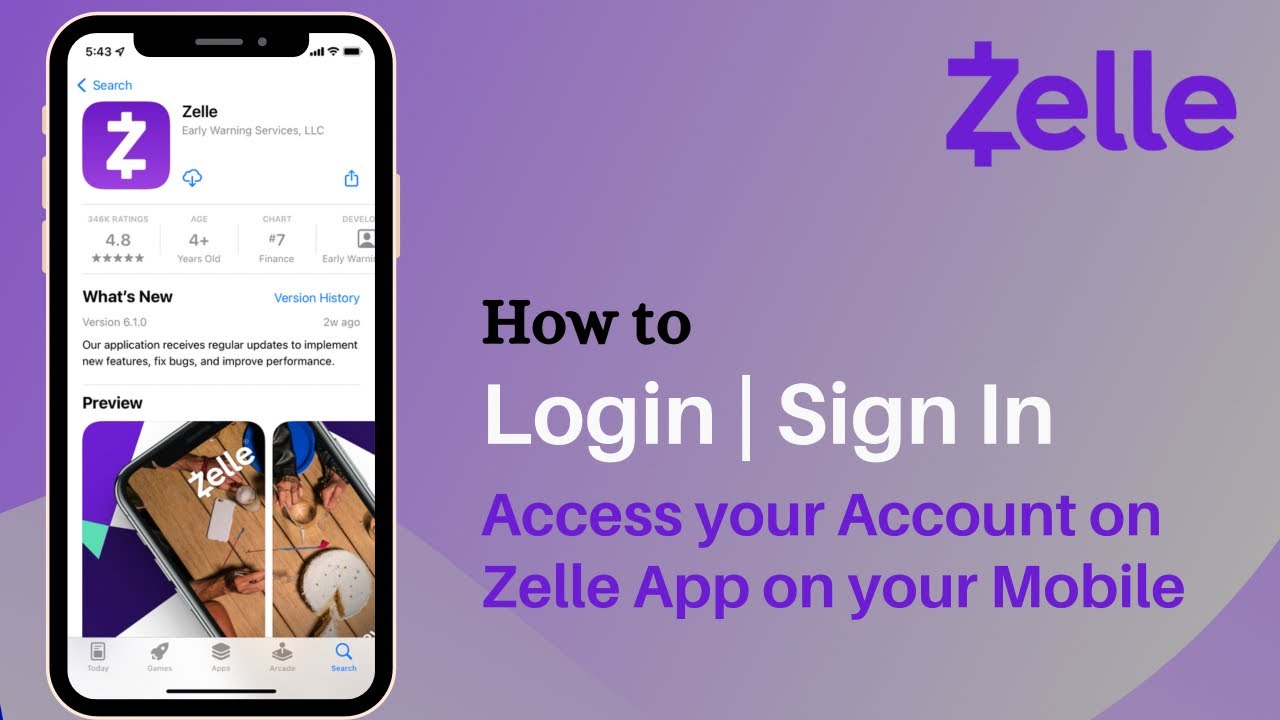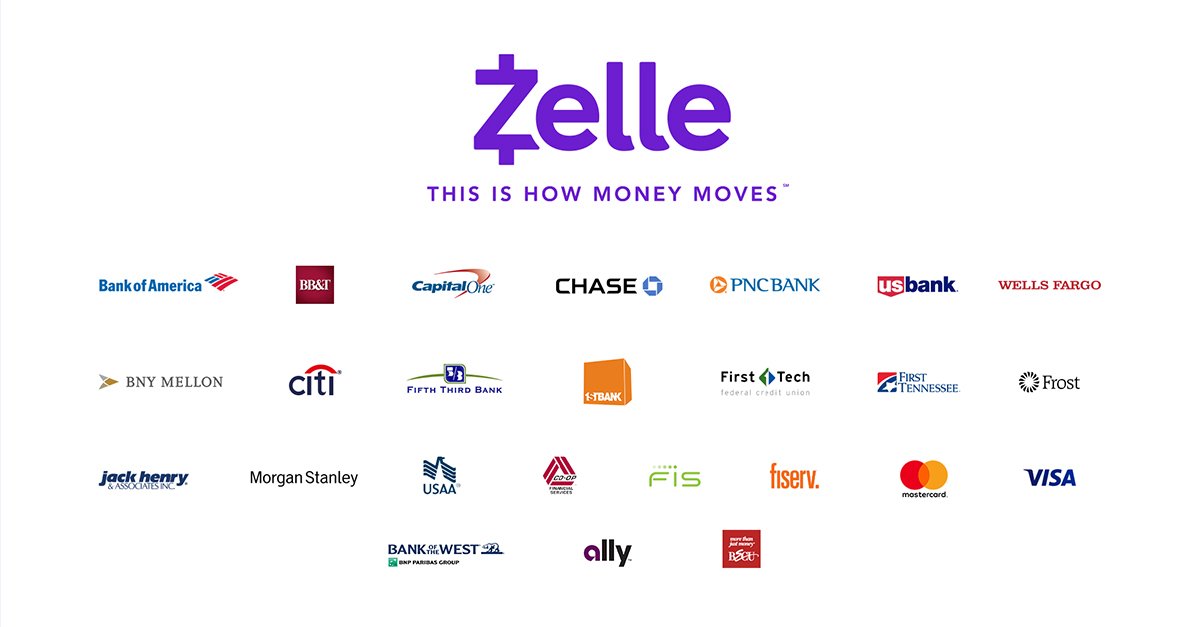
To find out what banks work with Zelle, the most reliable method is to check your bank's mobile app or the Zelle website, as maintaining a static list is impossible given that over 2,400 financial institutions participate. Your bank likely already supports Zelle, and you can confirm this in minutes without needing to search through outdated lists.
How to check if your bank works with Zelle
Because Zelle partners with over 2,400 banks and credit unions across the United States, any printed list would be incomplete by the time you read it. Always verify directly through your bank or the Zelle directory.
Examples of banks that support Zelle
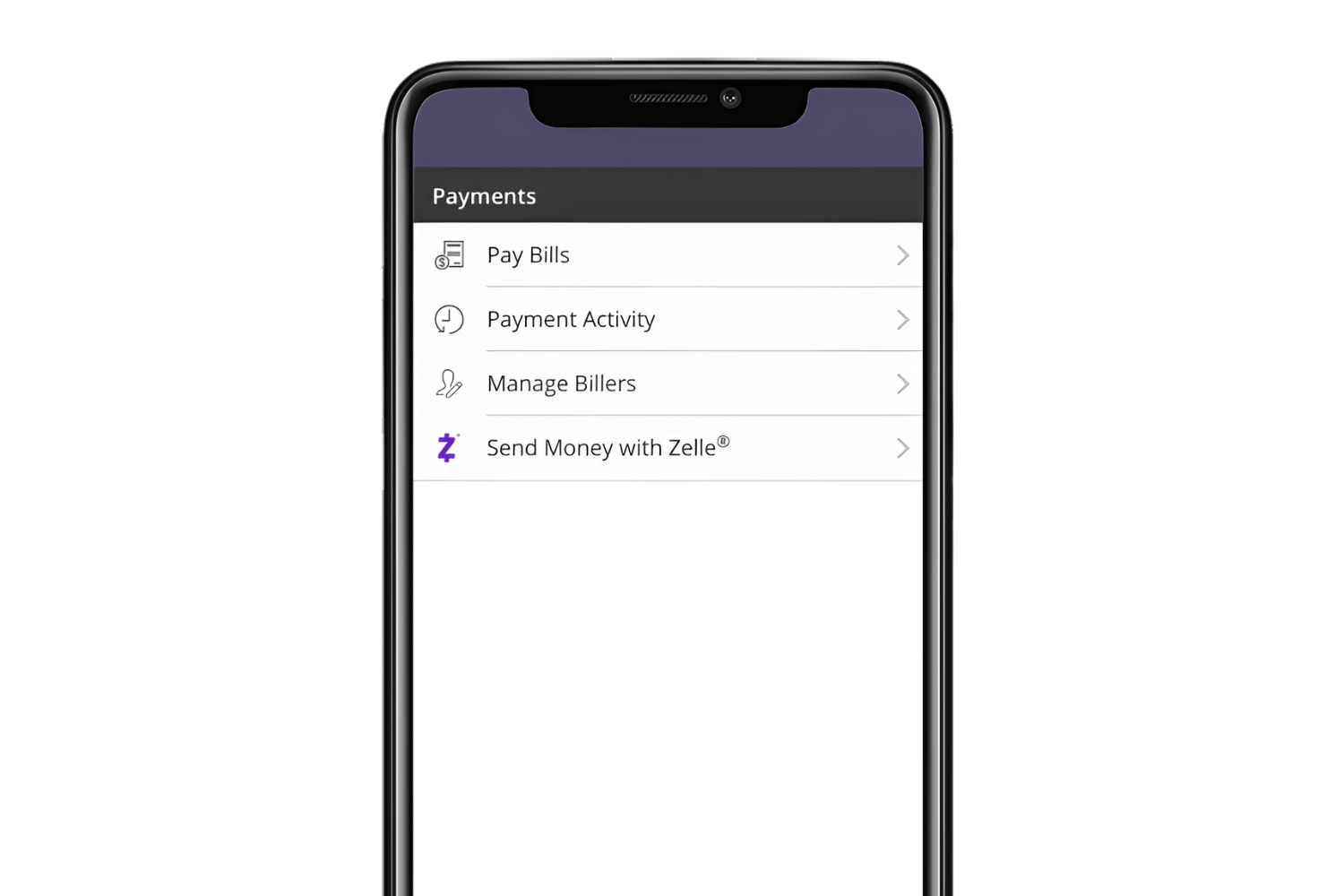
While a complete list is impractical, the variety of participating institutions is vast. Major banks like Bank of America, JPMorgan Chase, Citibank, Wells Fargo, and PNC Bank all integrate Zelle directly into their apps. Regional banks such as US Bank, Regions Bank, Fifth Third Bank, and Huntington Bank also support it. Online banks including Ally Bank, Chime, Capital One, Schwab Bank, and Discover Bank offer Zelle to their customers. Credit unions like Navy Federal Credit Union, BECU, Alliant Credit Union, and Connexus Credit Union are also part of the network. If you want to know how Zelle works with Wells Fargo, simply log into the Wells Fargo app and navigate to the payments section; it is fully integrated there.
What you need to use Zelle
To use Zelle, you must have an eligible U.S. checking or savings account and be enrolled with Zelle. Both you and the person you are sending money to need U.S. bank accounts, as Zelle does not support international transfers. You also need a U.S. mobile number or email address, Voice over IP (VOIP) numbers, landlines, Google Voice, and 1-800 numbers are not accepted. Zelle does not hold money in a separate app balance or digital wallet; funds move directly between bank accounts. Most banks and credit unions do not charge fees for sending or receiving money with Zelle. Note that if you want to get a Zelle account, you do not open a separate Zelle account, you simply enroll through your existing bank app.
How to set up and start using Zelle
Setting up Zelle is straightforward and happens entirely within your bank's existing platform. Follow these steps:
- Open your bank's mobile app or log into online banking.
- Find the Zelle option, typically under "Transfer" or "Payments."
- Verify your identity by confirming your contact information and linking your bank account.
- Agree to the terms and conditions of using Zelle with your bank.
- Create your Zelle profile by providing your email address or mobile phone number.
- Add the contact information of the person you want to send money to.
- Send your first payment directly from your bank account.
If you have multiple bank accounts, you might wonder about using Zelle with multiple accounts. The answer is that you can enroll each eligible account separately through its respective bank app, but you cannot link multiple accounts to a single Zelle profile within one app.
Important things to know before you send money
Zelle transactions are instant and generally irreversible once the recipient has enrolled. Zelle does not offer purchase protection for payments, so it is intended for sending money to people you know and trust, such as friends, family, or trusted small businesses. Banks set their own daily and monthly sending limits, which can vary significantly, from $500 to $15,000 or more per day. To find your specific limit, check within your bank's mobile app under "Account services" or the Zelle section, or contact your financial institution directly. If you need to increase Zelle send limit, you must contact your bank, as they control these limits individually. A common misconception is that Zelle takes 3 days, this is not the case for standard transfers, which typically complete within minutes. Delays can occur if the recipient is not yet enrolled, in which case the transfer may take one to three business days to process after they enroll.