To cancel a Zelle payment on Chase, you can only do so if the recipient has not yet enrolled with Zelle. If the recipient is already enrolled, the payment is sent instantly and cannot be canceled or reversed.
When you can cancel a Zelle payment on Chase
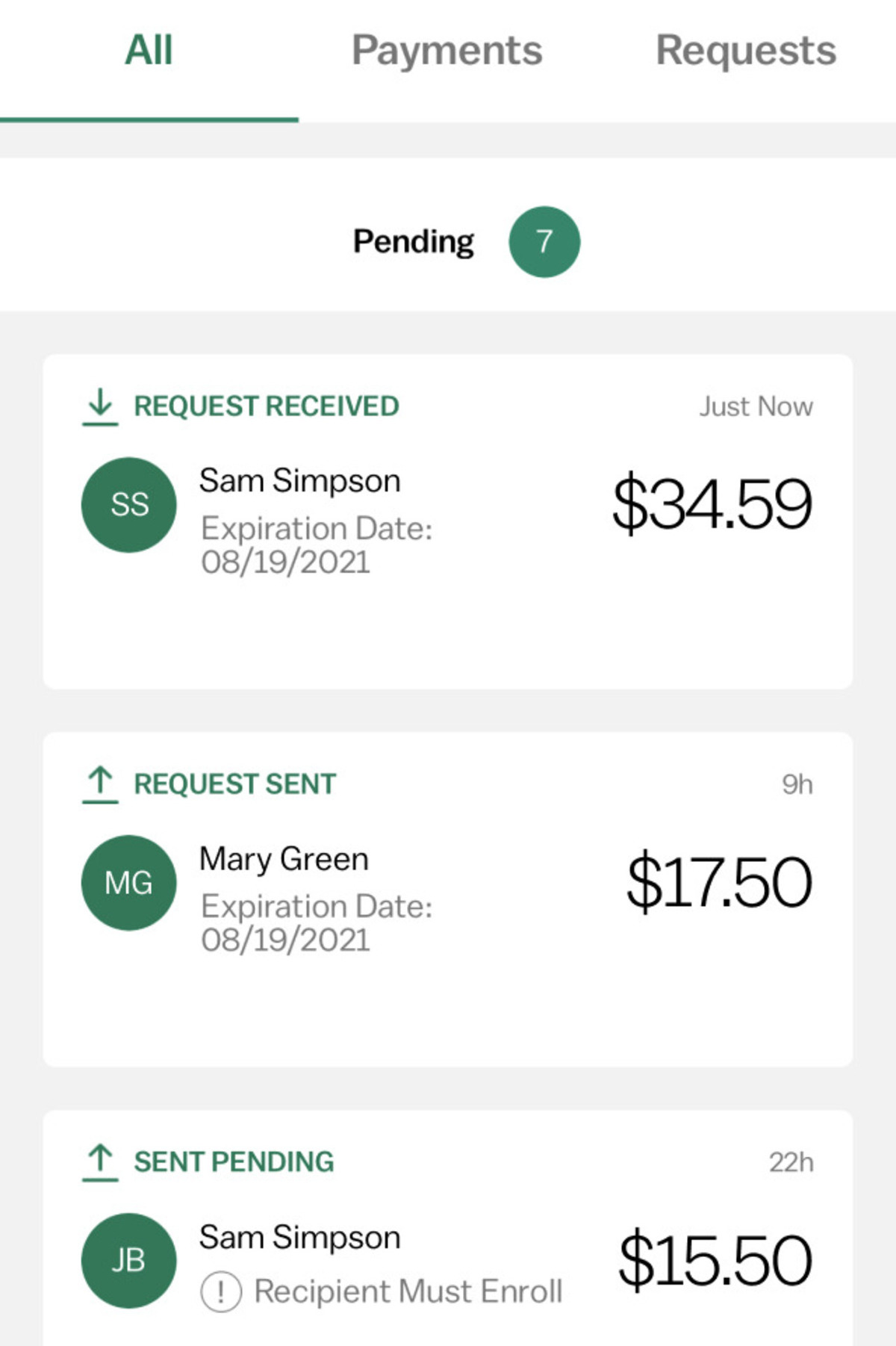
Cancellation is only possible when the person you sent money to has not yet activated their Zelle profile. Payments to enrolled recipients are instant and irreversible because the funds move directly into their bank account within minutes. If the recipient never enrolls, the payment will automatically expire after 14 days, and the money will be returned to your Chase account. This auto-expiration rule is your only safety net for unenrolled recipients.
How to cancel a pending Zelle payment on Chase
If your payment is still pending, follow these steps to cancel it through the Chase Mobile app or Chase online banking:
- Sign in to the Chase Mobile app or Chase online banking.
- Navigate to your activity page within the Zelle experience.
- Choose the payment you want to cancel from your activity list.
- Select "Cancel This Payment" if the option is available.
Once you select cancel, the payment will be stopped, and the funds will remain in your account. You do not need to worry about the recipient claiming the money after cancellation.
What if the cancel option is missing
If you do not see the "Cancel This Payment" option, it means the recipient has already enrolled with Zelle and the money is in their account. At this point, the payment cannot be canceled through Chase. Your only options are to contact the recipient directly and ask them to return the money, or to reach out to Chase support for guidance. Keep in mind that neither Chase nor Zelle can force a recipient to send the money back.
Contacting Chase when you can't cancel
When the cancel button is missing and the recipient is uncooperative, you can contact Chase customer support for assistance. Reach them by phone using the number on the back of your Chase debit or credit card, through online chat in the Chase app or website, by sending a secure message from your online banking account, or by visiting a Chase branch in person. Before you call or message, have your account information, the transaction amount, the recipient's details, and the date of the payment ready. This will help the support team quickly understand your situation.
What Zelle won't do: purchase protection and reversals
Neither Chase nor Zelle offers purchase protection for payments made with Zelle. Completed payments cannot be reversed, so you should only send money to people you know and trust. If you sent money to a scammer or for a product you never received, you will not be able to dispute the transaction through Chase or Zelle. This is why it is critical to verify every recipient before hitting send.
If you want to understand how to get a Zelle account for yourself, the process is handled directly inside your Chase app or online banking, no separate sign-up is needed. If you are wondering how to cancel a repeat payment on Zelle with Chase, note that Zelle does not support recurring payments; each payment is a one-time transaction, so you cancel each individually while it is still pending. If you use another bank and need to cancel a Zelle payment with Navy Federal, the same rule applies: cancellation is only possible before the recipient enrolls. To delete a Zelle recipient on Chase from your contact list, go to your Zelle activity or settings within the Chase app and remove the saved recipient. As for Zelle refund timing, if a payment to an unenrolled recipient expires after 14 days, the refund typically appears in your account within one to three business days after expiration.