Here's how Zelle works with Wells Fargo: it's built directly into the Wells Fargo Mobile® app and Wells Fargo Online® banking, enabling instant person-to-person money transfers between eligible U.S. bank accounts. There are no fees to send or receive money with Zelle at Wells Fargo, and transactions between enrolled users typically complete within minutes, though both parties must have a checking or savings account enrolled with Zelle through their respective financial institutions.
How to Set Up Zelle in Your Wells Fargo App
To begin using Zelle, sign on to your Wells Fargo Mobile® app or Wells Fargo Online® account. Navigate to "Send Money with Zelle®" under the "Transfer and Pay" section. Follow the on-screen prompts to enroll your email address or U.S. mobile number. You will receive a verification code to confirm your contact method. Remember that an email address or U.S. mobile number can only be linked to one bank at a time for Zelle. If your contact information is already enrolled elsewhere, you can transfer the enrollment to your Wells Fargo account during this process.
How to Send Money with Zelle at Wells Fargo
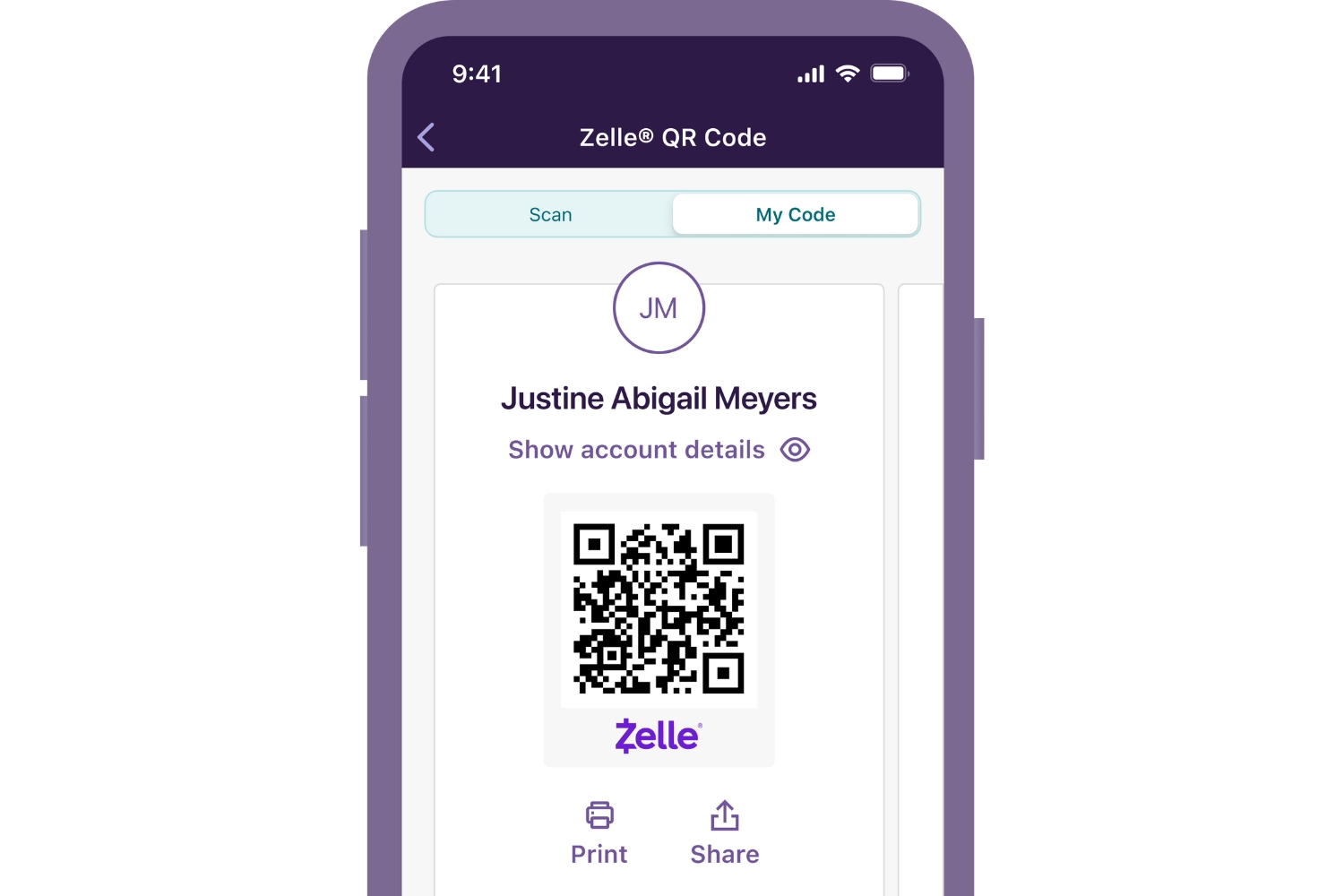
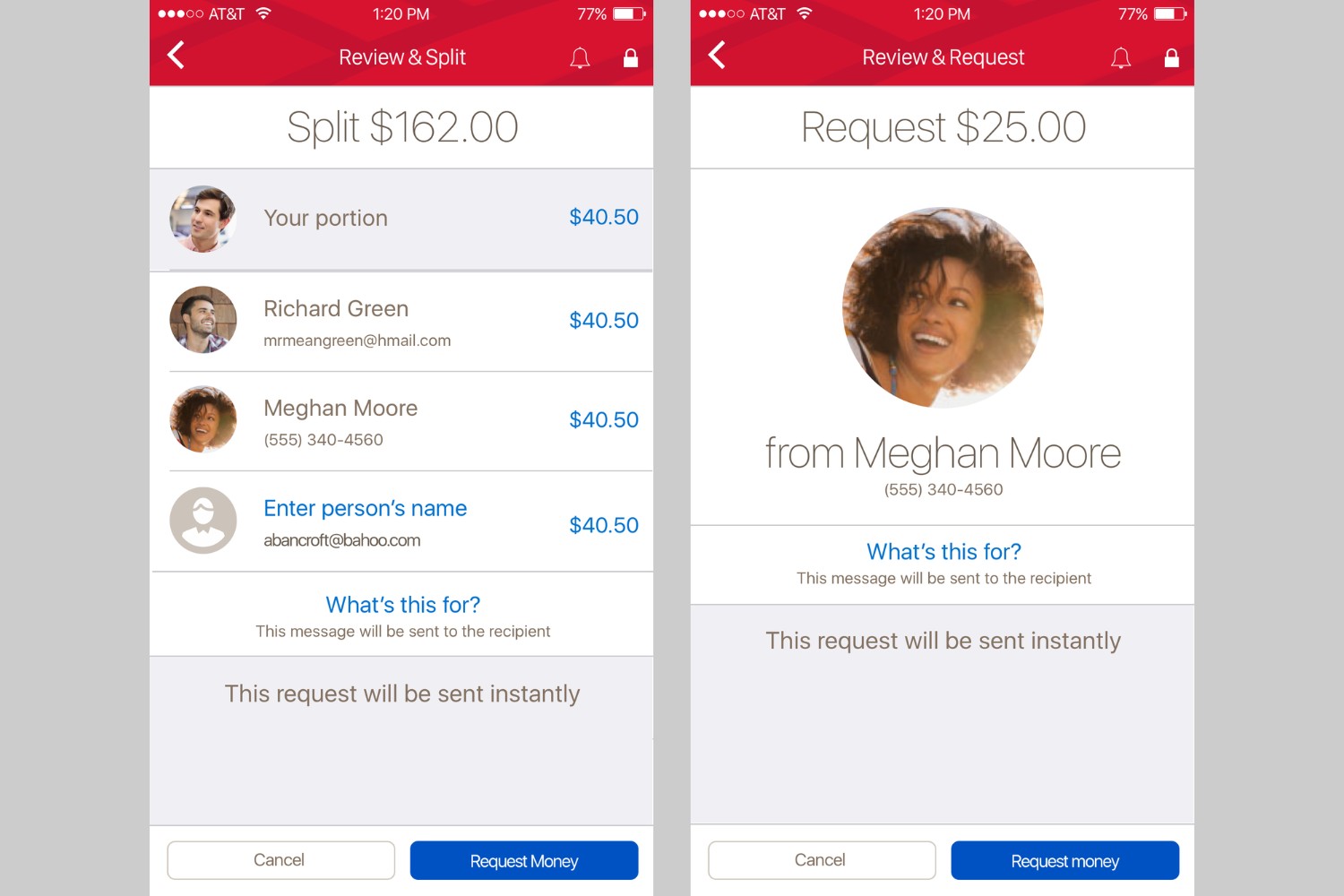
Once enrolled, sending money is straightforward. On a desktop or tablet, sign on to Wells Fargo Online® and go to "Send Money with Zelle®" under "Transfer and Pay." On a smartphone, open the Wells Fargo Mobile® app and select "Zelle®" in the bottom navigation bar. You can add a recipient by entering their enrolled email address, U.S. mobile number, or by scanning their Zelle® QR code. Consumer account holders can send up to $3,500 in a rolling 24-hour period and up to $20,000 in a rolling 30-day period. Business account holders can send up to $15,000 in a rolling 24-hour period and up to $60,000 in a rolling 30-day period. These limits may vary based on your account history, the recipient, and payment history, and Wells Fargo may adjust them at any time.
How to Receive Money with Zelle at Wells Fargo
To receive money, simply provide your enrolled email address, U.S. mobile number, or Zelle® tag to the sender. If you are already enrolled with Zelle at Wells Fargo, the funds will be automatically deposited into your linked account. If you are not yet enrolled, you will receive a notification and have 14 days to register using the same email address or U.S. mobile number used for the payment. After 14 days, unclaimed funds will be returned to the sender. Note that only email addresses, U.S. mobile numbers, or Zelle® tags can be used; Voice over Internet Protocol (VoIP), toll-free numbers, and landline numbers are ineligible.
Is Zelle Safe to Use with Wells Fargo?
Wells Fargo employs encryption, authentication, and fraud monitoring to protect your transactions. However, neither Wells Fargo nor Zelle offers purchase protection for payments made with Zelle. This means Zelle should only be used to send money to friends, family, or others you trust. To avoid scams, never send money to someone you do not know personally, and always verify the recipient's contact information before confirming a payment. Following these best practices helps you use Zelle safely with your Wells Fargo account. If you want to use Zelle with a separate bank account, you would need to get a Zelle account through that financial institution, as each email or mobile number can only be enrolled at one bank at a time. If you have multiple bank accounts and want to manage Zelle with multiple accounts, you would need to enroll a different email or mobile number with each participating bank. To increase Zelle send limit, you may need to build a longer transaction history with Wells Fargo, as limits are based on account history and payment behavior.
Common Zelle and Wells Fargo Problems and Solutions
Recipient not seeing funds: First, confirm the recipient is enrolled with Zelle. If they are not yet enrolled, remind them to register using the same email or mobile number you used to send the payment. They have 14 days to do so. If they are enrolled, verify that their email or mobile number is still linked to their bank account.
Payment showing as pending: Transactions between enrolled users typically complete within minutes. If a payment remains pending, it may be due to network congestion or a technical delay. Wait a few minutes, and if it does not resolve, contact Wells Fargo customer support.
Contact's email or number already enrolled at another bank: If you receive an error that a recipient's contact information is already enrolled elsewhere, they must transfer their enrollment to their current bank or unenroll from the previous bank. Alternatively, they can use a different email or mobile number to enroll with their current bank. You can also help them by advising them to check their Zelle settings at their financial institution.