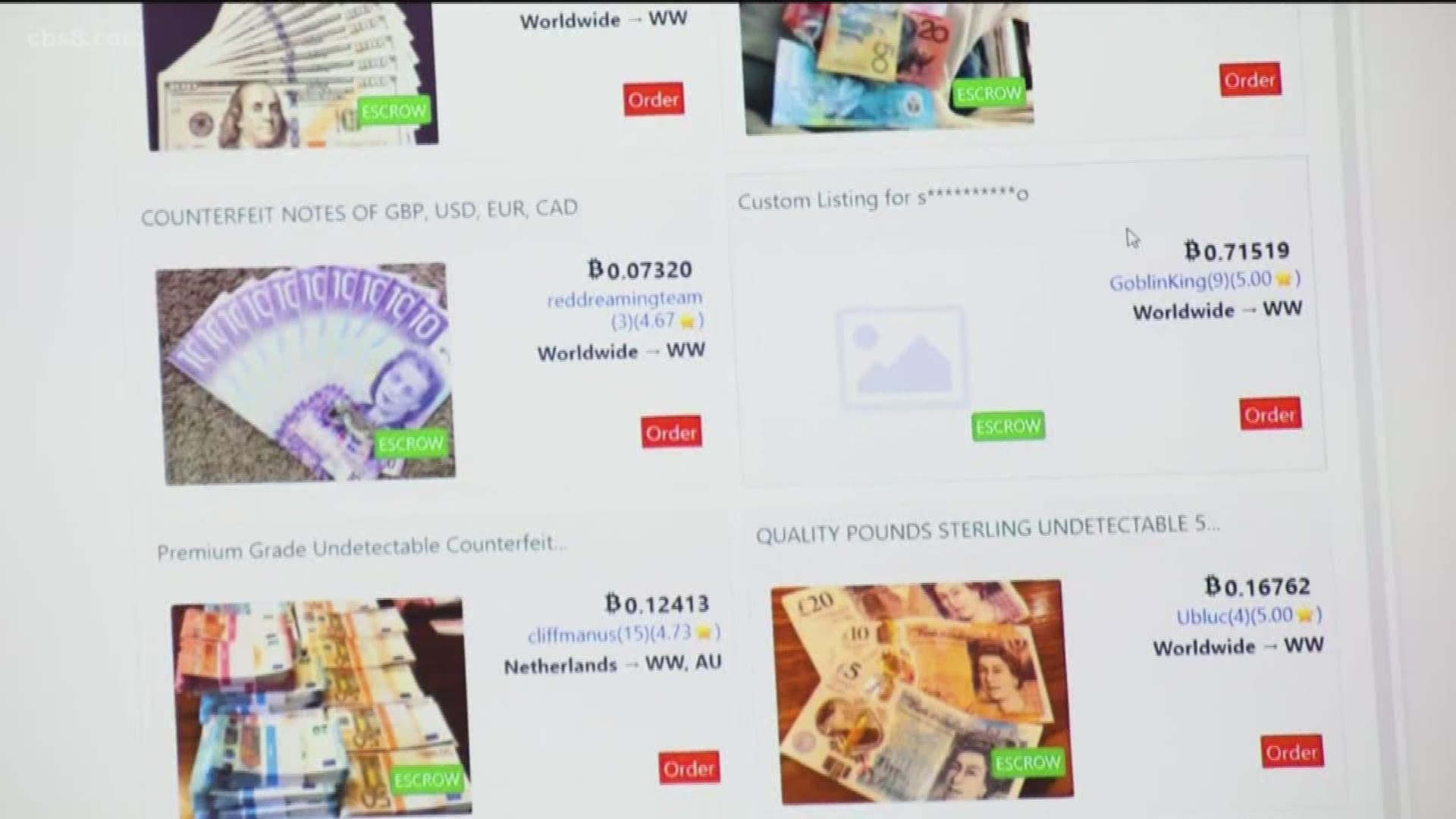
To buy off the dark web, you must follow a strict security protocol to protect your identity and avoid scams. This process requires specific tools, anonymous cryptocurrency, and careful vendor evaluation to minimize risk.
Before you buy off the dark web: a critical disclaimer
Purchasing illegal items from dark web marketplaces carries severe legal consequences, including federal prosecution and imprisonment. Law enforcement actively monitors these platforms, and buying controlled substances, weapons, stolen data, or other prohibited goods is a crime in virtually every jurisdiction. This guide is provided for educational and privacy-research purposes only. Do not use it to commit illegal acts.
Set up your secure buying environment
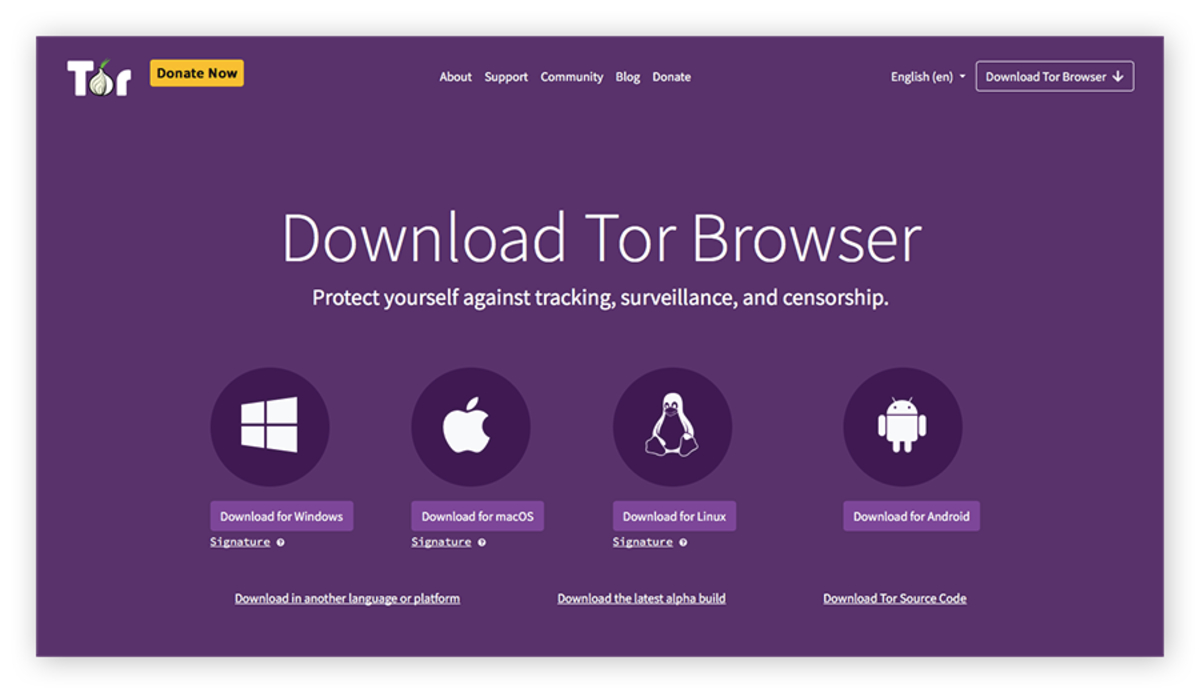
- Download and install the Tor Browser from the official Tor Project website. This is the only way to access
.onionsites. - Use a privacy-focused operating system that runs from a USB drive and leaves no trace on your computer. Alternatively, use a dedicated virtual machine.
- Connect to a reputable VPN service before opening Tor Browser. This encrypts your internet traffic and hides your IP address from your ISP, providing an additional layer of anonymity.
Create and fund your anonymous Bitcoin wallet
- Set up a Bitcoin wallet that does not require personal information. Use a wallet that generates a new address for each transaction.
- Acquire Bitcoin through a method that does not link to your identity, such as a peer-to-peer exchange or a Bitcoin ATM that does not require ID.
- Send your Bitcoin through a mixing or tumbling service. This breaks the transaction trail by combining your coins with others, making it nearly impossible to trace the funds back to you.
- Transfer the mixed Bitcoin to a fresh wallet address that you will use only for the dark web purchase.
Find a live dark web marketplace
- Use a trusted, regularly updated source to find current, verified URLs for active dark web marketplaces. These sites test links and remove dead or phishing addresses.
- Avoid the Hidden Wiki, as it is often outdated and contains many scam links. You can get to the dark web on DuckDuckGo to find these trusted link directories, but always verify the URL before visiting.
- Before registering on any marketplace, research its reputation on dark web forums. Look for reports of exit scams, hacks, or law enforcement seizures.
Evaluate a vendor and their listing
- Read the vendor's profile page. Check their registration date, total number of sales, and overall rating.
- Read recent reviews from other buyers. Look for comments about product quality, shipping times, and stealth of packaging. Be wary of vendors with many negative reviews or complaints about selective scamming.
- Analyze the product listing for red flags: stock photos instead of real product images, prices that are significantly lower than competitors, or vague descriptions. Legitimate vendors typically provide detailed product information.
Encrypt your shipping address with PGP
- Download and install PGP encryption software.
- Find the vendor's public PGP key on their profile or listing. Import it into your keyring.
- Compose your shipping address in a text file. Include only the minimum information required for delivery (name, street, city, zip code). Never use your real name; use a pseudonym.
- Encrypt the text file using the vendor's public PGP key. This ensures only the vendor can read your address.
- Send the encrypted message to the vendor through the marketplace's messaging system. Never send your address in plaintext.
Make the purchase and use escrow
- Add the item to your cart on the marketplace.
- When you proceed to checkout, the marketplace will provide an escrow wallet address. This address holds your payment until you confirm receipt of the goods.
- Send the exact amount of Bitcoin required to the escrow address from your anonymous wallet.
- Never finalize early (FE). FE means releasing the funds to the vendor before you receive the item. This removes all buyer protection and is the most common scam tactic. Always wait until the package arrives and you have inspected it before marking the order as received.
- Understand how to use escrow on dark web markets: it is the only mechanism that protects your money from dishonest vendors. If the vendor pressures you to finalize early, cancel the order.
Receive your package safely
- Use a secure delivery address that is not your home. Options include a P.O. Box rented with cash, a package receiving service, or the address of a trusted friend who is unaware of the package's contents.
- Monitor the tracking number provided by the vendor. Be aware of the expected delivery window.
- When the package arrives, inspect it for signs of tampering before opening. If the packaging appears damaged or resealed, do not accept it.
- Open the package in a private location. Dispose of all packaging materials securely, away from your home, and remove any labels or shipping information.
- Verify the contents match the order. If there is a problem, contact the vendor through the marketplace to initiate a dispute before finalizing the escrow.
- Understand the dangers of the dark web: even after a successful purchase, law enforcement may use package interdiction or postal monitoring to identify buyers. Maintain strict operational security by never discussing the purchase online or with anyone, and by not ordering to the same address repeatedly.