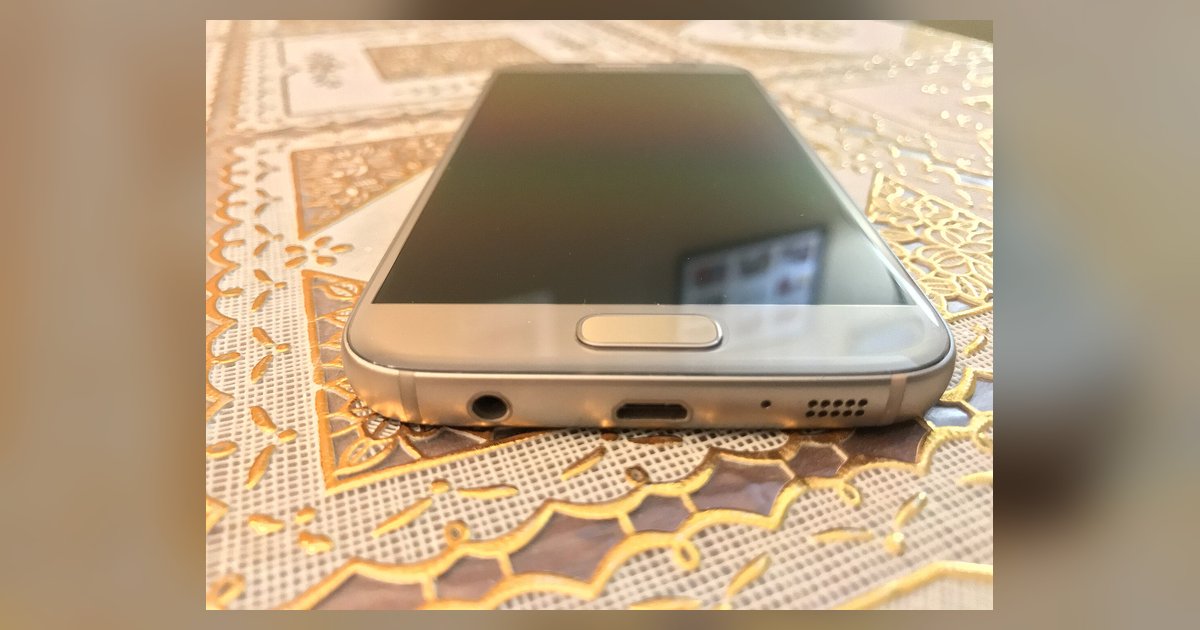
Use a soft-bristled dry toothbrush or a clean, dry paintbrush to gently flick debris out of the speaker grille. Never use sharp metal tools, compressed air, or liquids, as these can puncture the mesh or push dirt deeper inside.
Why your phone speaker sounds muffled
The speaker grille on a phone is a fine mesh that sits over the speaker. When the phone is in your pocket or purse, tiny fibers of lint, dust, and pocket sand get trapped in that mesh. Over time, these particles build up into a dense layer that blocks sound waves, making your voice sound quiet, tinny, or distorted when using speaker mode on flip phone. This muffled effect mimics the exact symptoms of a blown speaker or a loose connection, which is why cleaning should always be your first troubleshooting step before you assume hardware failure, especially since a clogged grille can also trigger a flip phone speaker mode lid closure issue. Many users have sent their phones for repair only to find a clean grille was all that was needed.
The dry brush method to clean phone speaker
Turn off the phone and hold it with the speaker grille facing upward. Take a soft-bristled dry toothbrush (one you have never used with toothpaste) or a clean, dry artist’s paintbrush with natural bristles. Angle the brush at about 45 degrees to the grille and use short, gentle flicks outward, do not scrub back and forth. The motion should be like sweeping dust off a delicate surface, not digging into the holes. Work across the entire grille in one direction, then rotate the phone 90 degrees and repeat. If you see loose fibers fall away, stop and blow gently from the side to remove them. Do not press hard; the mesh is fragile and can tear if you apply too much force. If the speaker still sounds muffled afterward, test it by turning speaker mode on and off to confirm the audio pathway is clear. This method is also the safe approach for many phones that share a similar delicate grille design.
What never to do
Never insert a safety pin, paperclip, toothpick, or any sharp metal object into the grille holes. These tools will puncture the waterproof mesh, creating a permanent hole that lets moisture into the speaker cone. Compressed air is also dangerous: the high-pressure blast can blow debris deeper into the device, lodging it against the speaker diaphragm where it cannot be removed. Avoid any liquid cleaner for flip phone speaker grilles, as moisture can wick inside and short-circuit the speaker or corrode the contacts. (For iPhones, Apple permits a 70 percent isopropyl alcohol wipe on exterior surfaces, avoiding openings.) Sticky putty or adhesive cleaning gels may be risky and are not recommended by official sources. Many modern phones use similar grilles that can be vulnerable to debris buildup.
When cleaning doesn't fix it
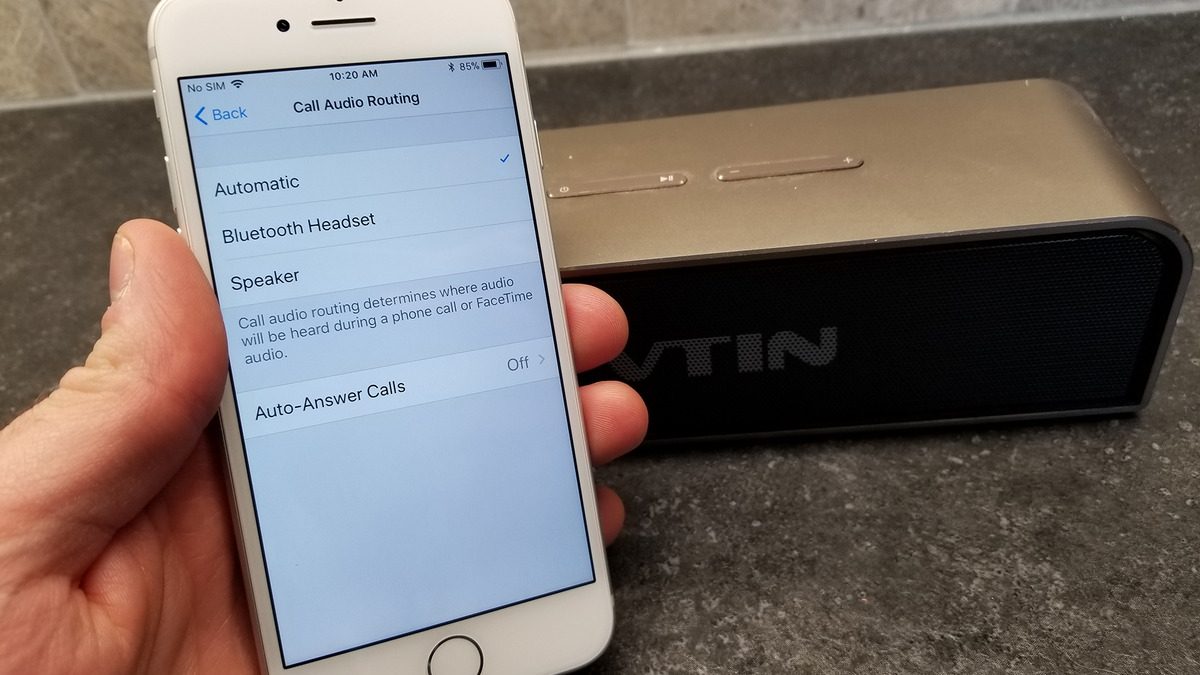
If you have carefully brushed the grille and it looks visibly clean, but the sound is still muffled or distorted, the problem is likely not lint. First, check your phone’s volume settings and ensure you have not accidentally enabled a “quiet mode” or lowered the earpiece volume separately from the speaker volume. On many phones, you can access the sound menu through the Settings to check volume and audio settings. If the audio is still poor, try a factory reset of sound settings (not a full phone reset) to rule out a software glitch. When none of these steps work, the speaker itself may have failed, either the cone has torn, the coil has burned out, or the internal amplifier chip has gone bad. At that point, consider a professional repair. Troubleshooting steps may differ between phone models, so check your device's specific support documentation.
This muffled effect replicates the signs of a blown speaker or loose connection, so cleaning should always be your first step before suspecting hardware failure.