
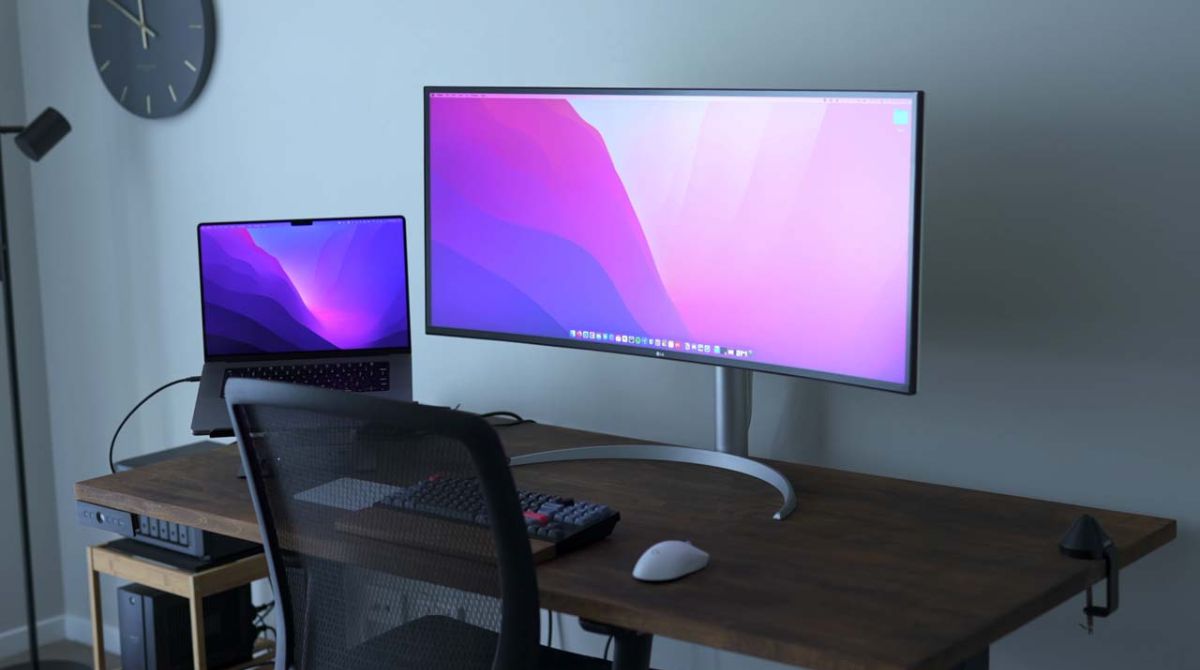
The Mac tag on robots.net collects practical, hands-on guides written for everyday computer users who want to get more done on Apple hardware, whether that’s a MacBook, an iMac, or a Mac mini. These articles are aimed at people who may not consider themselves technical experts but want clear, step-by-step instructions for common tasks, from managing files to installing software. If you’re looking for straightforward answers to everyday Mac questions, this is the place to start.
The articles here cluster around a few recurring themes. One is storage and performance: you’ll find guides on freeing up disk space, formatting a hard drive, and understanding the difference between APFS and macOS Extended, as well as explanations of what RAM does and how the Apple M1 chip changes the game. Another theme is software and media management, how to download music from YouTube into iTunes, listen to Amazon Music on a PC, install Spotify on a Mac, or use Audacity for recording and editing. A third theme covers everyday utilities and connectivity: taking a screenshot, turning off screen mirroring, using WhatsApp Web, or getting a Spanish keyboard layout. Some articles also address security and privacy from a safe, legal angle, like explaining why Wi-Fi shows a privacy warning or what an Ethernet broadcast address is, helping you understand the system rather than work around it.
Specific topics you’ll see include setting up Apple Pay, cleaning a keyboard without damaging it, and choosing a mechanical keyboard for Mac. There are also guides on playing classic games via PSX emulators and creating a character in The Elder Scrolls Online. Whether you’re troubleshooting a slow machine, trying to organize your downloads, or just learning how to use a new feature, these articles focus on what you can actually do, safely, legally, and without guesswork.