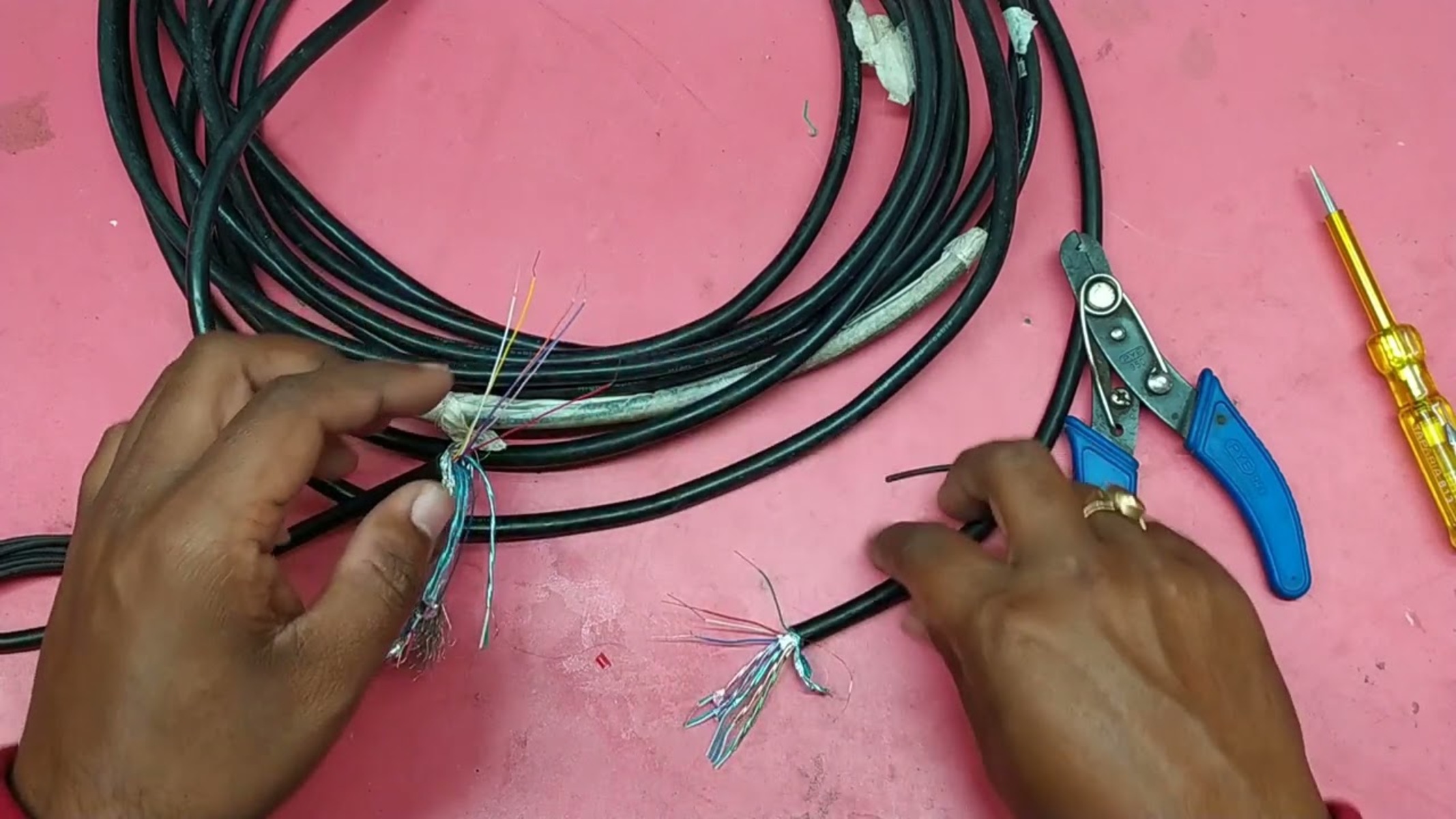
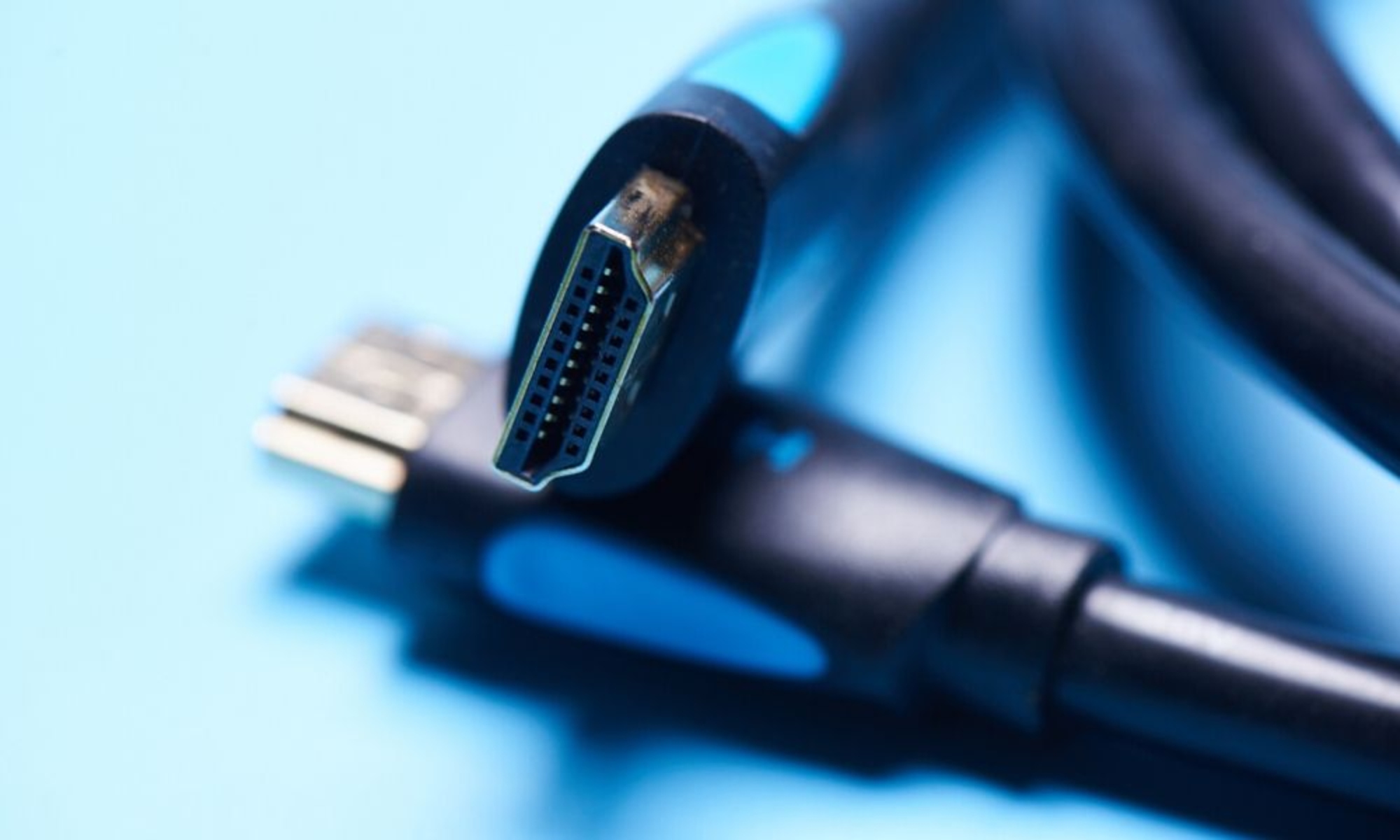
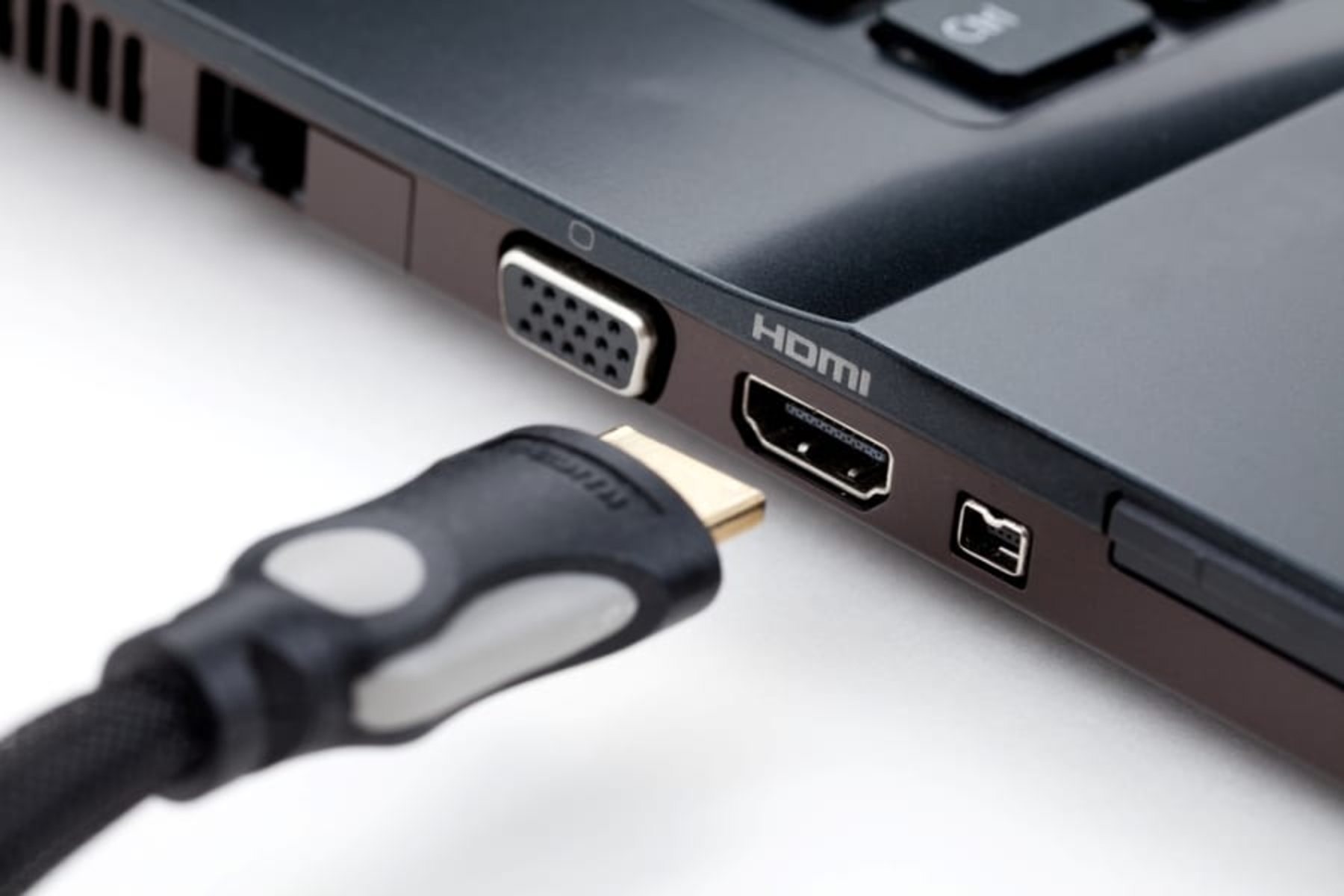
If you're searching for how to splice an HDMI cable, the short answer is: don't. A standard HDMI Type A cable contains 19 individual wires plus shielding, and manually splicing...
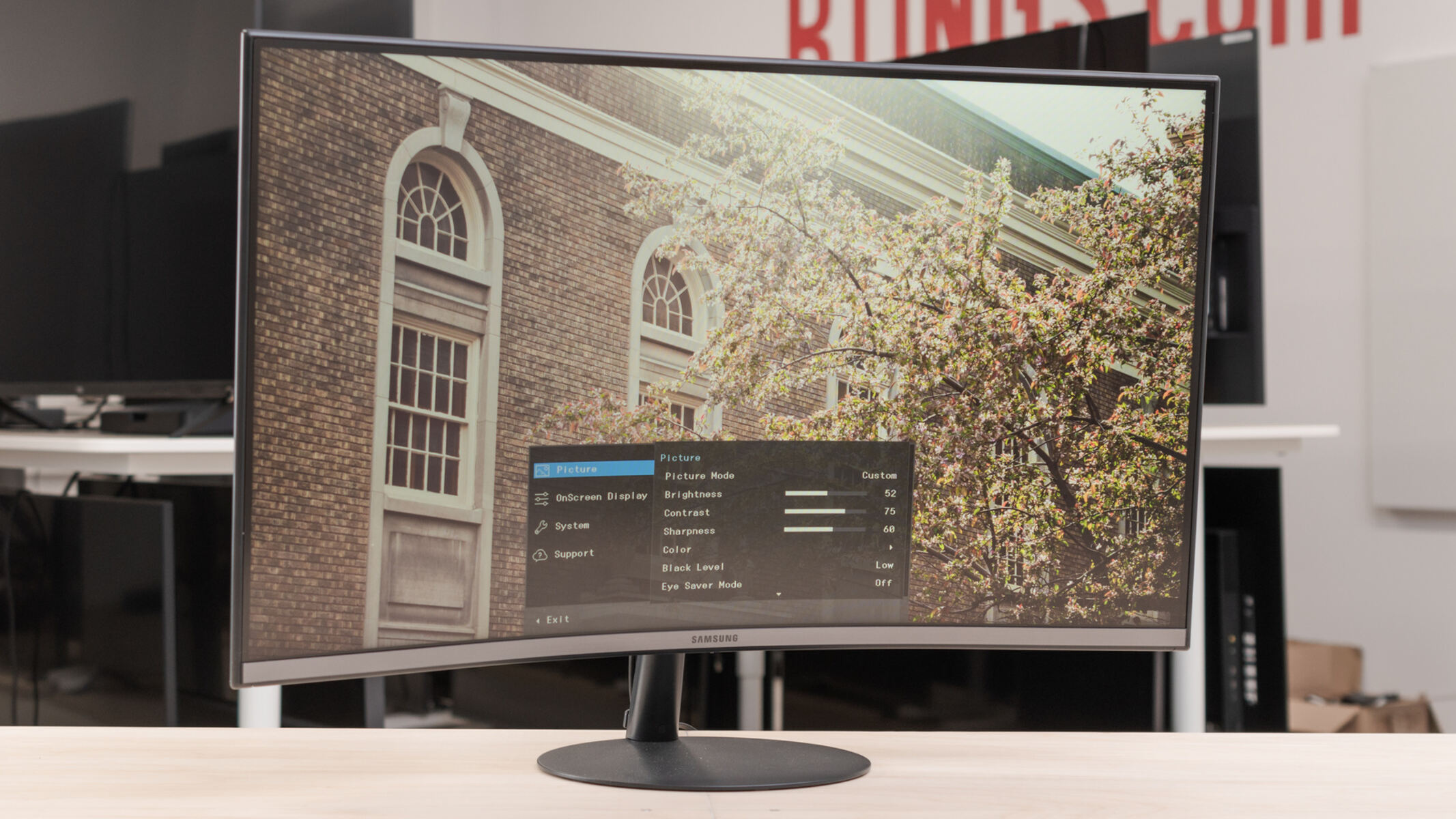
To connect your Samsung monitor to a PC with HDMI, plug one end of a high-speed HDMI cable into your PC's HDMI output port and the other end into the...
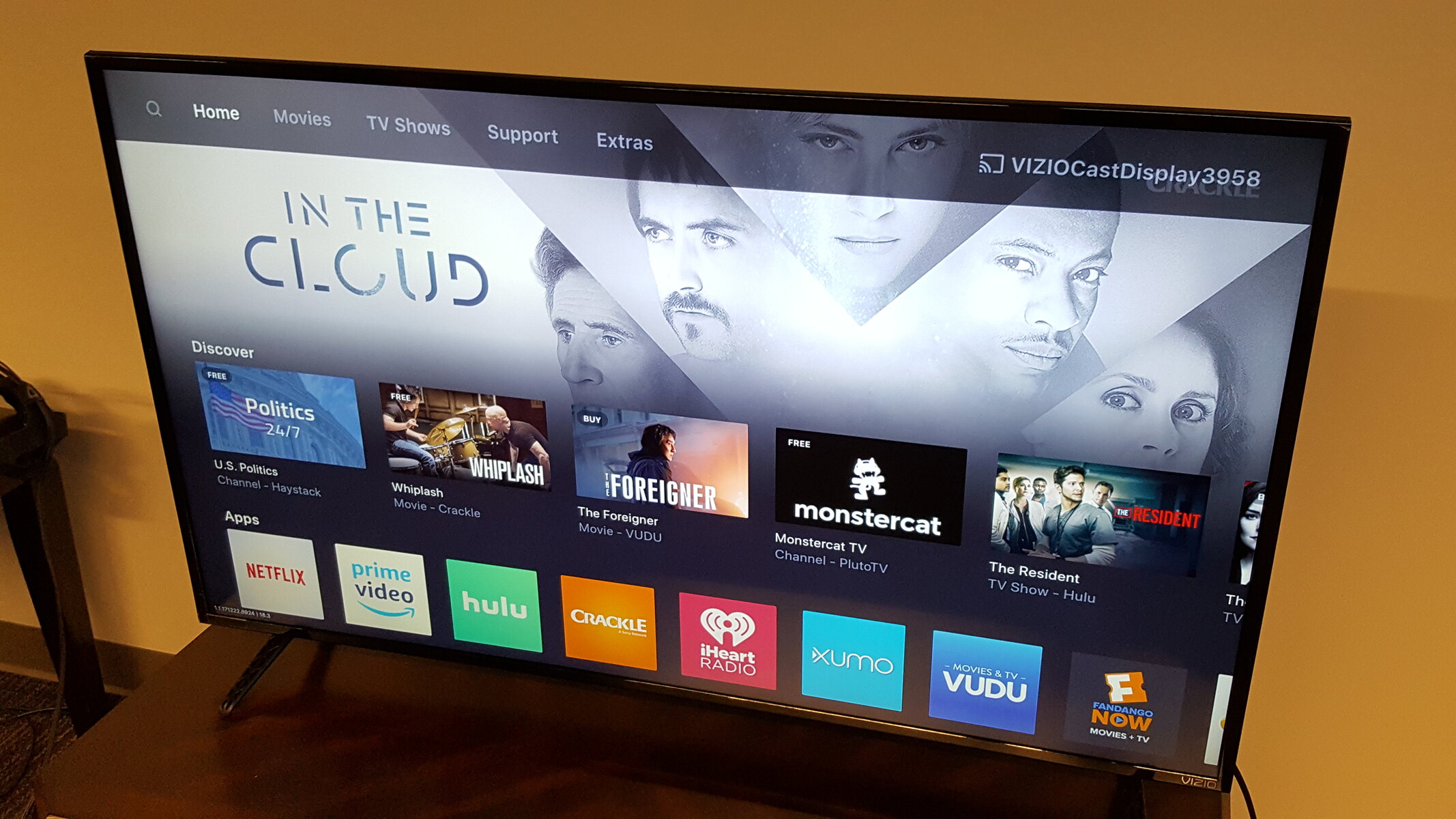
To change HDMI on a Vizio TV, press the INPUT button on your remote, then select the HDMI source that matches the port your device is connected to, such as...
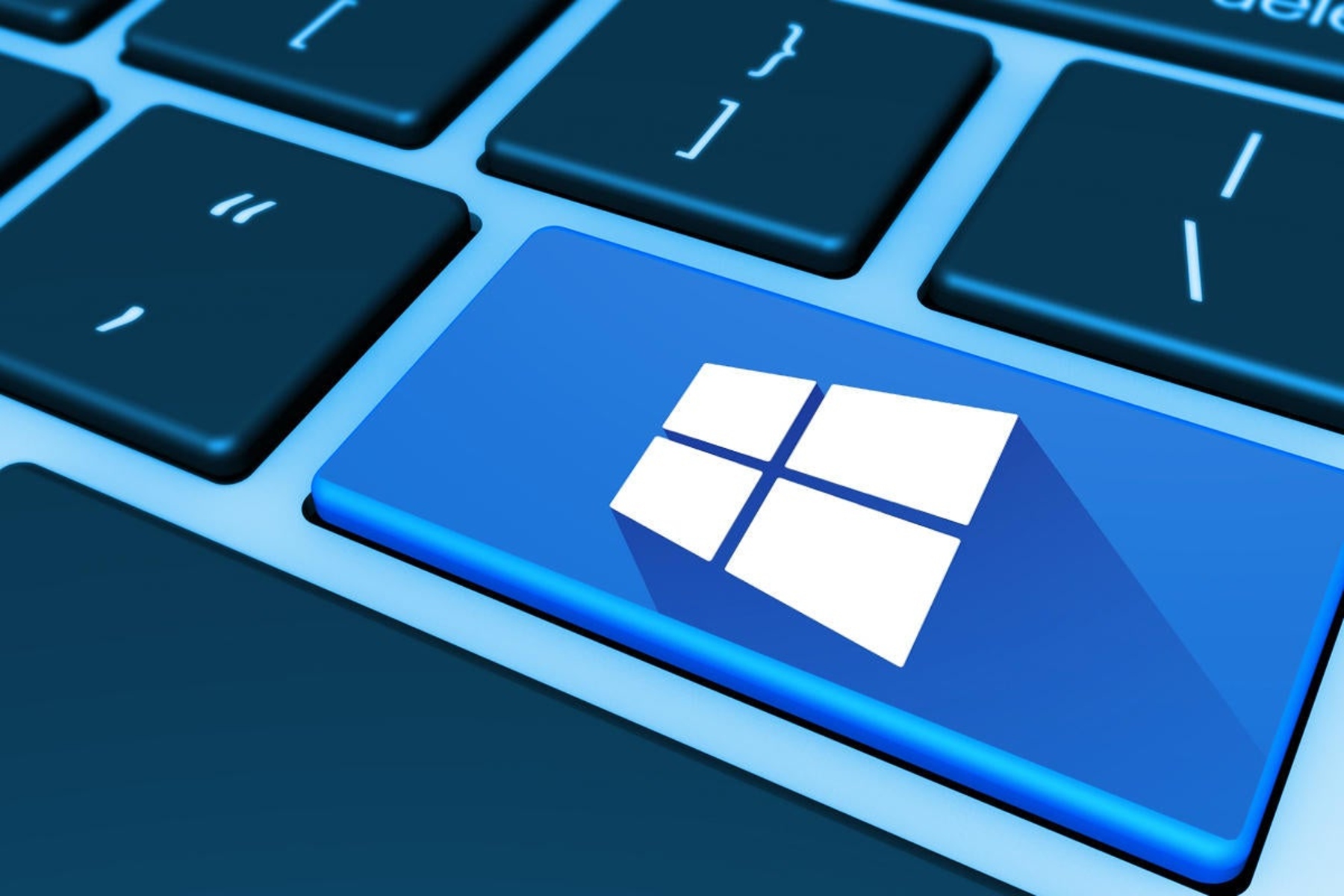
To switch to HDMI on PC Windows 11, press the Windows key + P to open the Project menu and select "Second screen only." This instantly routes your display to...
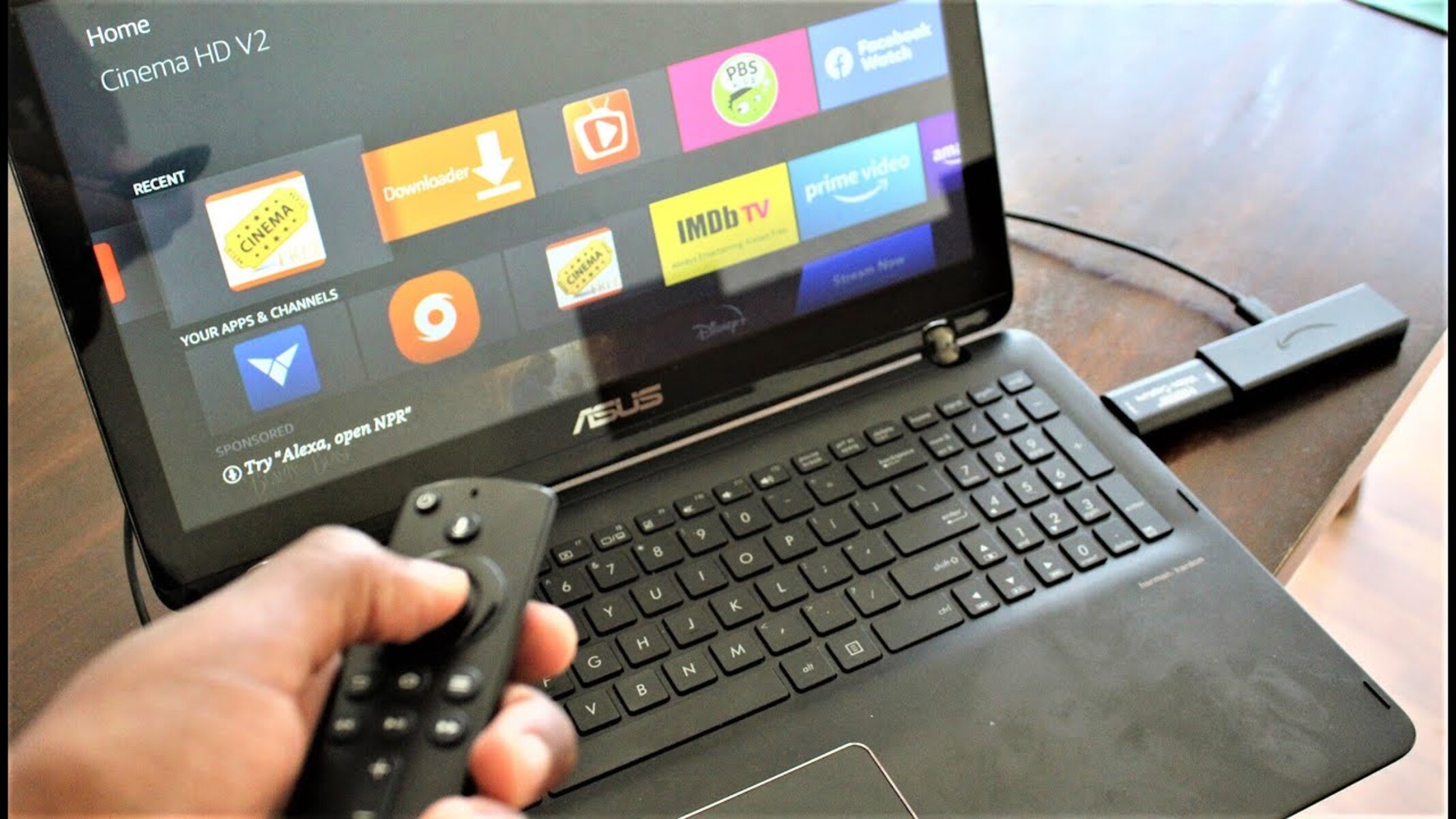
To connect your Firestick to your laptop, you cannot use a direct HDMI cable because laptop HDMI ports are output-only, designed to send a signal to an external monitor, not...
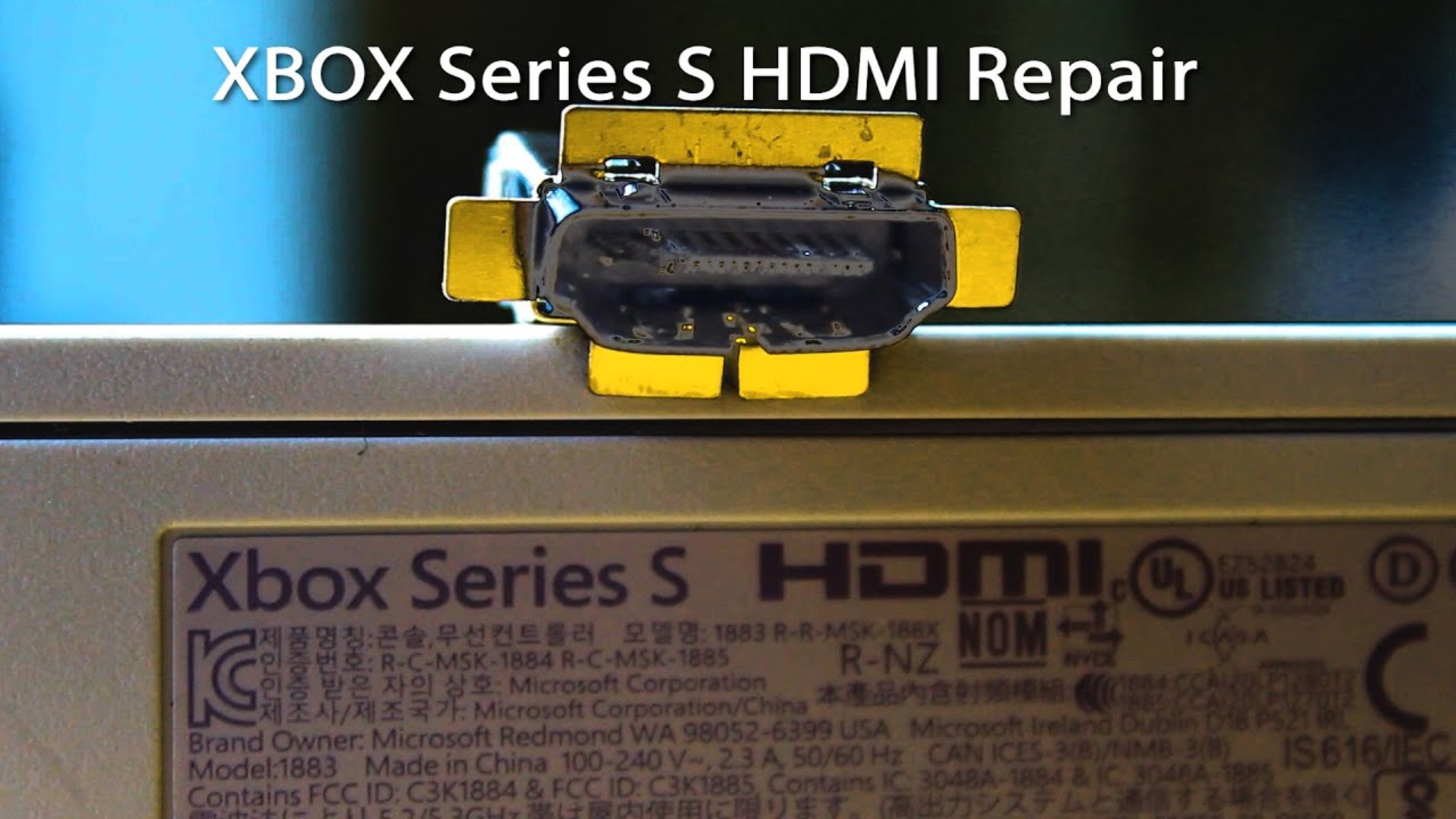
To fix Xbox Series S HDMI port issues when your console powers on but shows a blank screen or "no signal," start with the simplest cable and input checks before...
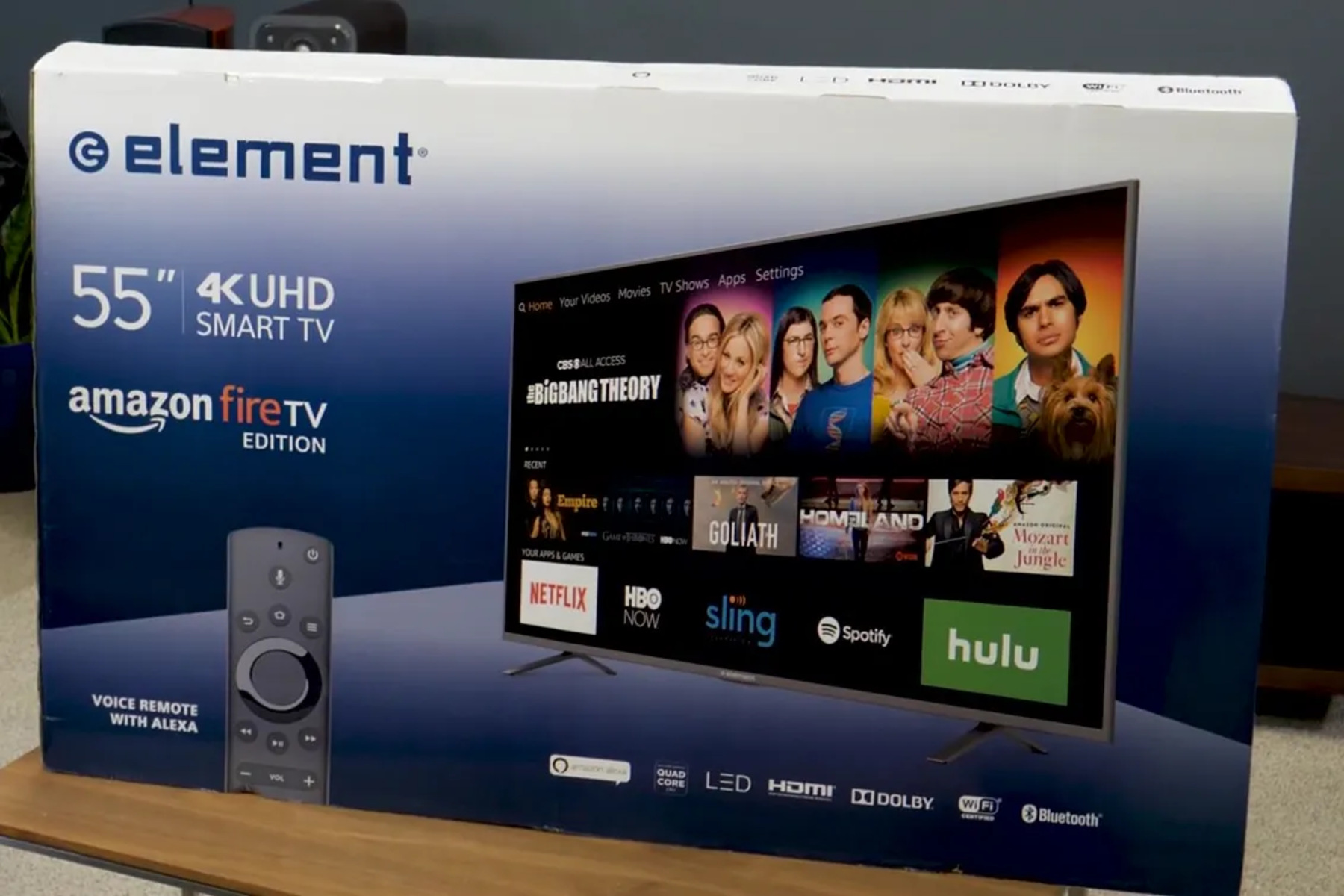
To change to HDMI on an Element TV without a remote, use the physical buttons built into the TV itself, this is the fastest and most reliable method. Press the...
To connect PS3 to PC with HDMI, you need a capture card because a direct HDMI connection won't work. PC HDMI ports are output-only, and the PS3's always-on HDCP protection...
You cannot directly connect two laptops with a standard HDMI cable to share or extend your screen because most laptop HDMI ports are output-only. If you want to connect 2...
To switch to HDMI on Windows 10, press the Windows logo key + P on your keyboard to instantly open the Project menu, then select "Duplicate," "Extend," or "Second screen...
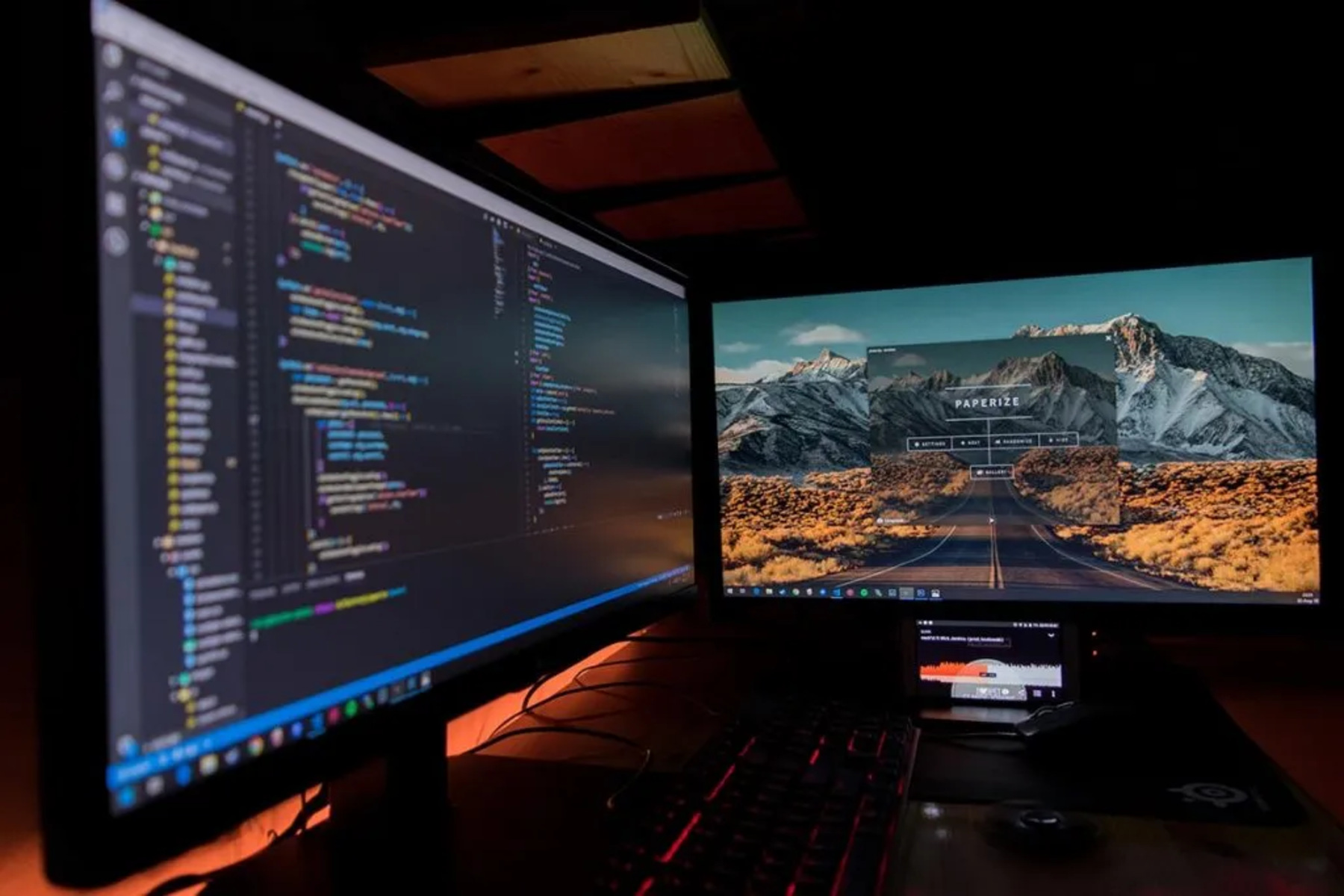
To run two monitors from one HDMI port, you cannot use a standard HDMI splitter, as it only duplicates the same image to both screens. Instead, you need a USB-C...
This website uses cookies so that we can provide you with the best user experience possible. Cookie information is stored in your browser and performs functions such as recognising you when you return to our website and helping our team to understand which sections of the website you find most interesting and useful.
Strictly Necessary Cookies
Strictly Necessary Cookie should be enabled at all times so that we can save your preferences for cookie settings.
If you disable this cookie, we will not be able to save your preferences. This means that every time you visit this website you will need to enable or disable cookies again.