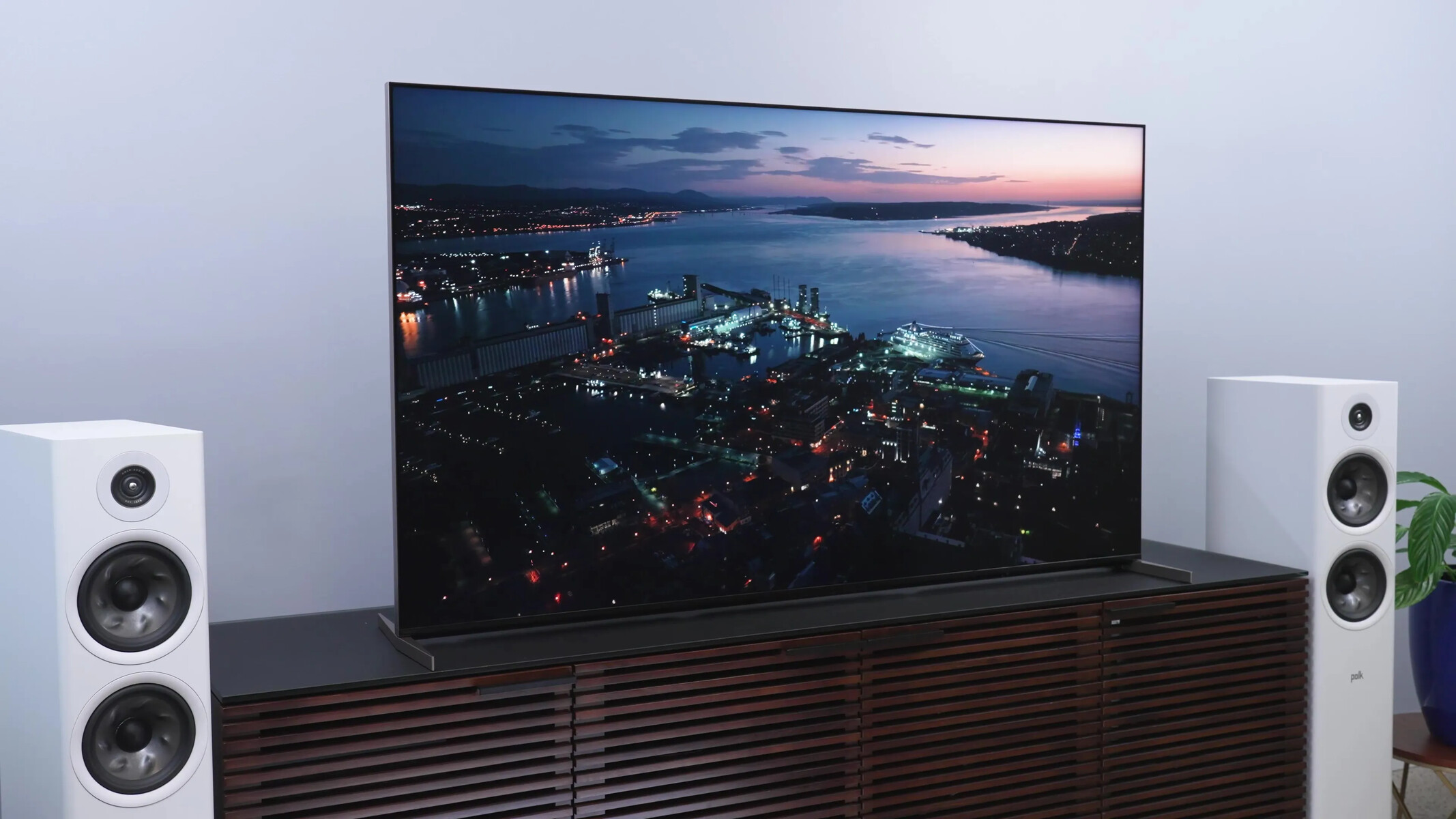
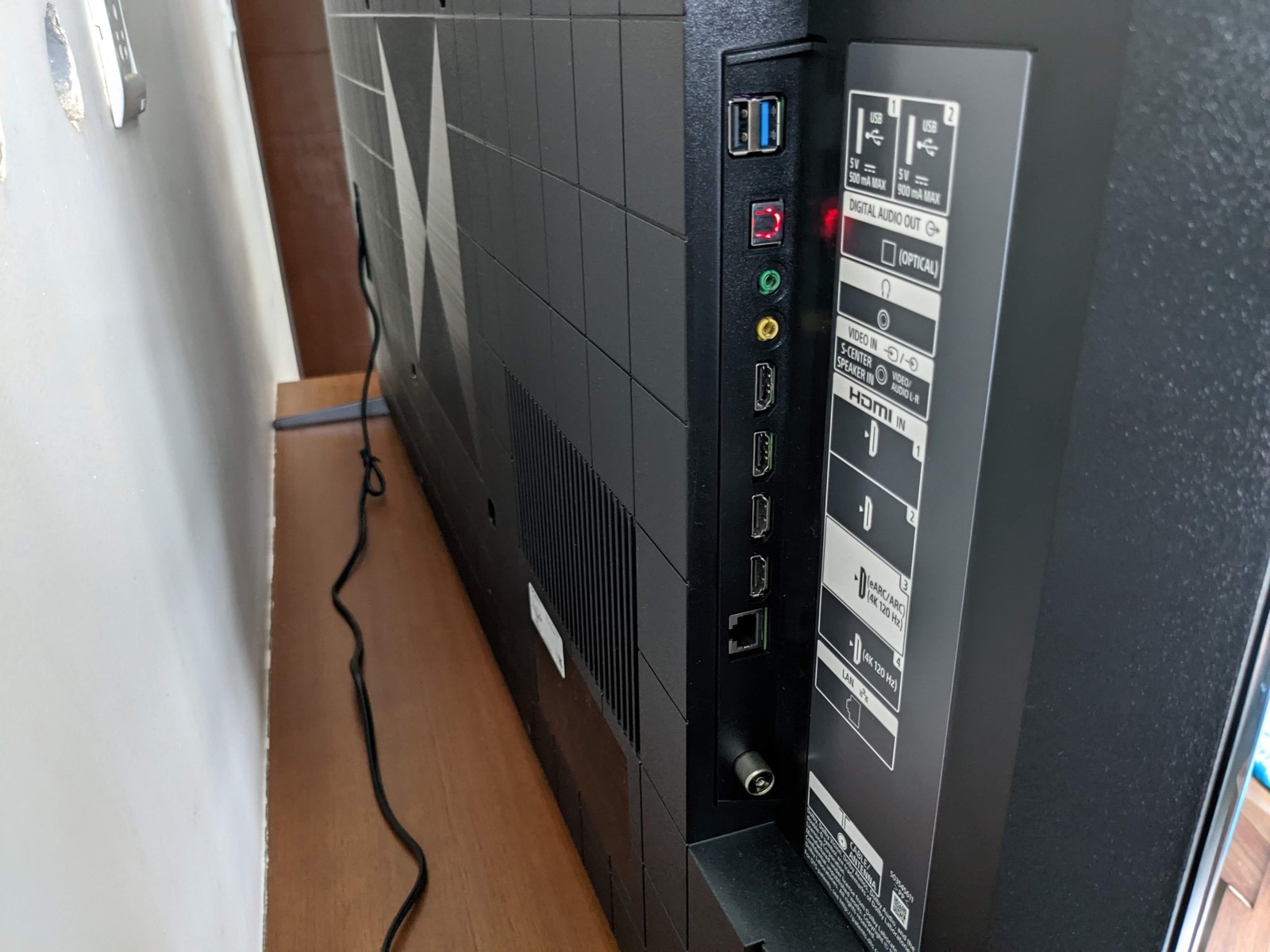
To turn off the Sony TV info banner for good, you need to navigate to the specific "Info Banner" setting in your TV's menu, though the exact path depends on...
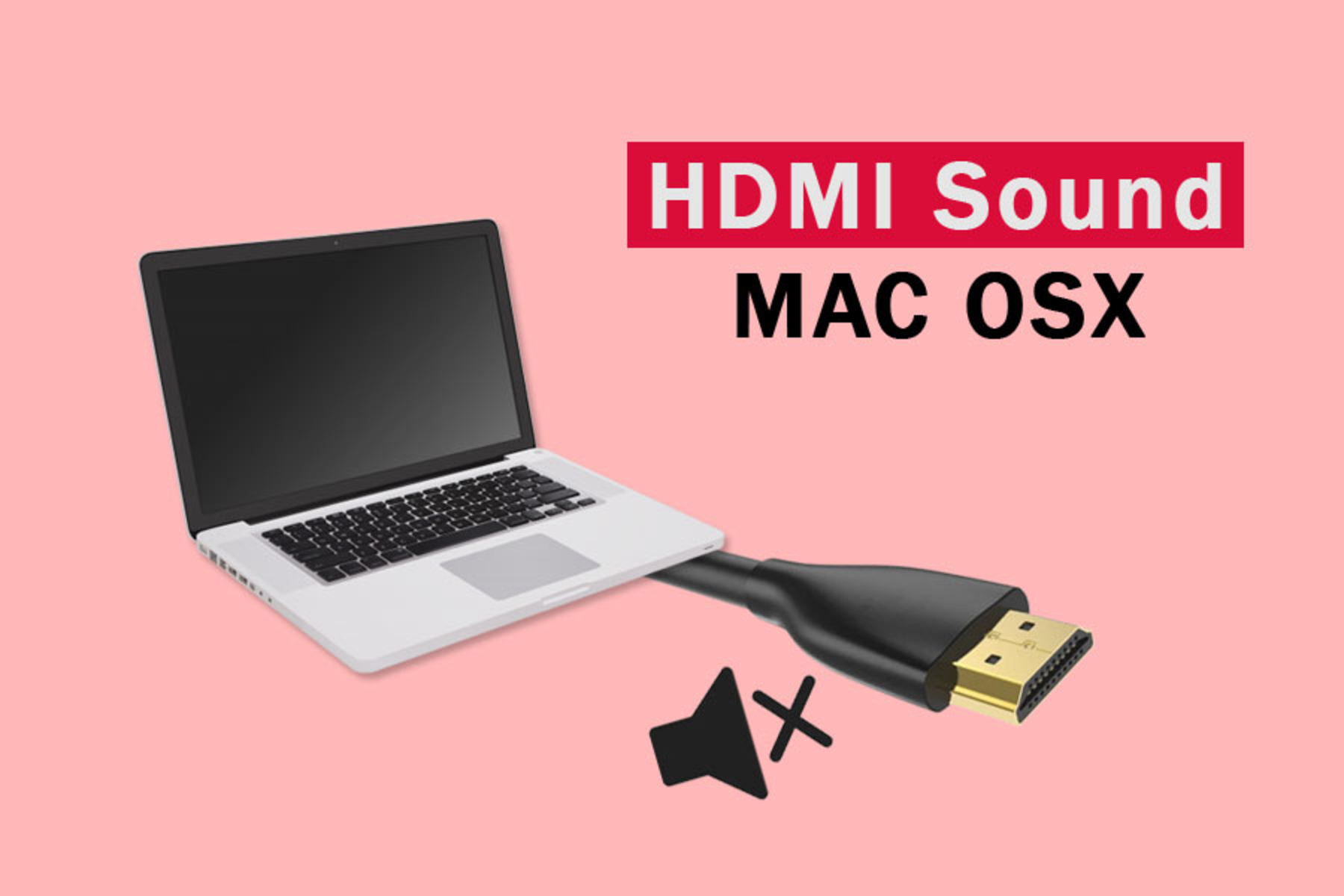
To get sound to play through HDMI on your Mac, you need to connect it properly, then select the HDMI device as your audio output in System Settings. This is...
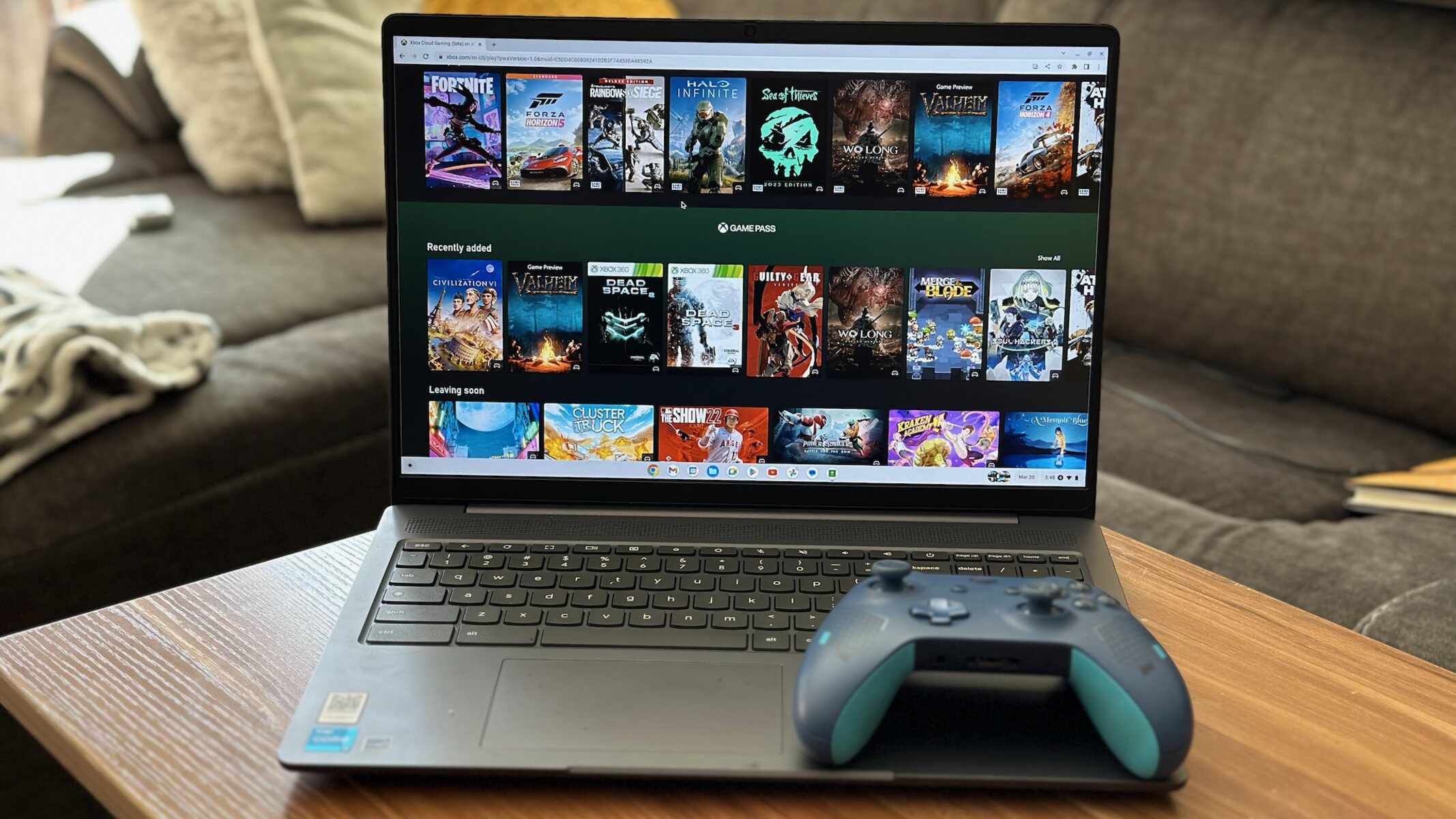
You cannot connect an Xbox 360 to a laptop with HDMI directly, because nearly every laptop’s HDMI port is an output, not an input. To connect Xbox 360 to laptop...
To record from HDMI output, you need to connect your source device to a USB capture card, then use free software like OBS Studio to save the video and audio...
How to turn off auto-detect HDMI on your Samsung TV To turn off auto-detect HDMI on your Samsung TV, you need to disable Anynet+ (HDMI-CEC), the feature that lets connected...
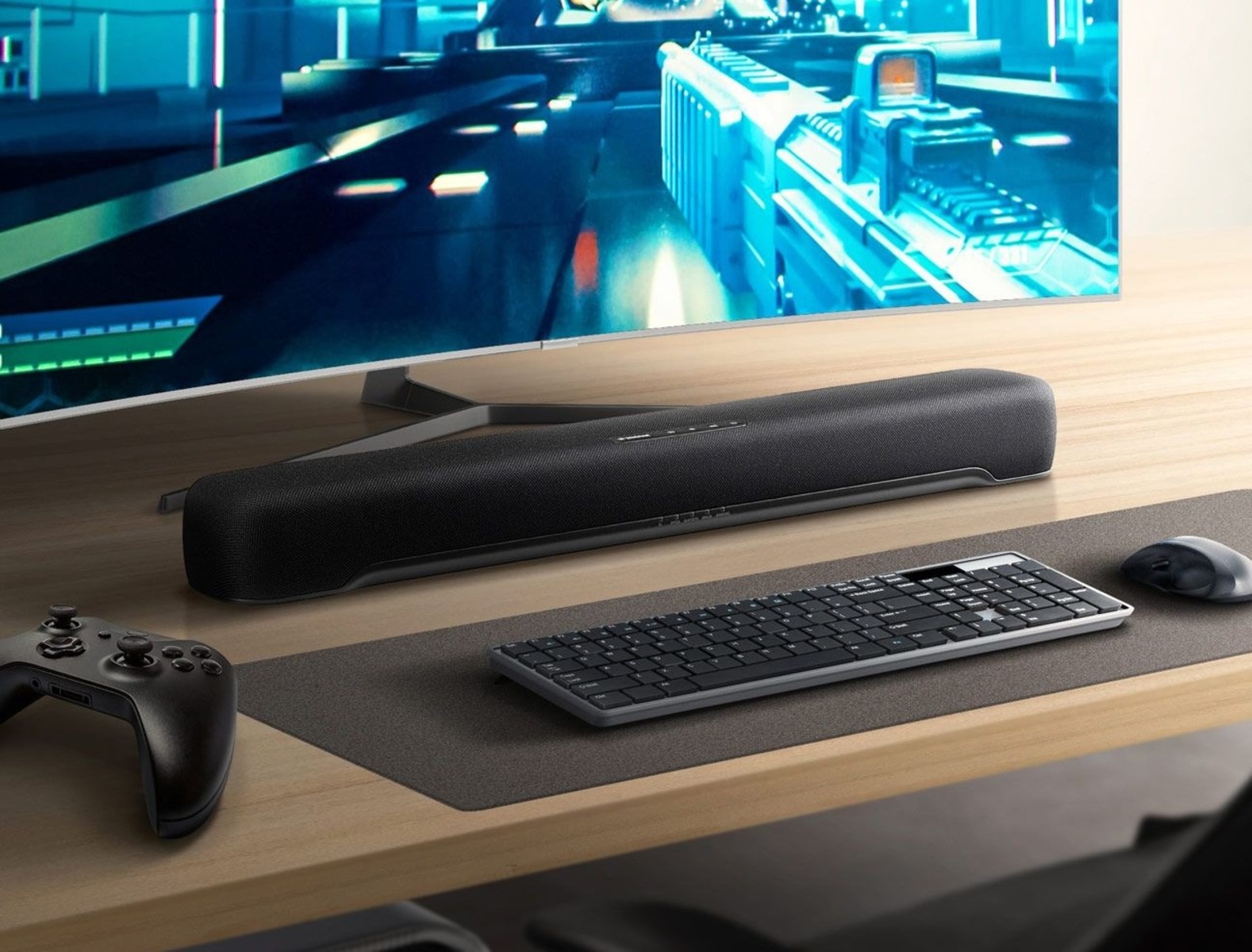
To connect a soundbar to a PC with HDMI, the single most important rule is this: your soundbar must have an HDMI IN port for a direct cable connection. If...
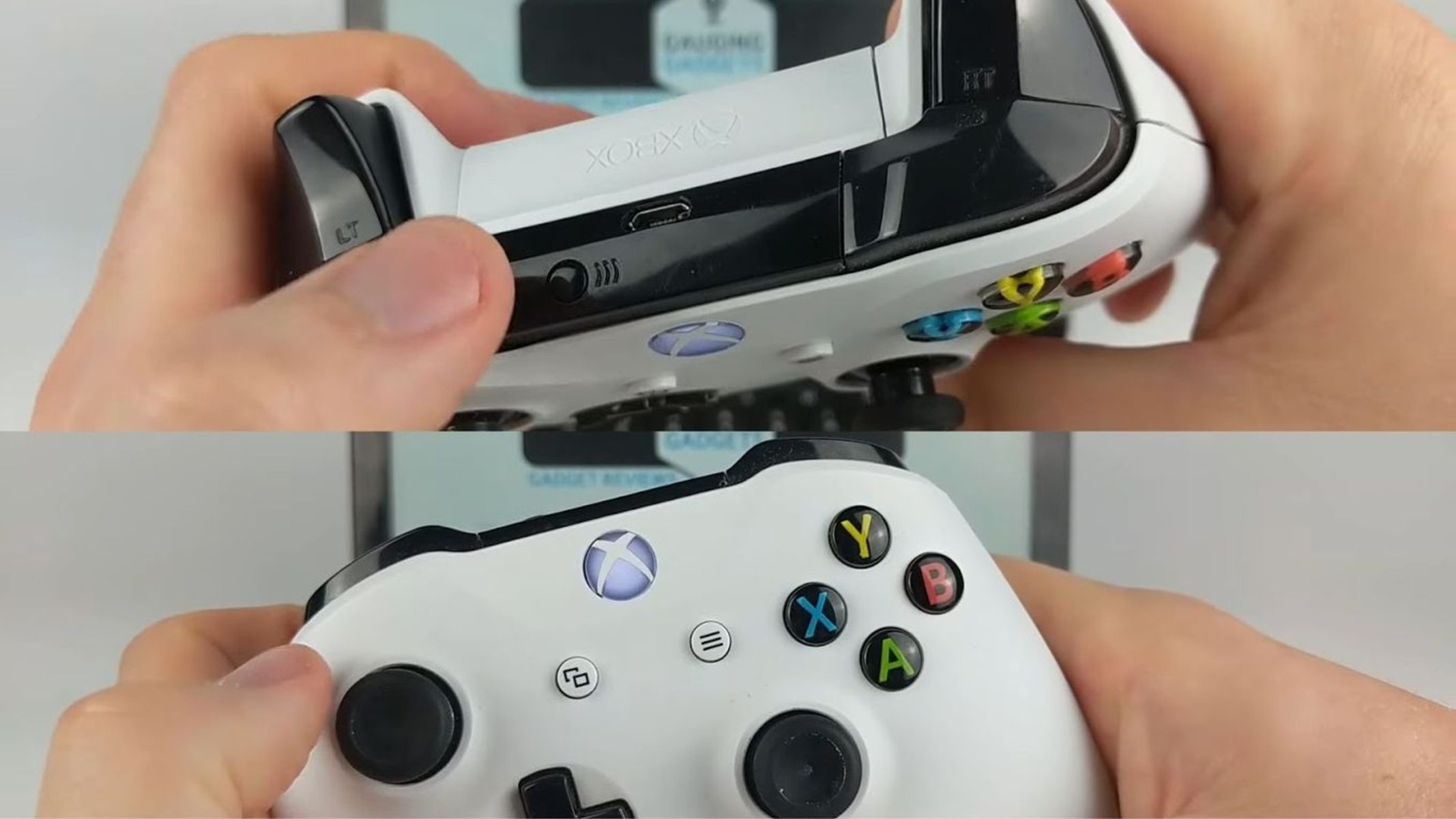
Why you can't connect Xbox to Chromebook with HDMI If you want to connect Xbox to Chromebook, the first thing to know is that a direct HDMI cable won't work....
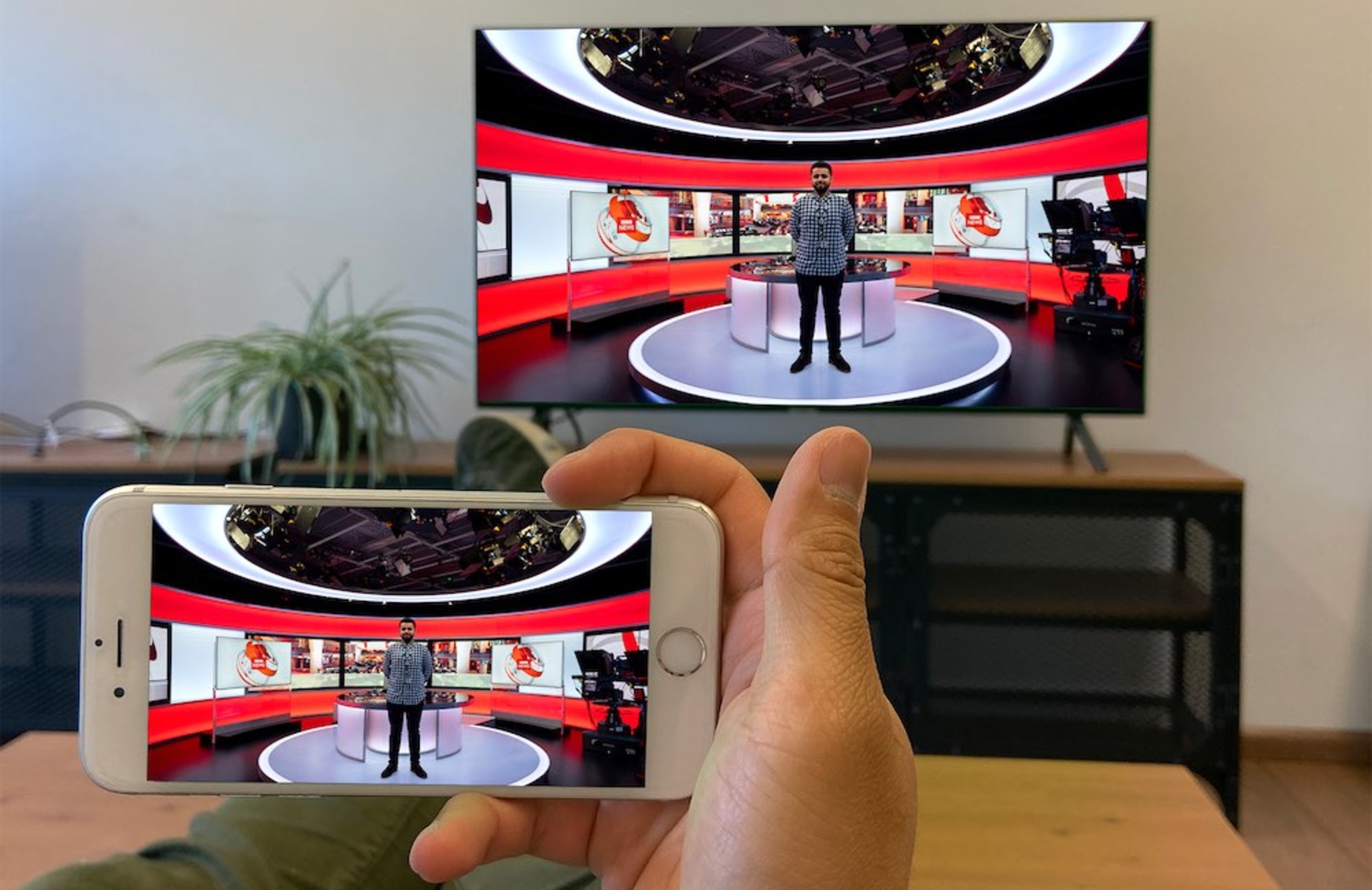
To get your iPhone full screen on TV HDMI, you need to connect it with an Apple Digital AV Adapter and an HDMI cable, then adjust your TV's aspect ratio...
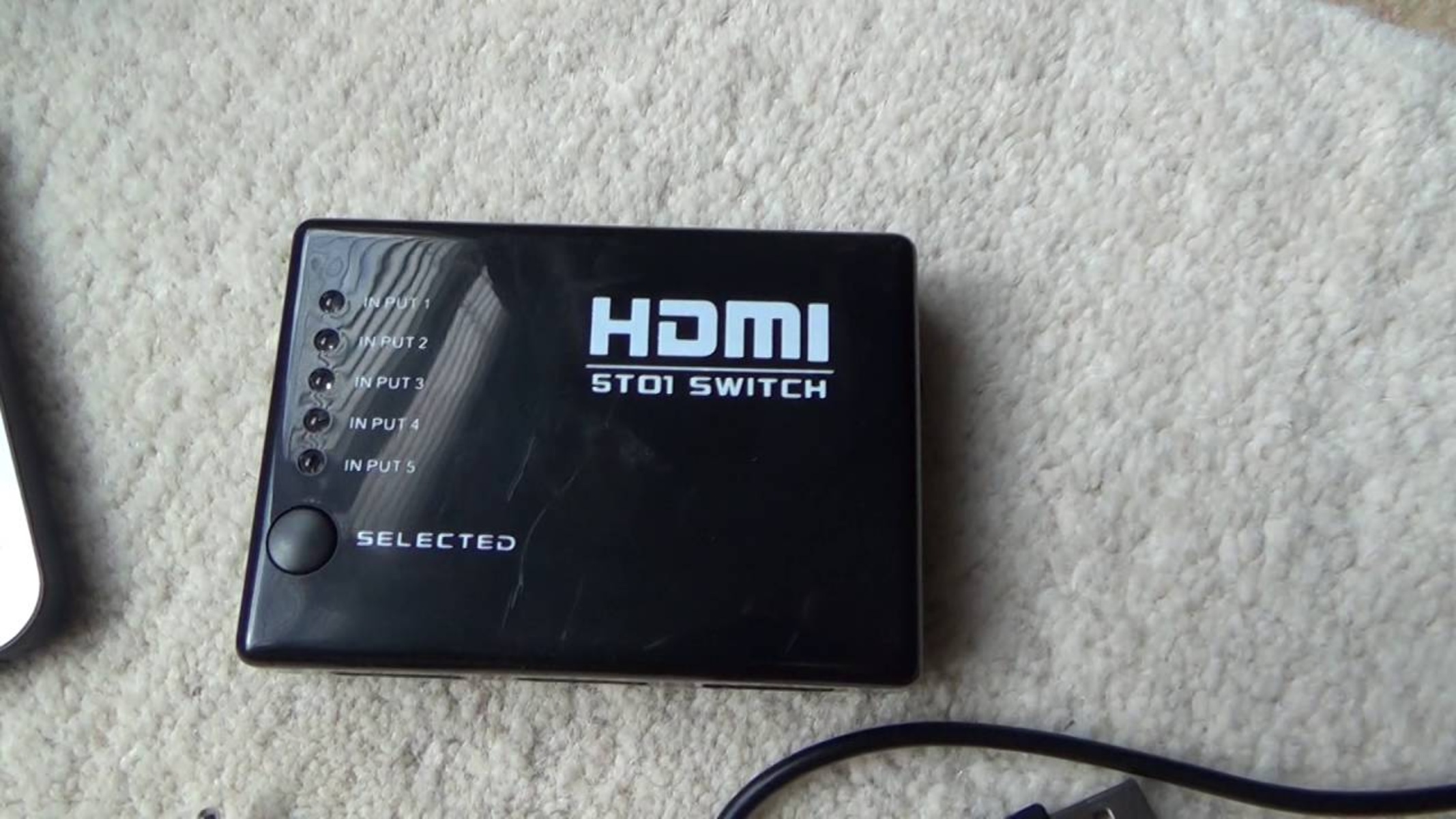
To change HDMI on Dish remote, the most direct method is to enable HDMI-CEC on both your Dish receiver and TV, which lets the receiver automatically switch the TV to...
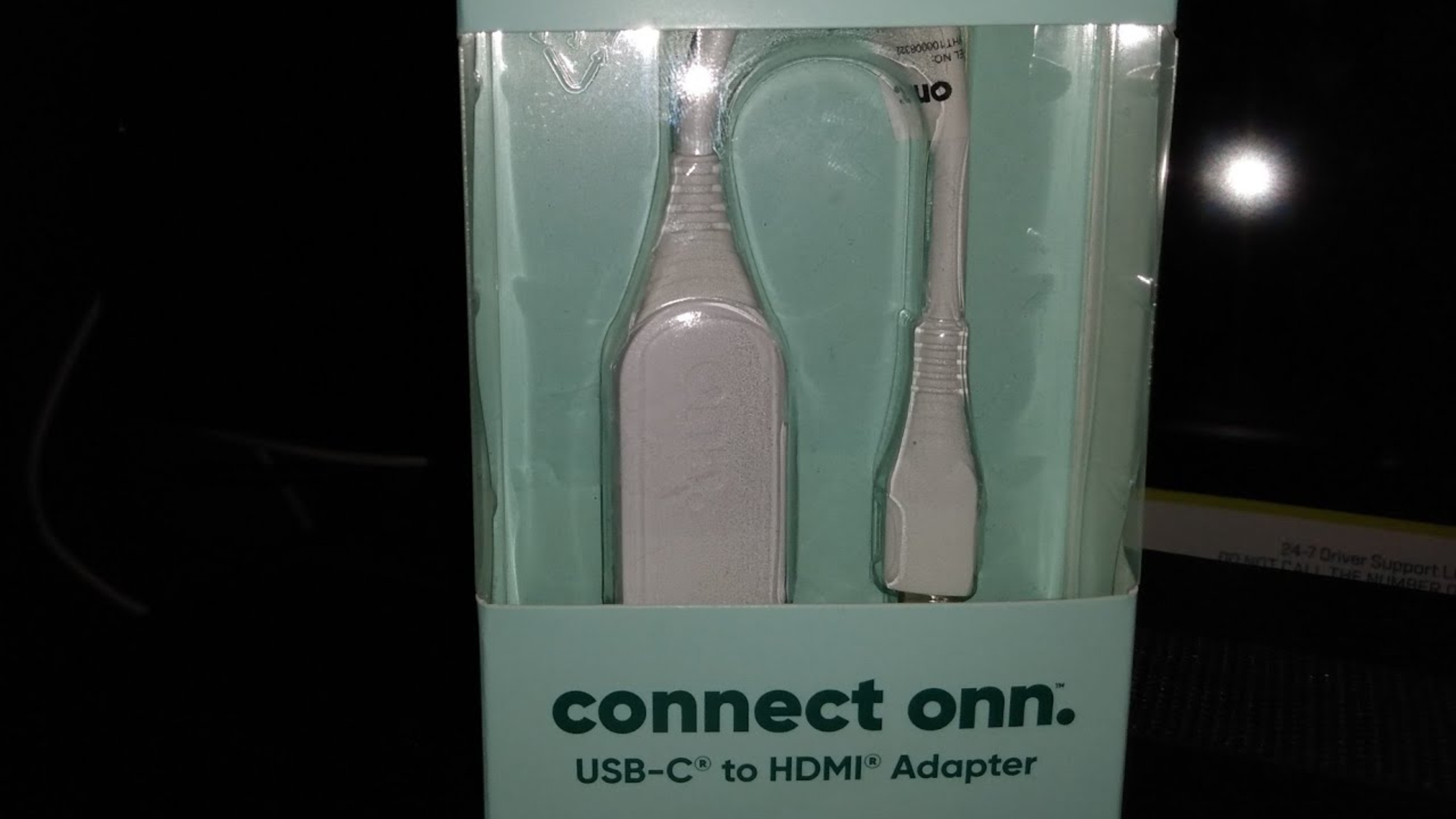
To use the Onn USB-C to HDMI adapter, plug the adapter's USB-C connector into your laptop, phone, or tablet, then connect an HDMI cable from the adapter to your TV...
On virtually every Sony Bravia 4K TV, all HDMI ports support 4K, so the real question of which HDMI port is 4K on Sony Bravia comes down to enabling the...
This website uses cookies so that we can provide you with the best user experience possible. Cookie information is stored in your browser and performs functions such as recognising you when you return to our website and helping our team to understand which sections of the website you find most interesting and useful.
Strictly Necessary Cookies
Strictly Necessary Cookie should be enabled at all times so that we can save your preferences for cookie settings.
If you disable this cookie, we will not be able to save your preferences. This means that every time you visit this website you will need to enable or disable cookies again.