If you have a dedicated graphics card, the answer is simple: use HDMI on graphics card ports for any gaming, high-refresh-rate, or high-resolution display. The HDMI port on your motherboard...
To connect an HDMI laptop to a DisplayPort monitor, you need a specific active adapter, a passive cable or a standard HDMI-to-DisplayPort cord will not work. This is because HDMI...
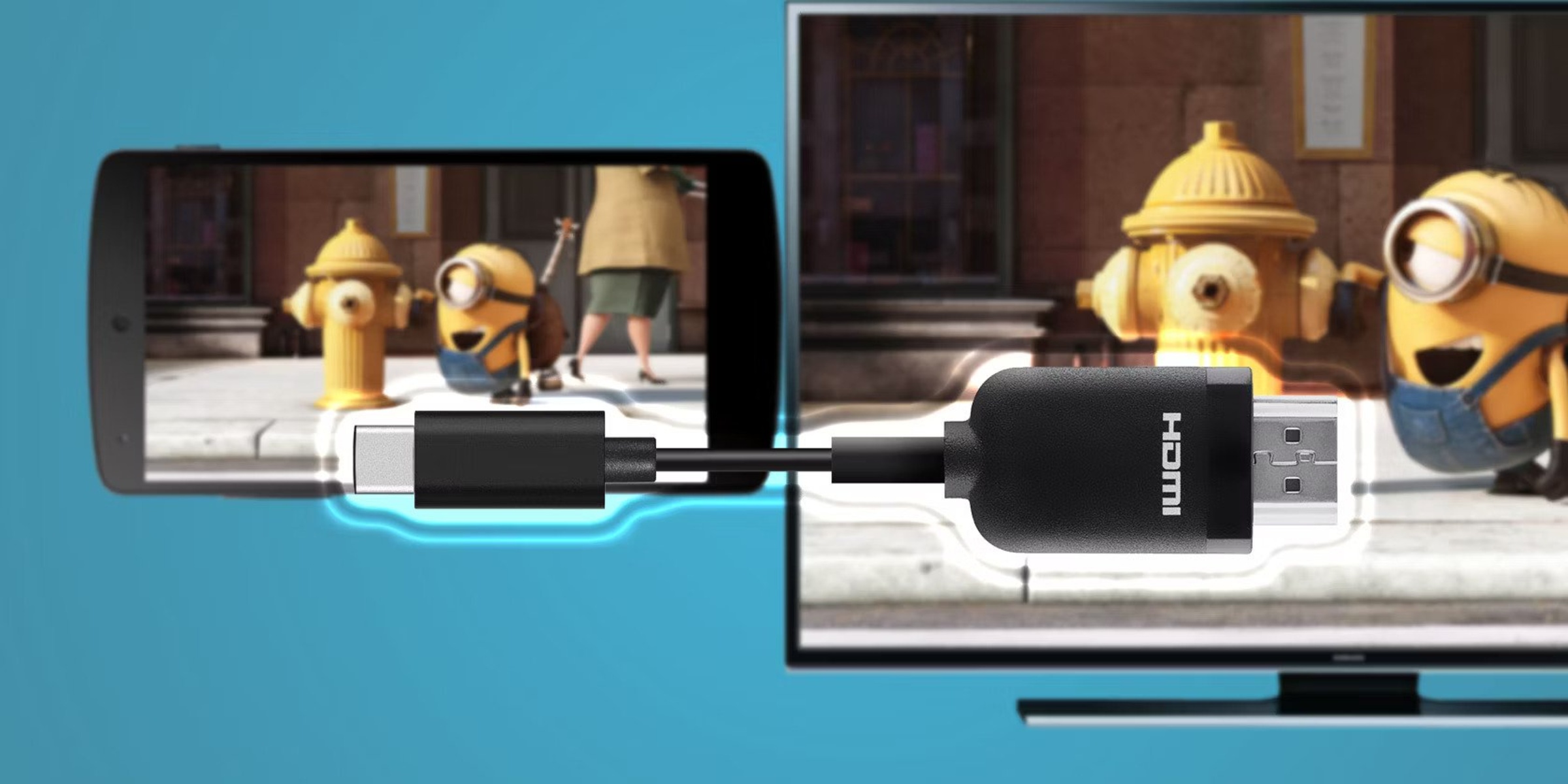
To enable HDMI Alt Mode, you connect a USB-C device directly to an HDMI display using a single cable, but only if both your device and the cable support the...
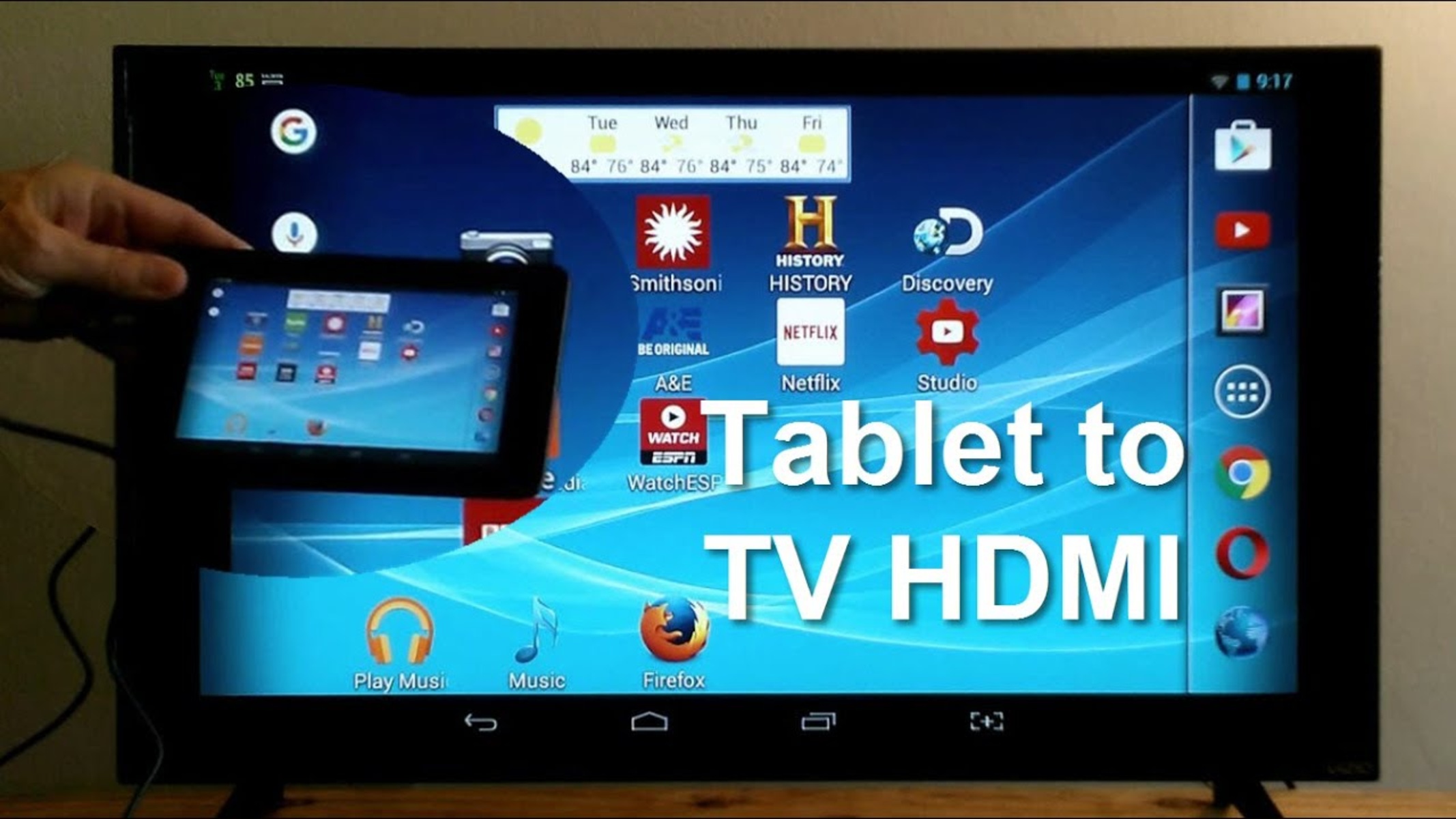
To connect tablet to TV with HDMI, you need a tablet with a video-output-capable port and an adapter that matches it, plus an HDMI cable and a TV with an...
What you need before you pull an HDMI cable through a wall To pull an HDMI cable through a wall successfully, you need the right tools and, most critically, the...
To connect a monitor with HDMI, plug one end of an HDMI cable into your computer’s HDMI output port and the other end into your monitor’s HDMI input port, then...
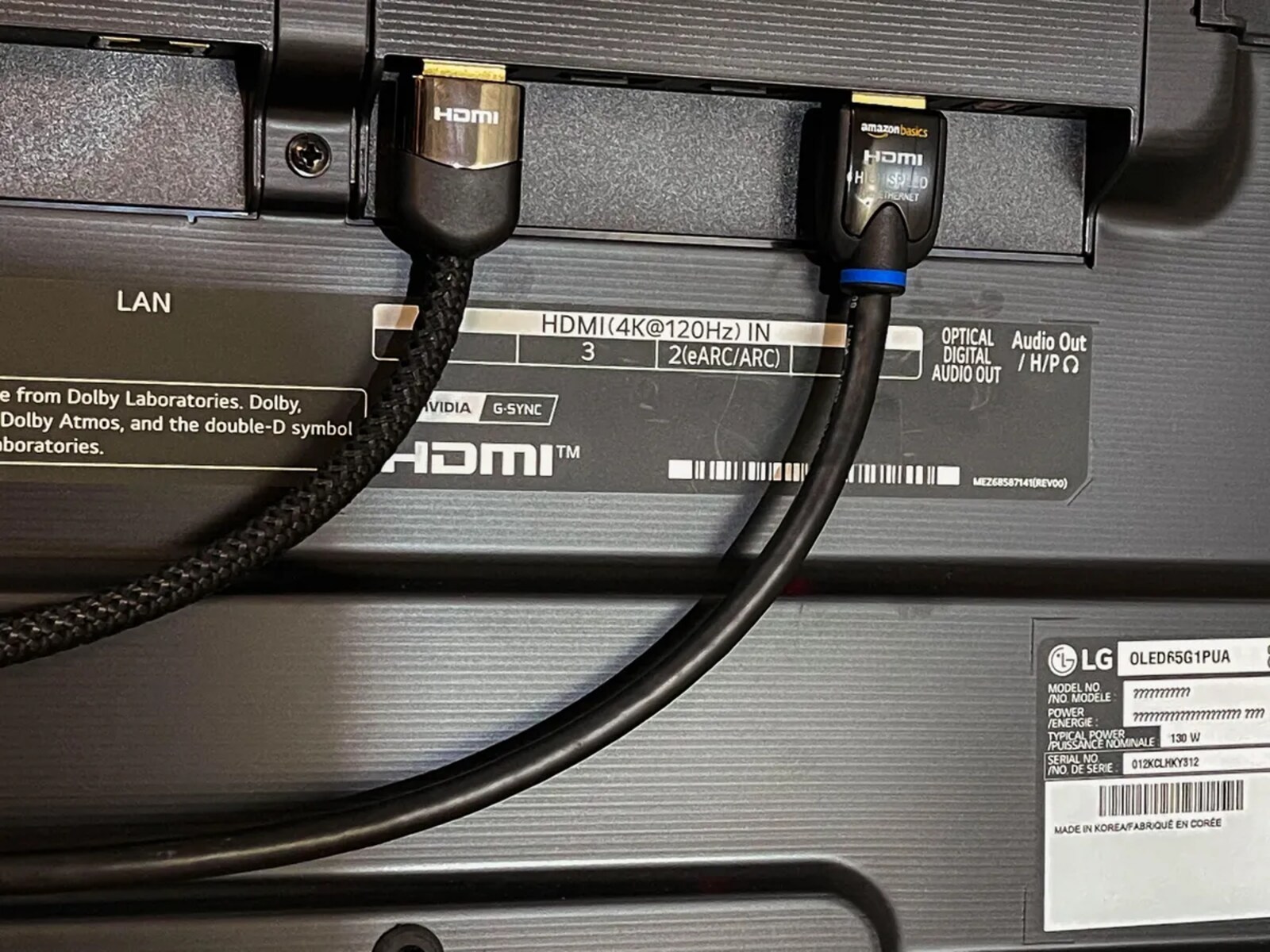
The HDMI ARC port on your LG TV is on the back or side panel, and it is explicitly labeled "ARC," "HDMI ARC," "HDMI IN (ARC)," or "eARC." That label...
If your TV or monitor lacks a working HDMI port, you can still connect your PS4 by using a converter or by streaming the console’s output to another screen. The...
To play PS5 on laptop through HDMI, you need to know that most laptops cannot accept a video signal through their HDMI port. The real solution is to use PS...
To change to HDMI on a Samsung TV, press the Source or Input button on your remote to see a list of connected devices, then select the HDMI port your...
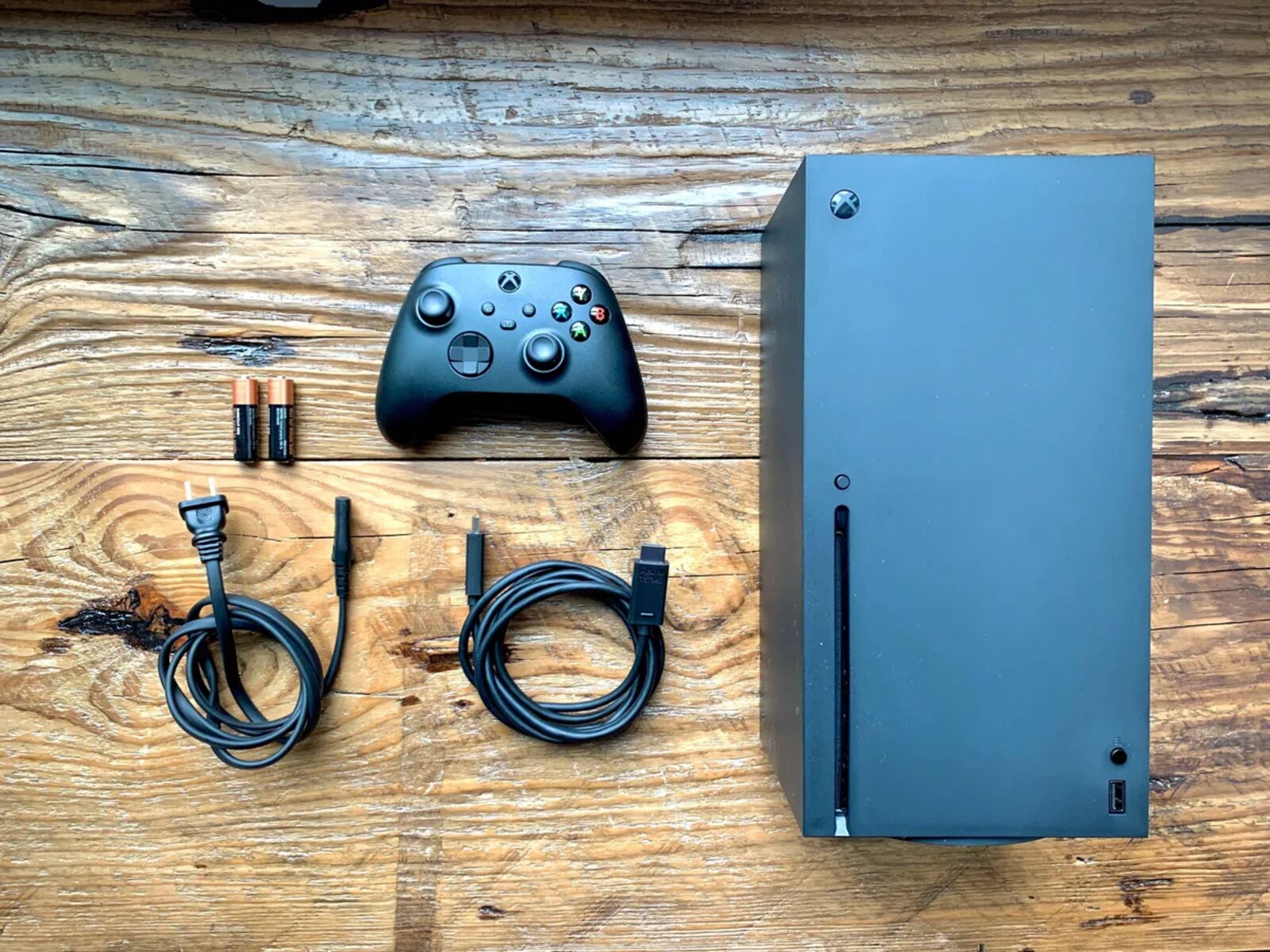
What Xbox series x HDMI cable type is in the box? The Xbox Series X comes with a 2-meter Ultra High Speed HDMI cable certified for HDMI 2.1. This is...
This website uses cookies so that we can provide you with the best user experience possible. Cookie information is stored in your browser and performs functions such as recognising you when you return to our website and helping our team to understand which sections of the website you find most interesting and useful.
Strictly Necessary Cookies
Strictly Necessary Cookie should be enabled at all times so that we can save your preferences for cookie settings.
If you disable this cookie, we will not be able to save your preferences. This means that every time you visit this website you will need to enable or disable cookies again.