Online Safety is the practical hub for anyone who wants to manage their digital footprint, control their personal accounts, and keep their devices working only for them. Whether you are a parent setting up a new tablet for a child, a student trying to access a school-issued computer, or just someone who wants to lock down a payment app, these guides are written for the person at the controls. The focus is on the everyday actions you take to protect your data and your access, from setting up a new phone to managing who can see your files.
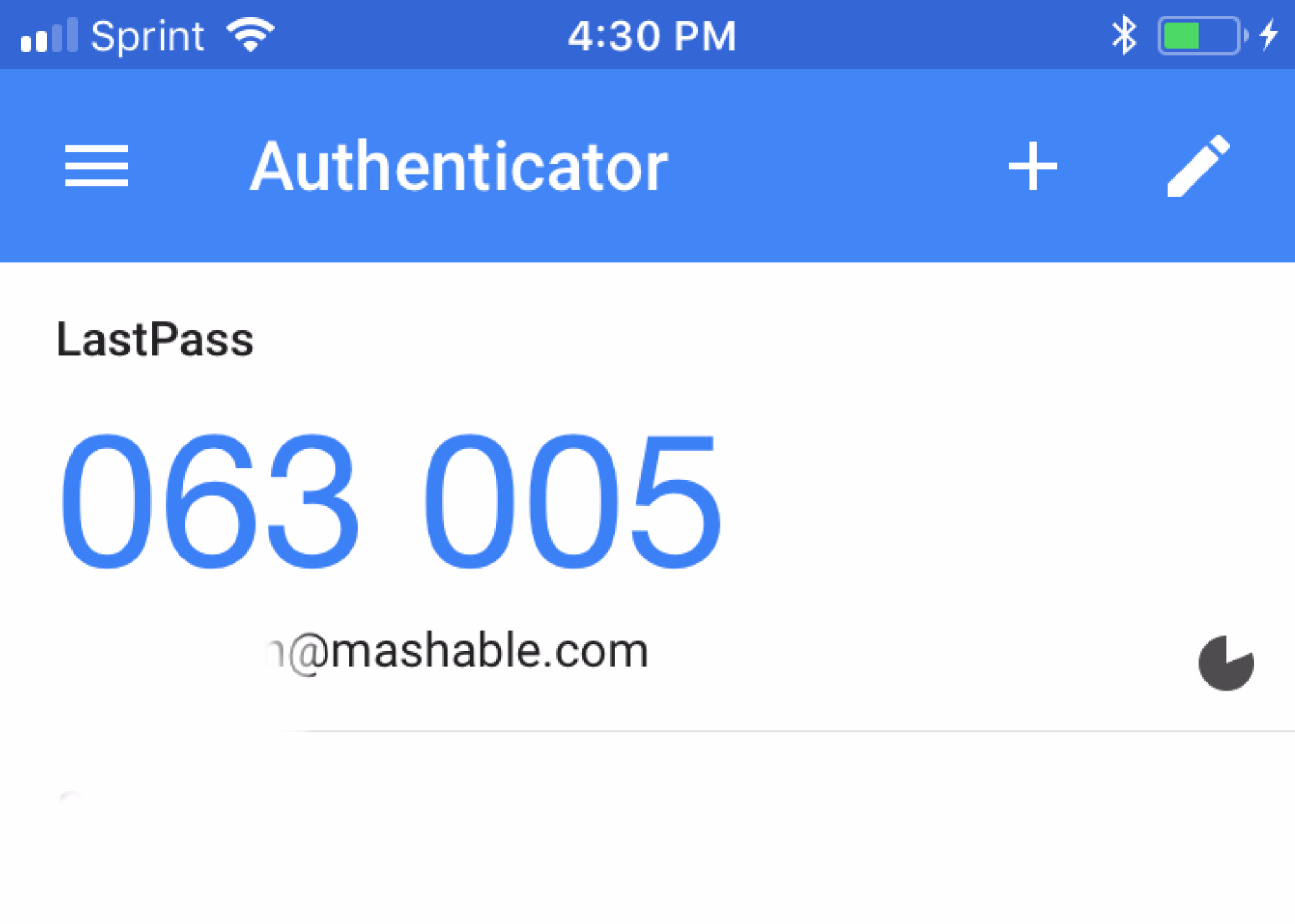
The core of this section helps you manage and recover access to your own accounts and devices. Start with the main guides on using Face ID, integrating Google Authenticator, or making an RFID protector. From there, you can learn how to check your Spotify password, recover a locked Onn tablet, or cancel a PayPal payment before it is too late. When you need to control what others can do, the parental controls guide shows you how to set boundaries and, just as importantly, how to turn them off when the time comes. For your own privacy, the guides on incognito mode and disappearing messages explain exactly what they do and do not hide, so you can use them with clear expectations.
Another clear theme here is handling everyday financial and access tasks with confidence. Articles help you block someone on Venmo, dispute a charge on PayPal, or cancel a Western Union money transfer. When you need to download software or media, the section steers you toward official stores and free trials, and it explains how to manage download permissions on school computers or share videos through Google Drive with the right privacy settings. The goal is straightforward: to give you the know-how to keep your accounts secure, your payments in order, and your devices working on your terms.