You can watch Jesse Stone movies free on Crackle and The Roku Channel, two ad-supported platforms that let you stream the Tom Selleck series without a paid subscription. These services offer a legal way to enjoy the complete collection at no cost, with only short commercial breaks.
How to watch Jesse Stone movies free on Crackle and The Roku Channel
Crackle is a free-to-use, ad-supported streaming service that generally does not require registration or a subscription. To start watching, download the Crackle app or visit the Crackle website on a desktop. Once there, you can search for specific titles or browse through categories like "Movies" and "TV" to find the Jesse Stone films. Content is ad-supported, with ads typically running for about 30 seconds every 10-15 minutes, which is a small trade-off for free access.
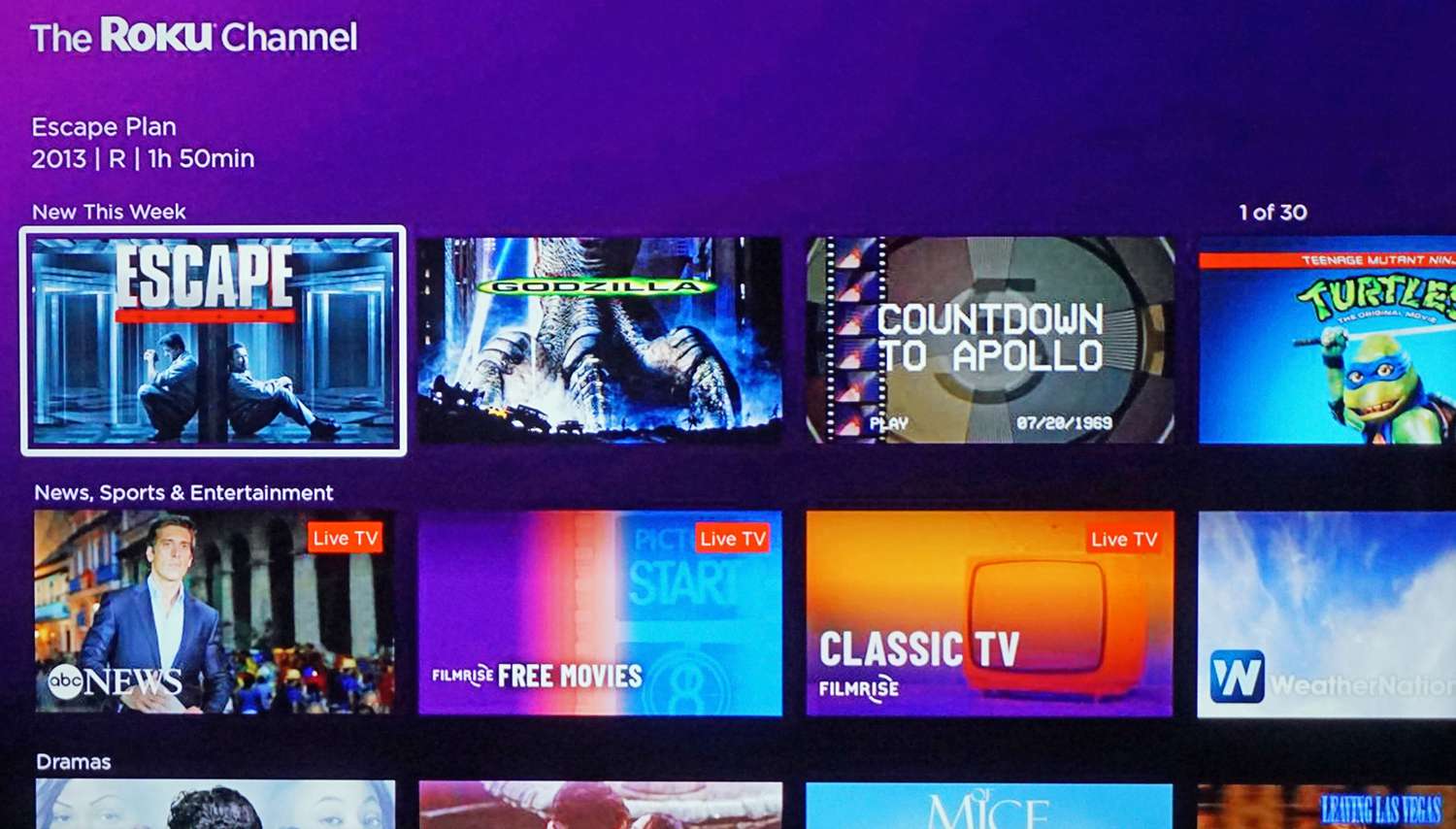
The Roku Channel is another excellent option, available in the United States, Canada, and the United Kingdom on Roku streaming devices, web, and mobile. You can sign in or create a free Roku account to resume watching programs across different devices. To access it on a Roku device:
- From the Home screen, select "Free" or "Featured Free" to find content.
- Alternatively, browse in the "Live TV Channel Guide," accessible from The Roku Channel or the Home screen.
- To add The Roku Channel: Press "Home" on your Roku remote, select "Streaming Store," then "Apps," find "The Roku Channel," and select "Add app."
On the website or mobile app, you can stream directly on TheRokuChannel.com or through the Roku mobile app. For Samsung TV users, press the Smart Hub or Home button, navigate to "Apps," search for "Roku," select the app, and choose "Download." On Amazon Fire TV, open the top menu, select "Apps," then "Categories," followed by "Movies & TV" to find The Roku Channel. Both platforms give you a straightforward way to watch Jesse Stone movies free without any hidden costs.
Borrow Jesse Stone DVDs from your local library
If streaming isn't your preference, borrowing physical copies is a reliable alternative. Most public libraries have an extensive collection of DVDs and Blu-rays, including popular movie series. Start by checking your library's online catalog to see if they have the Jesse Stone movies available. If your local branch doesn't carry them, they may be able to request the titles from another library through an interlibrary loan system, which expands your access to a wider network. This method not only saves money but also supports community resources. Borrowing Jesse Stone DVDs from your local library lets you watch the series at your own pace, typically with a standard loan period that you can renew if no one else has placed a hold.
Watch for Jesse Stone on TV networks
Cable channels occasionally air the Jesse Stone series as part of their regular programming, offering a free way to catch the movies if you already have a TV subscription. Hallmark Movies & Mysteries often features these films during special events or themed weekends, so checking their schedule online or through your TV guide is worthwhile. Other networks may also include the series in their lineup, but availability varies. Watching for Jesse Stone on TV networks like Hallmark Movies & Mysteries lets you enjoy the movies as they broadcast, which is a passive option that requires no additional effort beyond tuning in at the right time.
Rent or buy Jesse Stone movies on DVD
For those who want flexibility without committing to a streaming service, renting or purchasing DVDs is a practical choice. Redbox kiosks, located at grocery stores and pharmacies, offer a wide selection of movies for a low rental fee. Online retailers also provide DVDs for purchase if you prefer to own the series. This option lets you watch the movies on your own schedule without relying on internet access or platform availability. Renting or buying Jesse Stone movies on DVD from Redbox kiosks and online retailers is a low-cost, flexible alternative to streaming, ensuring you have a physical copy whenever you want to revisit the series.
\nRelated reading: How To Watch Harry Potter Free, How To Watch The Marvel Movies In Order, and How To Watch Nba Games For Free.