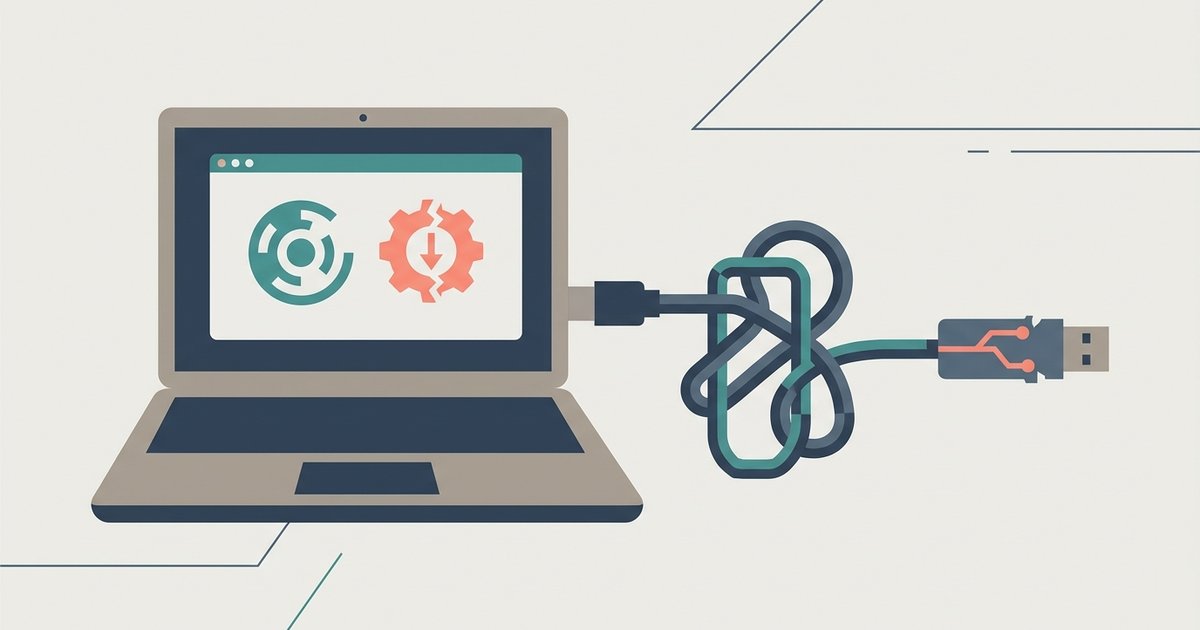
Chrome's latest update likely enforced stricter Manifest V3 rules, which block the background scripts that downloader extensions use to intercept network requests. Web-based tools may have broken because the update changed how Chrome handles third-party cookies or cross-origin isolation, cutting off access to YouTube's video streams.
Why your YouTube downloader stopped: the manifest v3 crackdown
Chrome's migration to Manifest V3 disables the persistent background pages and network request modification that YouTube downloader extensions rely on. Under the old Manifest V2, an extension could keep a background script running constantly. It watched every network request your browser made and intercepted the traffic from YouTube's servers to capture video data. Manifest V3 replaces that with service workers that shut down after a few seconds of inactivity. When your extension tries to "download videos" from YouTube, the service worker may already be asleep. It cannot catch the stream. Reinstalling the extension does not change this. Chrome now enforces the new manifest rules automatically. Even if the developer updates the extension to use Manifest V3, the new architecture forbids the kind of network interception that made those downloaders work. You can verify this by opening Chrome's extensions page and looking for a "Manifest version" entry. If it says "3," the extension is already running under the stricter rules, but you can still download YouTube videos ss using a dedicated web-based tool that bypasses browser restrictions entirely.
When the update breaks web-based downloaders
Web-based tools also break because of changes to Chrome's handling of third-party cookies and cross-origin isolation. Chrome now blocks third-party cookies by default in Incognito mode and is gradually rolling that blocking to all browsing. When a site tries to fetch video data directly from YouTube's servers, Chrome treats that request as cross-origin. It denies access to the cookies YouTube requires to serve the video stream. Chrome's cross-origin isolation policies also prevent in-browser converter sites from reading the raw video file across different origins. The result is an error message or a blank page where the download button used to appear. If you rely on a site that claims to let you download YouTube videos with a simple search query, it will fail for the same reason. The browser itself blocks the data transfer, not the site's code.
The common mistake that makes it worse
Desperate users often turn to dangerous workarounds that backfire. Enabling developer mode to sideload unpacked extensions or grant dangerous permissions to untrusted sites usually leads to malware instead of a working downloader. A fake "fix" might ask you to enable "Developer mode" and then load a file from a forum. That file can silently steal your passwords or inject ads into every page. Similarly, granting broad permissions to a shady converter site can allow it to download videos from adult sites or any other site. It also gives it permission to read your banking pages. A reliable sign of failure is when the tool suddenly asks for permissions it never needed before. If you see a request to read and change all your data on all websites, close the tab immediately. No legitimate YouTube downloader requires that level of access. No current Chrome update can be bypassed by installing random software. The only sanctioned approach is to use a YouTube Premium subscription, which allows downloading videos directly within the YouTube app or supported browsers. This method may download videos from some websites without depending on Chrome's internal APIs, but it still violates YouTube's Terms of Service unless an official download button is provided.


![Top 4 Ways to Download YouTube Videos [For PC/Mac/Android/iOS]](https://robots.net/wp-content/uploads/2023/12/How-to-download-YouTube-videos.png)