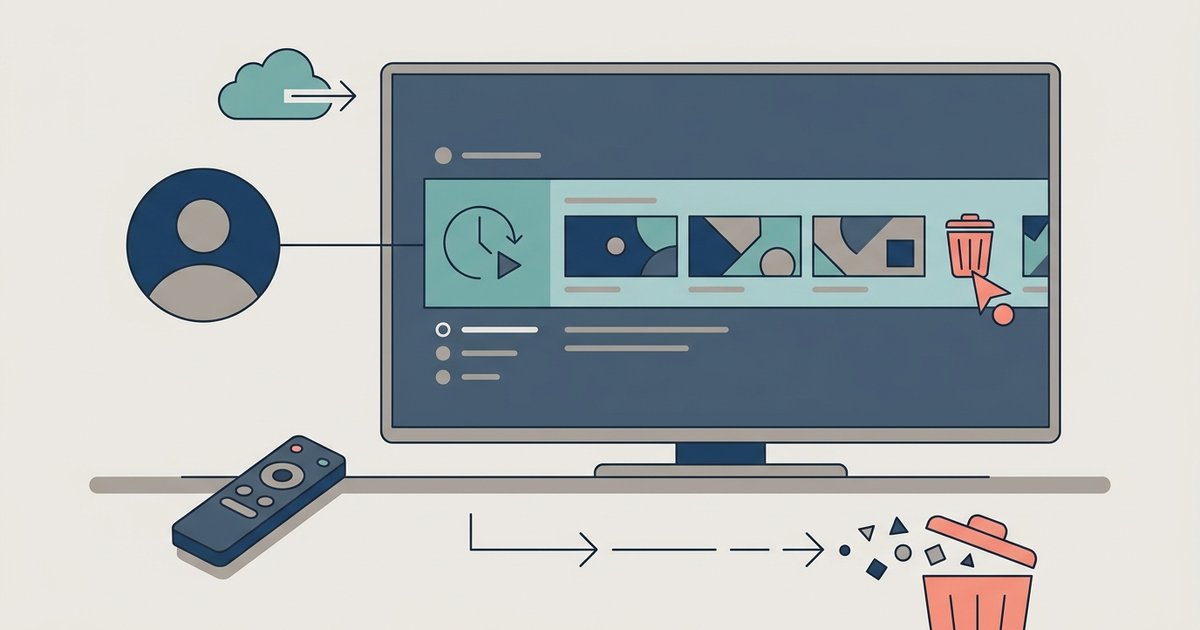
Check your watch history Before you clear watch history on any streaming service, take a moment to see what your account has recorded. Open your profile menu and look for...
Chrome's latest update likely enforced stricter Manifest V3 rules, which block the background scripts that downloader extensions use to intercept network requests. Web-based tools may have broken because the update...
If you need to download YouTube videos for offline viewing, the safest and most reliable approach depends on your device and whether you own the content. The only fully legal,...
To download YouTube app on DirecTV, press the APPS button on your Gemini Voice Remote and select Get More Apps to access the Google Play Store. Once installed, you can...
To change email on YouTube, you are actually changing the email address attached to your Google Account, not a separate YouTube setting. The entire process happens at myaccount.google.com, and you...
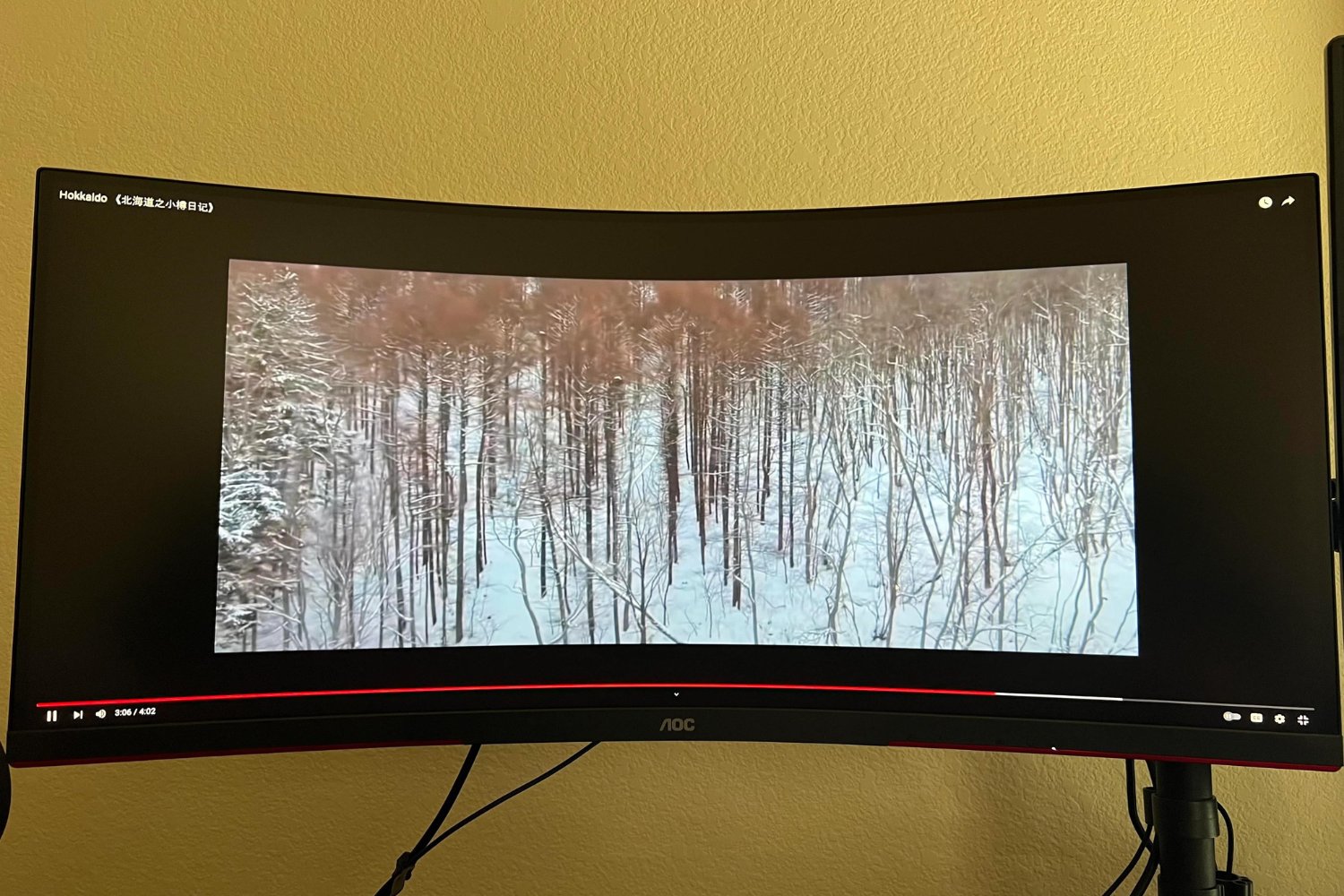
To get YouTube videos to play on an ultrawide monitor without black bars, you need a browser extension because YouTube has no native setting to crop or stretch 16:9 content...
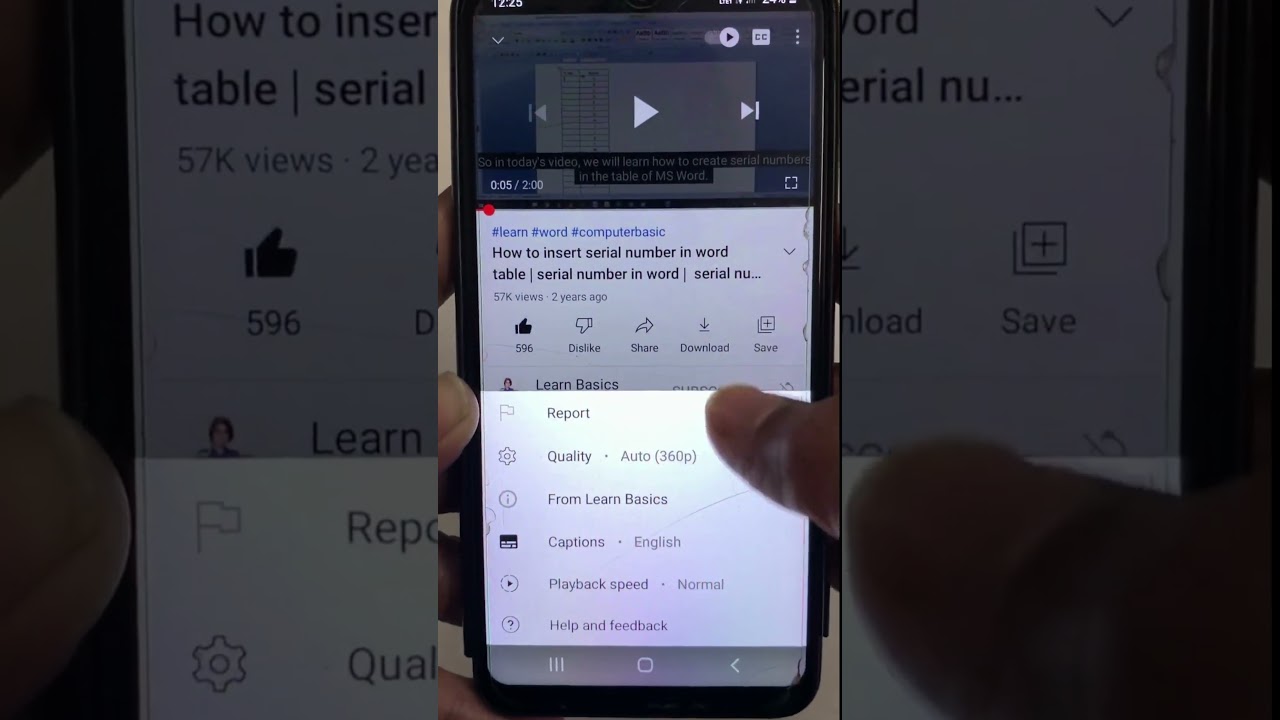
To change subtitles on YouTube to English, click the CC button in the bottom-right corner of the video player, or open the Settings menu and select your language. These two...
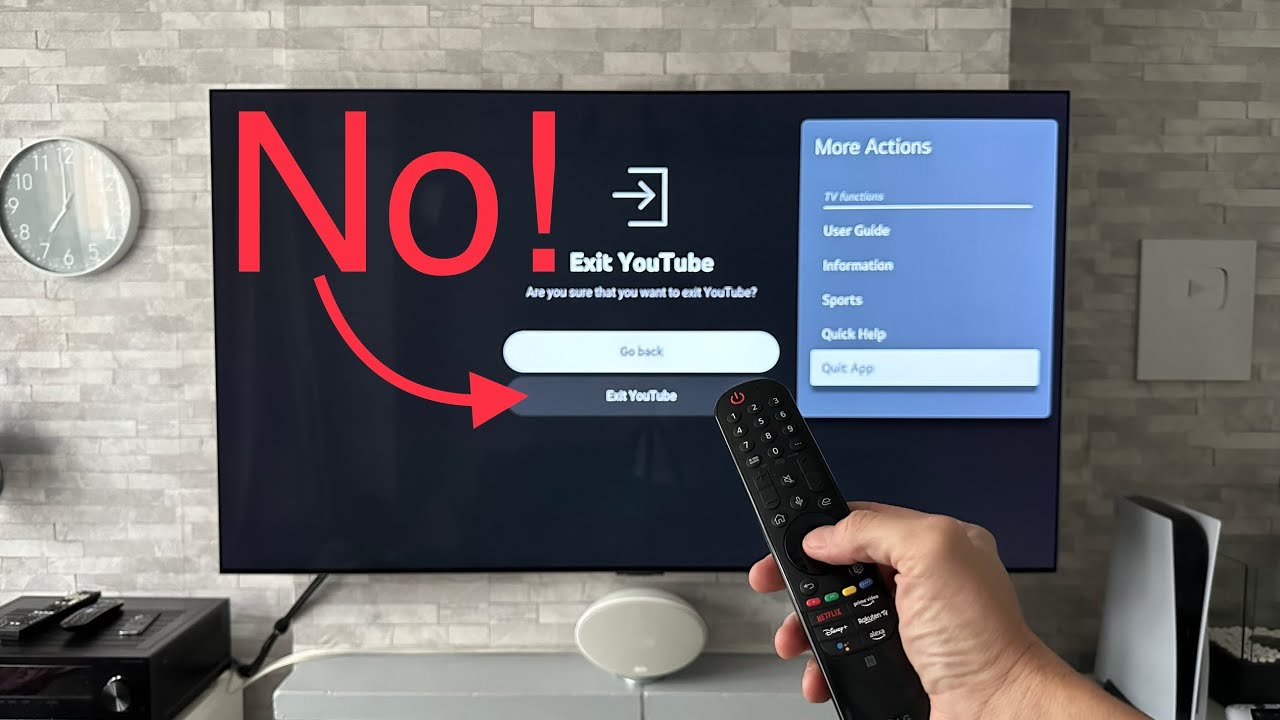
If YouTube is not working on your LG Smart TV, the problem is usually caused by a temporary glitch, a network issue, outdated software, or corrupted app data. The most...
To download YouTube videos using the SS method, you simply add "ss" before "YouTube.com" in the video's URL and press Enter. This quick, web-based trick redirects you to a download...
To download members only YouTube videos, you must first have an active paid membership to the specific channel offering that content. Once your membership is authenticated, you can use a...
To make YouTube full screen on a Samsung smart TV, simply press the Select or Enter button on your remote while a video is playing to reveal the player controls,...
To sign out of YouTube on your smart TV, open the YouTube app, navigate to the left menu, select your profile picture or account icon, choose the account you want...
This website uses cookies so that we can provide you with the best user experience possible. Cookie information is stored in your browser and performs functions such as recognising you when you return to our website and helping our team to understand which sections of the website you find most interesting and useful.
Strictly Necessary Cookies
Strictly Necessary Cookie should be enabled at all times so that we can save your preferences for cookie settings.
If you disable this cookie, we will not be able to save your preferences. This means that every time you visit this website you will need to enable or disable cookies again.