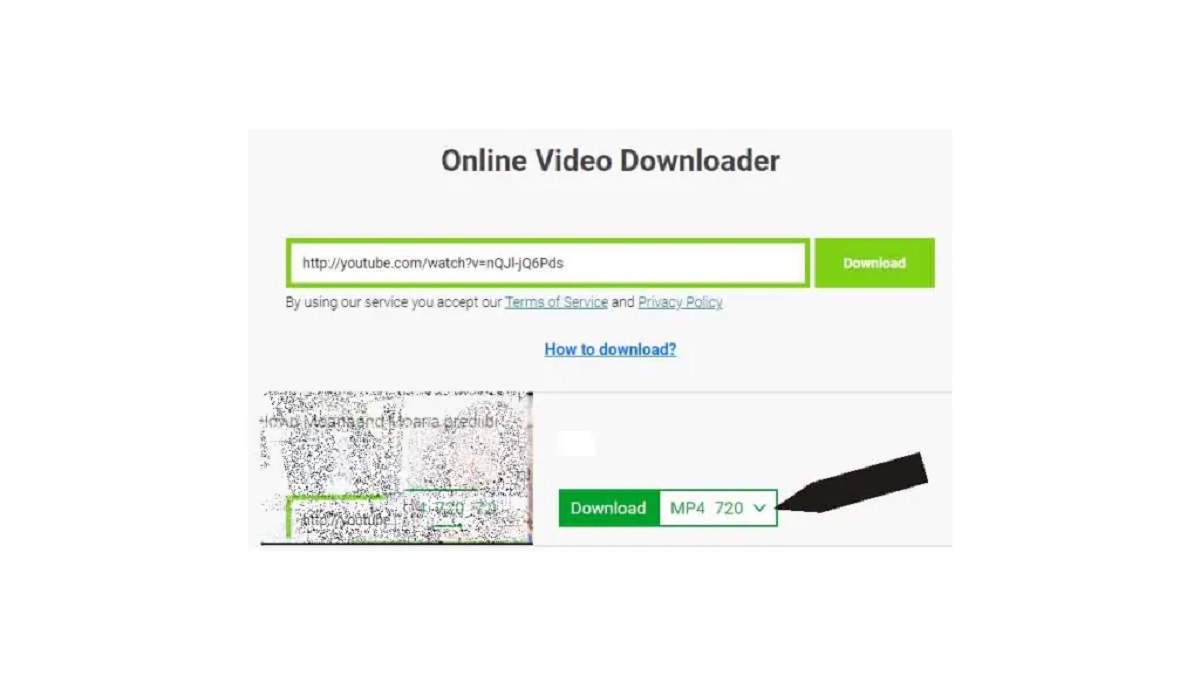
To download YouTube videos using the SS method, you simply add "ss" before "YouTube.com" in the video's URL and press Enter. This quick, web-based trick redirects you to a download...
To download members only YouTube videos, you must first have an active paid membership to the specific channel offering that content. Once your membership is authenticated, you can use a...
To make YouTube full screen on a Samsung smart TV, simply press the Select or Enter button on your remote while a video is playing to reveal the player controls,...
To sign out of YouTube on your smart TV, open the YouTube app, navigate to the left menu, select your profile picture or account icon, choose the account you want...
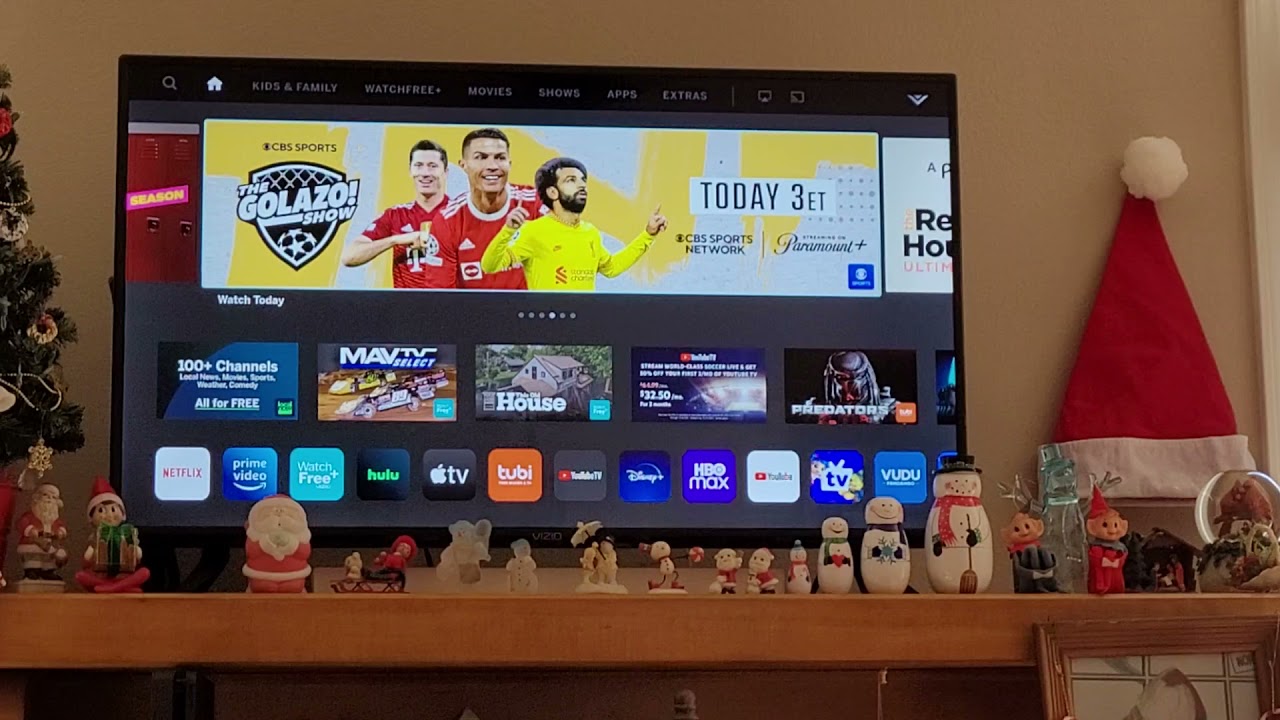
To watch YouTube on a Vizio smart TV, you have two straightforward options: open the built-in SmartCast app directly on the TV, or cast videos from your phone, tablet, or...
On virtually every modern smart TV, the YouTube app is already pre-installed, so you may not need to download anything at all. If it's missing from your home screen, you...
If YouTube keeps stopping on your smart TV, you are likely dealing with a network instability issue or outdated software on your device. These two factors cause the vast majority...
To block YouTube ads on an LG Smart TV, the only guaranteed method is a YouTube Premium subscription, which removes all pre-roll, mid-roll, and banner ads across every device linked...
To reset YouTube on a smart TV, you should first clear the app's cache and data, which often fixes freezing, buffering, or playback errors without affecting your other TV settings....
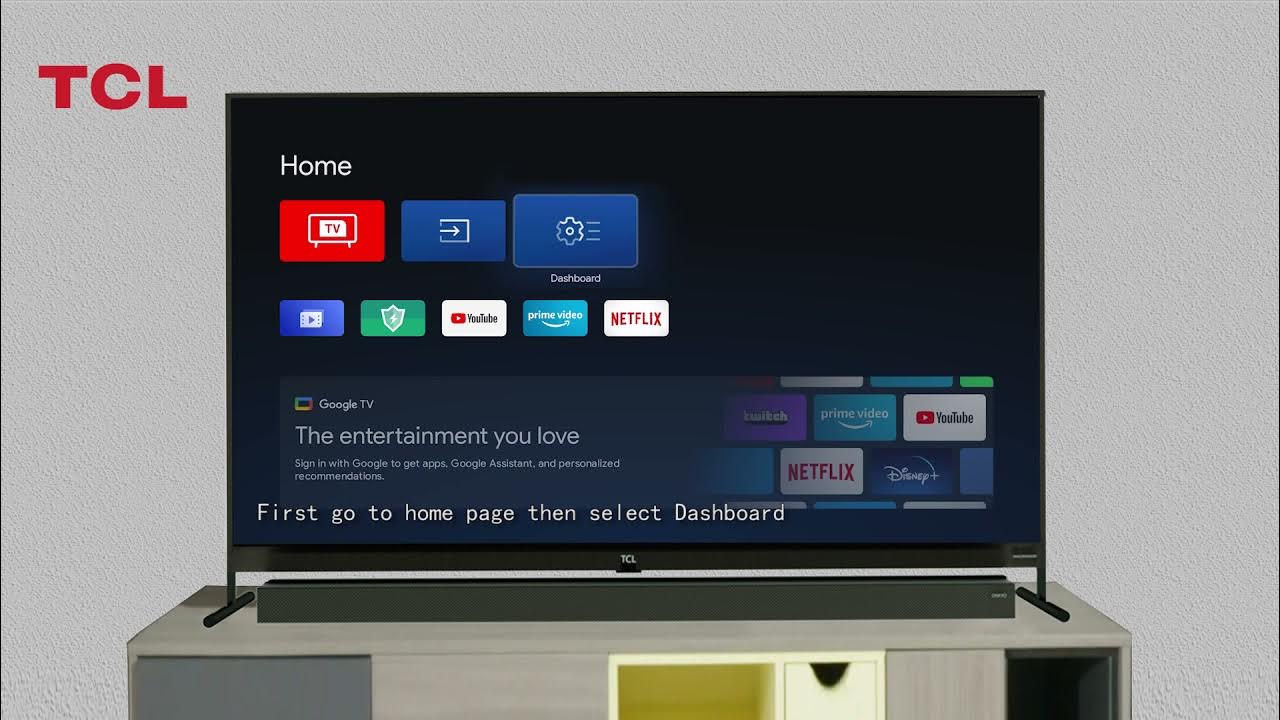
To remove YouTube from a TCL smart TV, you first need to know which platform your TV runs on, because the steps differ completely between Roku-based and Google/Android-based models. The...
You cannot completely remove the YouTube app from a Vizio Smart TV because it is a pre-installed system application. The only way to effectively remove the YouTube app from a...
To install YouTube on your Amazon Fire tablet, you must sideload the Google Play Store because the official YouTube app is not available in the Amazon Appstore. This is the...
This website uses cookies so that we can provide you with the best user experience possible. Cookie information is stored in your browser and performs functions such as recognising you when you return to our website and helping our team to understand which sections of the website you find most interesting and useful.
Strictly Necessary Cookies
Strictly Necessary Cookie should be enabled at all times so that we can save your preferences for cookie settings.
If you disable this cookie, we will not be able to save your preferences. This means that every time you visit this website you will need to enable or disable cookies again.