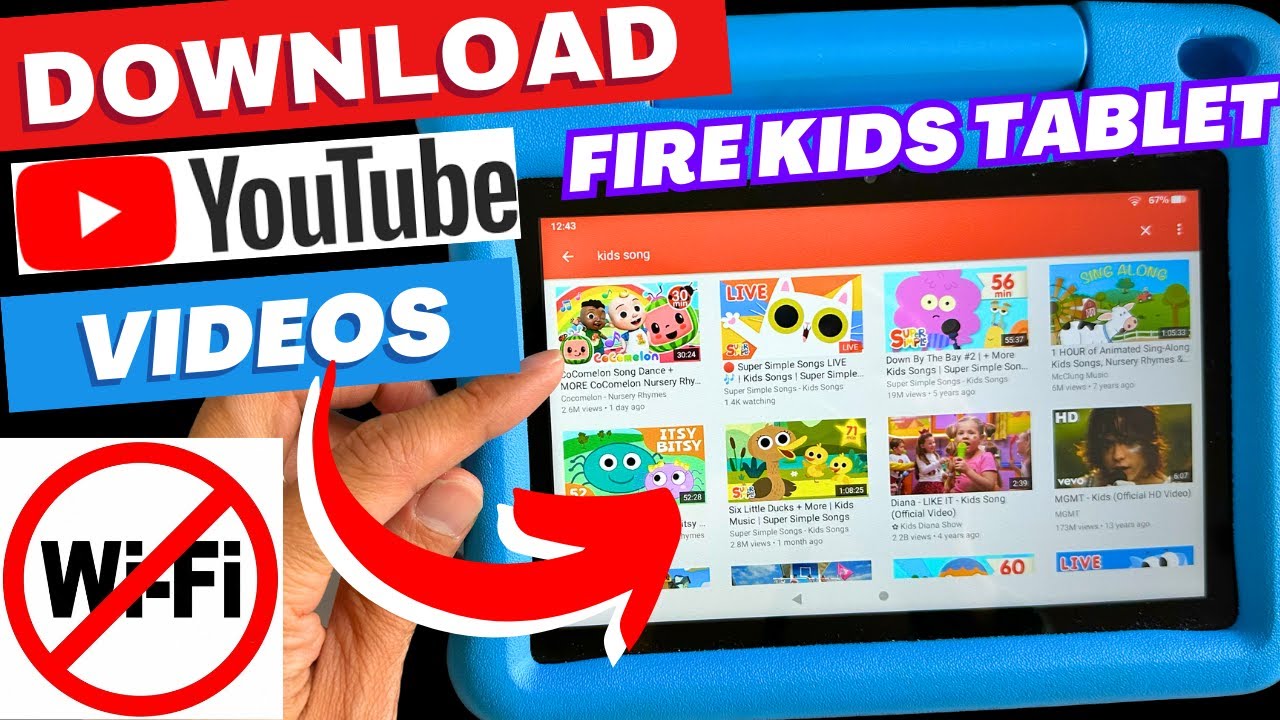
To download YouTube videos on an Amazon Fire Tablet, you need to use a workaround because the official Amazon Appstore's YouTube app is a limited web wrapper that does not...
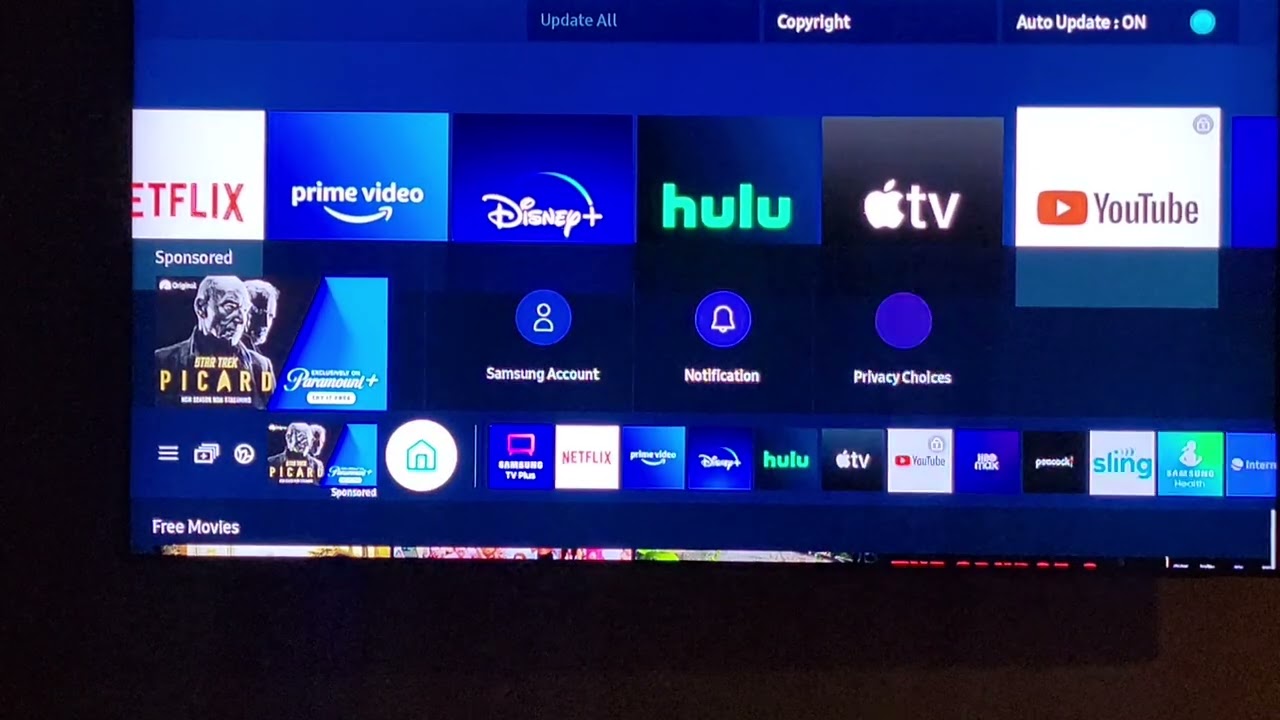
Whether you can remove YouTube from a smart TV depends entirely on whether the app was pre-installed by the manufacturer or downloaded by you. Pre-installed YouTube apps often cannot be...
To download YouTube videos in 1080p, the only official method is through a YouTube Premium subscription, which enables high-definition offline viewing directly within the app. For users without Premium, various...
To download YouTube Shorts (often called Reels), you cannot save another creator's video as a file to your device through official means, but you can download your own uploaded Shorts...
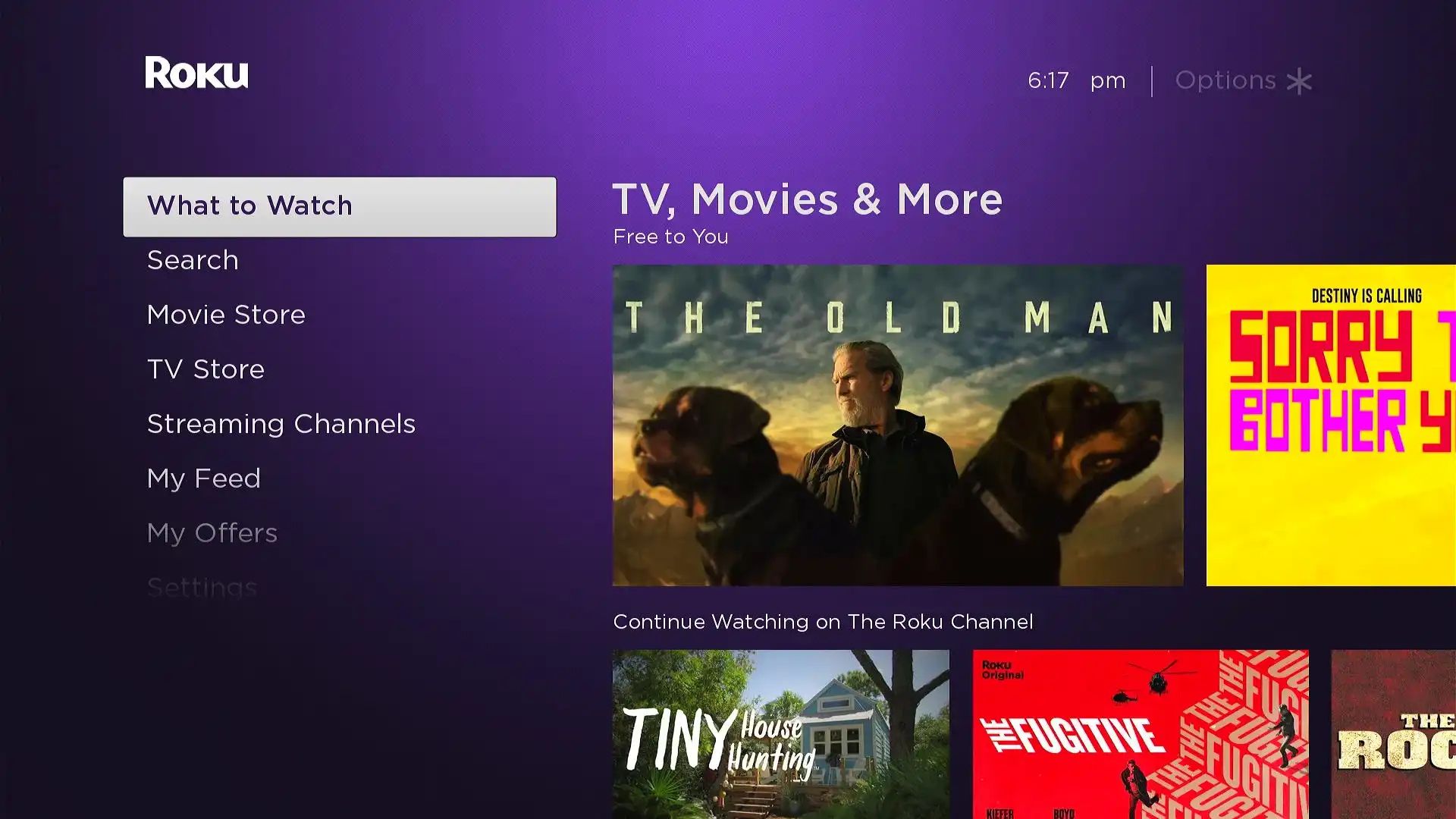
To get Google on Roku TV, you have three legitimate options: installing Google apps like YouTube, using Google Assistant via the Google Home app, or screen mirroring from an Android...
To download blocked YouTube videos, you must first understand that the platform blocks videos for different reasons, geo-restrictions, age restrictions, or Restricted Mode, and that downloading them via third-party tools...
To download YouTube songs to Apple Music, you need to convert the YouTube audio into an MP3 file on your computer, then import that file directly into your Apple Music...
To download music from YouTube to iTunes, you need to obtain an audio file in a format iTunes can read, usually MP3, from a source that legally permits downloading, then...
To download online videos for free, you need to understand what actually works: only videos that are publicly accessible on free platforms can be saved without authentication. This article covers...
The only officially authorized way to download YouTube videos for offline viewing is through a paid YouTube Premium subscription, which unlocks a native download button within the YouTube app and...
To download YouTube videos online without software, the safest method is to use YouTube Premium's official download feature, which works directly in your browser without any extra tools. For a...
To download videos from YouTube with RealPlayer, you don’t need to copy links or use a separate downloader, just play the video and click the “Download This Video” button that...
This website uses cookies so that we can provide you with the best user experience possible. Cookie information is stored in your browser and performs functions such as recognising you when you return to our website and helping our team to understand which sections of the website you find most interesting and useful.
Strictly Necessary Cookies
Strictly Necessary Cookie should be enabled at all times so that we can save your preferences for cookie settings.
If you disable this cookie, we will not be able to save your preferences. This means that every time you visit this website you will need to enable or disable cookies again.